Sp-dev-fx-webparts: React Content Query WebPart - Render image field
Sample (which sample are you talking about)
(The fabulous) React Content Query WebPart
Authors
@PopWarner
@hugoabernier
@PaoloPia
Question (the more details, the better)
I've just installed the content query web part on my SharePoint site and i am already a huge fan.
There is one small issue that I haven't been able to resolve and wondered if you could help.
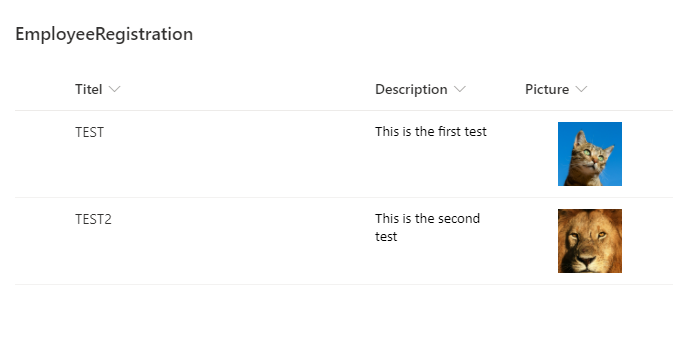
When I try to display a Picture field
I get this kind of result 👎

How can I do to display my wonderful pictures properly ?
Thank you for your help !
Question
 floriemoulin
All 20 comments
Thank you for reporting this issue. We will be triaging your incoming issue as soon as possible.
![msftbot[bot] picture](https://avatars2.githubusercontent.com/in/26612?v=4&s=40) msftbot[bot]
on 30 Oct 2020
msftbot[bot]
on 30 Oct 2020
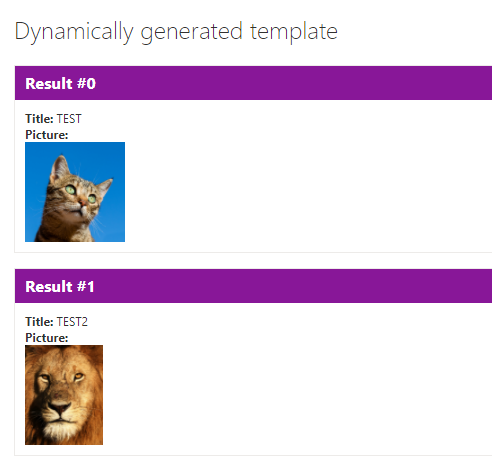
Images can be added with the following steps:
1) Go to 'Edit template content'
2) Add image-tag with the URL of the image

3) Add some css for styling
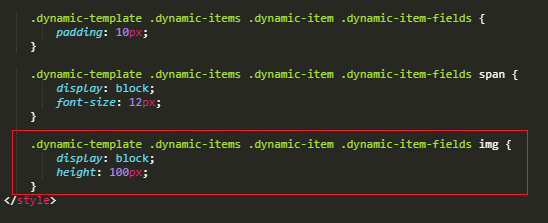
Result:
 Abderahman88
on 1 Nov 2020
Abderahman88
on 1 Nov 2020
Hi and thank you for your answer.
I try this morning (your answer and some other attempts) :

and nothing seems to be working 👎
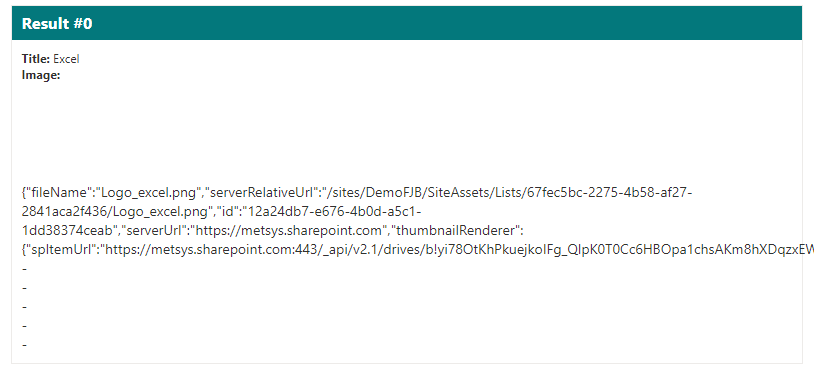
Did I miss something ?
Thank you again for your help
floriemoulin
on 2 Nov 2020
Is the "Icone" field of type "Image"?
Abderahman88
on 2 Nov 2020
My field is an Image field.
I've just tried with an Hyperlink/Picture field and the format {{Pictogramme.rawValue.Url}} works fine.
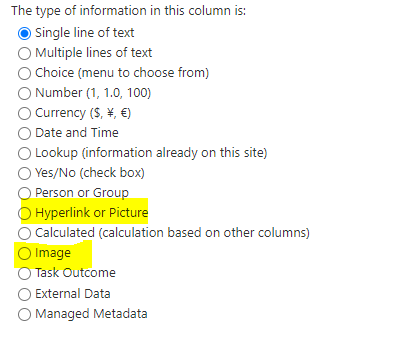
Is it possible to make it work with an image field ?
floriemoulin
on 2 Nov 2020
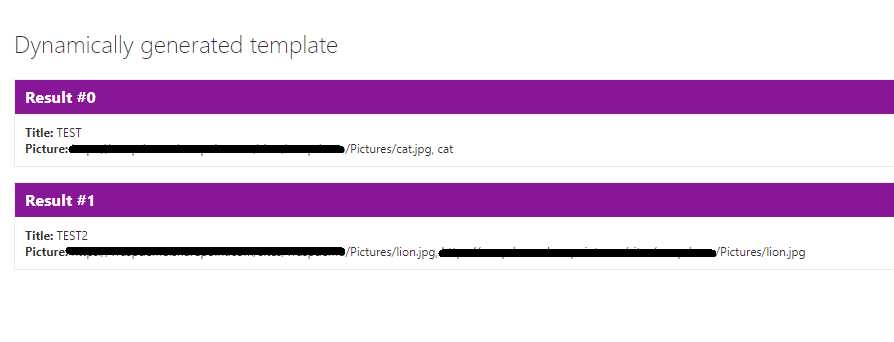
Hyperlink/Picture field is fine. (You need to setup the URL as Picture)
If you set to Picture.textValue, you normally get the URL of the image.
Can you test this?

Abderahman88
on 2 Nov 2020
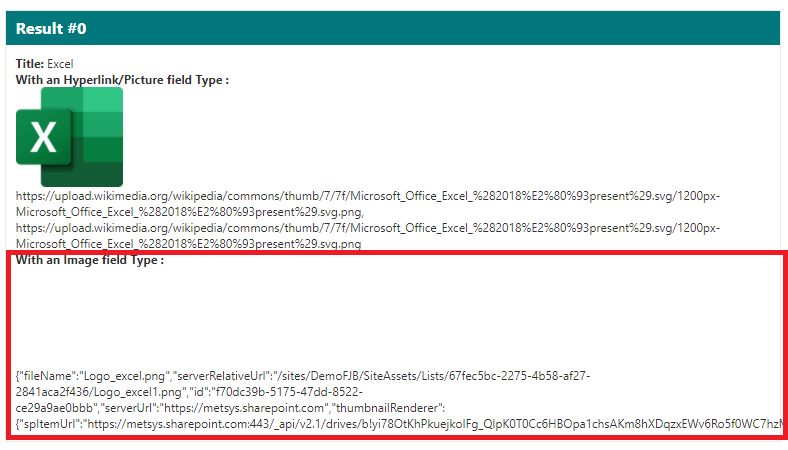
I confirm that the Hyperlink/Picture field type is working.
But I want to use the Image field type.
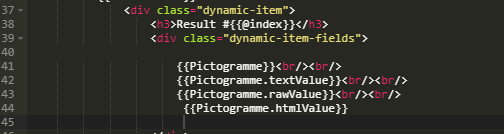
With the Image field type, I try the following code :
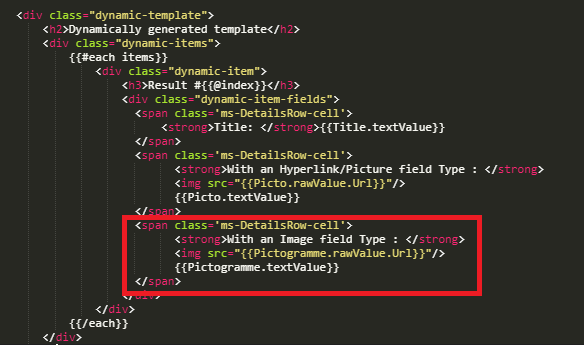
And I get this :
floriemoulin
on 2 Nov 2020
Try writing the following in your img tag instead?
<img src="{{Pictogramme.textValue}}" />
 hugoabernier
on 2 Nov 2020
hugoabernier
on 2 Nov 2020
With  :
:
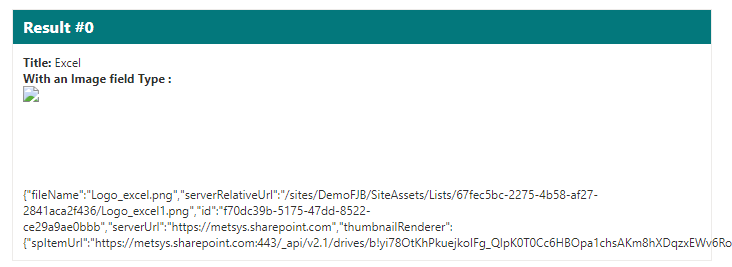
I can do a split but I am not sure if it's the best (the cleanest ?) way to display my picture.
floriemoulin
on 2 Nov 2020
Sorry, trying to do this over my phone and copied and pasted it wrong:
<img src="{{Pictogramme.serverRelativeUrl}}" />
@hugoabernier I'm currently testing the scenario and I'm afraid this doesn't work.
Can't access directly the object property.

Abderahman88
on 2 Nov 2020
No problem.
I try :
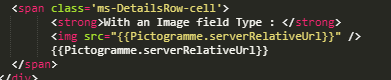
and, unfortunately, it's not better :(. Here is the generated HTML code :

floriemoulin
on 2 Nov 2020
@floriemoulin I know. This doesn't work. I will look further into this.
Abderahman88
on 2 Nov 2020
The issue is that the SharePoint REST API doesn't return an object, but a string (unlike Hyperlink/Picture)
That's why we can't access the object by the properties.

This needs to be fixed.
@hugoabernier Can you assign this to me?
Abderahman88
on 2 Nov 2020
@Abderahman88 I'm checking in an SPFx 1.11 upgraded version. Just testing it now. Do you mind validating my newer version with your fix -- and we can kill two birds with one stone?
hugoabernier
on 2 Nov 2020
I also added a new normalized field called jsonValue that will allow you to parse a JSON field. That way, we can use
<img src={{Image.jsonValue.serverRelativeUrl}}"/>
It should make it more "future proof" with new types of field and give us more flexibility.
hugoabernier
on 2 Nov 2020
@hugoabernier The new normalized field 'jsonValue' is a great idea.
I was replacing the rawValue with the JSON-object.
rawValue: this.jsonParseField(result[viewField] || result[viewField + 'Id'])
private jsonParseField(value: any): any{
        if (typeof value === 'string') {
            try {
                let jsonObject = JSON.parse(value);
                return jsonObject;
            }
            catch {
               return value;
            }
        }
        return value;
    }
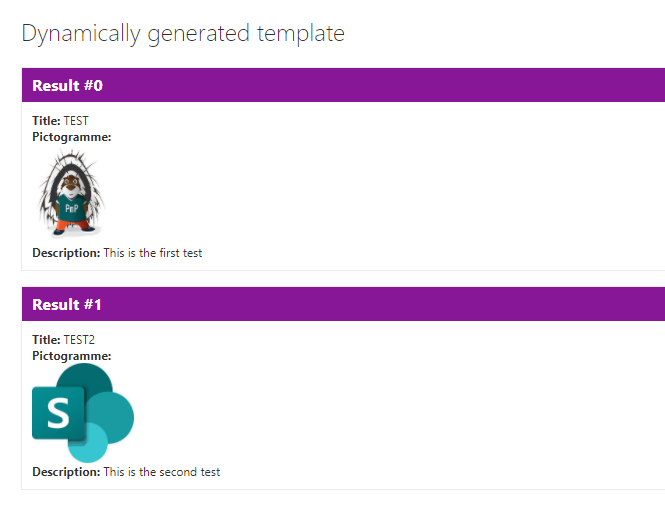
It does work 😄

Abderahman88
on 2 Nov 2020
@Abderahman88 great minds think alike :-)
I chose to use a new normalized field to make sure that I wasn't breaking older templates that may already use the values.
I'll combine my changes with your jsonParseField and will create a pull request. If you're ok with validating the changes, I'm more than happy to give you the credit for the fix (all I did, really, was upgrading the sample).
I'll flag you when I submit the PR.
hugoabernier
on 2 Nov 2020
@floriemoulin I have uploaded the latest .sppkg file which solves the problem.
You can find it at https://github.com/pnp/sp-dev-fx-webparts/raw/master/samples/react-content-query-webpart/Online/sharepoint/solution/react-content-query-webpart.sppkg
In your template, you can use:
<img src={{Image.jsonValue.serverRelativeUrl}}"/>
You may want to set a max height or width to make sure that the image doesn't take over the entire page.
Thanks for your patience, and thanks @Abderahman88 for collaborating with me on solving this issue.
hugoabernier
on 3 Nov 2020
Thanks a lot @hugoabernier and @Abderahman88 for your help and for this quick solving.
It's perfect !!!
floriemoulin
on 17 Nov 2020
Related issues
 albegut
·
4Comments
albegut
·
4Comments
 joshburns49
·
3Comments
joshburns49
·
3Comments
 acsaba31
·
4Comments
floriemoulin
·
4Comments
acsaba31
·
4Comments
floriemoulin
·
4Comments
 PathToSharePoint
·
4Comments
PathToSharePoint
·
4Comments
Most helpful comment
Thanks a lot @hugoabernier and @Abderahman88 for your help and for this quick solving.
It's perfect !!!