Sp-dev-docs: Debug cannot hit breakpoint
OS: macOS Mojave 10.14
VS Code: 1.28.2
Chrome: 70.0.3538.77
yo @microsoft/generator-sharepoint: 1.6.0
Document Details
⚠ Do not edit this section. It is required for docs.microsoft.com ➟ GitHub issue linking.
- ID: 959a8968-baa1-e94c-10af-a52604aef21e
- Version Independent ID: cecd4be2-5717-d282-587e-7a93910a03a3
- Content: Debug SharePoint Framework solutions in Visual Studio Code
- Content Source: docs/spfx/debug-in-vscode.md
- Product: sharepoint
- GitHub Login: @spdevdocs
- Microsoft Alias: spdevdocs
 stone12379
All 16 comments
Please provide your reproducible sample and more other information, such as screenshot. If you run gulp server --nobrowser and then try to use local workbench, you need to run the https://localhost:5432 first.
 Seiyasu
on 27 Oct 2018
Seiyasu
on 27 Oct 2018
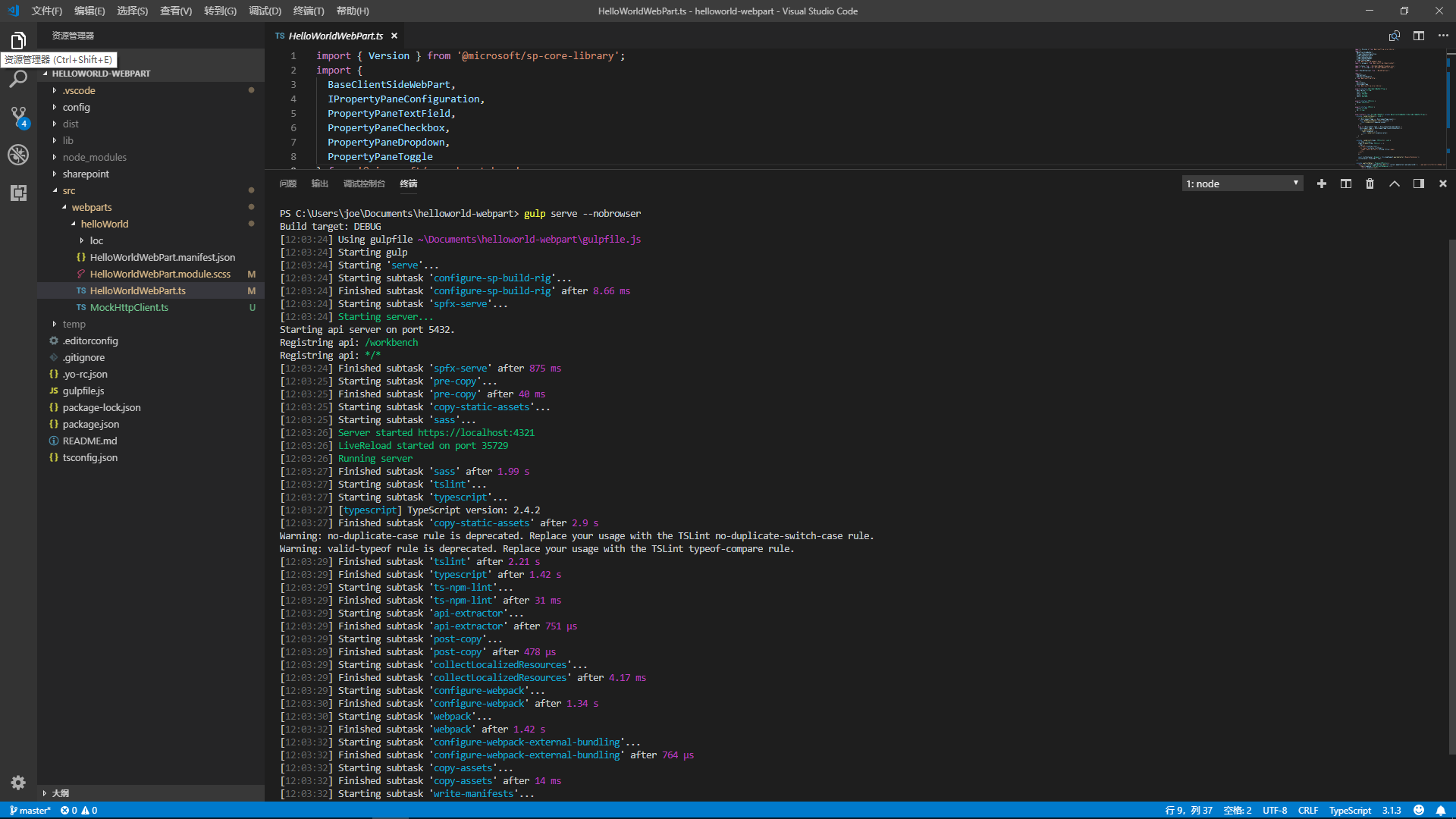
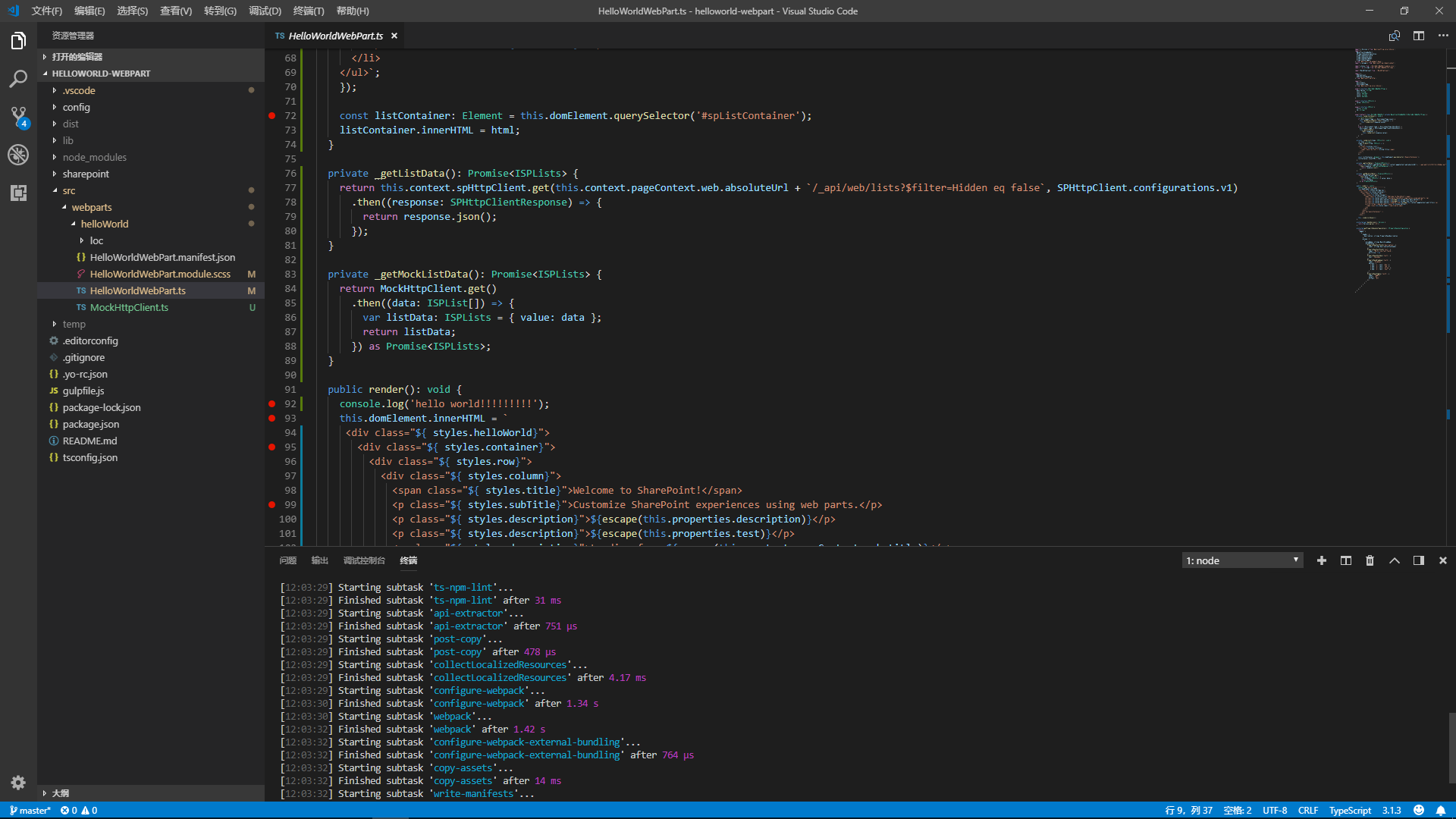
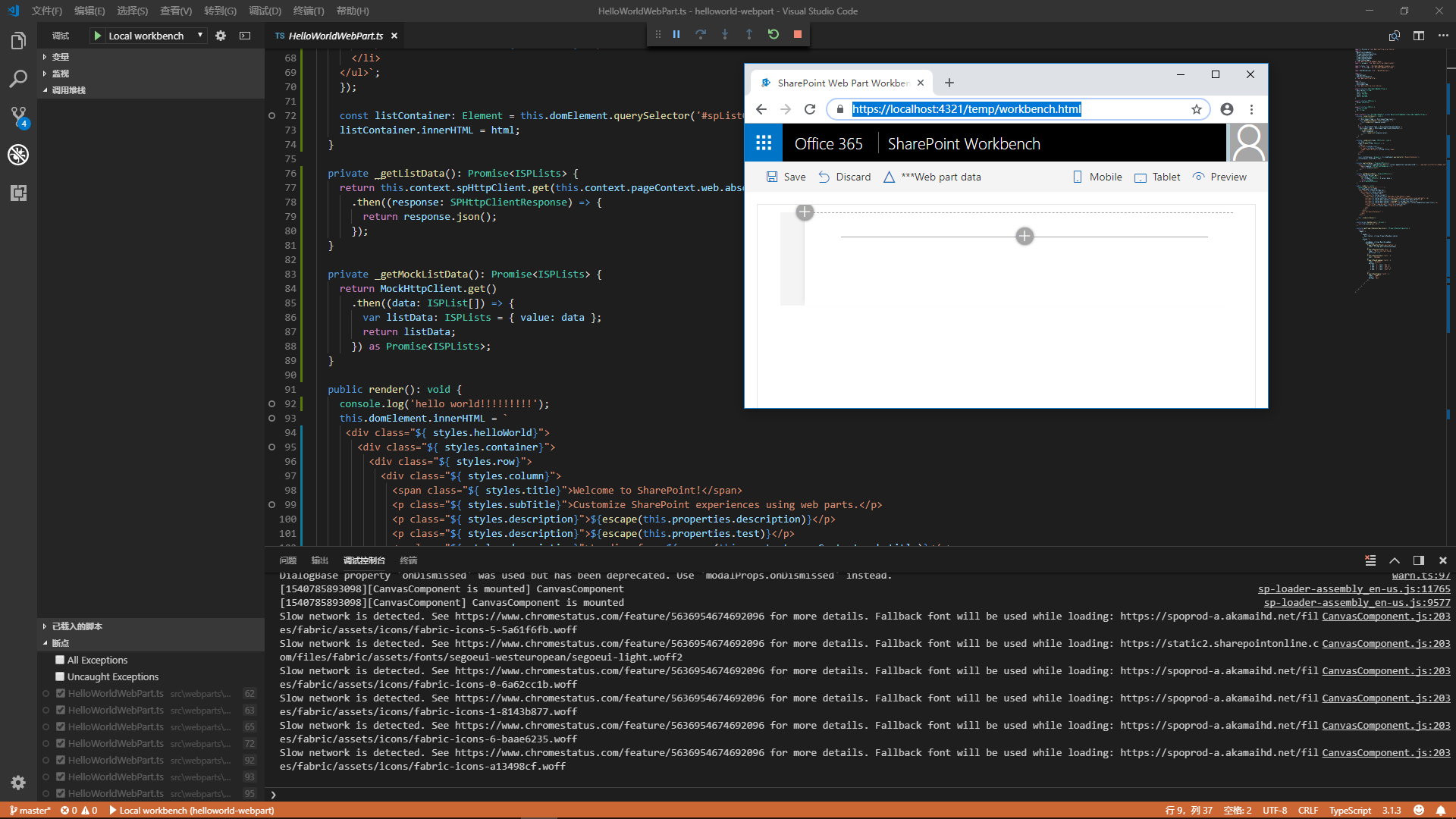
Thank for Seiyasu. Actually, I have lanched https://localhost:5432/workbench for the first time to debug. However, I still cannot hit the break point, even when the log shows that the line of code has been executed. Screens in below.
stone12379
on 29 Oct 2018

stone12379
on 29 Oct 2018
Due to you use local workbench, you should run gulp serve but not gulp serve --nobrowser. The latter is mainly for hosted workbench but not the local.
You can refer to the related issues:
https://github.com/SharePoint/sp-dev-docs/issues/2772
https://github.com/Microsoft/vscode-react-native/issues/625
Seiyasu
on 29 Oct 2018
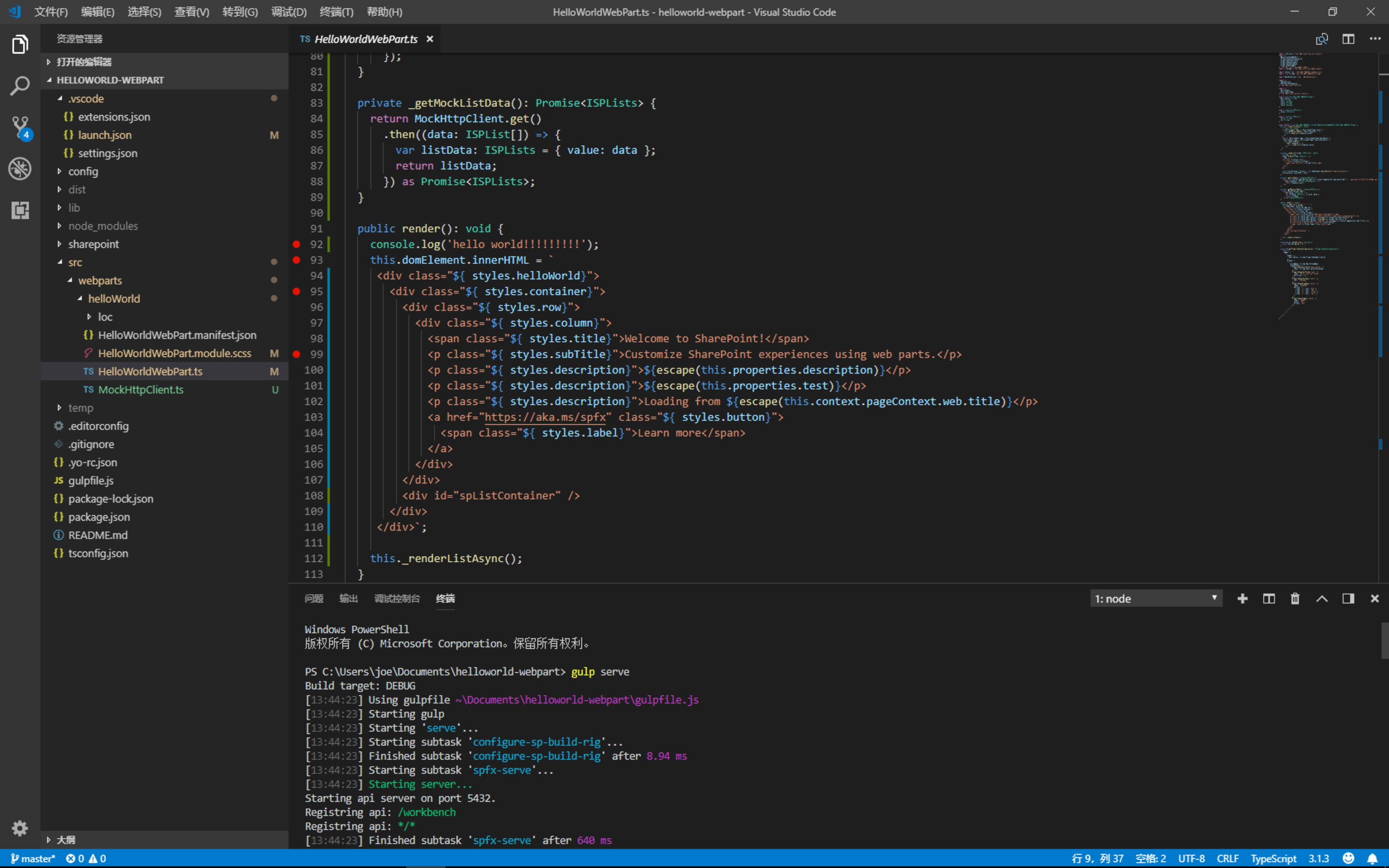
used 'gulp serve' instead but still not working.
stone12379
on 29 Oct 2018

stone12379
on 29 Oct 2018
I have the same issue
Debugging SPFX Web Part With VS Code Issue
 phillipharding
on 31 Oct 2018
phillipharding
on 31 Oct 2018
Adding statement debugger; as https://github.com/SharePoint/sp-dev-docs/issues/2772#issuecomment-433277028 suggested breaks the code.
However, it breaks the code in a new read-only file, and the break point set in VS Code still don't activated.
With spfx v1.4.1, the break point breaks at the editing file, and after that version, none of the break point set in VS Code breaks. Perhaps spfx v1.5.0 introduced the bug.
 tsekityam
on 21 Nov 2018
tsekityam
on 21 Nov 2018
I have the same issue, all latest updates are installed.
You can activate breakpoints only after setting the brakepoint on the same line in Chrome as set in vscode . Setting breakpoints in VSCode has no effect. However the debuging actualy happens in VS Code.
 RihardsVla
on 26 Nov 2018
RihardsVla
on 26 Nov 2018
Seems something changed in the code generated by the SPFx Yeoman generator and now the hint paths in the launch.json file is not valid.
Add the following path and it should be working:
"webpack:///.././src/*": "${webRoot}/src/*",
 andrewconnell
on 27 Nov 2018
andrewconnell
on 27 Nov 2018
Thanks @andrewconnell, that sorted it for me.
 nero120
on 27 Nov 2018
nero120
on 27 Nov 2018
Brilliant, cheers @andrewconnell that fixed it
phillipharding
on 27 Nov 2018
Applause! @andrewconnell
stone12379
on 28 Nov 2018
@VesaJuvonen can we get the line provided by @andrewconnell to the launch.json? This is still broken in the latest generator.
 mike-morr
on 1 Dec 2018
mike-morr
on 1 Dec 2018
This was fixed in current SPFx v1.7.1
andrewconnell
on 14 Feb 2019
Issues that have been closed & had no follow-up activity for at least 7 days are automatically locked. Please refer to our wiki for more details, including how to remediate this action if you feel this was done prematurely or in error: Issue List: Our approach to locked issues
 msft-github-bot
on 26 Jan 2020
msft-github-bot
on 26 Jan 2020
Related issues
 bengtmoss
·
3Comments
bengtmoss
·
3Comments
 StfBauer
·
3Comments
StfBauer
·
3Comments
 byrongits
·
3Comments
byrongits
·
3Comments
 thechriskent
·
3Comments
thechriskent
·
3Comments
 Ralms
·
3Comments
Ralms
·
3Comments
Most helpful comment
Seems something changed in the code generated by the SPFx Yeoman generator and now the hint paths in the launch.json file is not valid.
Add the following path and it should be working:
"webpack:///.././src/*": "${webRoot}/src/*",