Sp-dev-docs: AadHttpClient: providing your own headers results in sp-pages-assembly error
Category
- [ ] Question
- [ ] Typo
- [x] Bug
- [ ] Additional article idea
Expected or Desired Behavior
When using the AadHttpClient and providing your own headers the sp-pages-assembly file returns an error.

Observed Behavior
When I want to do a POST request with the AadHttpClient, the default content type is set to: plain/text. When I wanted to change this, and tried it again, the call never gets executed.
Trying this with a GET request results in the above error message.
Steps to Reproduce
The following code works:
const aadClient: AadHttpClient = new AadHttpClient(
  this.context.serviceScope,
  "https://graph.microsoft.com"
);

aadClient.get(`https://graph.microsoft.com/v1.0/me`, AadHttpClient.configurations.v1)
.then((response: HttpClientResponse) => {
  return response.json();
})
.then((data: any) => {
  console.log('ME', data);
});
When providing your own header as follows:
const aadClient: AadHttpClient = new AadHttpClient(
  this.context.serviceScope,
  "https://graph.microsoft.com"
);

aadClient.get(`https://graph.microsoft.com/v1.0/me`, AadHttpClient.configurations.v1, {
  headers: {
    "Content-Type": "application/json"
  }
})
.then((response: HttpClientResponse) => {
  return response.json();
})
.then((data: any) => {
  console.log('ME', data);
});
You get the type error: TypeError: n.headers.append is not a function.
 estruyf
All 4 comments
If you are looking for a workaround, try the following:
const aadClient: AadHttpClient = new AadHttpClient(
  this.context.serviceScope,
  "https://graph.microsoft.com"
);

const reqHeaders: HeadersInit = new Headers();
reqHeaders.append("Content-Type", "application/json");

aadClient.get(`https://graph.microsoft.com/v1.0/me`, AadHttpClient.configurations.v1, {
  headers: reqHeaders
})
.then((response: HttpClientResponse) => {
  return response.json();
})
.then((data: any) => {
  console.log('ME', data);
});
👍3
Hey Elio, can you paste the full stack trace by any chance?
 patmill
on 21 Mar 2018
patmill
on 21 Mar 2018
@patmill hope this helps
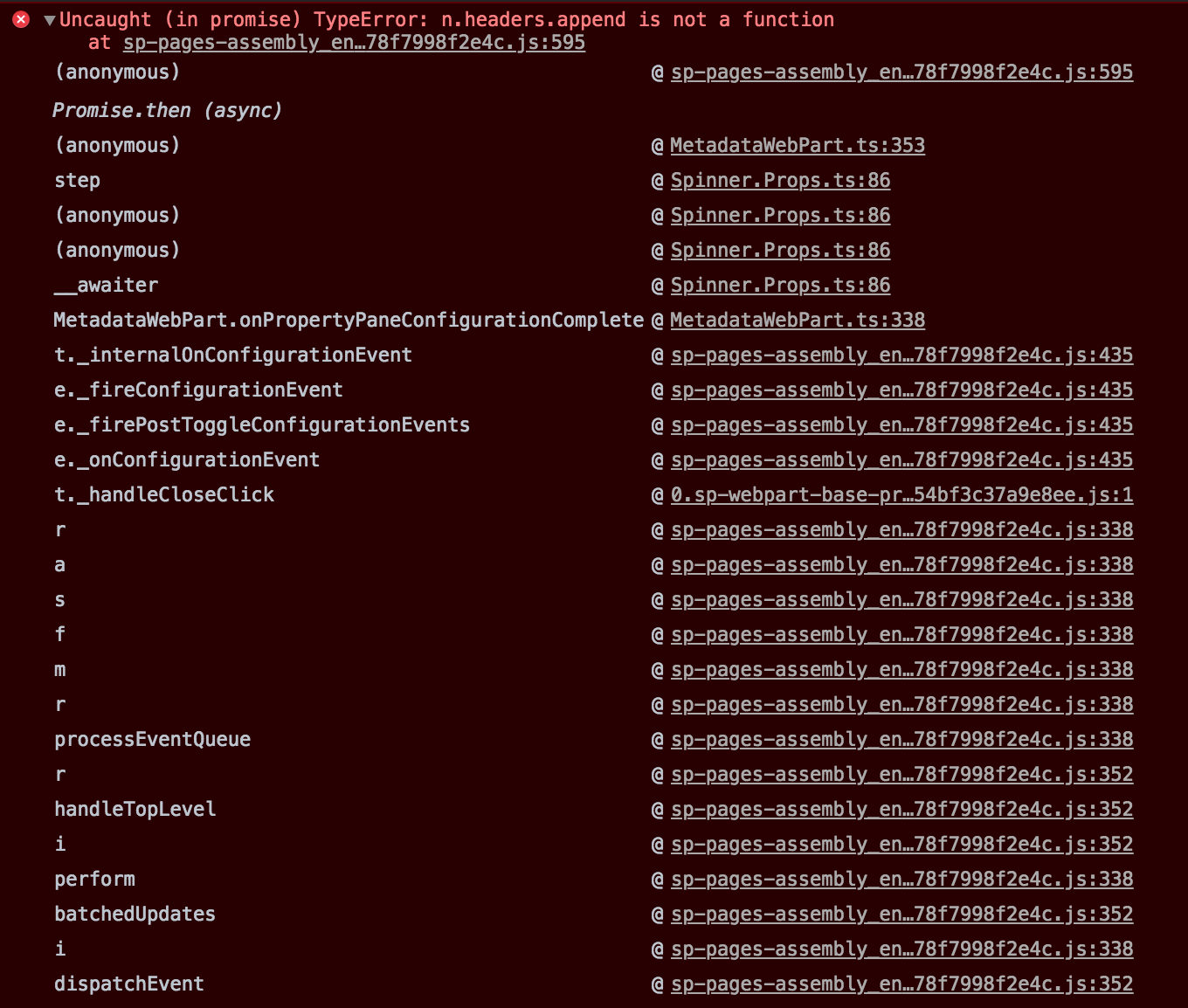
sp-pages-assembly_en-us_47a9581226d2ec9141d478f7998f2e4c.js:595 Uncaught (in promise) TypeError: n.headers.append is not a function
    at sp-pages-assembly_en-us_47a9581226d2ec9141d478f7998f2e4c.js:595

(anonymous) @ sp-pages-assembly_en-us_47a9581226d2ec9141d478f7998f2e4c.js:595
Promise.then (async)
(anonymous) @ MetadataWebPart.ts:353
step @ Spinner.Props.ts:86
(anonymous) @ Spinner.Props.ts:86
(anonymous) @ Spinner.Props.ts:86
__awaiter @ Spinner.Props.ts:86
MetadataWebPart.onPropertyPaneConfigurationComplete @ MetadataWebPart.ts:338
t._internalOnConfigurationEvent @ sp-pages-assembly_en-us_47a9581226d2ec9141d478f7998f2e4c.js:435
e._fireConfigurationEvent @ sp-pages-assembly_en-us_47a9581226d2ec9141d478f7998f2e4c.js:435
e._firePostToggleConfigurationEvents @ sp-pages-assembly_en-us_47a9581226d2ec9141d478f7998f2e4c.js:435
e._onConfigurationEvent @ sp-pages-assembly_en-us_47a9581226d2ec9141d478f7998f2e4c.js:435
t._handleCloseClick @ 0.sp-webpart-base-propertypane_68c04f54bf3c37a9e8ee.js:1
r @ sp-pages-assembly_en-us_47a9581226d2ec9141d478f7998f2e4c.js:338
a @ sp-pages-assembly_en-us_47a9581226d2ec9141d478f7998f2e4c.js:338
s @ sp-pages-assembly_en-us_47a9581226d2ec9141d478f7998f2e4c.js:338
f @ sp-pages-assembly_en-us_47a9581226d2ec9141d478f7998f2e4c.js:338
m @ sp-pages-assembly_en-us_47a9581226d2ec9141d478f7998f2e4c.js:338
r @ sp-pages-assembly_en-us_47a9581226d2ec9141d478f7998f2e4c.js:338
processEventQueue @ sp-pages-assembly_en-us_47a9581226d2ec9141d478f7998f2e4c.js:338
r @ sp-pages-assembly_en-us_47a9581226d2ec9141d478f7998f2e4c.js:352
handleTopLevel @ sp-pages-assembly_en-us_47a9581226d2ec9141d478f7998f2e4c.js:352
i @ sp-pages-assembly_en-us_47a9581226d2ec9141d478f7998f2e4c.js:352
perform @ sp-pages-assembly_en-us_47a9581226d2ec9141d478f7998f2e4c.js:338
batchedUpdates @ sp-pages-assembly_en-us_47a9581226d2ec9141d478f7998f2e4c.js:352
i @ sp-pages-assembly_en-us_47a9581226d2ec9141d478f7998f2e4c.js:338
dispatchEvent @ sp-pages-assembly_en-us_47a9581226d2ec9141d478f7998f2e4c.js:352
👍1
for information the issue still exists today with version 1.6.0
 baywet
on 24 Sep 2018
baywet
on 24 Sep 2018
Was this page helpful?
0 / 5 - 0 ratings
Related issues
 jonthenerd
·
3Comments
jonthenerd
·
3Comments
 waldekmastykarz
·
3Comments
jonthenerd
·
3Comments
waldekmastykarz
·
3Comments
jonthenerd
·
3Comments
 mikeparkie
·
3Comments
mikeparkie
·
3Comments
 StfBauer
·
3Comments
StfBauer
·
3Comments
Most helpful comment
If you are looking for a workaround, try the following: