Smarthome: [Paper UI] Direction for i18n?
Paper UI currently uses different settings for translating objects.
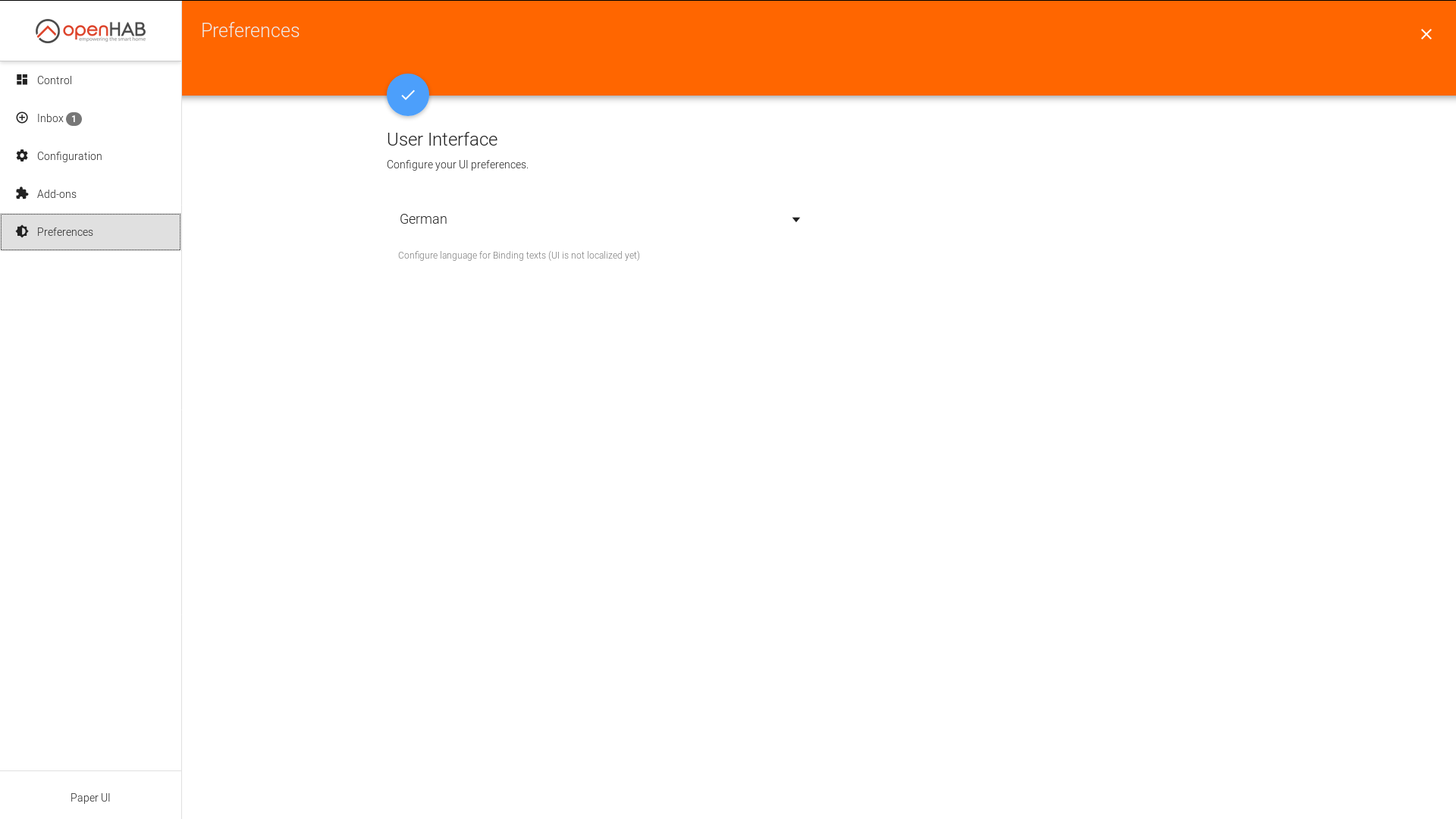
We have a setting in "Preferences -> User Interface"
We have settings in "Configuration -> System -> Regional Settings"
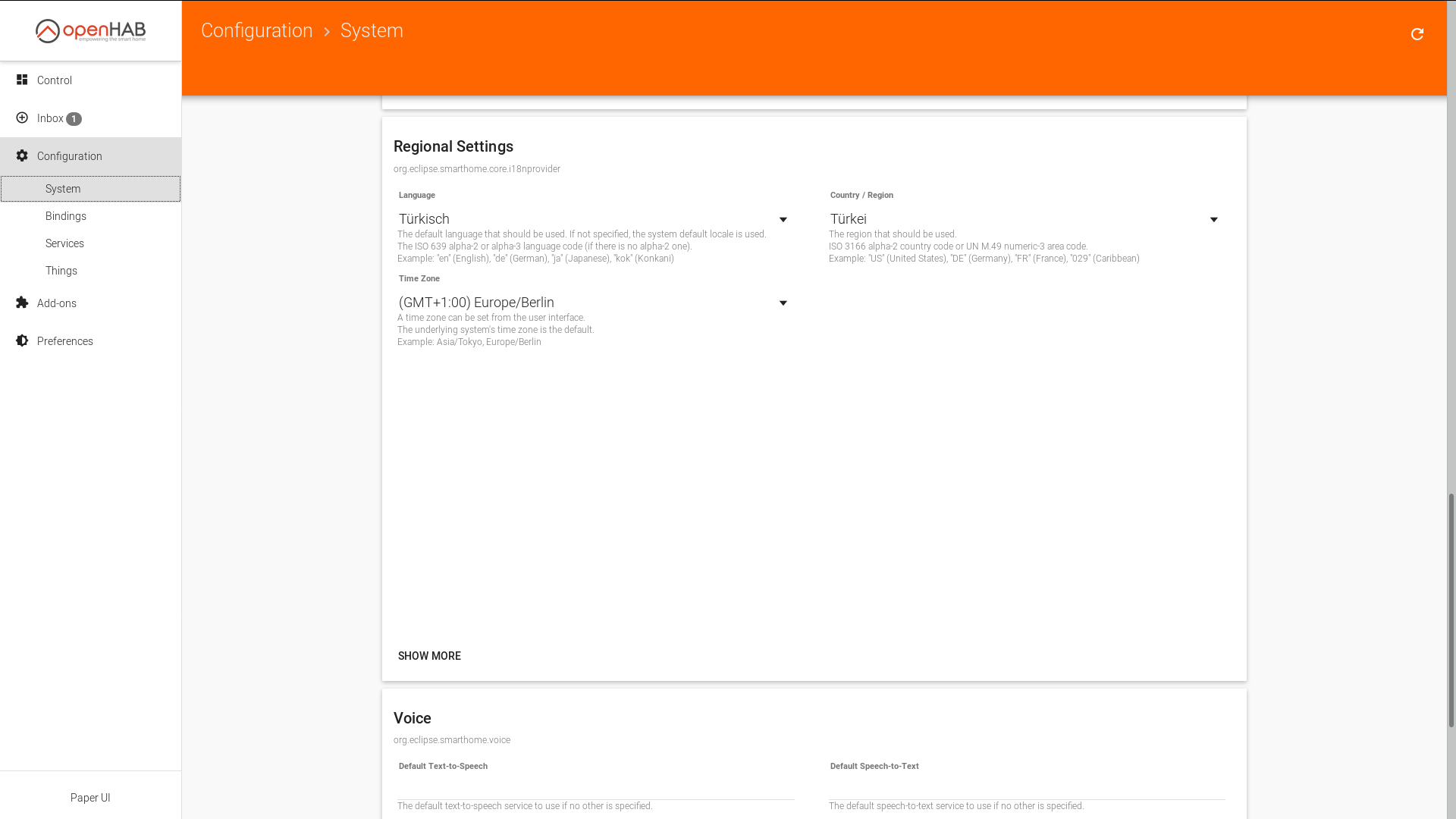
Everything combined results in a mixture of different languages.
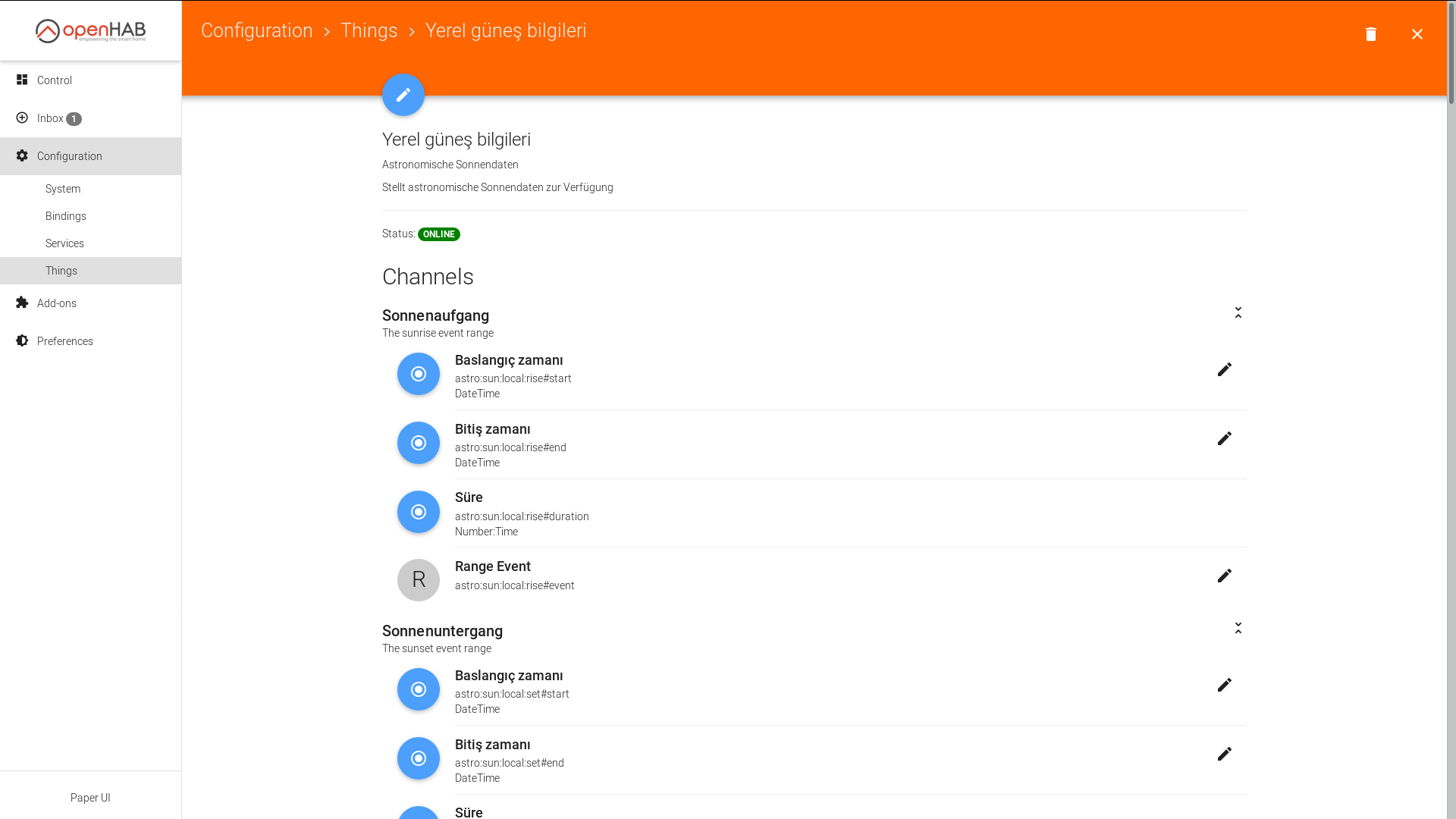
Some parts are not translatable yet (e.g. Paper UI elements like menu, headlines, labels, text, etc.). Some parts are translated using the "Preferences -> User Interface" configuration, other parts are translated using the "Configuration -> System -> Regional Settings" configurations.
How can we streamline this? What is the way to go for this. Should we keep both configurations? Should we omit one of them (e.g. "Preferences -> User Interface")? Which configuration should be applied in which case?
 cweitkamp
>All comments
I would prefer removing the "Preferences -> User Interface" and going with the "Regional Settings" thing.
I had always the impression that the "User Interface" thingy only worked for Paper UI itself.
 hakan42
on 19 Nov 2018
hakan42
on 19 Nov 2018
Related issues
 kssimova
·
5Comments
kssimova
·
5Comments
 cbfief
·
4Comments
cbfief
·
4Comments
 jvivanco28
·
5Comments
jvivanco28
·
5Comments
 doandzhi
·
6Comments
doandzhi
·
6Comments
 individualist
·
3Comments
individualist
·
3Comments
Most helpful comment
I would prefer removing the "Preferences -> User Interface" and going with the "Regional Settings" thing.
I had always the impression that the "User Interface" thingy only worked for Paper UI itself.