Do you want to request a _feature_ or report a _bug_?
Bug
What's the current behavior?
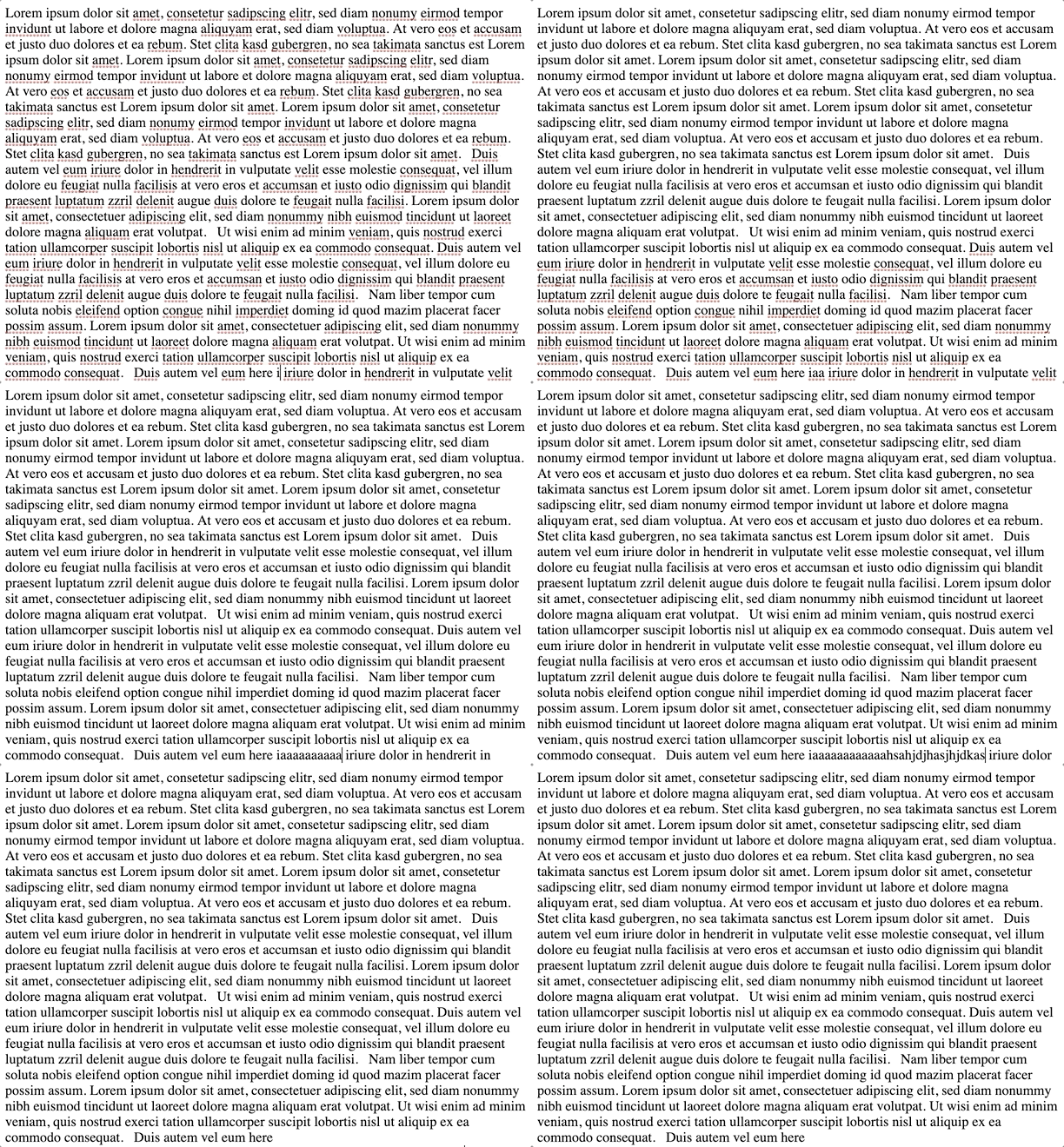
Related to https://github.com/ianstormtaylor/slate/issues/3677 it seems that autoscrolling doesn't work anymore since https://github.com/ianstormtaylor/slate/commit/1652ecab52088e64ffbaa130fa4049f60cdce57e (in frames?).
Please see sandbox: https://jsfiddle.net/zobnxmtL/1/
Place the cursor at the end of the visible text and write so that the cursor leaves the visible area.
Slate: 0.58.3
Browser: Chrome
OS: Mac
What's the expected behavior?
Automatic scrolling :)
 svenadlung
All 6 comments
I have the same issue and checked a few other browsers:
- Works on Safari OSX
- Works on Safari iOS
- Scroll is broken on Chrome OSX
- Scroll is broken on Firefox OSX
 thesunny
on 1 Jul 2020
thesunny
on 1 Jul 2020
Works if you set the height on the Editable and then add a scroll:auto. Problem is if you want your scrollable container to be something separate from the Editor in which case I think https://github.com/ianstormtaylor/slate/commit/1652ecab52088e64ffbaa130fa4049f60cdce57e doesn't work.
 tmathew0309
on 13 Jul 2020
tmathew0309
on 13 Jul 2020
Auto scrolling does not work on the sample rich text editor https://www.slatejs.org/examples/richtext which is a typical use case where the scrollable container doesn't have a height set on it.
This scrollIntoView call works in Chrome for scrolling the element into view.
element.scrollIntoView({ behavior: "smooth", block: "nearest" }
This is a poor quality but working fix I made in case you need it before a fix goes into Slate proper:
      <Editable
        onSelect={(e) => {
          /**
           * Chrome doesn't scroll at bottom of the page. This fixes that.
           */
          if (!(window as any).chrome) return
          if (editor.selection == null) return
          try {
            /**
             * Need a try/catch because sometimes you get an error like:
             *
             * Error: Cannot resolve a DOM node from Slate node: {"type":"p","children":[{"text":"","by":-1,"at":-1}]}
             */
            const domPoint = ReactEditor.toDOMPoint(
              editor,
              editor.selection.focus
            )
            const node = domPoint[0]
            if (node == null) return
            const element = node.parentElement
            if (element == null) return
            element.scrollIntoView({ behavior: "smooth", block: "nearest" })
          } catch (e) {
            /**
             * Empty catch. Do nothing if there is an error.
             */
          }
        }}
      />
@thesunny Thanks for the quick fix. For me it works for Firefox as well. So maybe include another check for Firefox
if (!(window.chrome || typeof InstallTrigger !== 'undefined')) return
Unfortunately it still not working for me if cursor is moving up by arrow keys. It only works scrolling down. Any idea on that?
svenadlung
on 14 Jul 2020
I recently encountered this issue (along with #3463 and #3677), the fix from @thesunny (Thanks!) does scroll the element into view, but It centres it (which I understand that should be going to the start, center or end depending on the cursor position) as soon as it is modified.
eg. If there is a big paragraph and I enter a character anywhere on it, it centres the whole element, leaving the cursor out of the viewport.
https://codesandbox.io/s/slate-reproductions-forked-f6wnr
 PibeG
on 16 Sep 2020
PibeG
on 16 Sep 2020
I had the same problem and created another workaround to make it work more as expected. Instead of getting the currently selected block, I convert the current selection into a DOMRect and insert a custom cursor element into the editor that is then scrolled into view. It requires that the editor is wrapped in an element with positon: relative.
This works a lot better in small editors where one block can span multiple lines and take up more than the full height as the cursor position is more precise.
Here's the code:
// I'm using these two helpers
import scrollIntoView from 'scroll-into-view-if-needed';
import { sleep } from 'sleepjs';

// This is assigned to the <Editable>'s onSelect
const onSelect = useCallback(async () => {
    // Only for Chrome
    if (!(window.chrome || typeof InstallTrigger !== 'undefined')) return;

    const insertOrUpdateCustomCursor = (rect: DOMRect) => {
        const editorNode = ReactEditor.toDOMNode(editor, editor);
        const editorRect = editorNode.getBoundingClientRect();
        const parentNode = editorNode.parentElement;

        if (!parentNode) return;

        let cursor = parentNode.querySelector<HTMLSpanElement>(
            '#custom-cursor'
        );

        if (!cursor) {
            cursor = document.createElement('span');
            cursor.id = 'custom-cursor';
            cursor.style.position = 'absolute';
            // for debugging purposes:
            cursor.style.border = '1px solid #f00';
            parentNode?.appendChild(cursor);
        }

        cursor.style.top = `${rect.y - editorRect.y}px`;
        cursor.style.left = `${rect.x - editorRect.x}px`;
        cursor.style.height = `${rect.height}px`;

        return cursor;
    };

    await sleep(10);

    try {
        const domSelection = window.getSelection();
        if (!domSelection || !ReactEditor.isFocused(editor)) {
            return;
        }

        const cursor = domSelection.getRangeAt(0).getBoundingClientRect();
        const customCursor = insertOrUpdateCustomCursor(cursor);

        if (customCursor) {
            scrollIntoView(customCursor, {
                scrollMode: 'if-needed',
                block: 'nearest',
            });
        }
    } catch (e) {
        console.warn('Error while scrolling to selection:', e);
    }
}, [editor]);
 leolabs
on 7 Dec 2020
leolabs
on 7 Dec 2020
Related issues
 YurkaninRyan
·
3Comments
YurkaninRyan
·
3Comments
 markolofsen
·
3Comments
markolofsen
·
3Comments
 vdms
·
3Comments
vdms
·
3Comments
 ezakto
·
3Comments
ezakto
·
3Comments
 varoot
·
3Comments
varoot
·
3Comments
Most helpful comment
Auto scrolling does not work on the sample rich text editor https://www.slatejs.org/examples/richtext which is a typical use case where the scrollable container doesn't have a height set on it.
This
scrollIntoViewcall works in Chrome for scrolling the element into view.This is a poor quality but working fix I made in case you need it before a fix goes into Slate proper: