Slate: Center/Right-aligned Placeholder Text Doesn't Display Properly
Do you want to request a _feature_ or report a _bug_?
Report a bug
What's the current behavior?
Placeholder text when centered or right-aligned doesn't behave like inserted text, but rather it stays left-aligned, starting from the center or right side.
Reproduced issue: [https://codesandbox.io/s/qvz673jkw]
Center-aligned:

Right-aligned
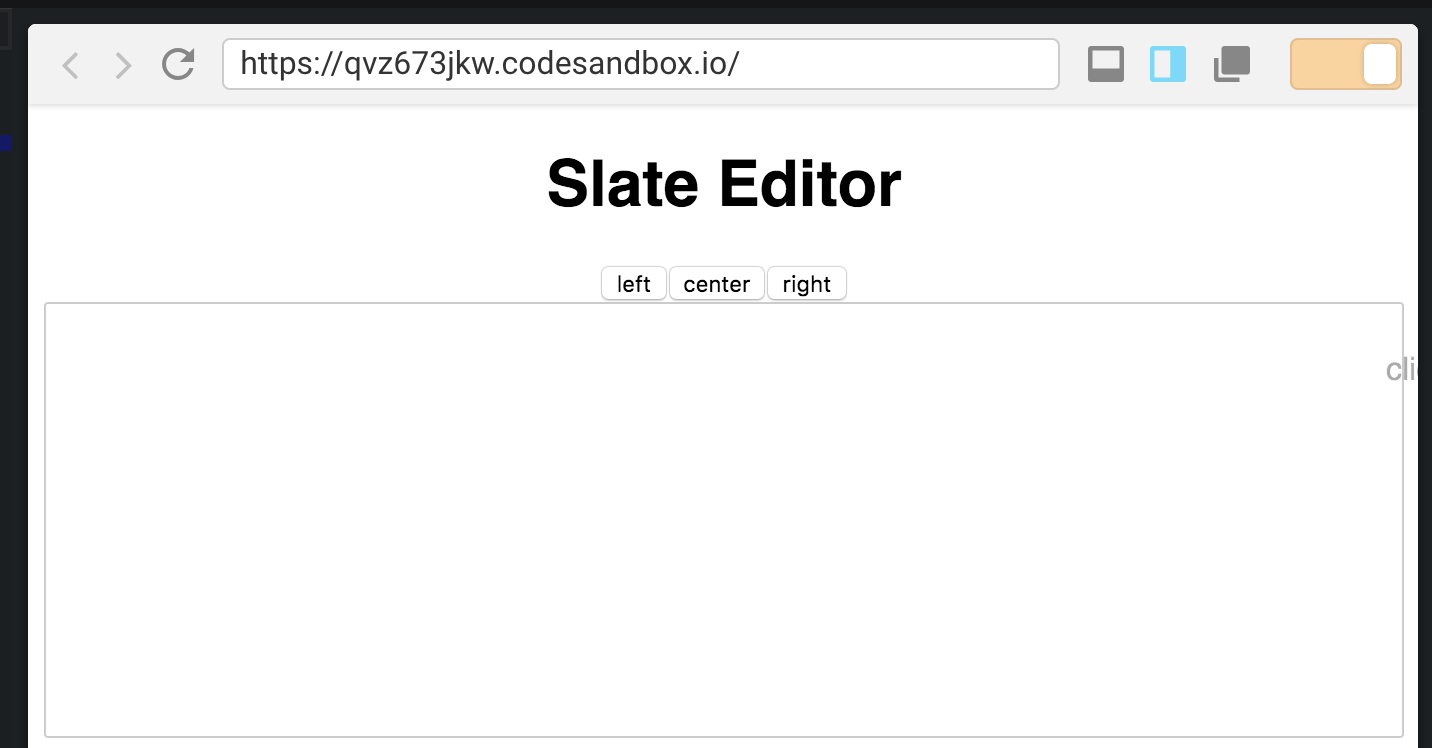
Mac, Chrome v72.0.3626.96, Slate 0.44.9
What's the expected behavior?
The placeholder text should be centered, like the inserted text would be when entered, or right-aligned in the same way.
 nikushx
All 6 comments
Looks like this is happening because the placeholder is getting display: inline-block styling, which is causing it to have no width. https://github.com/ianstormtaylor/slate/blob/master/packages/slate-react-placeholder/src/index.js#L77
It doesn't seem like it should be needed, since the placeholder will only be shown if there is no content. But I could be missing something.
 ericedem
on 21 Feb 2019
ericedem
on 21 Feb 2019
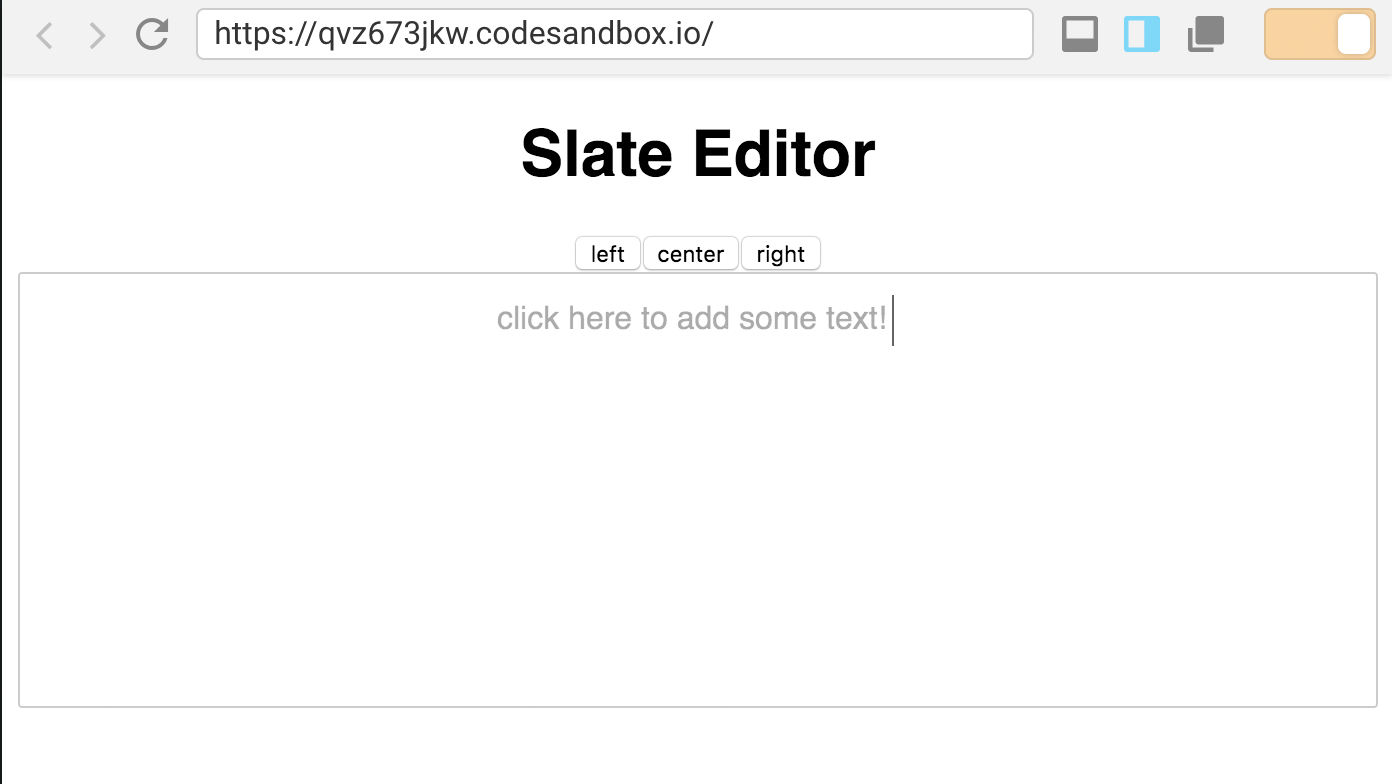
@ericedem while that is why it is displaying like that, it doesn't solve the issue here because if it is not display: inline-block then the bar that shows where your cursor is not in the center (in the case of center alignment), it is at the end of the placeholder text.
It should look like
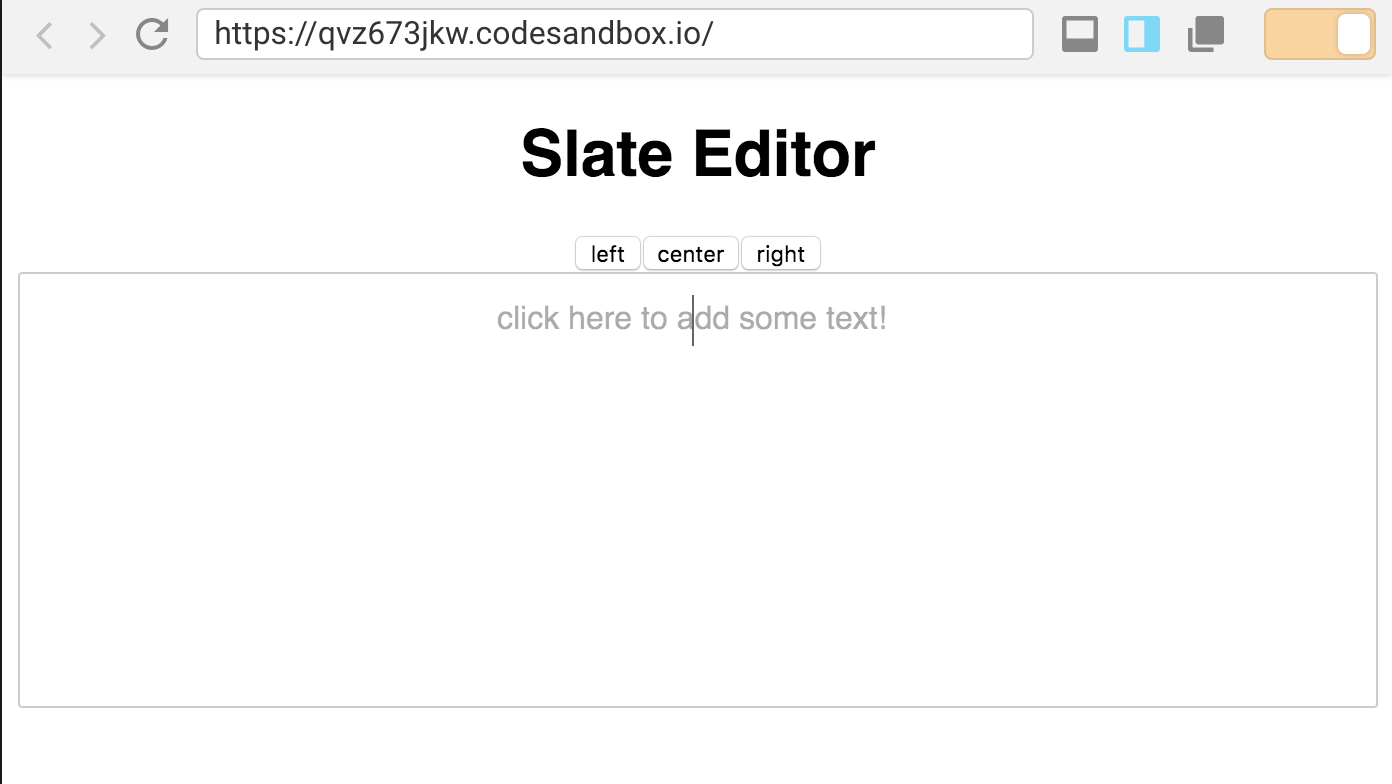
Instead of
nikushx
on 21 Feb 2019
I'm not sure I can speak to the level of detail for placeholders but that sounds reasonable.
In any case, the placeholder is implemented as a plugin, so it should be possible to implement your own placeholder if you wanted to tweak the behavior. That might be a good workaround for now.
ericedem
on 21 Feb 2019
This might be one of those things that isn't solveable in a general case well. But if someone can come up with a better set of placeholder styles that fit the bill I'm all ears.
 ianstormtaylor
on 26 Feb 2019
ianstormtaylor
on 26 Feb 2019
This might work: https://github.com/ianstormtaylor/slate/pull/2661
 brendancarney
on 26 Mar 2019
brendancarney
on 26 Mar 2019
Text / content alignment would make for another good example; perhaps integrated as part of the "Rich Text" -one?
 neutraali
on 10 Apr 2019
neutraali
on 10 Apr 2019
Related issues
ianstormtaylor
·
3Comments
ianstormtaylor
·
3Comments
 JSH3R0
·
3Comments
JSH3R0
·
3Comments
 bunterWolf
·
3Comments
bunterWolf
·
3Comments
 AlexeiAndreev
·
3Comments
AlexeiAndreev
·
3Comments
Most helpful comment
Text / content alignment would make for another good example; perhaps integrated as part of the "Rich Text" -one?