Slate: Placeholder is selectable and prevents paste in IE 11
Do you want to request a feature or report a bug?
bug
What's the current behavior?
Using IE 11, the text of the placeholder can be selected and if the cursor is placed somewhere else than at the beginning of the placeholder text, it is not possible to paste (using shortcut or context menu).

Tested with the rich-text example http://slatejs.org/#/rich-text in IE11 on Windows 7 and Windows 10.
What's the expected behavior?
The placeholder can not be selected and the cursor can not be placed somewhere within the placeholder text, preventing the user from pasting.
Research / Workaround
In slate, there is an editor element with contenteditable set to true. It contains the placeholder as a child which has contenteditableset to false.
The HTML5 specs say: a contenteditable=false element within a contenteditable=true element is not editable.
I discovered that IE 11 seems to have a somewhat weird interpretation of the spec and does it the other way round: only child elements with contenteditable=true are not editable.
I tried to fix that issue by setting the placeholder element tocontenteditable=false but that introduces some other weird behaviour.
My current workaround is to provide an own placeholder component that is placed as a sibling to the editor component. The downside is that I have to reimplement the show/hide logic.
 mahlero
All 8 comments
Should the placeholder just have pointer-events: none by default? I think that would prevent this behavior.
 YurkaninRyan
on 13 Sep 2017
YurkaninRyan
on 13 Sep 2017
It already has pointer-events: none so that doesn't seem to work:

(taken from http://slatejs.org/#/rich-text)
mahlero
on 14 Sep 2017
@mahlero is this still an issue in the newest version of Slate?
 ianstormtaylor
on 26 Oct 2017
ianstormtaylor
on 26 Oct 2017
@ianstormtaylor We're using version 0.33.4 and the problem still persists 😞
 kudlajz
on 3 Apr 2018
kudlajz
on 3 Apr 2018
We have the same issue
 Lukavyi
on 26 Jun 2018
Lukavyi
on 26 Jun 2018
I think this might be fixed in [email protected], could someone check?
ianstormtaylor
on 3 Nov 2018
Appears to be fixed:

 brendancarney
on 23 Feb 2019
brendancarney
on 23 Feb 2019
I have the same bug for two or more placeholders (not only for IE 11, but for Chrome too):
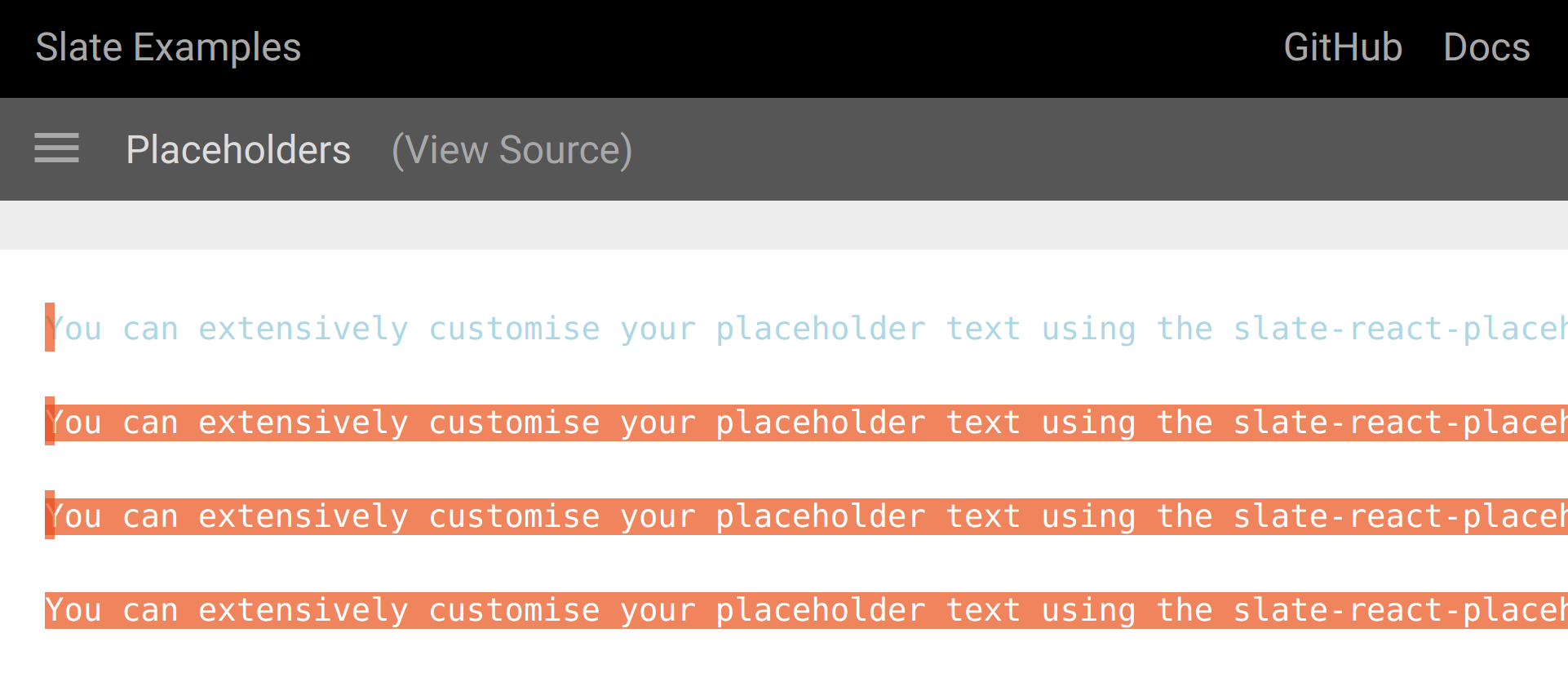
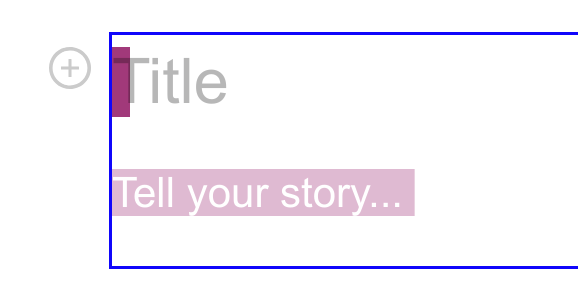
(second image - it is my solution of placeholders for forced-layout)
@ianstormtaylor Please reopen this issue.
 comerc
on 26 Apr 2019
comerc
on 26 Apr 2019
Related issues
 Slapbox
·
3Comments
Slapbox
·
3Comments
 varoot
·
3Comments
varoot
·
3Comments
 bengotow
·
3Comments
bengotow
·
3Comments
 JSH3R0
·
3Comments
JSH3R0
·
3Comments
 markolofsen
·
3Comments
markolofsen
·
3Comments