Simplenote-electron: Windows: Can't select all text in a note using Ctrl + A
How to reproduce
- Create a new note
- Type a longer sentence
- Press Ctrl + A
Expected
All text in the note will be selected.
Observed
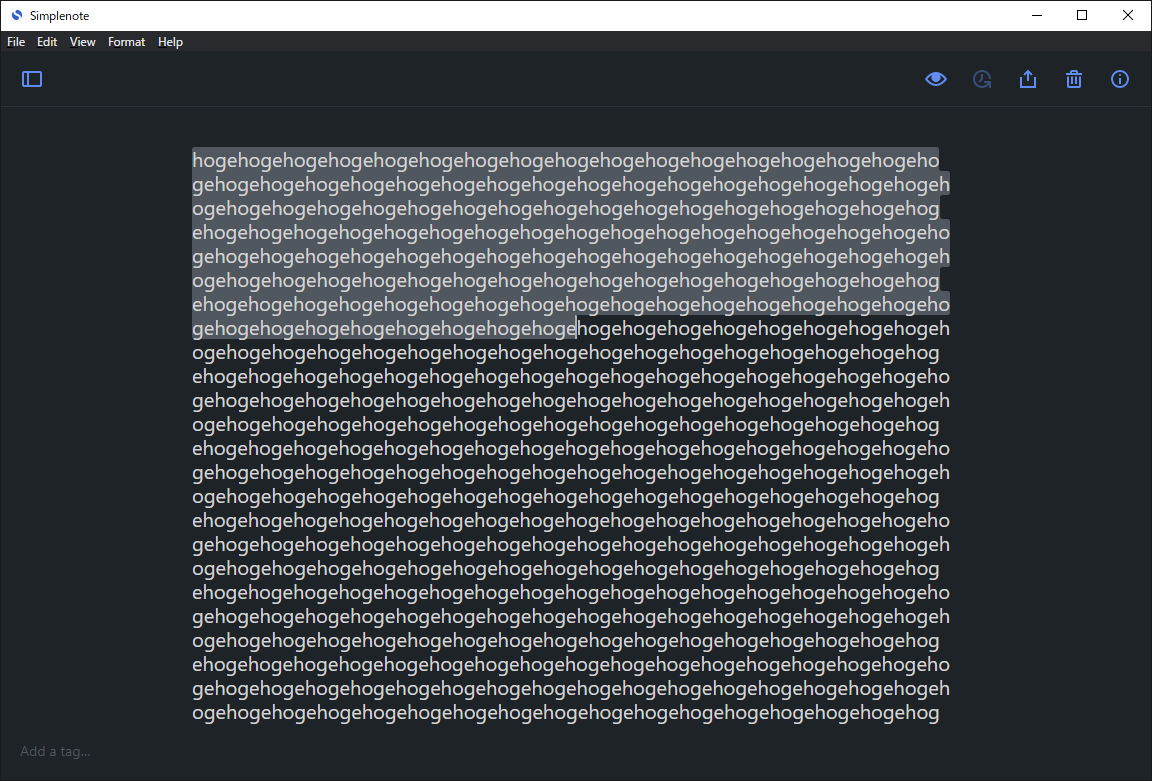
As you can see in this screenshot, only a certain amount of text will be selected.
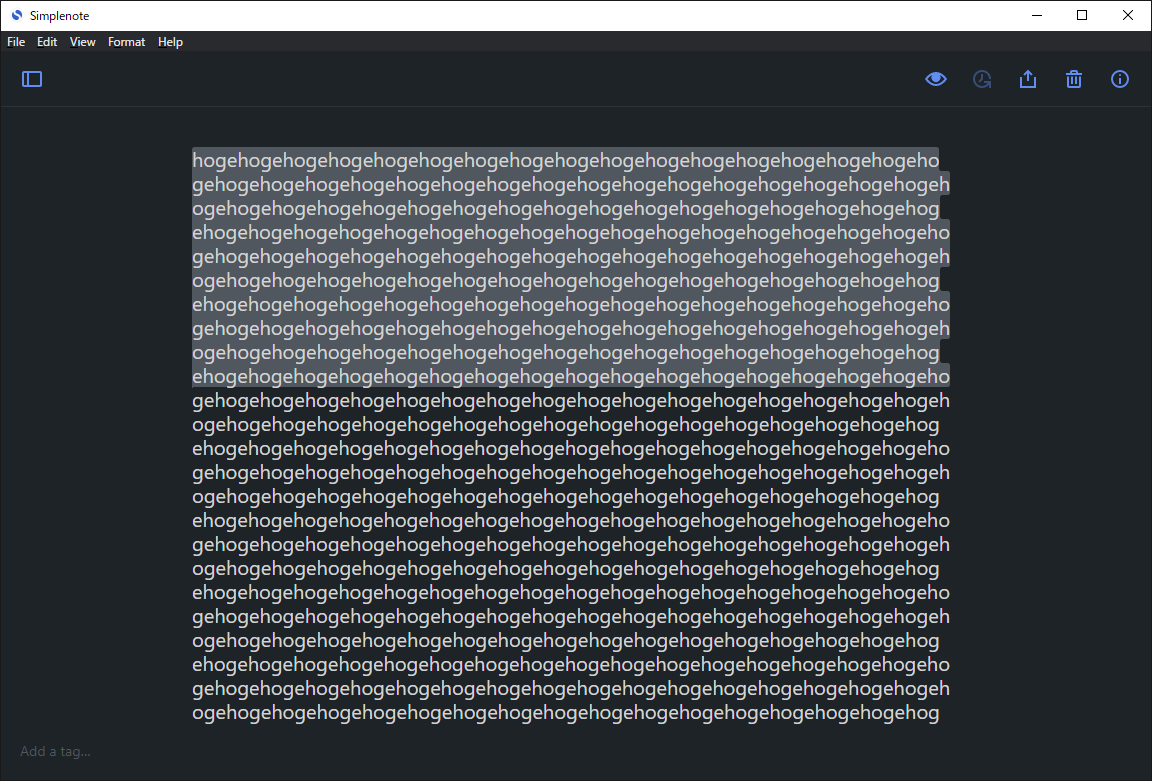
Press Ctrl + A twice to increase the amount of text to be selected, but not all of it.
Where did you see the bug
- OS: Windows 10 Pro
- OS version: 20H2 (Build: 19042.608)
(It may not be relevant, but the OS language setting is Japanese.) - Simplenote app version: 2.0.0
 nekocodeX
All 7 comments
Hi @nekocodeX, thanks for the report. Are you able to select all text from the top menu with Edit -> Select All, or does that have the same problem?
 codebykat
on 29 Oct 2020
codebykat
on 29 Oct 2020
Hi @codebykat, thank you for your prompt reply!
Edit -> Select All worked fine.
It only seems to be reproduced when using the Ctrl + A shortcut key.
nekocodeX
on 29 Oct 2020
Happens in Ubuntu 18.04 LTS too.
 djordjeandrejevic
on 29 Oct 2020
djordjeandrejevic
on 29 Oct 2020
Yeah, whatever's wrong with keyboard shortcuts seems to be going on in both Windows and Linux. I think they may have the same root cause. I'm investigating.
codebykat
on 30 Oct 2020
same here on Linux client. (Arch Linux)
 chromer030
on 11 Nov 2020
chromer030
on 11 Nov 2020
Another user reported this in 3485930-zen
The number of lines selected seems depends on window width.
Selecting menu item “select All” will always work. Only keyboard shortcut is out of order.
On: TOSHIBA dynabook RZ63/CS OS Microsoft Windows 10 Home version 10.0.18363 build 18363
Simple note 2.0.0
 rezzap
on 13 Nov 2020
rezzap
on 13 Nov 2020
Will be fixed in 2.2 #2490
codebykat
on 25 Nov 2020
Related issues
 RCDCL5
·
3Comments
RCDCL5
·
3Comments
 sean185
·
4Comments
sean185
·
4Comments
 segeeslice
·
3Comments
segeeslice
·
3Comments
 swalladge
·
3Comments
swalladge
·
3Comments
 kaepuo
·
5Comments
kaepuo
·
5Comments