Simplenote-electron: Simplenote 1.3 is very slow on my end
Steps to reproduce
- Download and install Simplenote 1.3
- Try to do any task at all
What I expected
I'd expect to have an user experience equal to or better than with 1.2.1
What happened instead
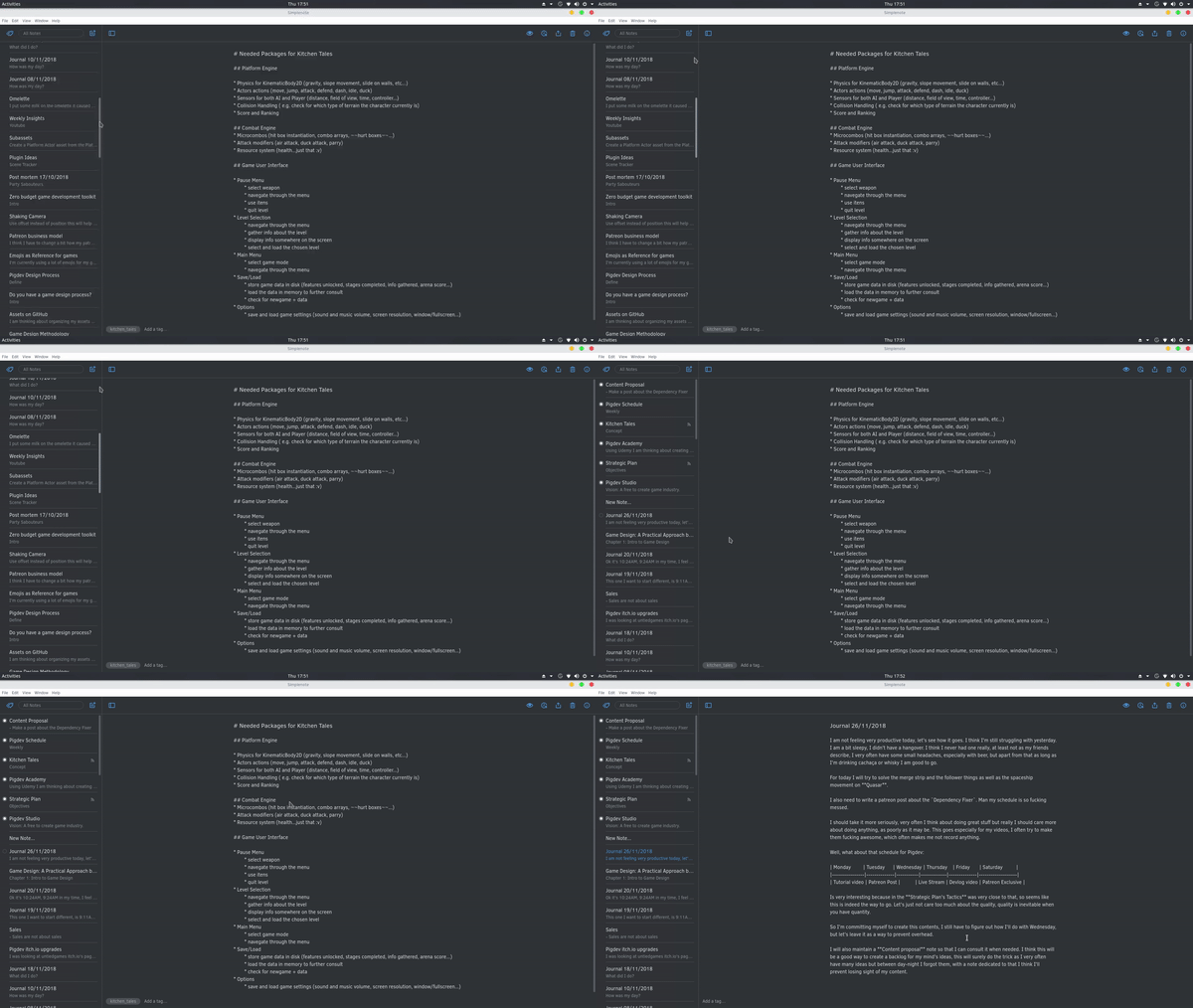
Every single interaction takes at least 4seg to actually process. Super duper slow.
Simplenote version
Simplenote-linux-1.3.0-x86_64.AppImage and also Simplenote-win-1.3.0.exe
OS version
Both Windows 10 x64 and Solus Gnome x64 current
Screenshot / Video
 henriiquecampos
All 21 comments
Oh, I thought it was just my laptop being stupid but yeah, I did feel that performance hit and remember the previous versions to be a lot faster and more responsive.
 sprite-1
on 30 Nov 2018
sprite-1
on 30 Nov 2018
Happens to me too. I've immediately noticed slight delay even when switching notes. It wasn't as snappy as the last version. The thing that completely blocked application is the search functionality - I had to manually kill Simplenote process. Downgraded to 1.2.1.
 djordjeandrejevic
on 30 Nov 2018
djordjeandrejevic
on 30 Nov 2018
Oh, I thought it was just my laptop being stupid but yeah, I did feel that performance hit and remember the previous versions to be a lot faster and more responsive.
I really think this isn't something intended, my PC is very robust, this isn't, or at least doesn't seem to be, a simple bottleneck or a performance drop, it is indeed completely impossible to work with it as is. Even writing, each letter takes 4seg to display, there is no way this is a simple performance trade off in order to add features.
The thing that completely blocked application is the search functionality - I had to manually kill Simplenote process. Downgraded to 1.2.1.
I downgraded to 1.2.1 immediately as well, as said is impossible to work with 1.3 with this 4~8seg delay on every interaction.
henriiquecampos
on 30 Nov 2018
@henriiquecampos do you know how to disable the update prompt? I rolled back to 1.2.1 too but it keeps asking me to update which gets kinda annoying.
sprite-1
on 30 Nov 2018
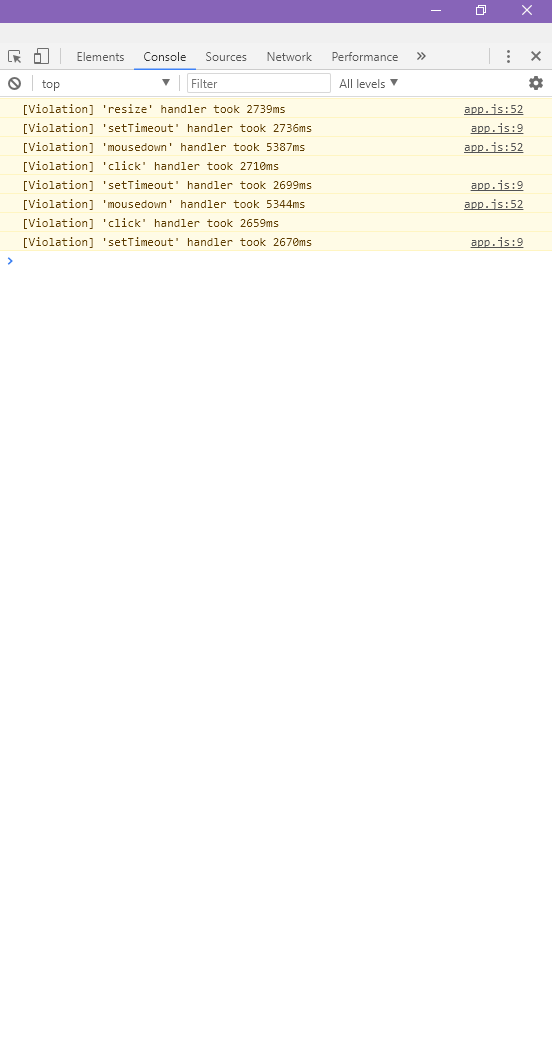
Hmm it ran ok during our internal testing... do y'all see anything interesting in the console? You can access it at Help -> Advanced -> Debugging Console and then click on the Console tab.
 roundhill
on 30 Nov 2018
roundhill
on 30 Nov 2018
@roundhill this is what I get on windows 10
henriiquecampos
on 30 Nov 2018
Thanks @henriiquecampos, that's some serious lag there! I'm wondering if it is something in your notes, do you have any notes that are really large? I'm also curious if it helps if you disable the spell checker in the Edit menu?
roundhill
on 1 Dec 2018
I'm wondering if it is something in your notes, do you have any notes that are really large
I don't think so...the bigger one is about 3k words, with 2 images. But everything was smooth in 1.2.1
I'm also curious if it helps if you disable the spell checker in the Edit menu?
Just checked it off, still lagging 😢
henriiquecampos
on 1 Dec 2018
Chiming in to say same problem. Happened on both linux (Mint, trusty I think) and Windows 10 updated to 1.3.2. Similar console output as above (i.e., mousedown handler took 1349ms). Going to downgrade to 1.2.1.
 ddwagner
on 5 Dec 2018
ddwagner
on 5 Dec 2018
Would one of you mind creating another Simplenote account and see if it has the same lag issue? Just trying to isolate if it is something with your notes or if it is something else.
roundhill
on 5 Dec 2018
I just did that. New account was back to being snappy. Logged out and reloaded my original account and it's molasses down to being unresponsive (I'm currently stuck in a tag and can't get out of it). I don't feel like I have a tremendous amount of notes. Maybe 20 tags w/ 4-5 notes each.
I am finding one oddity, which is that certain tags are way slower than others. 3 in particular seem to be the source of the problem. Can't find much in the notes that would make them any different than the others. Maybe there's a note or two in there that are slightly longer. All notes view is incredibly slow. I think I ruled out long notes as I just moved two of the notes from the slow tag to a new tag and that tag is also slow even though these two notes are tiny. Just a few words. Hope that helps.
ddwagner
on 5 Dec 2018
I think I'm on to something here. Do y'all have a lot of Markdown notes?
roundhill
on 5 Dec 2018
@roundhill
I think I'm on to something here. Do y'all have a lot of Markdown notes?
I only have markdown notes, around 30 of them.
henriiquecampos
on 6 Dec 2018
Would one of you mind testing this Windows build?
https://ci.appveyor.com/api/buildjobs/ptjvuhvjwo7wrr73/artifacts/release%2FSimplenote-win-1.3.3.exe
It should fix the issue. Looks like a module we used to strip Markdown caused the lag.
roundhill
on 6 Dec 2018
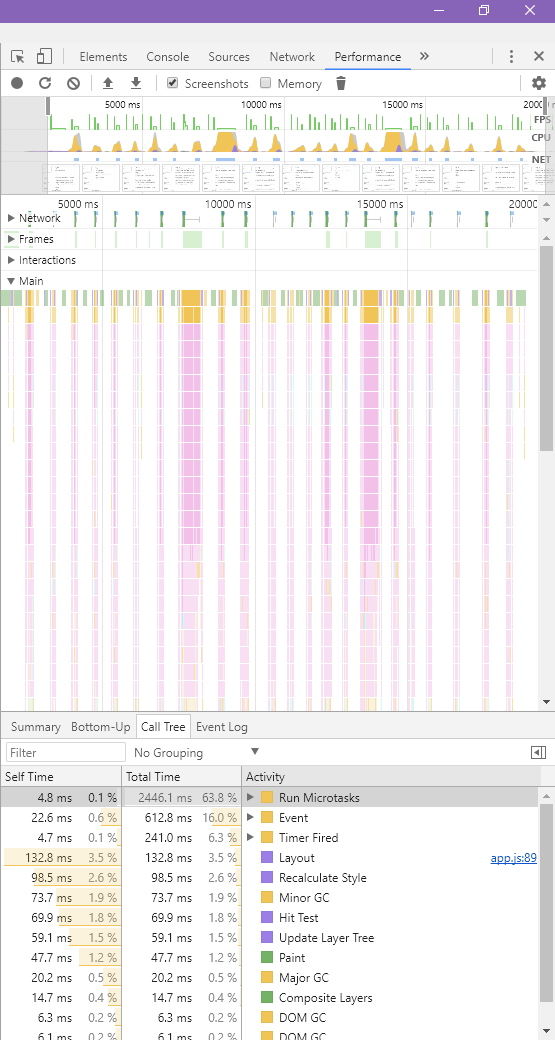
@roundhill YES!
It is working with no (noticeable) lag now! 🎉
Thanks for the support! 📝 ❤️
EDIT: some notes are still with a bit of lag tho, but noting close to what was before.
henriiquecampos
on 6 Dec 2018
😎 We'll get this fix out in the 1.3.4 update, probably Monday or Tuesday.
roundhill
on 6 Dec 2018
My notes are exclusively in markdown (it's why I switched to simplenote!). The new build works much better. Thanks for fixing the issue!
ddwagner
on 6 Dec 2018
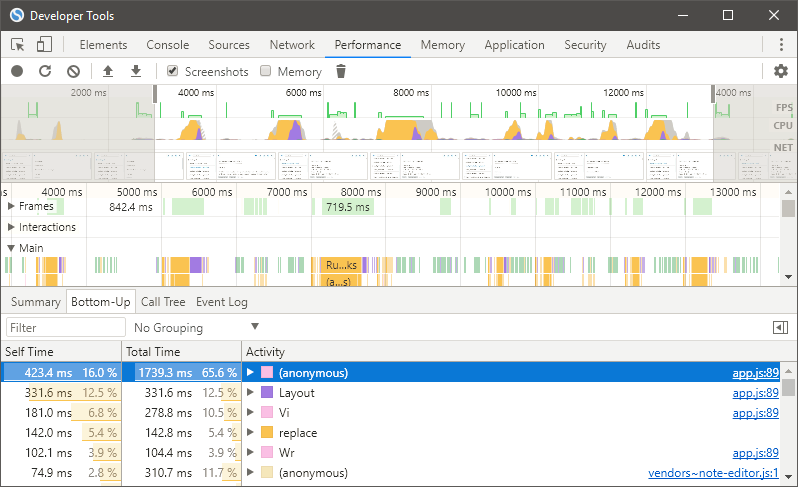
I don't quite understand how the profiler works for this but I gave it a go and this was the result after clicking around my notes (on 1.3.3)
sprite-1
on 7 Dec 2018
@henriiquecampos we think we found a nice workaround for the bug that still allows the markdown to be stripped from the notes list, could you test one more build to be sure that it works well for you?
https://ci.appveyor.com/api/buildjobs/yrpuw3qsi7c8wbq0/artifacts/release%2FSimplenote-win-1.3.3.exe
roundhill
on 10 Dec 2018
@roundhill sorry for the lag, I don't use windows very often :P
Seems to be working smoother! I think this is the, noticeable, performance we had with 1.2 ❤️
henriiquecampos
on 15 Dec 2018
Thanks for testing! We'll be releasing this soon.
 mirka
on 18 Dec 2018
mirka
on 18 Dec 2018
Related issues
 swalladge
·
3Comments
swalladge
·
3Comments
 segeeslice
·
3Comments
segeeslice
·
3Comments
 tavilla61
·
4Comments
tavilla61
·
4Comments
 moniuch
·
3Comments
moniuch
·
3Comments
 danielh-official
·
4Comments
danielh-official
·
4Comments
Most helpful comment
My notes are exclusively in markdown (it's why I switched to simplenote!). The new build works much better. Thanks for fixing the issue!