Signal-ios: Can't share anything via signal
- [x] I have searched open and closed issues for duplicates
- [x] I am submitting a bug report for existing functionality that does not work as intended
- [x] This isn't a feature request or a discussion topic
Bug description
Impossible to share anything with the sharing options on my iPhone 7 Plus.
Steps to reproduce
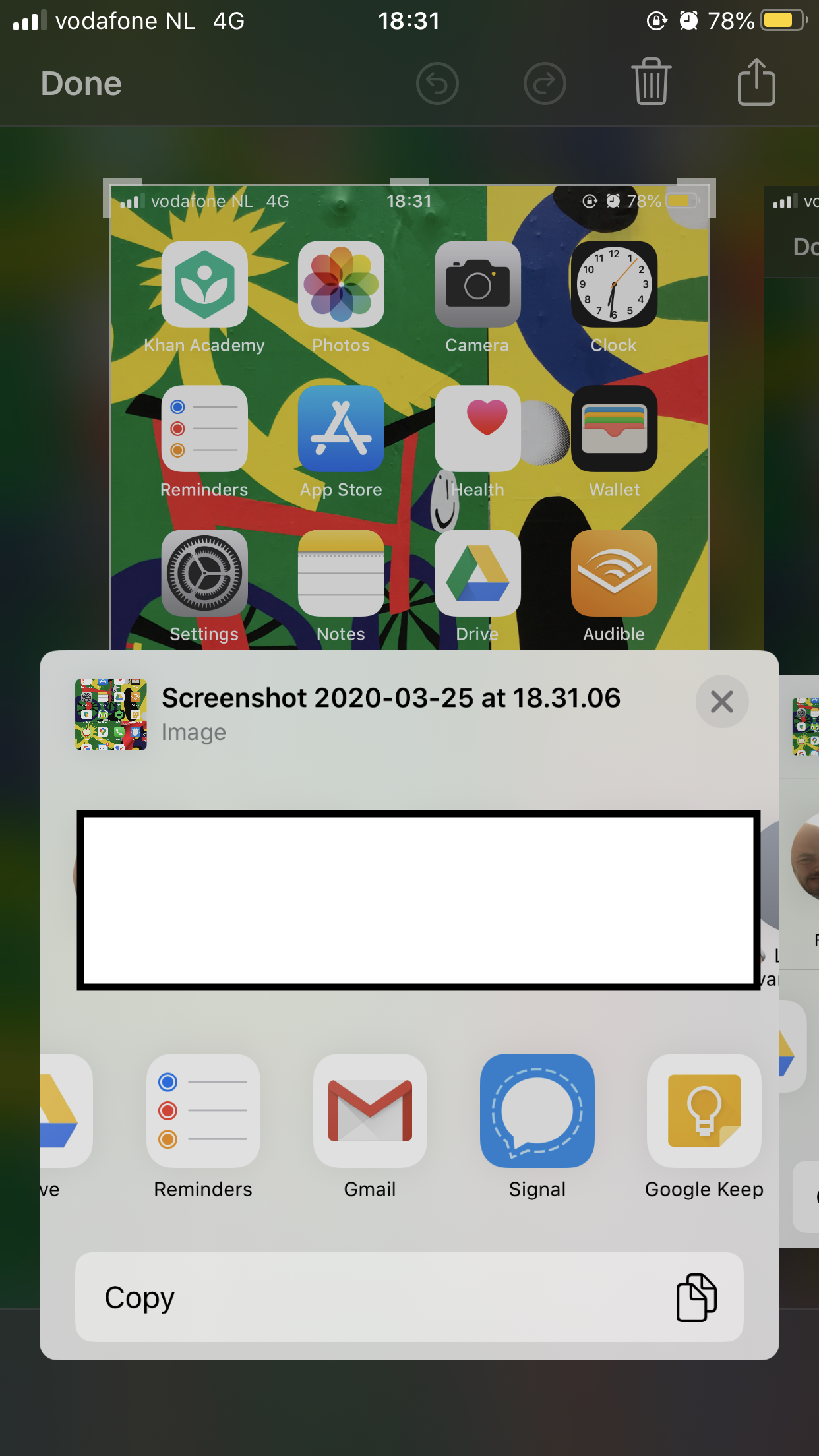
- Making screenshot
- Tap on screenshot
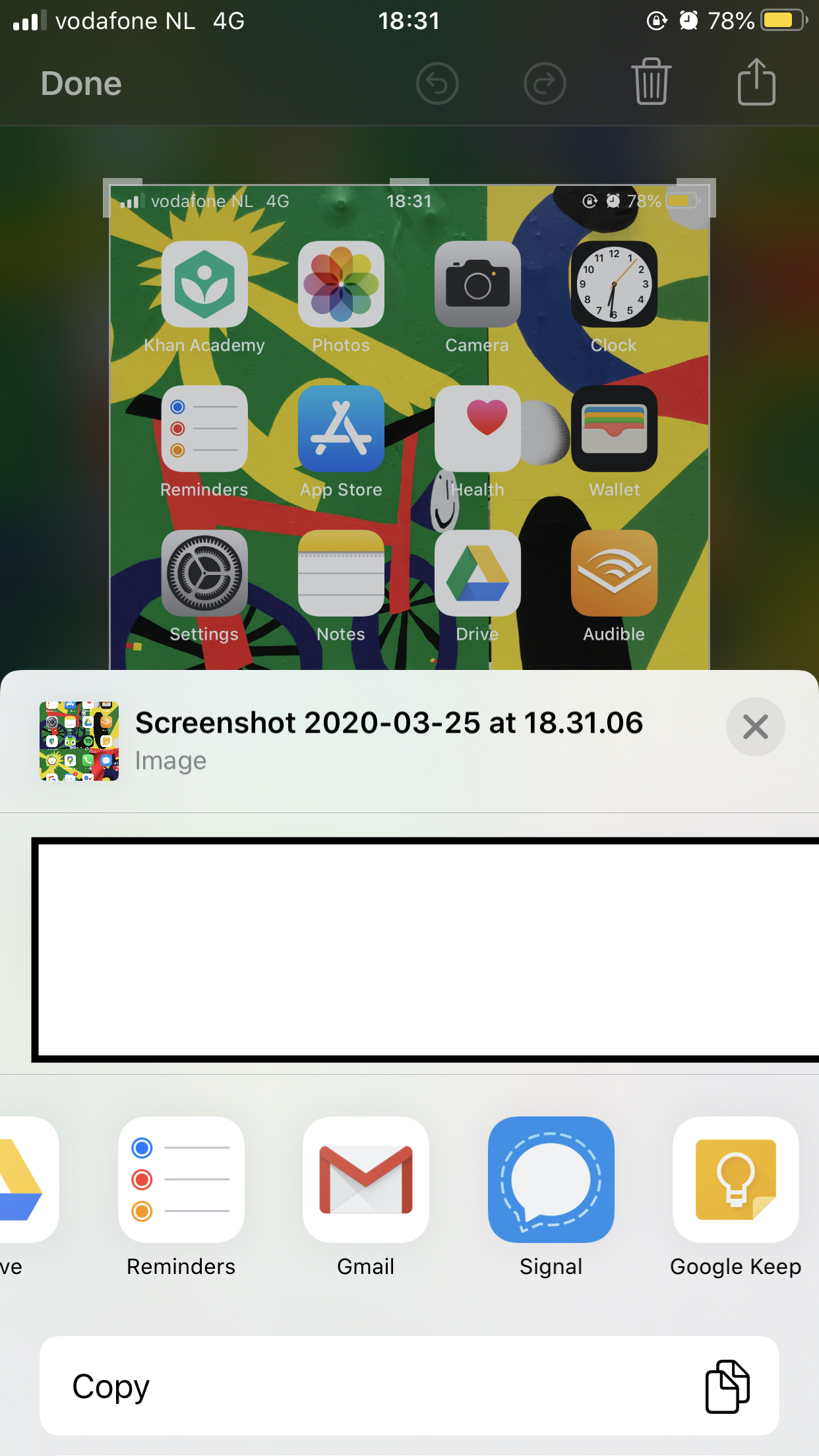
- Tap sharing icon
- Find signal icon app and tap on it
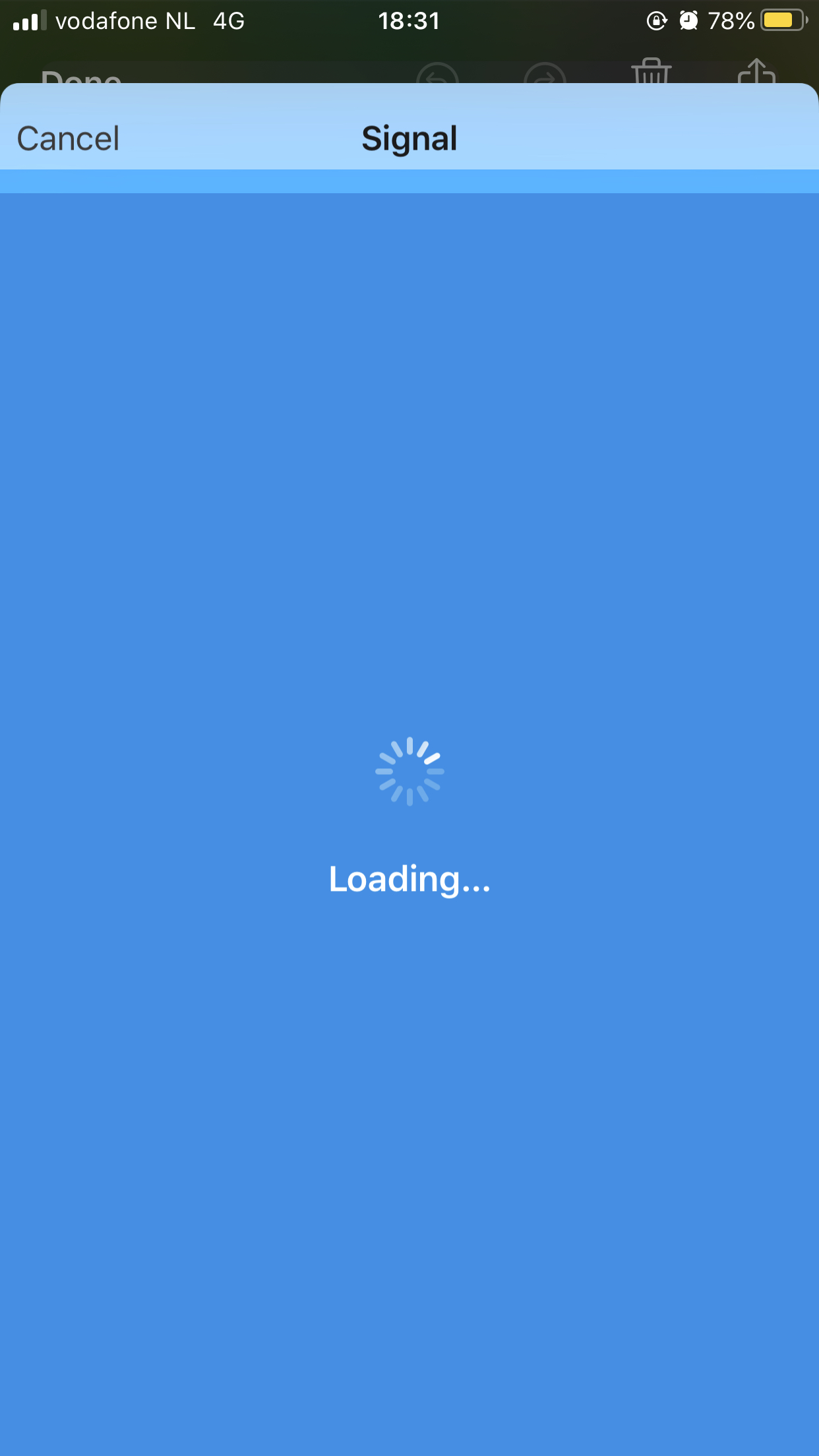
- Signal page close it self
Actual result: Describe here what happens after you run the steps above (i.e. the buggy behaviour)
The sharing window coming up from the bottom close itself and go back to sharing options of the iOS.
Expected result: Describe here what should happen after you run the steps above (i.e. what would be the correct behaviour)
I would be expecting to be able to choose the contact in signal I want to send the screenshot to, send the screenshot.
Screenshots
Device info
Device: IPhone 7 Plus
iOS version: IOS 13.4
Signal version: 3.6.1
Link to debug log
https://debuglogs.org/be204ff911d7a4a10b64b4a1435960986f75e02e2ab19bf9094b9de15cba8971.zip
 leofleury
All 12 comments
Same issue here since a month now! with the official release or the beta.
 Quorum75
on 12 Apr 2020
Quorum75
on 12 Apr 2020
Haven't been able to share links, photos, or anything through the iOS share extension for a couple months. I'm on the official release and iOS 13.3 as well.
 inkstatic
on 26 Apr 2020
inkstatic
on 26 Apr 2020
I have had the exact same issue for months. I have reinstalled Signal with no improvement. I am in the latest iOS as well but it has done this with prior versions
 bcbernard
on 16 Jul 2020
bcbernard
on 16 Jul 2020
Yes sharing is broken for me to on iOS and iPadOS
 IsaiahJTurner
on 1 Sep 2020
IsaiahJTurner
on 1 Sep 2020
Sharing had been broken for me aswell. Now I even lost the Signal Icon at all in the Sharing section and it's not available in the edit selection of sharing apps.
@leofleury
Thanks for opening the issue - I experienced the same.
I would kindly suggest that you blur out the photos & names of your contacts. Probably they did not consent to be exposed in a GitHub thread.
 privacy-advo
on 14 Jan 2021
privacy-advo
on 14 Jan 2021
I have been unable to reliable share to Signal via the share menu in iOS for over a year, likely longer. This issue persists even with a new phone - switching from iPhone X to iPhone 12 mini, and also I have tried switching between the beta and the public release, and also resetting my network and privacy settings, etc. I either can't even actually click the "Signal" icon in the share menu/nothing happens when I click it other than the screen kind of zooming in a little and then back to normal, or the app appears to crash when I am selecting a user to share to in Signal. It's so frustrating since I want to make Signal my primary messaging client but lacking this basic functionality makes it pretty hard to get behind. :( Such sad.
 technorainbows
on 15 Jan 2021
technorainbows
on 15 Jan 2021
@privacy-advo
Now I even lost the Signal Icon at all in the Sharing section and it's not available in the edit selection of sharing apps.
To get Signal to show up in the share menu, try rebooting your phone. This worked for me today but sadly, doesn't mean I can actually do anything useful when I click the Signal icon in said share menu, since there is a separate bug related to sharing/context switching or somesuch. :(
technorainbows
on 15 Jan 2021
"Have you tried turning it off and on again?"
Yikes. Worked for me. I repeatedly expirience this loss after Signal updates. Thanks @technorainbows
privacy-advo
on 15 Jan 2021
I have removed the names and pictures from the screenshots, thanks for the suggestion @privacy-advo .
I stopped using Signal, mainly because of this issue. I guess I am a big sharer.
Do you know if there is a way for someone to take ownership of the issue? I am not longer interested but I am glad so many people reacted to it! Cheers
leofleury
on 15 Jan 2021
Not as far as I know. You could e.g. unsubscribe and don't receive anymore notifications anymore.
Or ask the members @Imperiopolis-Signal to link the issue to another related one.
e.g. https://github.com/signalapp/Signal-iOS/issues/4376
privacy-advo
on 15 Jan 2021
Just wanted to note here that since Signal has gotten very popular the sharing issue seems to have been resolved. Was able to snap a photo as share to a chat; also shared from Photos app (picture had to download from iCloud first) and it was successfully sent, complete with caption. I'm guessing this can now be Closed.
 mave-panda
on 5 Feb 2021
mave-panda
on 5 Feb 2021
@mave-panda It has definitely improved recently, but there are still bugs though. For example, images taken with the iPhone don't seem to be shareable. A screen shot, on the other hand, is. I can also share photos I've received from others, say a picture sent me in Whatsapp that saved to my Camera roll. That shares fine. But any of the pictures I actually took with my phone's camera do not work.
technorainbows
on 5 Feb 2021
Related issues
 diegode
·
5Comments
diegode
·
5Comments
 wdormann
·
3Comments
wdormann
·
3Comments
 mxmerz
·
5Comments
mxmerz
·
5Comments
 anselmh
·
3Comments
anselmh
·
3Comments
 echarlie
·
5Comments
echarlie
·
5Comments