Signal-android: Organic Android Photos Sent to iOS Do Not Render
- [X] I have searched open and closed issues for duplicates - Duplicates in iOS, request tracking in Android.
- [X] I am submitting a bug report for existing functionality that does not work as intended
- [X] I have read https://github.com/signalapp/Signal-Android/wiki/Submitting-useful-bug-reports
- [X] This isn't a feature request or a discussion topic
Bug description
See here for original thread: https://github.com/signalapp/Signal-iOS/issues/3654?_pjax=%23js-repo-pjax-container#issuecomment-418162458
Images taken with an Android phone in the native camera app then attached through Signal do not render in iOS. The user has to save the image and view it within Photos. Images downloaded from the internet render. Images taken with Signal render. Videos taken with Android's camera also render.
Bug has been replicated on 4 separate iOS instances. One group chat with 1 Android, 2 iOS users, both iOS users report same result. Another group chat with 2 Android users, 1 iOS user, the iOS reports same result but other Android user reports image rendering successfully. Android to Android does not replicate the problem. iOS to Android does not replicate the problem. iOS to iOS does not replicate the problem.
Steps to reproduce
- Open camera
- Take photo
- Open Signal
- Attach photo to Signal thread
- Send
Actual result: Images are sent and downloaded to other signal user, but do not display within Signal. User has to download and use native iOS Photos app to view it.
Expected result: Images render within Signal and user can view full resolution.
Screenshots
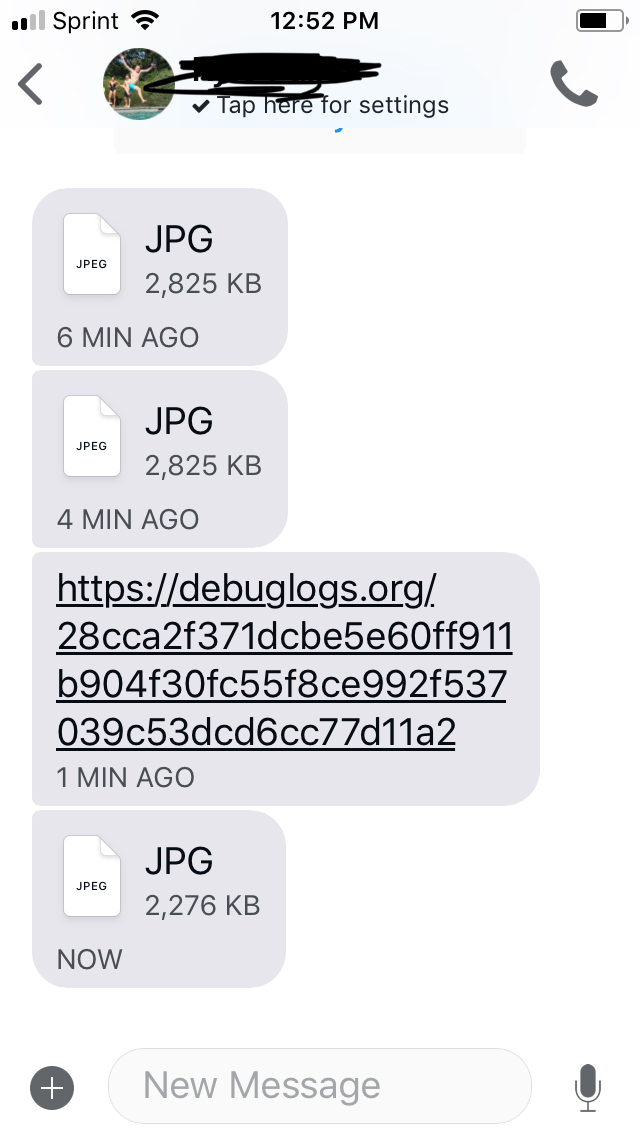
Device info
Device: Google Pixel XL
Android version: 9
Signal version: 4.25.7
Link to debug log
Debug log from Android: https://debuglogs.org/28cca2f371dcbe5e60ff911b904f30fc55f8ce992f537039c53dcd6cc77d11a2
Debug log from iOS:
https://debuglogs.org/04629372e509f99354d56b710521eb9a2749fb1e6c17a53b0c1963525d8b79b1.zip
 kapalko
All 15 comments
Can you tell me specifically how you're attaching the photo? Are you attaching it by using the share button in the photos app, or are you initiating the attachment through signal? And if you're starting in signal, do you use the photo rail, or do you use the "gallery" option?
 greyson-signal
on 4 Sep 2018
greyson-signal
on 4 Sep 2018
@greyson-signal the problem arises regardless of how the image is attached. I just tried all three ways with replicated results.
kapalko
on 4 Sep 2018
If this consistently happens with every photo, do you mind taking a test photo and posting it here? Then we can see if it's the photo itself or how it's being sent/read.
greyson-signal
on 4 Sep 2018
I am experiencing this same issue. It is any image or video taken, attached by any method. My brother is experiencing the same thing as well.
 slrideout
on 4 Sep 2018
slrideout
on 4 Sep 2018
@slrideout If you could also provide what phone, Android version, and Signal version you're running, that'd be great. It'd also be awesome if you could post a sample photo here that triggers the problem so we can try to reproduce it. Thanks!
greyson-signal
on 4 Sep 2018
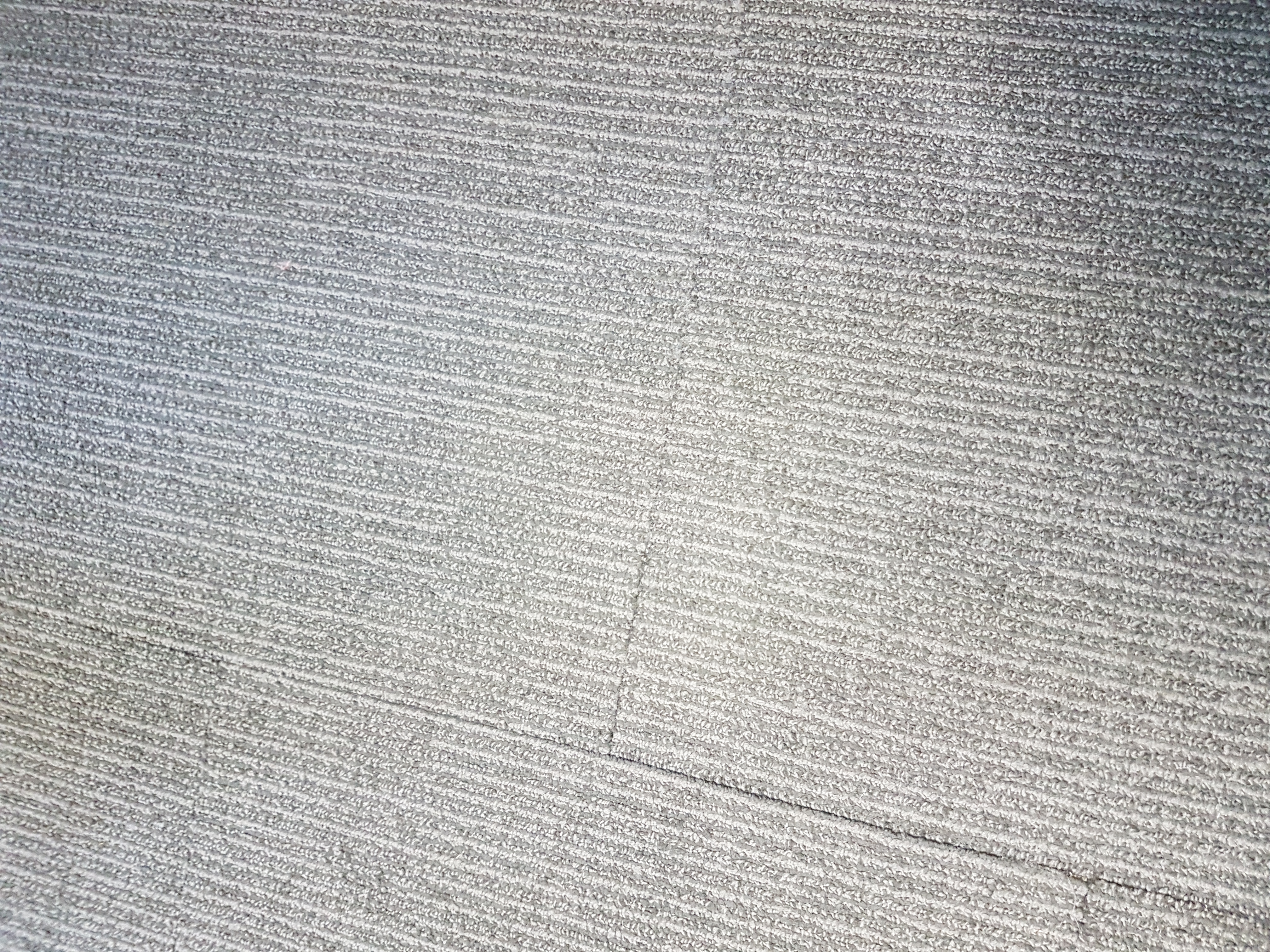
Samsung S7 Edge, Android version 8.0.0, Signal version 4.25.6, sample photo attached (taken through native camera app)
slrideout
on 4 Sep 2018
I have also encountered this problem, exactly as described, with one additional piece of information. Photos sent from Android to iOS a week or more ago, that were rendered correctly at the time, are now displayed as the jpg icon when you wind back to them.
From our rough tests it seems that the problem might be related to this, listed for Signal 2.29.1 for iOS:
"Show generic file icon when encountering an image with excessively large dimensions"
What does "excessive" mean in this context?
 brbike
on 4 Sep 2018
brbike
on 4 Sep 2018
I'm having the same problem. I'm using a Moto G5 Plus running stock Android 7.0. Signal is at version 4.25.6. I'm also running Moto Camera 6.2.14.17, which I used to take the picture. So far one iOS user has complained about it being invisible, but he told me he was able to manually save the image and view it that way.
The offending picture is below.

Not the image I sent, but relevant to the realization that even the best software has regressions:

 greveritt
on 5 Sep 2018
greveritt
on 5 Sep 2018
Hey All, thanks for the feedback. This is due to a recent regression introduced in Signal-iOS.
We're aware of the issue and actively working on fixing it.
 michaelkirk-signal
on 5 Sep 2018
michaelkirk-signal
on 5 Sep 2018
This isn't a Signal-Android bug, so I'm going to close this issue.
@greveritt Great pics ;)
greyson-signal
on 6 Sep 2018
Thank you, @greyson-signal . I'm very proud.
greveritt
on 7 Sep 2018
Oh hi Mark
slrideout
on 7 Sep 2018
@greyson-signal When you close bugs like this, could you please reference the Signal iOS issue number?
 Spindel
on 9 Sep 2018
Spindel
on 9 Sep 2018
@Spindel I think it's this one: signalapp/Signal-iOS#3860
 haffenloher
on 9 Sep 2018
haffenloher
on 9 Sep 2018
 tuxracer
on 18 Nov 2018
tuxracer
on 18 Nov 2018
Related issues
 jult
·
3Comments
jult
·
3Comments
 vvug
·
3Comments
vvug
·
3Comments
 5boro
·
3Comments
5boro
·
3Comments
 Dyras
·
3Comments
Dyras
·
3Comments
 hiredgunhouse
·
3Comments
hiredgunhouse
·
3Comments