Signal-android: Sporadic layout issues in recipient preferences
I have:
- [x] searched open and closed issues for duplicates
- [x] read https://github.com/WhisperSystems/Signal-Android/wiki/Submitting-useful-bug-reports
Bug description
The layout of the Recipient Preferences > Privacy block looks messed up some of the time (see vertical string placement & separator lines). It seems like when opening that view the first time after opeing Signal, it's displayed correctly. The issue only arises after that.
Steps to reproduce
- Open Signal
- Go to recipient preferences of new (empty) Signal conversation (probably looks normal)
- Tap the phone's "Back" button once
- Go to recipient preferences again (issue most likely there)
Screenshots (English & German)
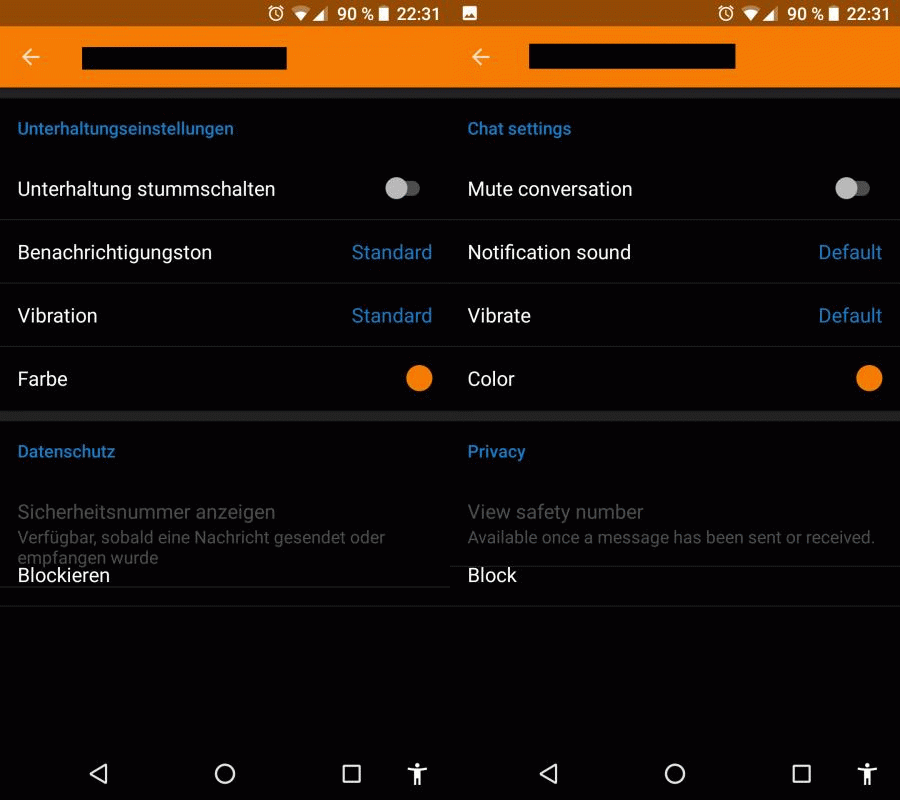
Device info
Device: Nexus 5X
Android version: 8.0.0
Signal version: 4.11.2
Device: Nexus 4
Android version: 7.1.2 (LineageOS)
Signal version: 4.11.2
 RiseT
RiseT
All 11 comments
I can not reproduce on Android 6.0.1
 FeuRenard
on 7 Oct 2017
FeuRenard
on 7 Oct 2017
@FeuRenard Dark theme only (just noticed)
Edit: Nah. Same with the light theme. It seems like it doesn't happen each and every time.
RiseT
on 7 Oct 2017
Wait. I've just managed to get this with the light theme. But it doesn't "work" each time...
RiseT
on 7 Oct 2017
So far it looks to me like it's fine the very first time after opening Signal, after that the issue arises in almost all cases. If I then close Signal and re-open it, it again works once.
RiseT
on 7 Oct 2017
Able to reproduce on a Nexus 4 with Android 7.1.2 (LineageOS).
RiseT
on 7 Oct 2017
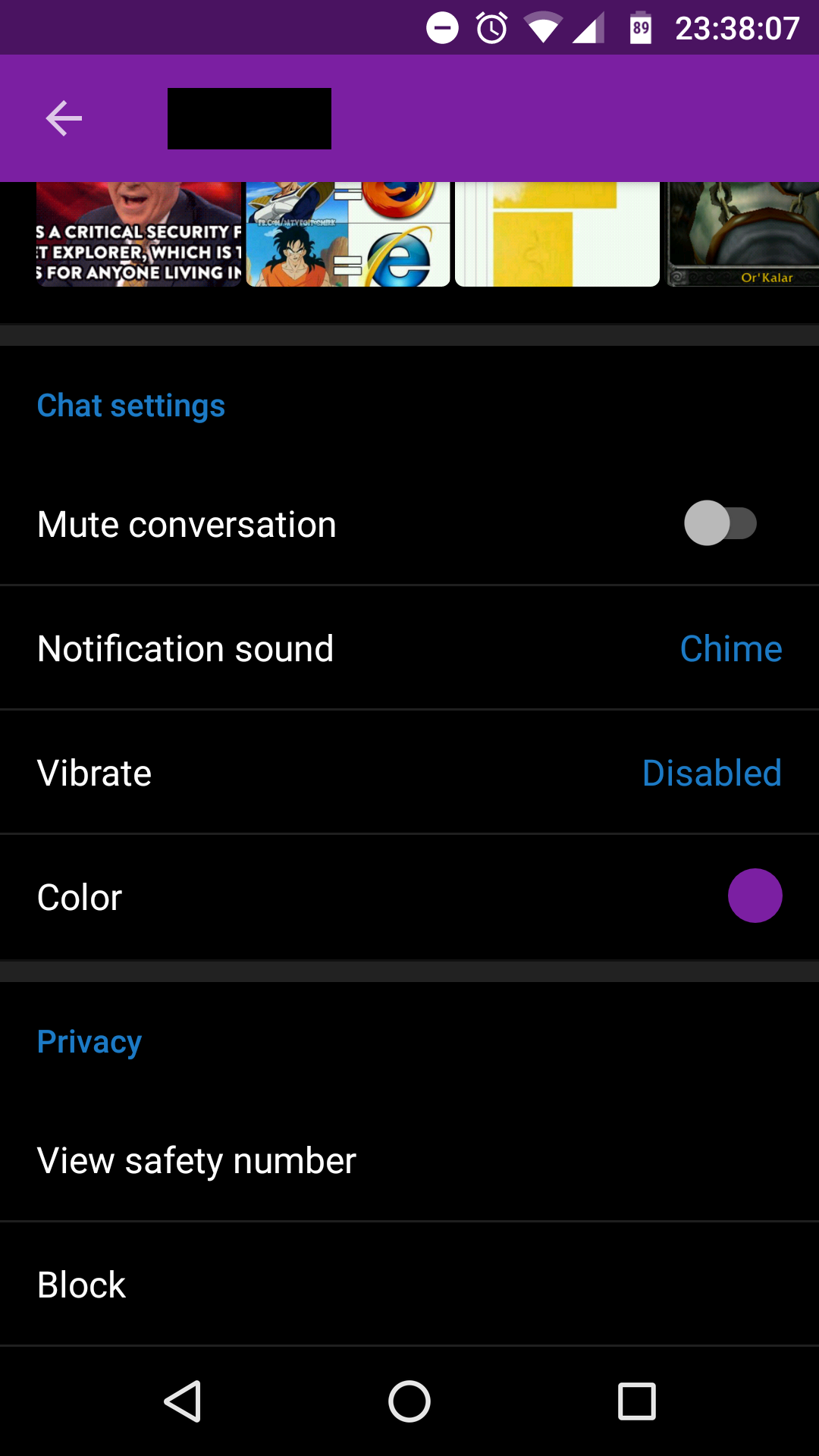
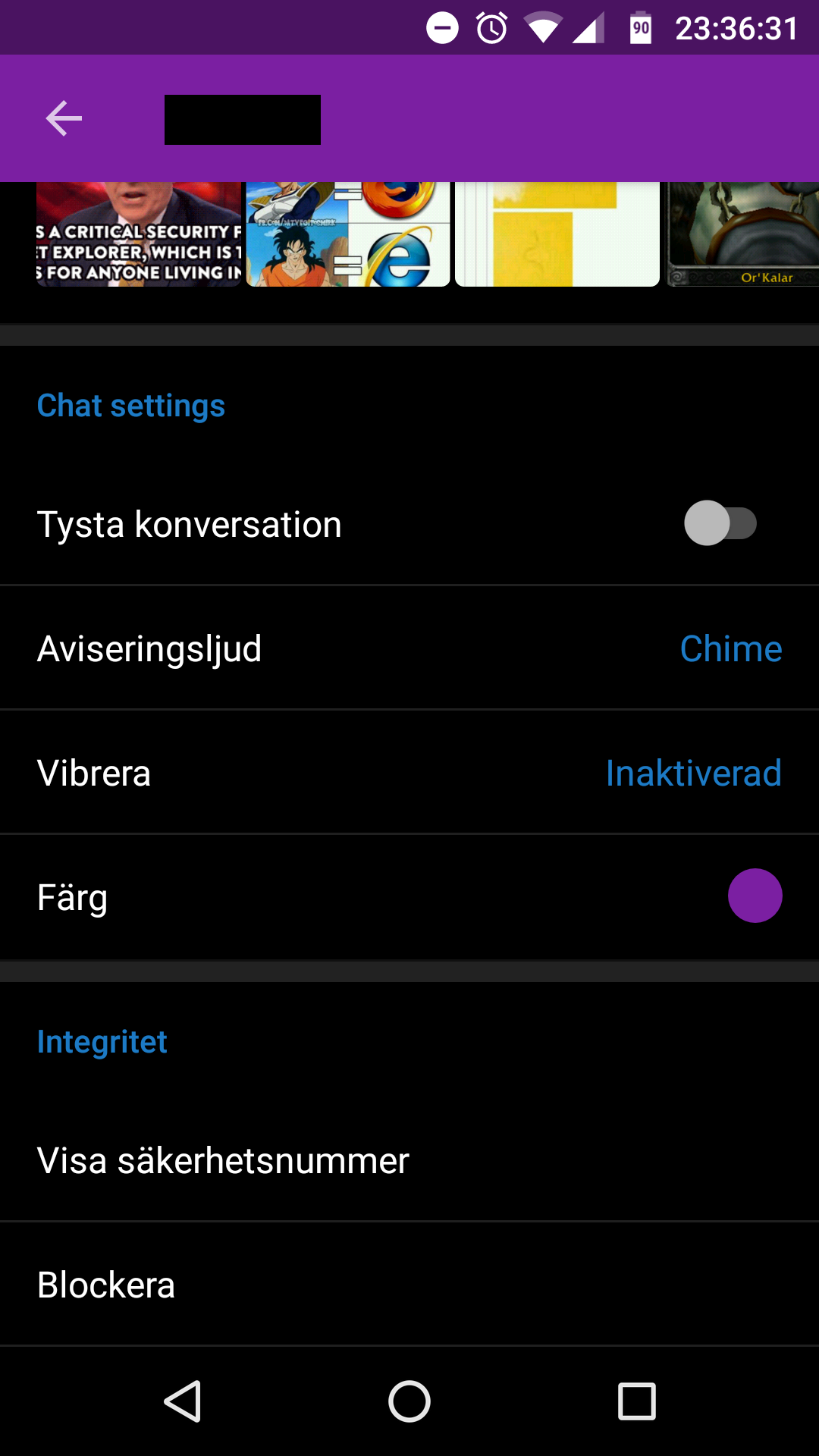
The message under "View safety number" isn't even showing for me.
 Dyras
on 7 Oct 2017
Dyras
on 7 Oct 2017
The message under "View safety number" isn't even showing for me.
That message is only displayed for new (Signal) conversations, i. e. no message has been sent or received (identity key not exchanged).
RiseT
on 7 Oct 2017
@RiseT Is the layout weird even in an old Signal conversation?
Dyras
on 8 Oct 2017
@Dyras No. Everything looking as expected in that case. I guess it's that descriptionary text (when the identity key isn't exchanged yet) that messes it up.
RiseT
on 8 Oct 2017
Looks like this is another CoordinatorLayout bug. The quality of Android is getting worse and worse, only thing I can do is hope they fix it in a future release.
 moxie0
on 9 Oct 2017
moxie0
on 9 Oct 2017
GitHub Issue Cleanup:
See #7598 for more information.
 automated-signal
on 3 Apr 2018
automated-signal
on 3 Apr 2018
Related issues
 McLoo
·
3Comments
FeuRenard
·
3Comments
McLoo
·
3Comments
FeuRenard
·
3Comments
 hiredgunhouse
·
3Comments
hiredgunhouse
·
3Comments
 nxfifteen
·
3Comments
nxfifteen
·
3Comments
 wesinator
·
3Comments
wesinator
·
3Comments
Most helpful comment
Looks like this is another CoordinatorLayout bug. The quality of Android is getting worse and worse, only thing I can do is hope they fix it in a future release.