Signal-android: Show first-letter-avatar in recipient preferences
I have:
- [x] searched open and closed issues for duplicates
- [x] read https://github.com/WhisperSystems/Signal-Android/wiki/Submitting-useful-bug-reports
Bug description
The avatar for contacts in my address book without any picture changes from first-letter-avatar to some default avatar when I switch from/to recipient preferences.
Maybe this is related to #7022.
Steps to reproduce
- select a conversation with a user that has no profile picture and is in my contacts with a name
- tap the conversation header
Actual result: In RecipientPreferenceActivity the first-letter-avatar is replaced by "some person" avatar.
Expected result: RecipientPreferenceActivity shows the first-letter-avatar.
Screenshots
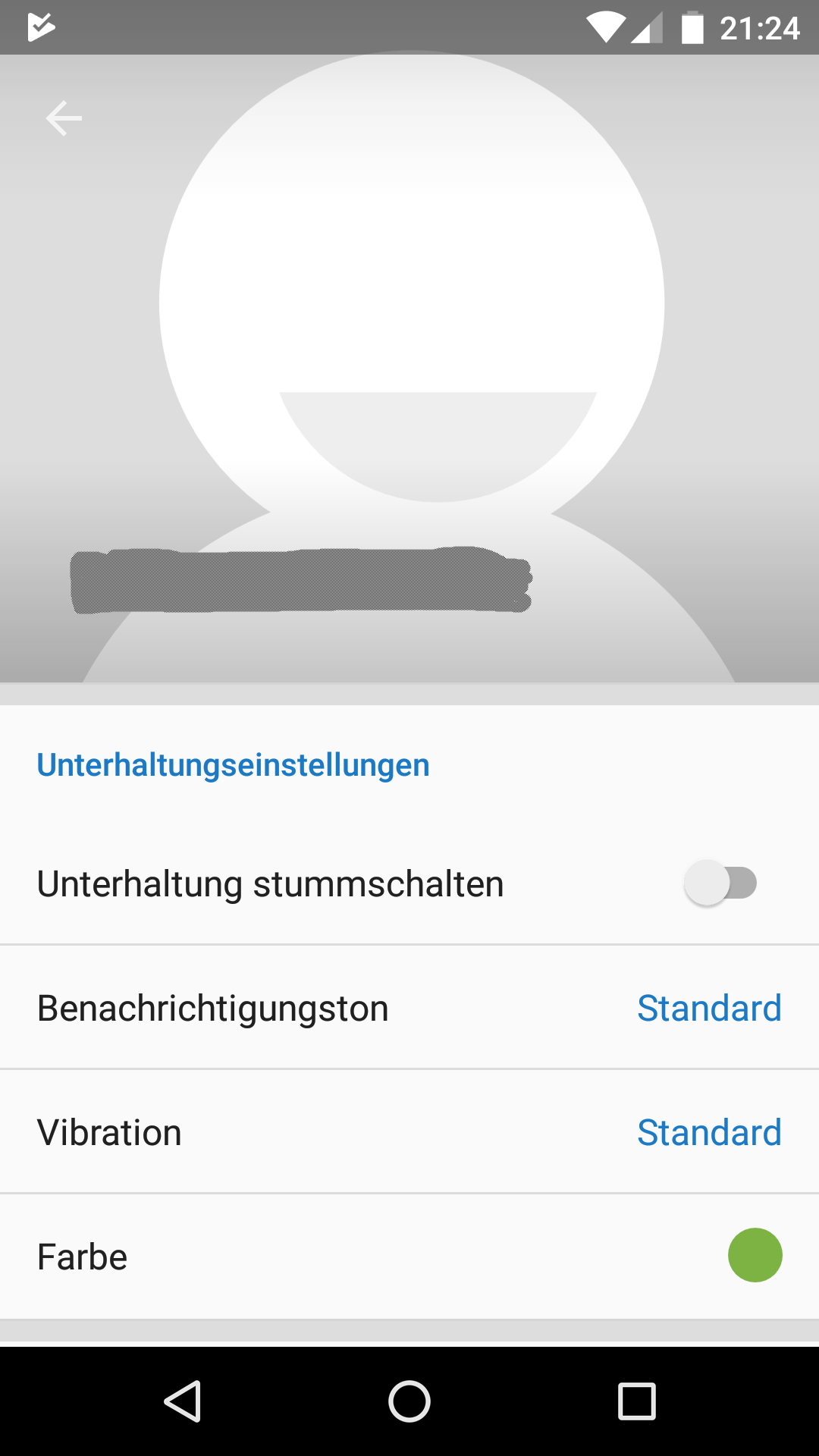
Device info
Device: Fairphone 2
Android version: 6.0.1
Signal version: 4.11.0
 FeuRenard
All 5 comments
Hmm, this is intentional. A big "F" right there would look pretty weird, right?
 moxie0
on 4 Oct 2017
moxie0
on 4 Oct 2017
It just feels inconsistent switching between conversation and recipient preferences.
FeuRenard
on 4 Oct 2017
How do you think it should work instead?
moxie0
on 4 Oct 2017
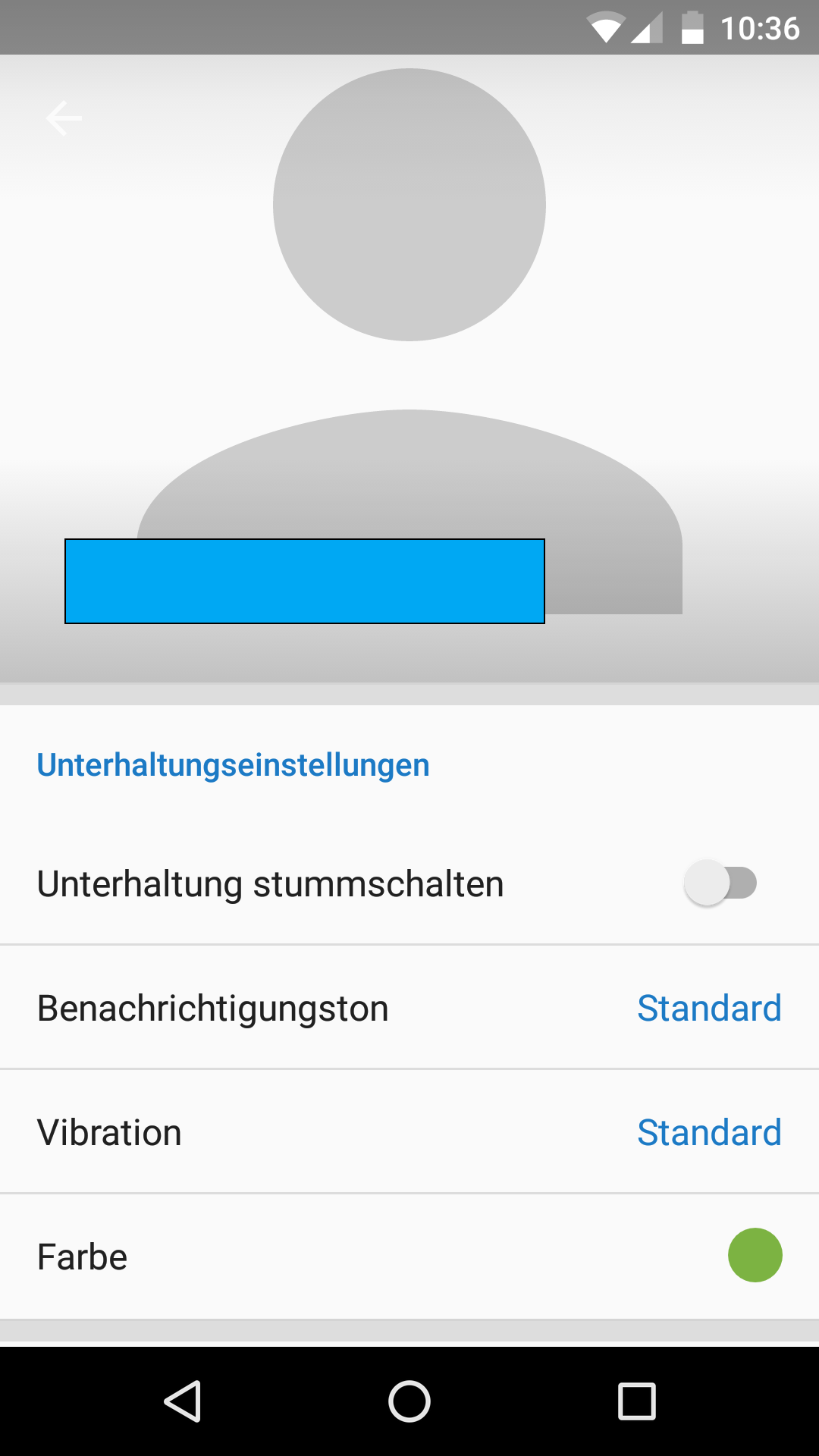
It got better with 4.11.1 I think. Now the slightly more modern default person is used:
I looked in the Android 6 contacts app. There a list of contacts is shown with first-letter-avatars. Clicking on an entry shows this:
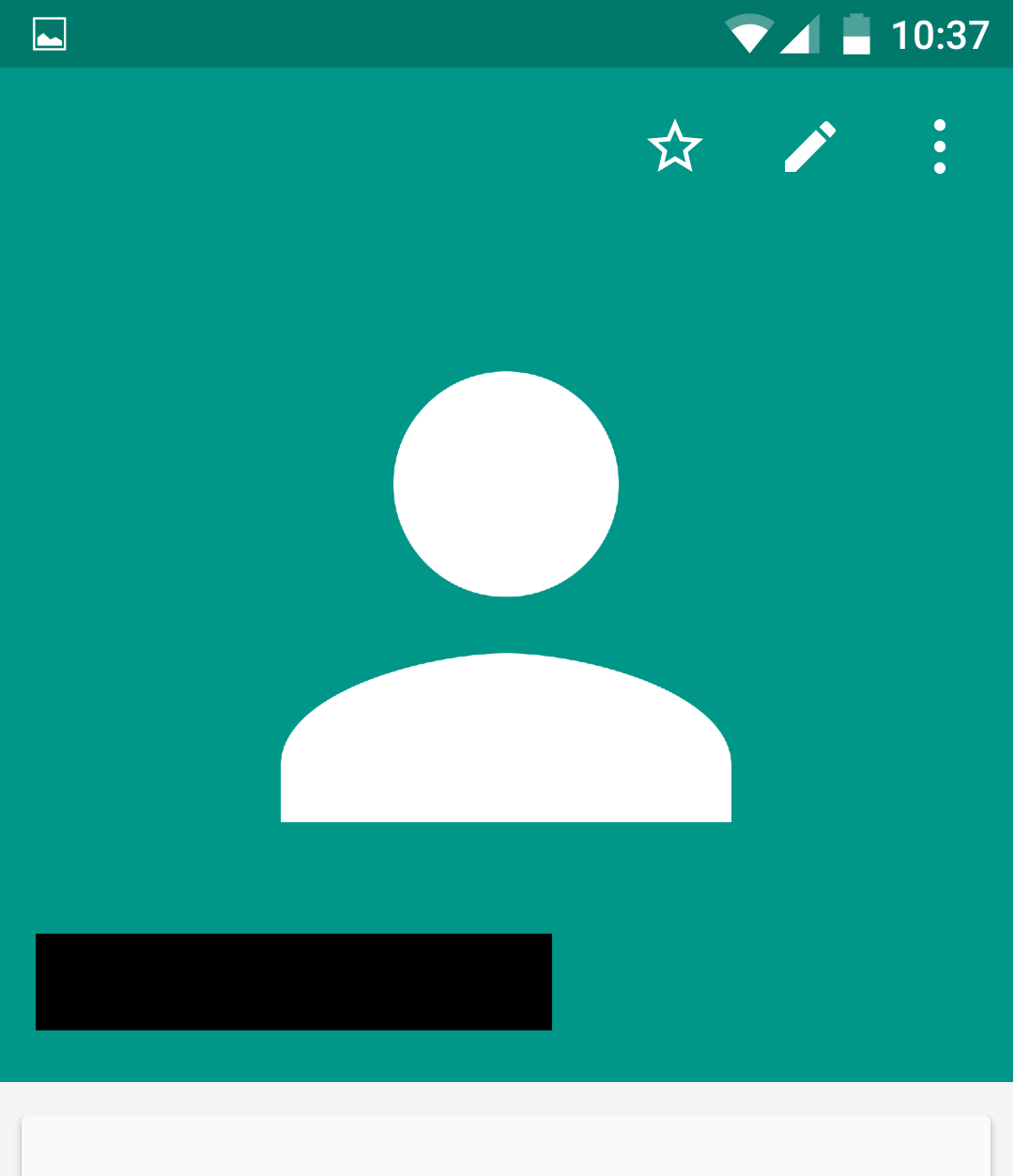
Maybe we could mimic this look: contact color as background and white icon on top.
Final remark: Note the gap between contact picture and conversation settings (in screenshot "Unterhaltungseinstellungen"). The conversation has no shared media. So this segment is missing and conversation settings segment is first. It should spare the top margin in this case.
FeuRenard
on 4 Oct 2017
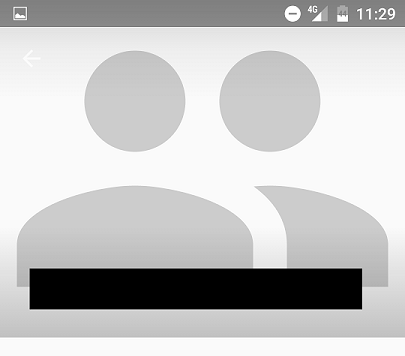
please also note, that there now 3 different visualisations for a group avatar:
white on grey in conversations overview:
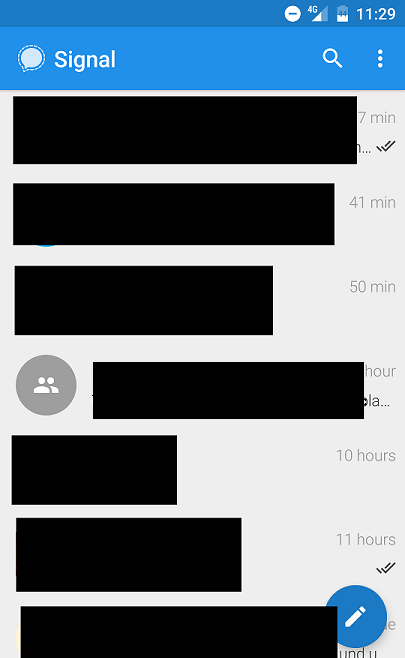
grey on white in group conversation:
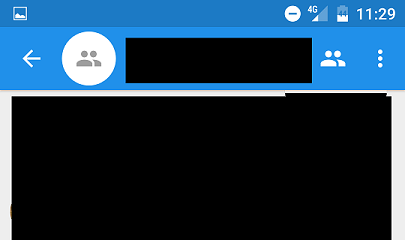
grey on grey in group conversation settings:
 rainerzufall
on 4 Oct 2017
rainerzufall
on 4 Oct 2017
Related issues
 vvug
·
3Comments
vvug
·
3Comments
 halb9
·
3Comments
halb9
·
3Comments
 Dyras
·
3Comments
Dyras
·
3Comments
 wesinator
·
3Comments
wesinator
·
3Comments
 gmsl360
·
3Comments
gmsl360
·
3Comments
Most helpful comment
It got better with 4.11.1 I think. Now the slightly more modern default person is used:

I looked in the Android 6 contacts app. There a list of contacts is shown with first-letter-avatars. Clicking on an entry shows this:

Maybe we could mimic this look: contact color as background and white icon on top.
Final remark: Note the gap between contact picture and conversation settings (in screenshot "Unterhaltungseinstellungen"). The conversation has no shared media. So this segment is missing and conversation settings segment is first. It should spare the top margin in this case.