Sharp: SVG feBlend or mix-blend-mode support
What are you trying to achieve?
sharp 0.23.0
Render an SVG file that either uses feBlend for two images in color-burn mode or the mix-blend-mode style with patterns. It renders fine in Chrome but sharp seems to either not render the second image (with the filter) or with no blending (with the patterns and CSS).
Have you searched for similar questions?
Extensively, I even looked at the libvips issues, I thought #804 would be related, but that was just a syntax error. Or I may be just blind.
Are you able to provide a standalone code sample that demonstrates this question?
Using this simple code:
sharp("test.svg")
    .jpeg({
        quality: 80
    })
    .toFile("output/test.jpg")
    .catch(err => {
        console.error(err);
    });
There are two versions of the SVG file, the first with filters:
<?xml version="1.0" encoding="utf-8"?>
<svg xmlns="http://www.w3.org/2000/svg" xmlns:xlink="http://www.w3.org/1999/xlink" preserveAspectRatio="xMidYMid" width="822" height="1122" viewBox="0 0 822 1122" color-interpolation-filters="sRGB">
    <defs>
        <filter id="image-front-logo-burn">
            <feImage xlink:href="img/logo-RUN.png" x="0" y="0" width="822" height="1122" result="logo"/>
            <feImage xlink:href="img/old-paper-dark.png" x="0" y="0" width="822" height="1122" result="paper"/>
            <feBlend mode="color-burn" in="logo" in2="paper"/>
        </filter>
    </defs>
    <g id="paper">
        <rect x="0" y="0" width="822" height="1122" filter="url(#image-front-logo-burn)"/>
    </g>
</svg>
The second version involves the use of patterns and CSS:
<?xml version="1.0" encoding="utf-8"?>
<svg xmlns="http://www.w3.org/2000/svg" xmlns:xlink="http://www.w3.org/1999/xlink" preserveAspectRatio="xMidYMid" width="822" height="1122" viewBox="0 0 822 1122" color-interpolation-filters="sRGB">
    <style>
        .color-burn {mix-blend-mode: color-burn;}
    </style>
    <defs>
        <pattern id="image-front-paper" patternUnits="userSpaceOnUse" x="0" y="0" width="822" height="1122">
            <image xlink:href="img/old-paper-dark.png" x="0" y="0" width="822" height="1122"/>
        </pattern>
        <pattern id="image-front-logo" patternUnits="userSpaceOnUse" x="0" y="0" width="822" height="1122">
            <image xlink:href="img/logo-RUN.png" x="0" y="0" width="822" height="1122" />
        </pattern>
    </defs>
    <g id="paper">
        <rect x="0" y="0" width="822" height="1122" fill="url(#image-front-paper)"/>
        <rect x="0" y="0" width="822" height="1122" fill="url(#image-front-logo)" class="color-burn" />
    </g>
</svg>
Are you able to provide a sample image that helps explain the question?
The Chrome (desired) output for both versions is the same: https://i.imgur.com/9ObH1Nx.jpg
The sharp output for the filters version is just one of the images: https://i.imgur.com/7vFL84r.jpg
The sharp output for the patterns and CSS version is without blending: https://i.imgur.com/0LXTaj7.jpg
Maybe I am missing something?
EDIT: Attaching source image files, in case it is related to their format.
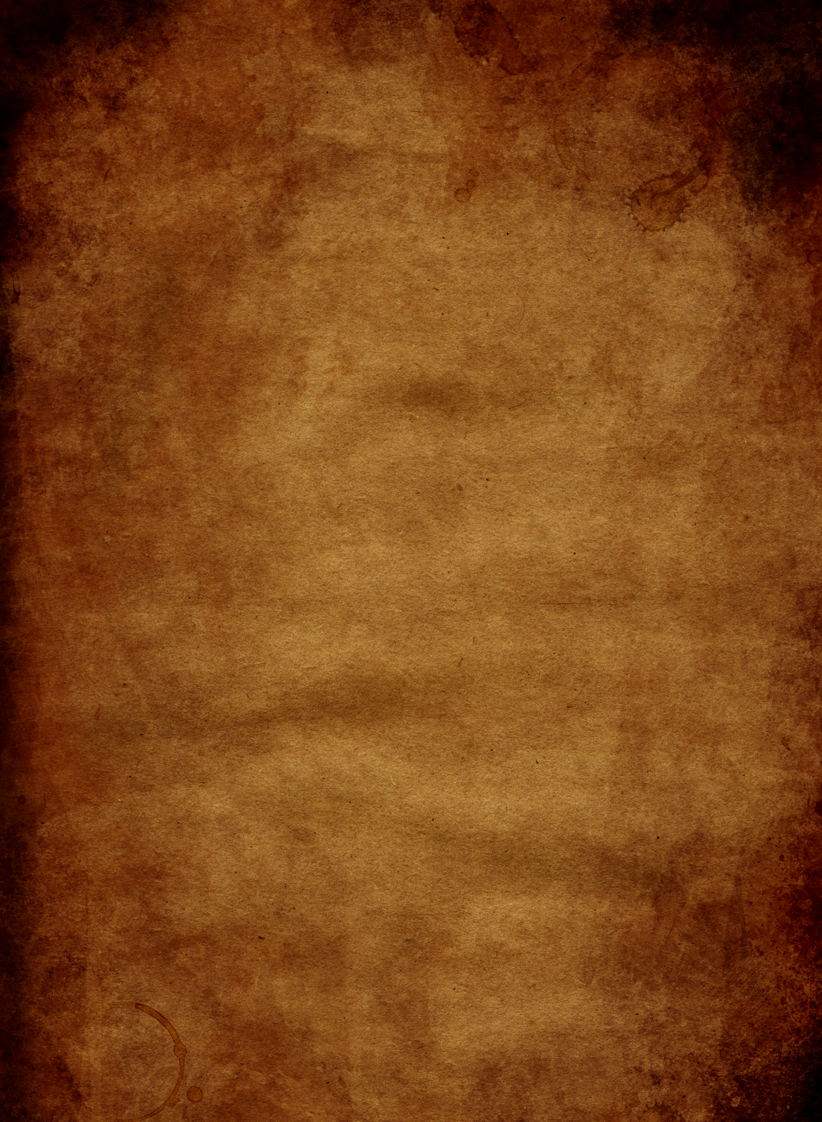
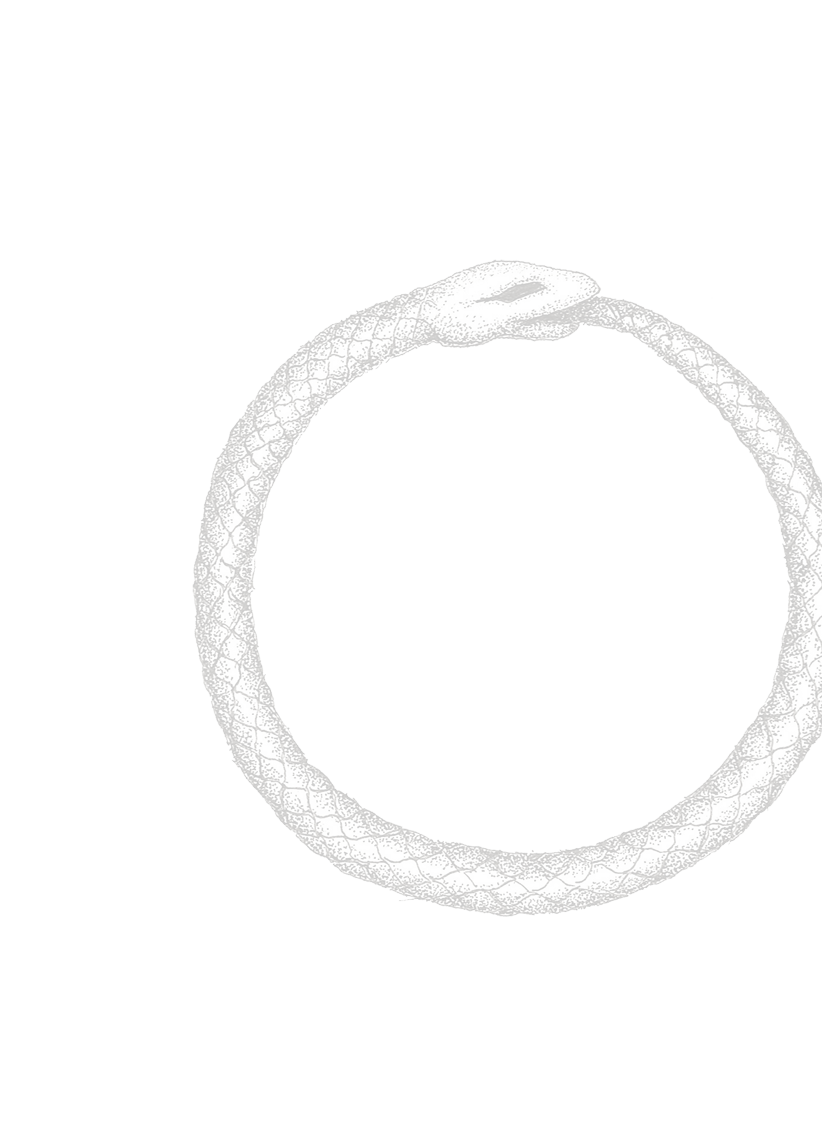
 Andargor
All 22 comments
As an addendum, the following code to do this entirely programatically:
sharp("img/old-paper-dark.png")
    .composite([{
          input: "img/logo-RUN.png",
          blend: 'color-burn',
          top: 0,
          left: 0
        }])
    .jpeg({
        quality: 80
    })
    .toFile("output/t3.jpg")
    .catch(err => {
        console.error(err);
    });
Produces the following image, which is also different from the Chrome output: https://i.imgur.com/Rd4UZFc.jpg
Andargor
on 9 Aug 2019
Looks like there's a problem with the libvips implementation of colour-burn:
vips composite2 cloth.png snake.png x.png colour-burn
Generates (detail):
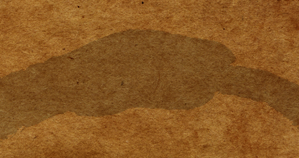
Perhaps the alpha has been blended correctly, but the RGB has been lost. I'll have a look.
 jcupitt
on 9 Aug 2019
jcupitt
on 9 Aug 2019
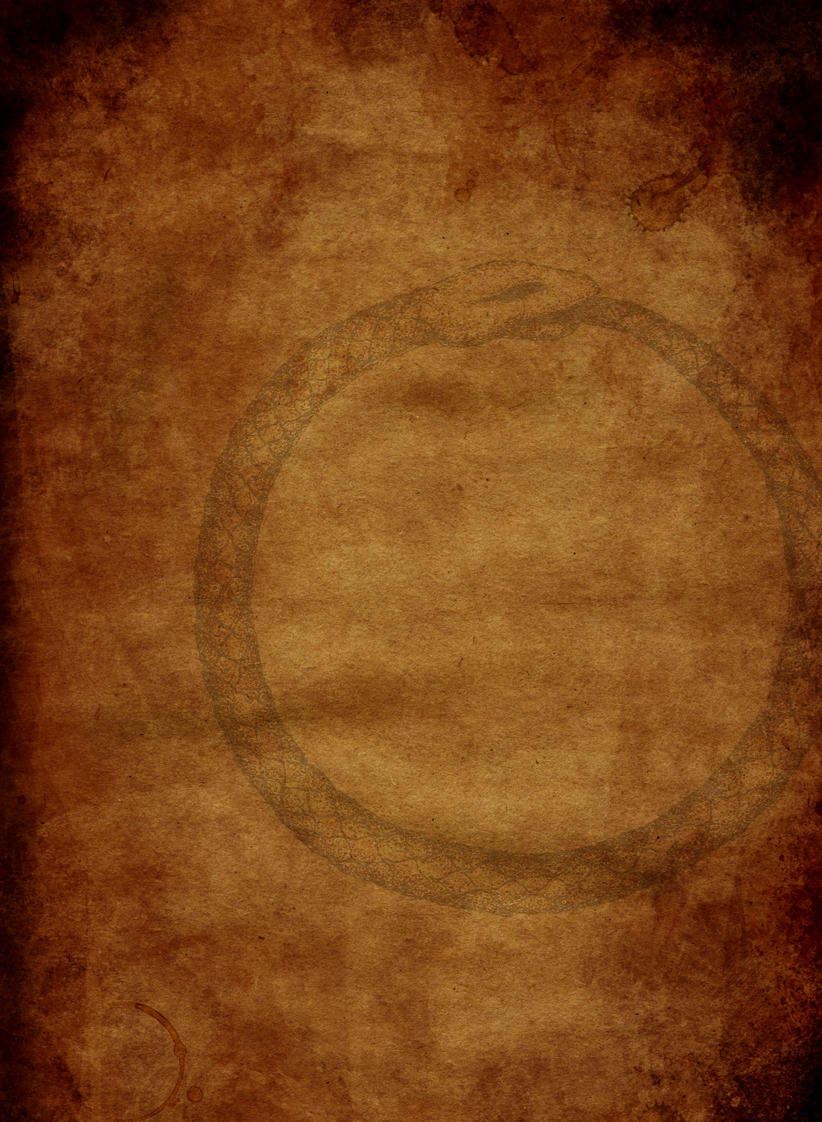
Oh, it's just premultiplication. Try:
vips composite2 cloth.png snake.png x.png colour-burn --premultiplied
To make:
jcupitt
on 9 Aug 2019
Thanks, how would that work with the SVG I have posted?
Andargor
on 9 Aug 2019
libvips uses librsvg for SVG rendering, so if there's an issue it'd probably be there.
jcupitt
on 9 Aug 2019
Just so I understand:
- Premultiplication needs to be forced if using vips from the command line.
- Sharp uses vips, but my understanding is that premultiplication occurs automatically and does not require a specific setting?
- SVG filters and CSS are supported via librsvg, which sharp passes as-is
So for my initial issue of no blending in sharp using an SVG file, I should go file an issue with librsvg.
As for programatically performing this operation in sharp, I have tried adding an alpha channel to the first image file to force premultiplication using the following code which gives me an error:
sharp("img/old-paper-dark.png")
    .joinChannel(
        Buffer.alloc(822 * 1122, 255), {
            raw: {
                width: 822,
                height: 1122,
                channels: 1
            }
    })
    .composite([{
          input: "img/logo-RUN.png",
          blend: 'color-burn',
          top: 0,
          left: 0
        }])
    .jpeg({
        quality: 80
    })
    .toFile("output/t3.jpg")
    .catch(err => {
        console.error(err);
    });
The error is:
[Error: vips_realpath: unable to form filename
unix error: No such file or directory
composite2: images do not have same numbers of bands
]
What would be the proper sharp usage for this use-case?
Andargor
on 9 Aug 2019
I tried converting the paper PNG to RGBA32 with Photoshop instead, but the result with sharp is still without premultiplication. What do I need to do, or is my only choice using vips directly?
I would like to use sharp to avoid using a shell command.
Andargor
on 9 Aug 2019
Sorry, I don't know sharp well, but I'd expect there's be an option to disable premultiplication.
Did you see https://github.com/lovell/sharp/issues/1816? It looks very similar.
jcupitt
on 9 Aug 2019
... so I think the problem is that whatever you are using to make those PNGs from the SVGs is producing non-standard premultiplied output. PNG is not supposed to be premultiplied, so libvips is premultiplying again.
You need to unpremultiply the PNGs, or get your renderer to make unpremultiplied output.
You can unpremultiply at the command-line with
vips unpremultiply in.png out.png
Unfortunately my servers are 18.04 LTS, and vips is woefully out of date (8.4.5). It doesn't even have composite2 to test against...
Andargor
on 9 Aug 2019
Oh crumbs. Doesn't sharp download it's own recent libvips binary?
jcupitt
on 9 Aug 2019
It looks like precompiled libraries under node_modules/sharp/vendor, but it doesn't seem like the command-line tool is included.
I'll look in the sharp source to find the vips --premultiplied flag equivalent and see what I can do to unpremultiply the sources or whatever SVG is doing.
Andargor
on 9 Aug 2019
If my pull request #1835 is implemented, the following code now works for the programmatic approach:
sharp("img/old-paper-dark.png")
    .composite([{
          input: "img/logo-RUN.png",
          blend: 'color-burn',
          top: 0,
          left: 0,
          premultiplied: true
        }])
    .jpeg({
        quality: 80
    })
    .toFile("output/t3.jpg")
    .catch(err => {
        console.error(err);
    });
For the SVG approach, I am investigating.
Andargor
on 13 Aug 2019
librsvg currently supports only the subset of mode values for feBlend listed in https://gitlab.gnome.org/GNOME/librsvg/blob/master/rsvg_internals/src/filters/blend.rs#L128 - it delegates to cairo so I'm sure an upstream PR to librsvg to expose more of these values, including color-burn, would be welcome.
The mix-blend-mode CSS property is only at the draft stage so won't be available in librsvg - see https://drafts.fxtf.org/compositing-1/
The (current lack of) ability in sharp to provide ready-premultiplied images to the composite operation came up a couple of weeks ago - see #1816
Thanks for the PR, I'll take a look shortly.
 lovell
on 13 Aug 2019
lovell
on 13 Aug 2019
I will look into librsvg when I have time, the list of prerequisites requires that I spin up an up-to-date environment just for that. A simple question has a habit to snowball into extra work :)
Once the pull request is merged, this question can be closed. It has been answered, and if needed I can reopen when I get around looking at librsvg.
Andargor
on 14 Aug 2019
librsvg currently supports only the subset of
modevalues forfeBlendlisted in https://gitlab.gnome.org/GNOME/librsvg/blob/master/rsvg_internals/src/filters/blend.rs#L128 - it delegates to cairo so I'm sure an upstream PR to librsvg to expose more of these values, includingcolor-burn, would be welcome.
Merge request has been performed upstream: https://gitlab.gnome.org/GNOME/librsvg/merge_requests/240
Andargor
on 19 Aug 2019
librsvg has merged my PR: https://gitlab.gnome.org/GNOME/librsvg/commit/665b9795bfdef3ca9015e7aa503516dd8aac6662
@jcupitt @lovell will sharp and libvips use the feature once librsvg makes a release and you perform your updates, or is there work to be done elsewhere? I haven't closely checked, but I assume the SVG is passed wholesale for rendering to librsvg, correct?
Andargor
on 23 Aug 2019
Oh, nice! Well done.
Yes, libvips (and sharp) should just work now.
jcupitt
on 23 Aug 2019
@Andargor The prebuilt binaries provided for a forthcoming sharp v0.24.0 will probably include a version of librsvg with your improvements - I'll leave this issue open as a reminder to check.
lovell
on 28 Aug 2019
@lovell @jcupitt Looks like librsvg 2.45.92 now has the improvements.
Andargor
on 5 Sep 2019
@lovell This patch is required within the sharp-libvips repo to successfully build librsvg 2.45.92. Otherwise, it fails to link against a non-script backend Cairo.
 kleisauke
on 5 Sep 2019
kleisauke
on 5 Sep 2019
v0.24.0 is now available with a prebuilt libvips v8.9.0. Thanks for reporting this!
lovell
on 16 Jan 2020
Related issues
 paulieo10
·
3Comments
paulieo10
·
3Comments
 zhump
·
3Comments
zhump
·
3Comments
 OleVik
·
3Comments
OleVik
·
3Comments
 janaz
·
3Comments
janaz
·
3Comments
 terbooter
·
3Comments
terbooter
·
3Comments
Most helpful comment
@lovell This patch is required within the sharp-libvips repo to successfully build librsvg 2.45.92. Otherwise, it fails to link against a non-script backend Cairo.