Sharp: Nearest neighbor upsampling stretching image
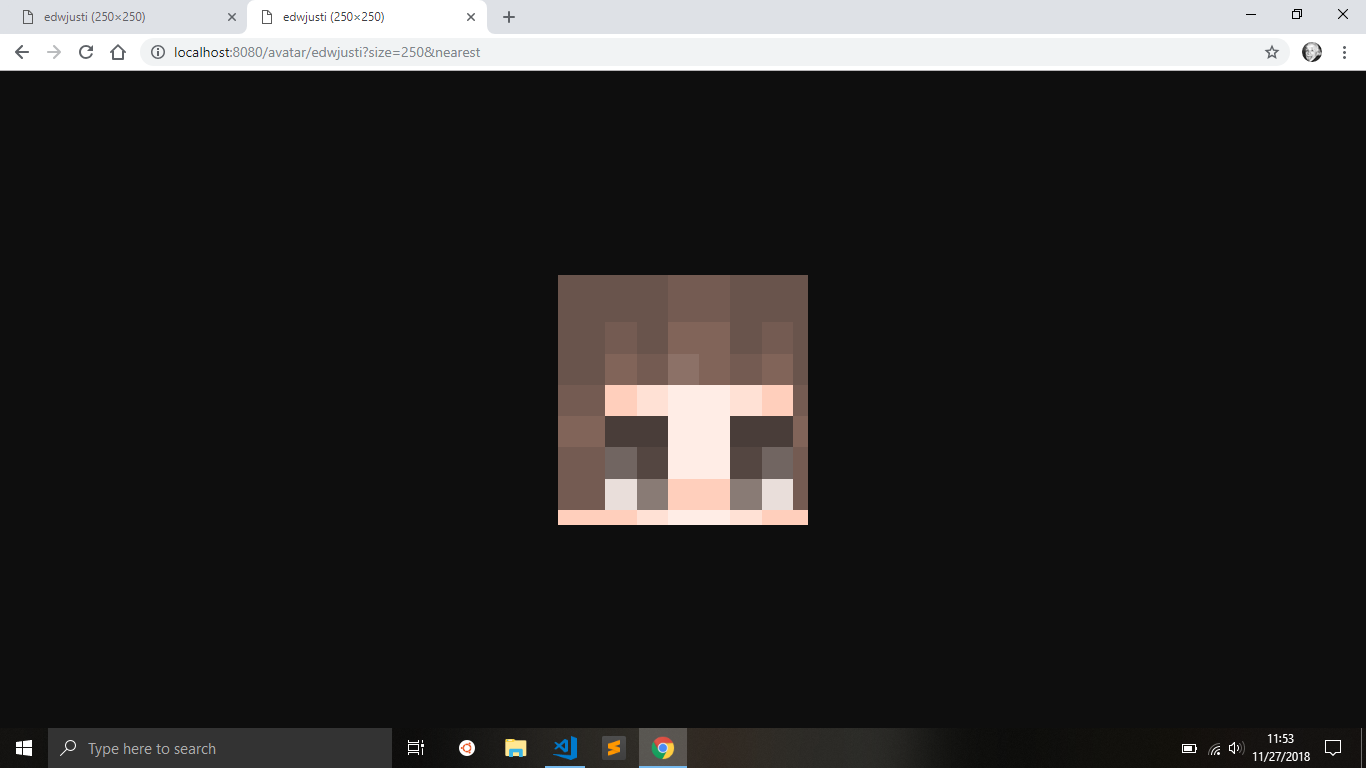
Images are being stretched when resized with sharp.kernel.nearest, however the stretching only happens when the resolution is not an exact scale like 8 (1), 16 (2), or 24 (3).
Exact scale (x32) with kernel nearest:
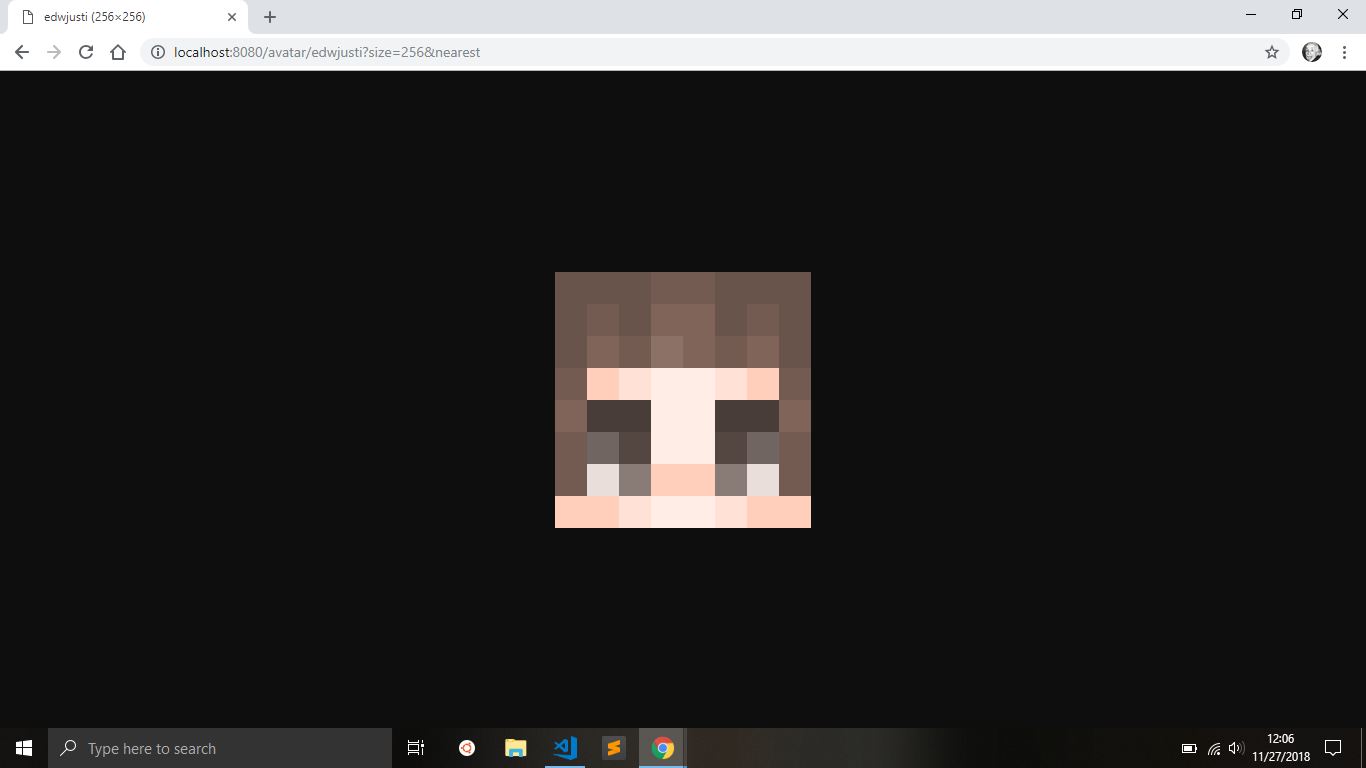
Non exact scale with kernel nearest:
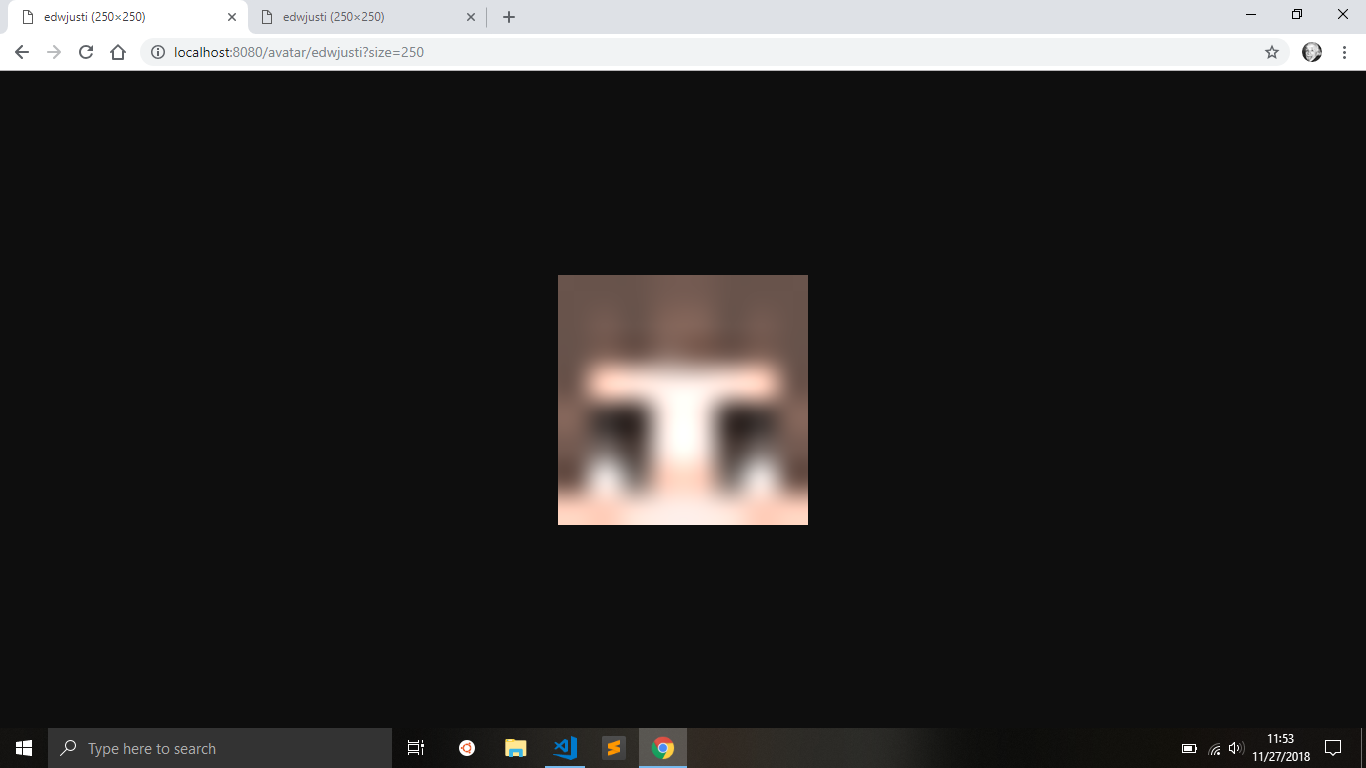
Non exact scale with default kernel:
 edwjusti
All 6 comments
Hello, please can you share the input image and (standalone) code sample.
 lovell
on 27 Nov 2018
lovell
on 27 Nov 2018
Here's the original image:

And here's the code:
const imageBuffer = /* ... */;
const size = 250; // causes stretching

const avatar = await sharp(imageBuffer).extract({
  left: 8,
  top: 8,
  width: 8,
  height: 8
}).resize({
  width: size,
  height: size,
  kernel: sharp.kernel.nearest
}).png().toBuffer();
Thank you, I've been able to reproduce this.
If I extract the 8x8 image:

then use vips at the command line to resize with a scale of 31.25 (=250/8)
$ vips resize extract.png out.png 31.25 --kernel=nearest
the result is:
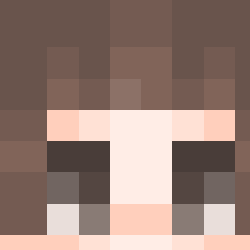
so it looks like this is happening within libvips itself.
lovell
on 29 Nov 2018
Hello, should be fixed in git master, thanks for the report! It was to do with the way centre vs. corner sampling is implemented.
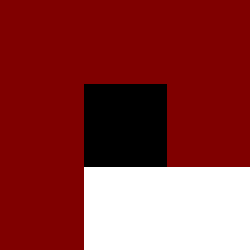
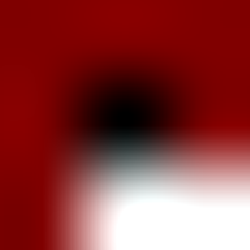
With this 3x3 pixel PNG:

If I run:
$ vips resize 3x3.png 3x3-nearest.png 83.33333333333 --kernel nearest
$ vips resize 3x3.png 3x3-cubic.png 83.33333333333
I now see:
 jcupitt
on 3 Dec 2018
jcupitt
on 3 Dec 2018
Thanks @jcupitt !
lovell
on 3 Dec 2018
sharp v0.23.0 / libvips v8.8.1 is now available. Thanks for reporting this @edwjusti.
lovell
on 29 Jul 2019
Related issues
 knoxcard
·
3Comments
knoxcard
·
3Comments
 jaydenseric
·
3Comments
jaydenseric
·
3Comments
 sansroman
·
3Comments
sansroman
·
3Comments
 tomercagan
·
3Comments
tomercagan
·
3Comments
 vermin1337
·
3Comments
vermin1337
·
3Comments