Sharp: Image auto rotation even using withMetadata
So, I'm using sharp v.0.20.1 in my node project and I'm uploading images to S3. The problem comes when I try to resize them. Some times sharp auto rotate the image and I don't understand why because I'm using the function .withMetadata().
This is my code:
util.resizeAndCropImage = async (image, width, height, quality) => {
  return await sharp(image)
.resize(width, height)
.max()
.crop(sharp.gravity.centre)
.background('white')
.flatten()
.jpeg({ quality: quality })
.toFormat('jpg')
.withMetadata()
.toBuffer();
};
The parameters for width and height are "width": 1442, "height": 480. I tried to put the .withMetadata() in every place and the result is always the same so the position is not relevant.
And this an example of what is happening:
- This is the normal image (sorry about the quality but is just a quick example)
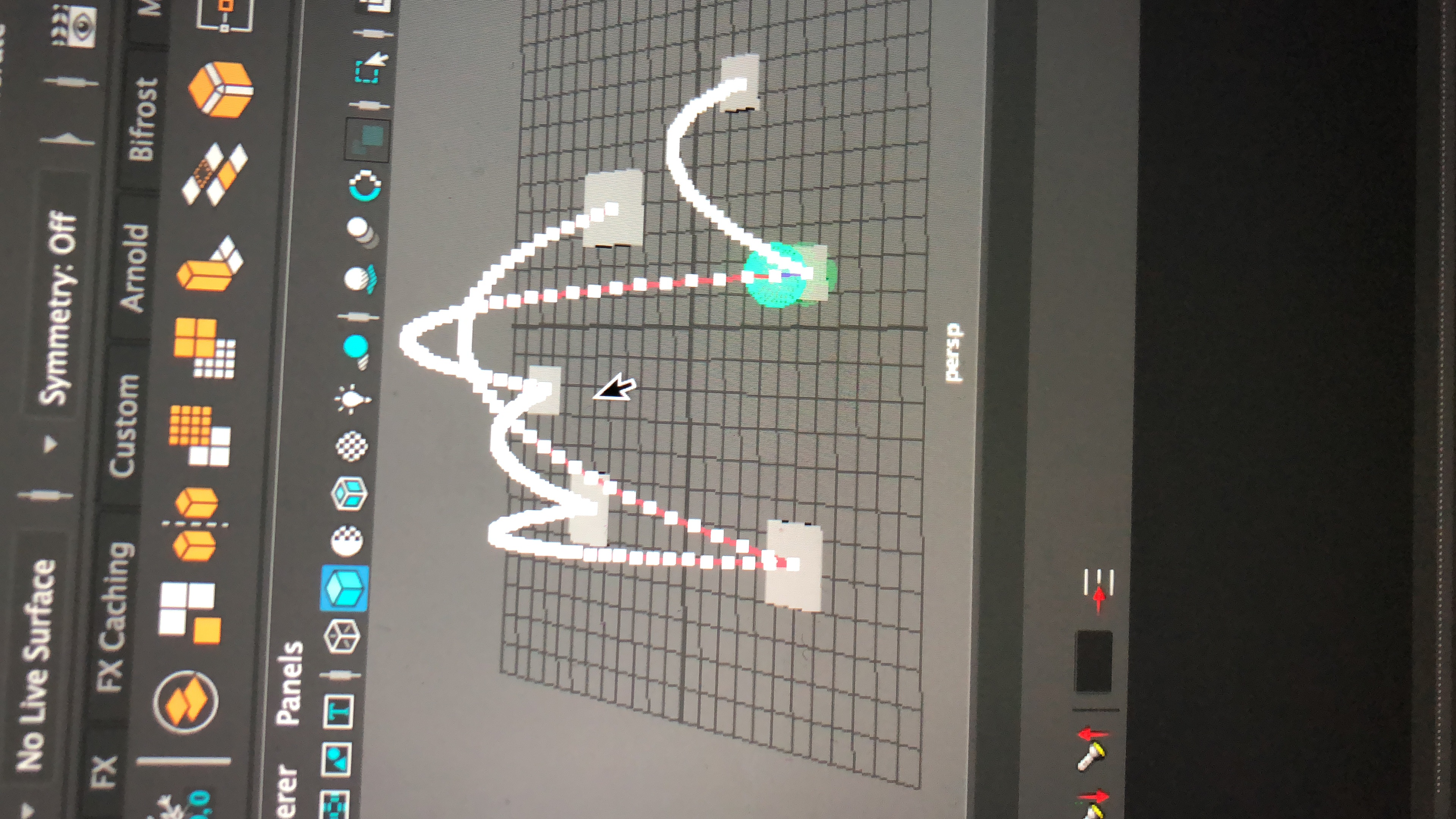
This is what I see in the browser:
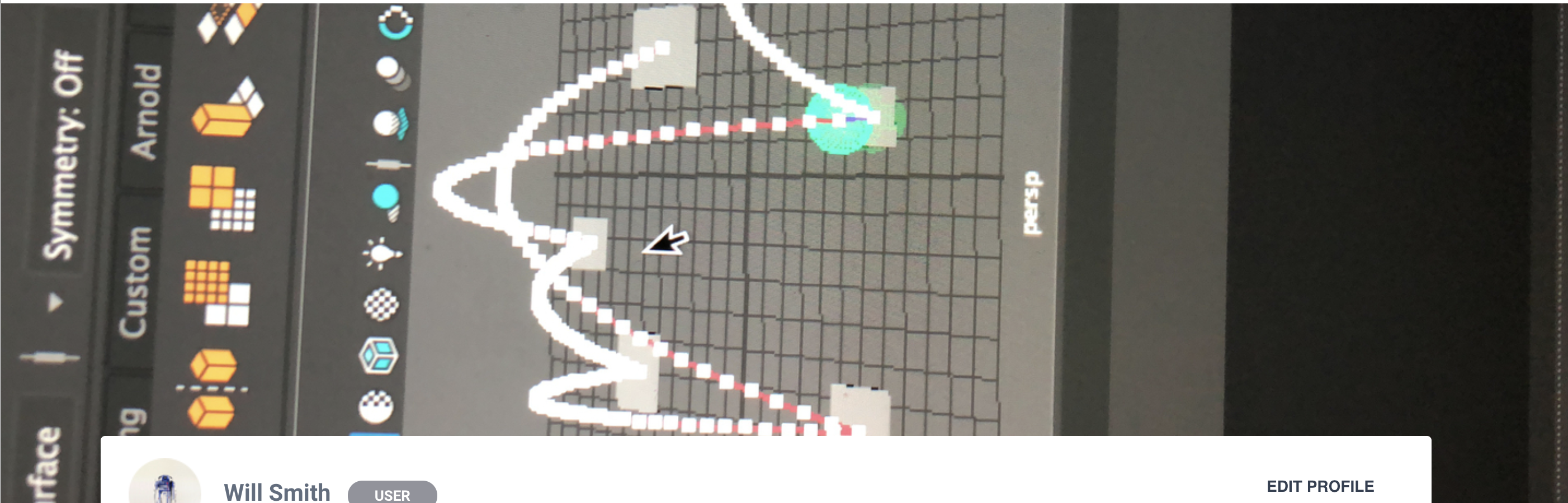
And if I download the image this is what I get:
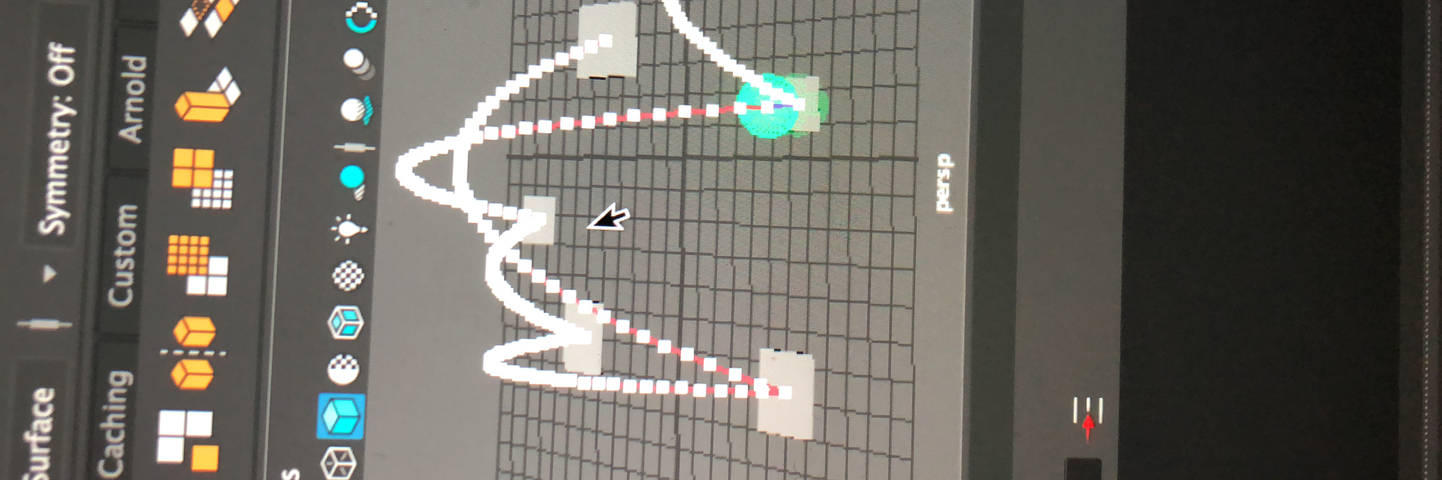
So it looks like it's rotating the image, then resizing it and finally making it vertical again. I need the resizing to happen with the image in its normal orientation.
Any help is welcome!
(EDIT)
Ok, now I'm more confused. I don't know why the image appears turn to the left when in my library is upright...
 Andresmag
All 3 comments
The input image probably contains EXIF metadata with an Orientation tag and you're likely to be seeing the effects of different software's ability to handle that.
sharp will only auto-rotate the image if you add the rotate() operation.
 lovell
on 24 Apr 2018
lovell
on 24 Apr 2018
Using the rotate() operation the images appears up straight! Thanks!
Andresmag
on 3 May 2018
Thanks, it helped me too
 Beraliv
on 14 Feb 2019
Beraliv
on 14 Feb 2019
Related issues
 vermin1337
·
3Comments
vermin1337
·
3Comments
 zilions
·
3Comments
zilions
·
3Comments
 jaydenseric
·
3Comments
jaydenseric
·
3Comments
 natural-law
·
3Comments
natural-law
·
3Comments
 janaz
·
3Comments
janaz
·
3Comments
Most helpful comment
The input image probably contains EXIF metadata with an Orientation tag and you're likely to be seeing the effects of different software's ability to handle that.
sharp will only auto-rotate the image if you add the
rotate()operation.