Sharex: Bottom of screen not in range of rectangle capture
Currently using Win7 SP1 64bit on a VM. Bottom of screen is not shaded and cannot be selected using mouse button.

 Zenmai0822
All 12 comments
Are you using latest ShareX version?
 Jaex
on 20 Feb 2016
Jaex
on 20 Feb 2016
Yes, 10.6.1.
Zenmai0822
on 20 Feb 2016
Not sure why it happens. Maybe only happens in VM?
Jaex
on 20 Feb 2016
Seems like yes... I tried on my Win10 (native) and it does not have this issue.
Zenmai0822
on 20 Feb 2016
Hi I have same problem too. This is a problem that exists from a long time ago (at least more than half a year ago)
now on ShareX 10.7 Release Windows 8.1 Pro(Not VM)
 eai04191
on 27 Feb 2016
eai04191
on 27 Feb 2016
Long time ago it was exist and I could reproduce it too and after fix it many people was reported it is fixed. I never managed to reproduce it after that day. And without be able to reproduce it I can't find why it happens to very few people (otherwise countless people would have reported it).
Jaex
on 1 Mar 2016
11.4.1 portable exist, win7 x64
 nosvn
on 27 Dec 2016
nosvn
on 27 Dec 2016
i've same error reproduce in win7, win10
there system using intel hd graphic series. (skylake, ivybridge)
 sysilion
on 28 Dec 2016
sysilion
on 28 Dec 2016
12.0.0 exist, win10 x64, 1920*1080
I can only select top 996 pixels
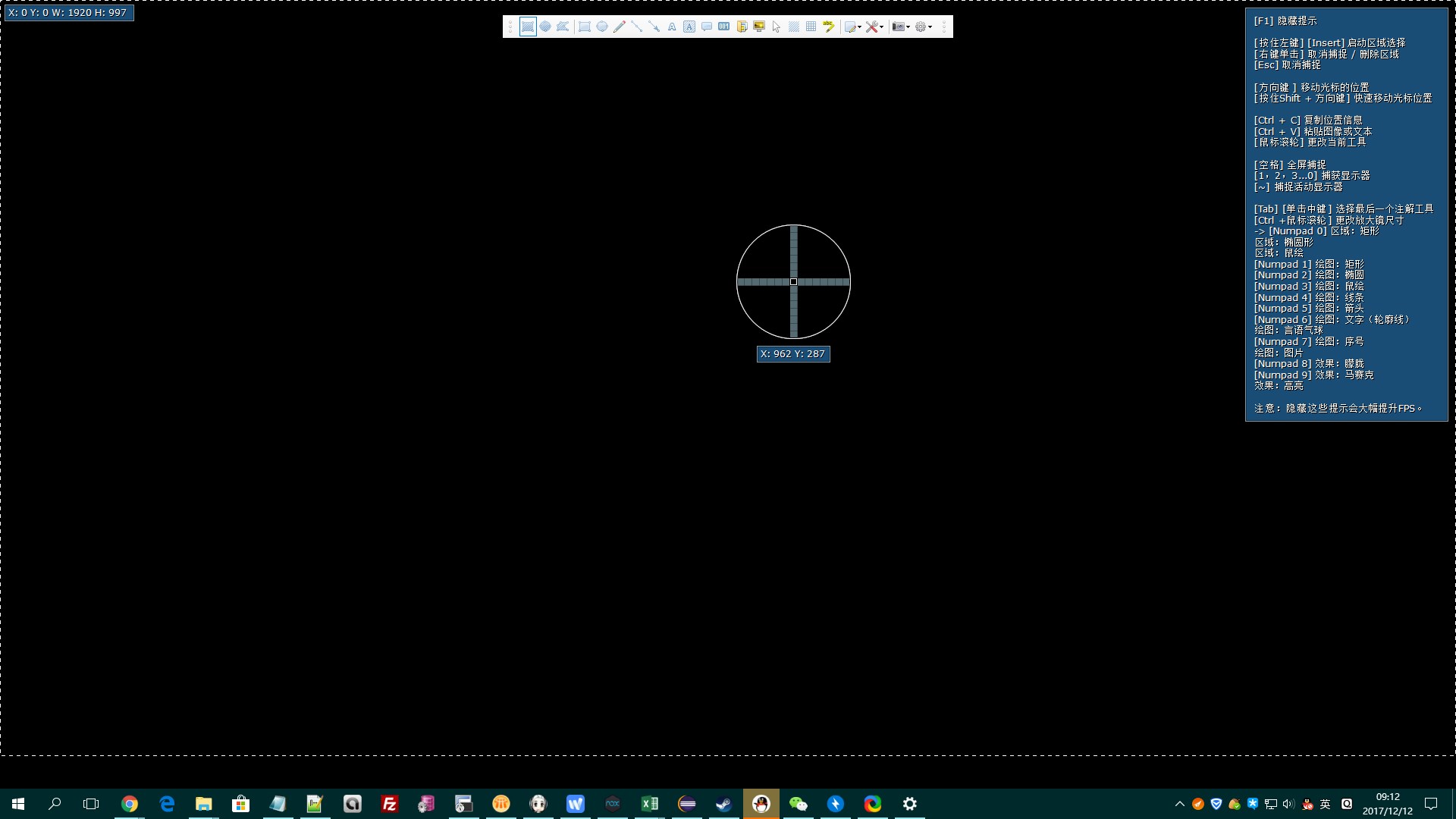
 caoyuz
on 12 Dec 2017
caoyuz
on 12 Dec 2017
It is already fixed: https://getsharex.com/docs/dev-builds
Jaex
on 14 Dec 2017
@Jaex Hi this issue still occurs on Win7-64bit. On the desk screen I can only capture 997 pixels in height.
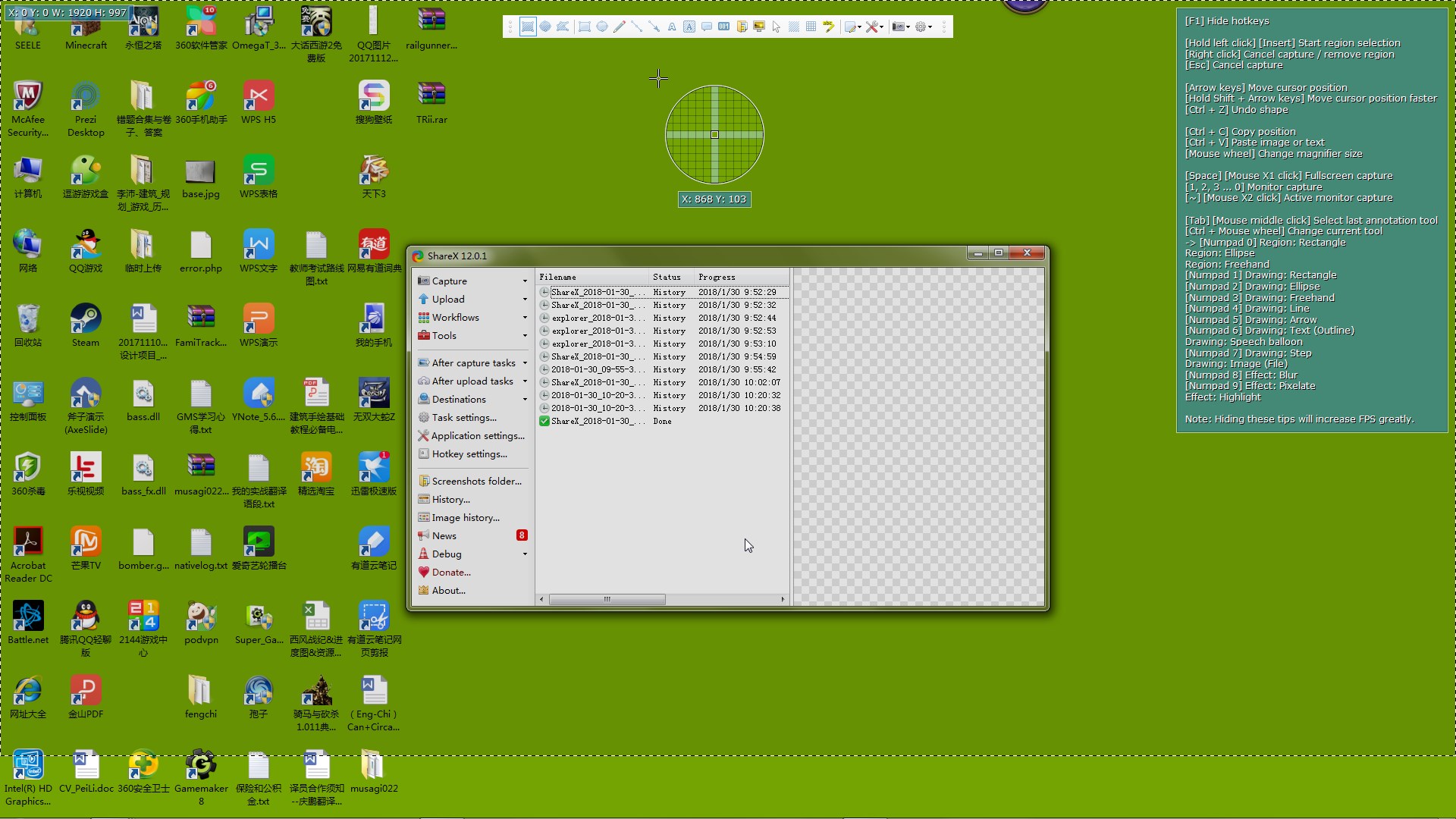
Besides, I there seems no pre-release update option as is instructed on https://getsharex.com/docs/dev-build in application settings.

Thank you.
 yishalee
on 30 Jan 2018
yishalee
on 30 Jan 2018
That option only exists in desktop build. You can't install it on Steam or Windows Store.
Jaex
on 30 Jan 2018
Related issues
 MoistLemon
·
25Comments
MoistLemon
·
25Comments
 carasius
·
19Comments
carasius
·
19Comments
 makingbillions
·
28Comments
makingbillions
·
28Comments
 ned-martin
·
112Comments
ned-martin
·
112Comments
 kuyagic
·
21Comments
kuyagic
·
21Comments