Shadowsocks-android: 4.0.4以后的版本国内网站打开很慢
Please read FAQ then answer these questions before submitting your issue. Thanks!
Environment
- Android version: 7.1.1
- Device: Oneplus 3
- Shadowsocks version: version code > "v4.0.4"
- Last version that did not exhibit the issue (if applicable): 4.0.4
Configuration
_Put an x inside the [ ] that applies._
- [x] IPv4 server address
- [ ] IPv6 server address
- [x] Client IPv4 availability
- [ ] Client IPv6 availability
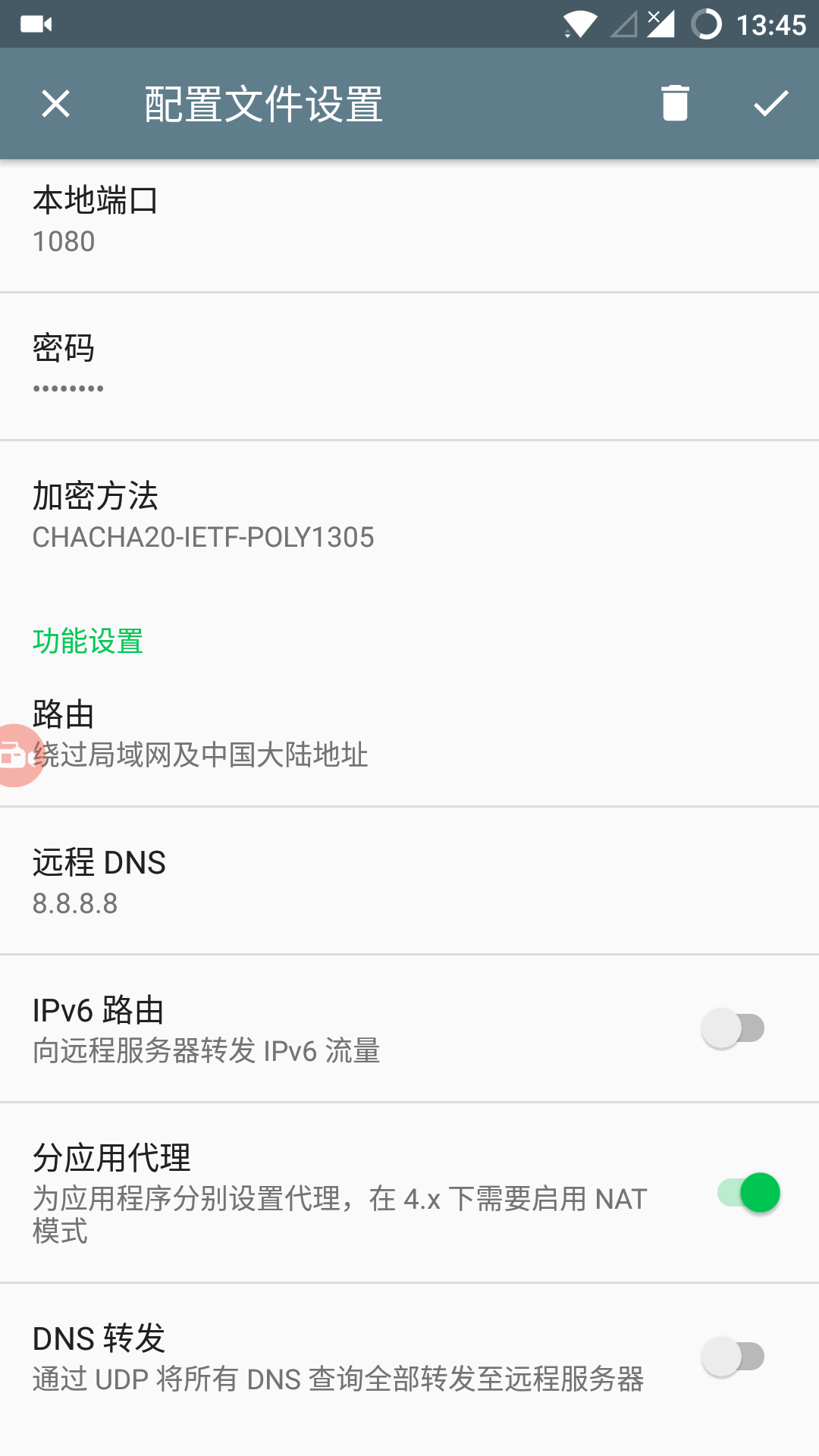
- Local port: 1080
- Encrypt method:
- [ ] One-time authentication
- Route
- [ ] All
- [ ] Bypass LAN
- [ ] Bypass China
- [x] Bypass LAN & China
- [ ] GFW List
- [ ] China List
- [ ] Custom rules
- [ ] IPv6 route
- [x] Per-App Proxy
- [x] Bypass mode
- Remote DNS: 8.8.8.8
- [ ] DNS Forwarding
- Plugin configuration (if applicable):
- [x] Auto Connect
- [x] TCP Fast Open
- [ ] NAT mode
What did you do?
vpn模式下,浏览网页。
What did you expect to see?
正常速度打开。
What did you see instead?
国内网站速度很慢,等很久之后才会慢慢加载。
而4.0.4版本不存在这个问题。
现在一直在用4.0.4版本。
是我不会用么?求解答
 joh2254717
All 15 comments
Try uninstall and reinstall the app.
 madeye
on 17 Jun 2017
madeye
on 17 Jun 2017
试过,没有效果
joh2254717
on 17 Jun 2017
Enable DNS forwarding and try again.
madeye
on 17 Jun 2017
BTW, which ISP are you with?
madeye
on 17 Jun 2017
WiFi 电信
4G 联通/电信
joh2254717
on 17 Jun 2017
I cannot reproduce your issue locally with same device, system and ISP.
You may install the latest 4.1.8, record a screencast, and post the video here.
madeye
on 17 Jun 2017
这是录的视频,不会插入。
https://youtu.be/xxub3cbkOug
这是ss的配置截图。
joh2254717
on 17 Jun 2017
- What happens if you enable DNS forwarding?
- Have you enabled the data saver of Chrome browser?
madeye
on 17 Jun 2017
Please also try:
- ping 199.29.29.29 from your shell with this https://play.google.com/store/apps/details?id=jackpal.androidterm
- ping 114.114.114.114 from the same shell.
It looks to me that your phone cannot connect 199.29.29.29/114.114.114.114 directly. Then overture waited for 6 seconds (our current setting) and falled back to remote DNS. That's why you saw about 6 seconds before the page title appears.
To verify this, please try:
- Visit ip.cn. Is the IP address your local address or shadowsocks' address.
- Visit www.baidu.com and search "ip". Is the IP address your local address or shadowsocks' address.
madeye
on 17 Jun 2017
流量节省,没有开启。
开启转发,会打不开网页,如图。
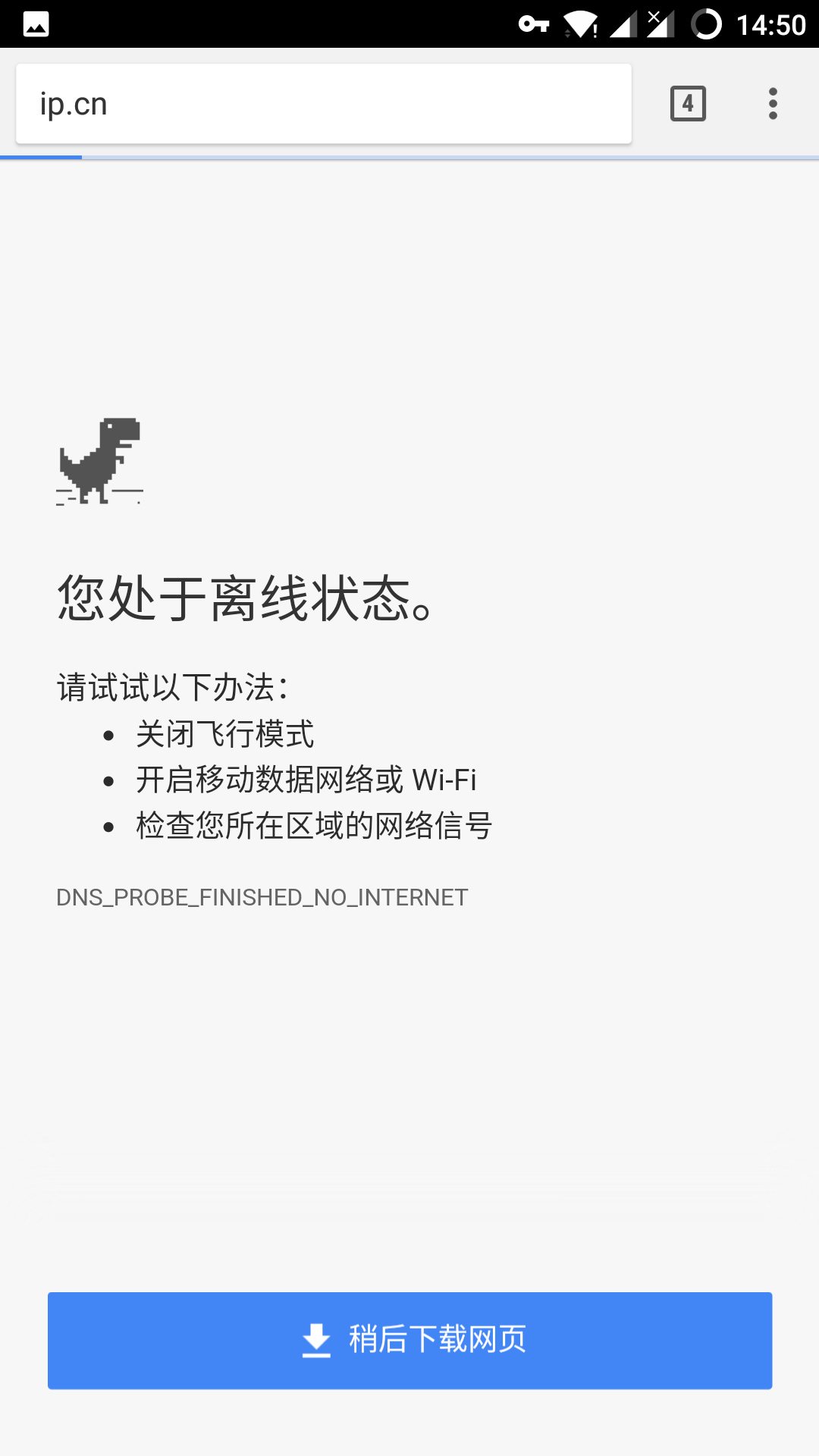
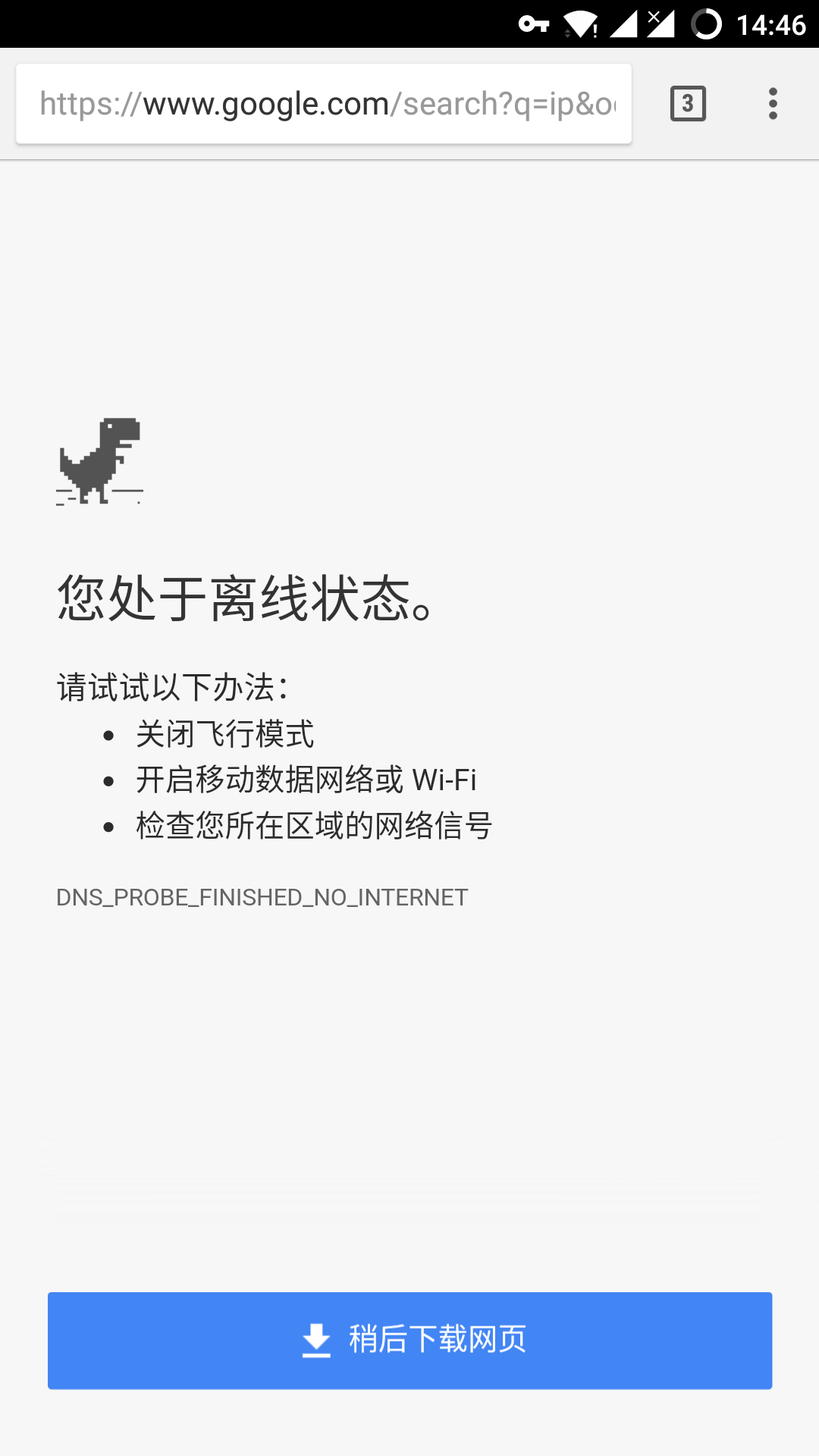
但是服务端有收到数据,

joh2254717
on 17 Jun 2017
It makes sense now. Your firewall seems to have dropped all income UDP packets, including those from DNS server and shadowsocks server.
madeye
on 17 Jun 2017
I built a "special" version for you. Could you try it again?
https://www.dropbox.com/s/vg54vgoadfmhkje/shadowsocks-local-dns-4.1.8.apk
madeye
on 17 Jun 2017
不连接ss,ping都正常。ip.cn和百度搜ip都是本地电信的ip,正常。
连接ss,不开启dns转发,能ping通114.114.114.114,其他ping不通。ip.cn显示本地电信ip,百度搜显示ss服务器地址。
连接ss,开启dns转发,能ping通114.114.114.114(114有黑魔法?),其他ping不通。网页打不开。
joh2254717
on 17 Jun 2017
是我服务器的防火墙还是本地的路由器拒绝了dns数据包呢?
好的,非常感谢,我试试。
joh2254717
on 17 Jun 2017
非常感谢,这个特别版本,很好用。不开启udp转发,连接ss后,打开国内网站速度也比之前快很多。
刚更新新了一加氧os 4.1.6,连接ss,信号就叹号,不连ss就没叹号,视频里面不知道您注意到没。
joh2254717
on 17 Jun 2017
Related issues
 betaxab
·
3Comments
betaxab
·
3Comments
 Edelwiess
·
6Comments
Edelwiess
·
6Comments
 libook
·
4Comments
libook
·
4Comments
 kuaihou2012
·
6Comments
kuaihou2012
·
6Comments
 sakuranagashi
·
5Comments
sakuranagashi
·
5Comments
Most helpful comment
I built a "special" version for you. Could you try it again?
https://www.dropbox.com/s/vg54vgoadfmhkje/shadowsocks-local-dns-4.1.8.apk