Serverless-next.js: [serverless-next.js component] new service after every update ?
Hi;
I try to deploy using serverless-next.js component via gitlab-ci. everything is perfect, zero config is a magic :)
But there is something i don't understanding.
I push the app to the develop branch and it deployed to aws via Gitlab CI.
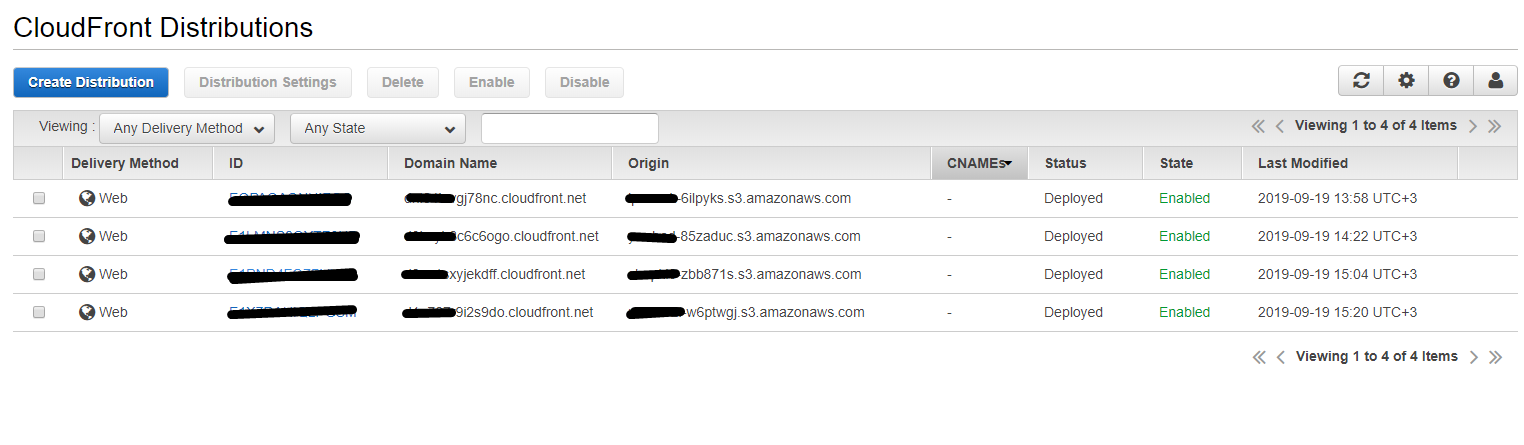
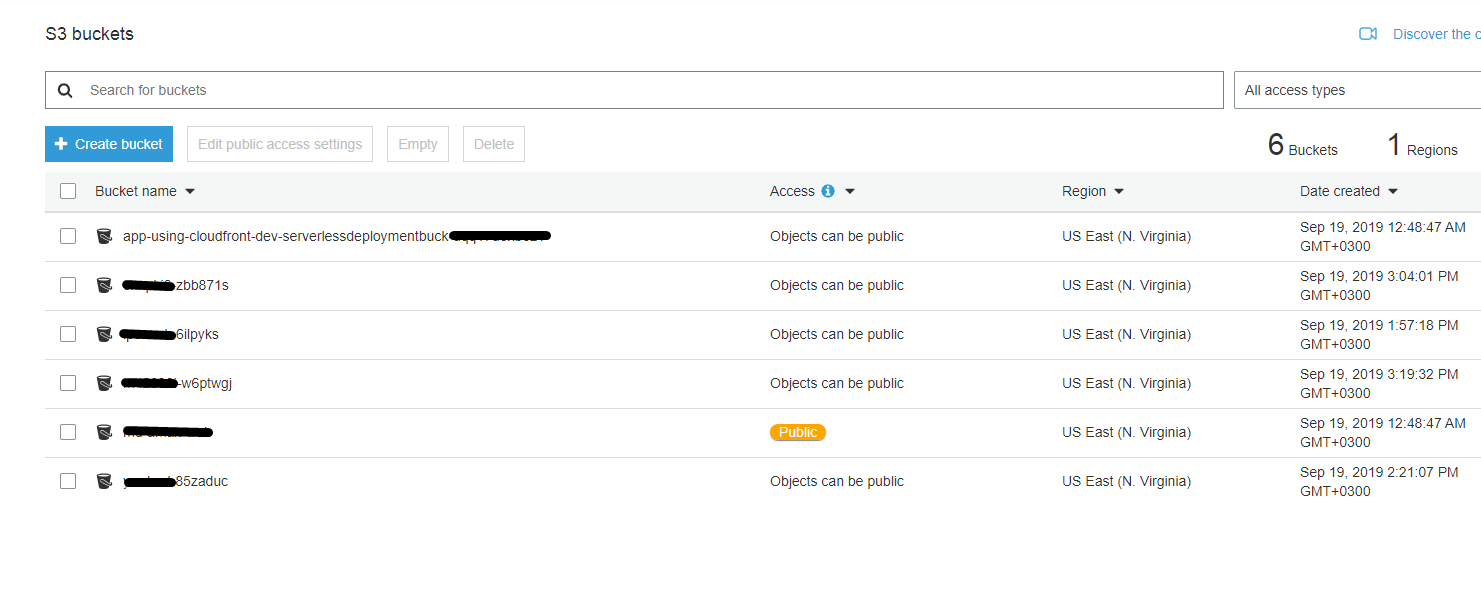
when I make a change to the app and push it again to develop branch, i expect to update for existing s3bucket, lambda and cloudfront services. but instead of updating it is creating a new one.
I need your idea on how I need to follow a path to correct this situation.
thanks.
# .gitlab-ci.yml

image: node:latest
stages:
  - deploy
serverless:
  stage: deploy
  only:
    - develop
  script:
    - npm install
    - npm install serverless-next.js --save-dev
    - npm install -g serverless
    - serverless
# serverless.yml
website:
  component: serverless-next.js
package:
  exclude:
    - ./**

 mikdatdogru
All 7 comments
Great question @mikdatdogru !
You will need to commit your application state in source control. You'll find it in the .serverless directory. For example:
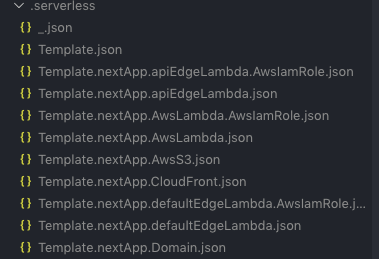
The serverless team is currently working on remote state storage so this won't be necessary in the future.
 danielcondemarin
on 20 Sep 2019
danielcondemarin
on 20 Sep 2019
Regarding this issue, I'm just deploying with serverless command and it's creating a new service each time. Is there a way to avoid that?
 cristiam86
on 19 Nov 2019
cristiam86
on 19 Nov 2019
@cristiam86 This is a common problem. In the README, Daniel says to include the .serverless folder in your git repo.
On a technical note, it is because serverless components allow one to save state, however all state is saved locally. Until they make a plan to save that state somewhere in the cloud and bring it into the build process, we are forced to include the state (i.e. the .serverless folder) into our git repo.
 barrysteyn
on 20 Nov 2019
barrysteyn
on 20 Nov 2019
thanks @barrysteyn but I have already included the .serverless folder into the repo. In fact I'm the only one making changes a deploying it.
cristiam86
on 20 Nov 2019
Yes, but the thing is that your state has probably changed (I’m guessing you have added resources or just removed your current setup and then put it up again). So do this: delete your state files (.serverless), then deploy again and then recommit the .serverless folder
barrysteyn
on 20 Nov 2019
Thank you @barrysteyn, that worked!
cristiam86
on 20 Nov 2019
Thank you @barrysteyn, that worked!
Not a problem. This is a problem with the way serverless components are implemented now, however I believe that this issue will be solved kinda soon.
barrysteyn
on 20 Nov 2019
Related issues
 bitfrost
·
5Comments
danielcondemarin
·
4Comments
bitfrost
·
5Comments
danielcondemarin
·
4Comments
 vivekvt
·
3Comments
vivekvt
·
3Comments
 pedropinheiro75
·
7Comments
pedropinheiro75
·
7Comments
 manojHDwork
·
4Comments
manojHDwork
·
4Comments
Most helpful comment
Great question @mikdatdogru !
You will need to commit your application state in source control. You'll find it in the
.serverlessdirectory. For example:The serverless team is currently working on remote state storage so this won't be necessary in the future.