Server: User icons do not appear in contacts menu due to CSP error on Nextcloud 15
I noticed that user's icons were not showing up next to their names in the contacts menu on my production server. I had recently upgraded from Nextcloud 14. I recreated another Nextcloud instance from the official Docker image (nextcloud:latest) from DockerHub for testing purposes and I still see the same issue.
Steps to reproduce
- Start new Nextcloud 15.02 server from the official Docker image
- Make absolutely no modifications to the server
- Access the server through a reverse HTTPS proxy
- Add 2 test users to the server though the UI
- Click on the contacts icon in the top right of the UI
Expected behavior
User icons should be displayed next to the users' names. The console should not show errors.
Actual behavior
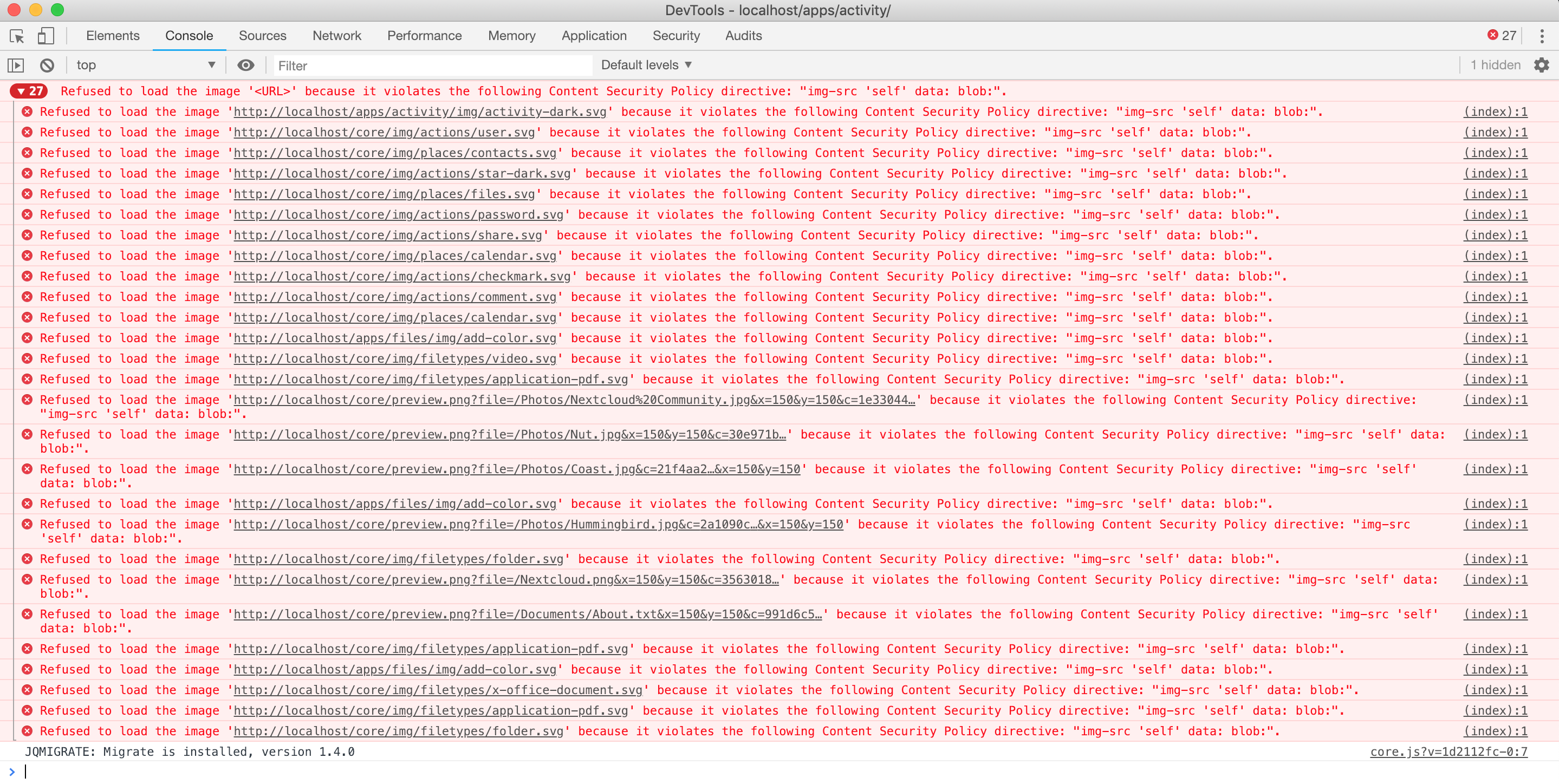
No icons appear next to the users. The developer console shows the following error:
Refused to load the image 'http://localhost/remote.php/dav/addressbooks/system/system/system/Database:user1.vcf?photo&size=64' because it violates the following Content Security Policy directive: "img-src 'self' data: blob:".
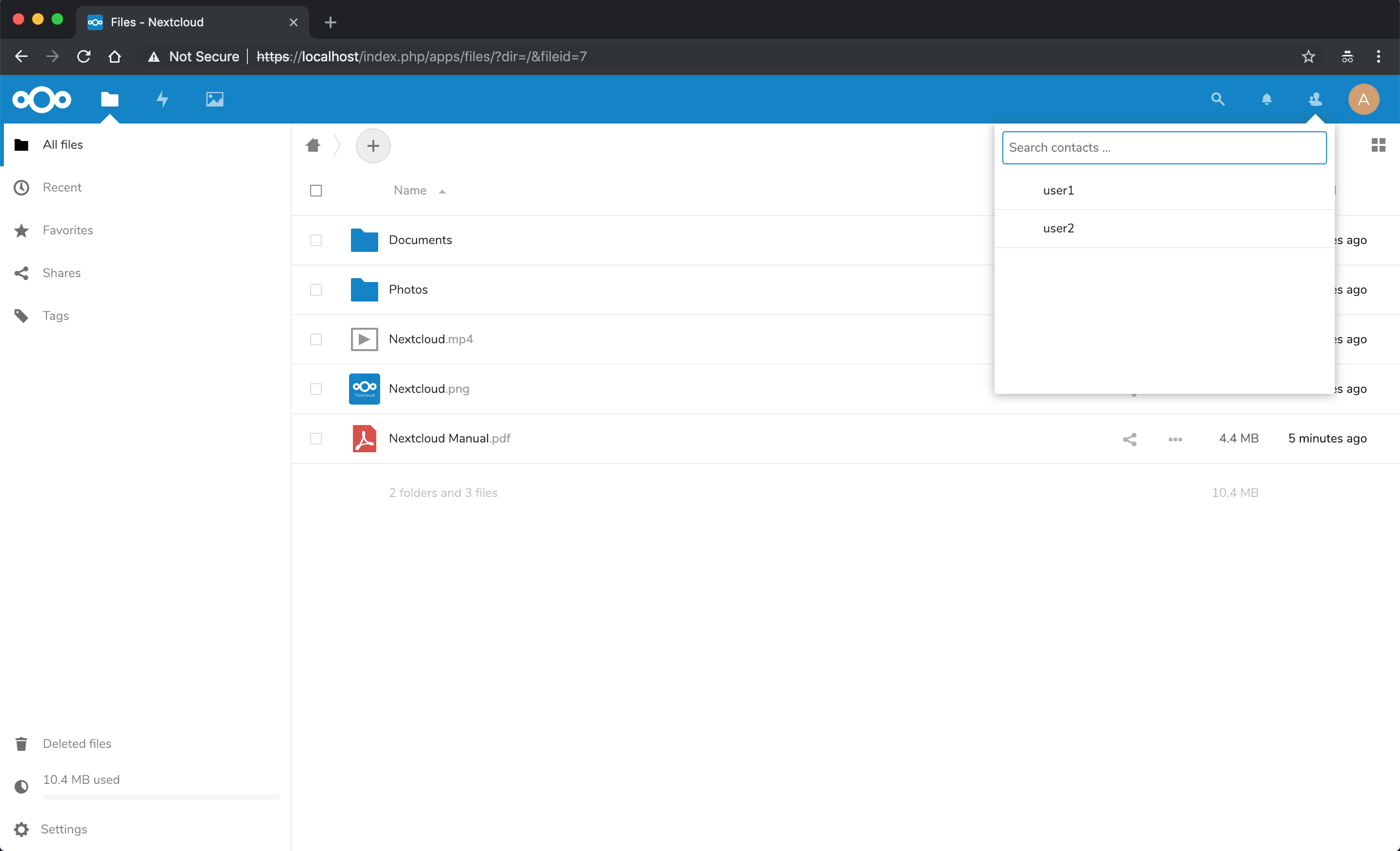

Note that the server URL is https://localhost, not http://localhost. The error appears because the image URL is prefixed with http:// instead of https://. Ideally, this should be a relative link and should not try to access the HTTP URL when the server was accessed through HTTPS.
I noticed this issue on the latest Chrome, but can confirm that it is present on the latest Safari and Firefox as well.
 clcain
All 3 comments
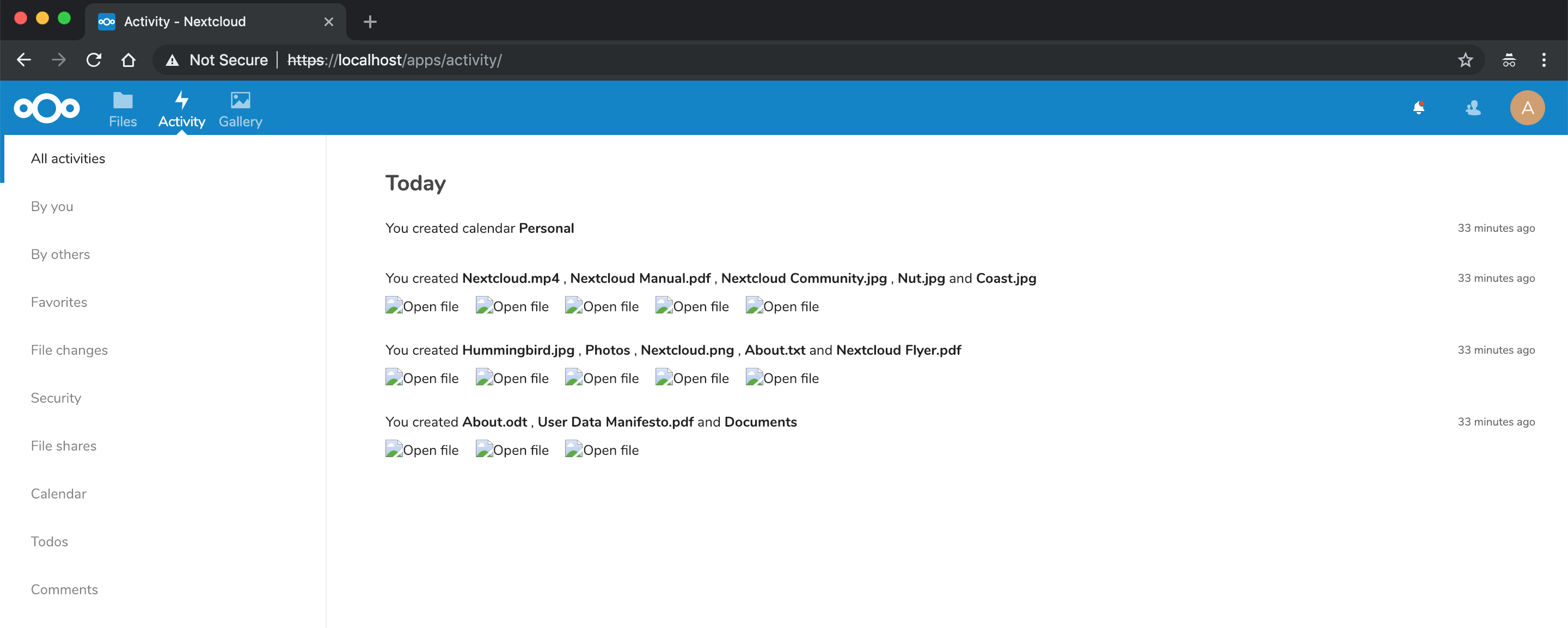
Same problem on the Activities page.
clcain
on 20 Jan 2019
Let me know if this helps https://docs.nextcloud.com/server/stable/admin_manual/configuration_server/reverse_proxy_configuration.html
 kesselb
on 20 Jan 2019
kesselb
on 20 Jan 2019
@danielkesselberg Thank you for your suggestion! Adding 'overwriteprotocol' => 'https', to config.php resolved the issue!
clcain
on 21 Jan 2019
Related issues
 MariusBluem
·
3Comments
MariusBluem
·
3Comments
 rullzer
·
3Comments
rullzer
·
3Comments
 MorrisJobke
·
3Comments
MorrisJobke
·
3Comments
 mama21mama
·
3Comments
mama21mama
·
3Comments
 Django-BOfH
·
3Comments
Django-BOfH
·
3Comments
Most helpful comment
@danielkesselberg Thank you for your suggestion! Adding
'overwriteprotocol' => 'https',toconfig.phpresolved the issue!