Serenity: Help: Search functionality
GNOME Help for example has search functionality and it's incredibly helpful:

Would be nice to have this in Serenity's Help application as well. Maybe not a fancy dropdown with updates as you type, but a toolbar button, dialog with text input and then list of search results would be a nice start.
cc @bugaevc :slightly_smiling_face:
 linusg
All 11 comments
Yep, agreed, would be nice 🙂. Both Unix man (apropos) and Windows help have search.
 bugaevc
on 3 Jul 2020
bugaevc
on 3 Jul 2020
It being interactive sounds fun to me...although might be a little out-of-style for Serenity's GUI feel, not sure.
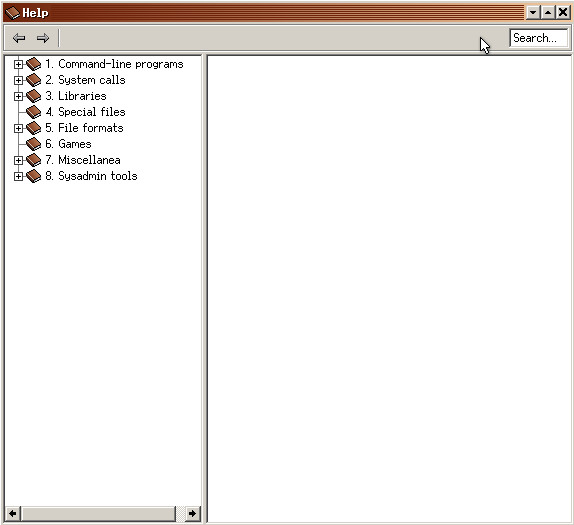
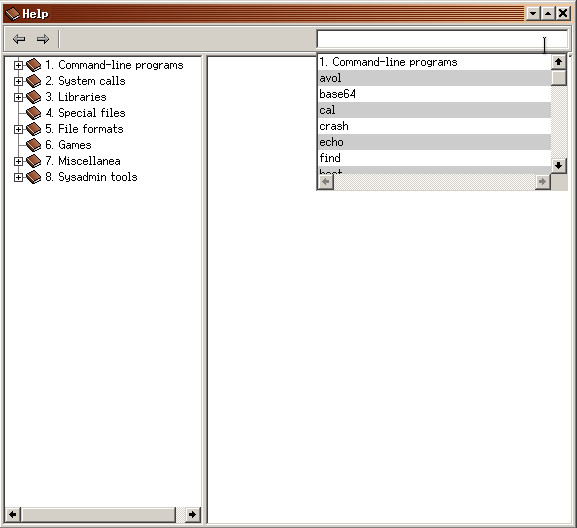
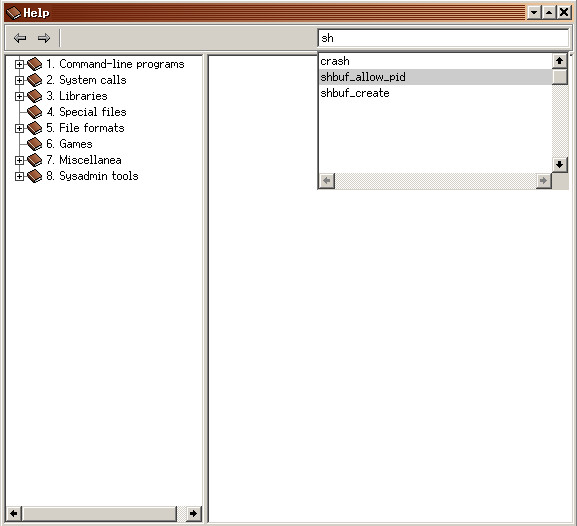
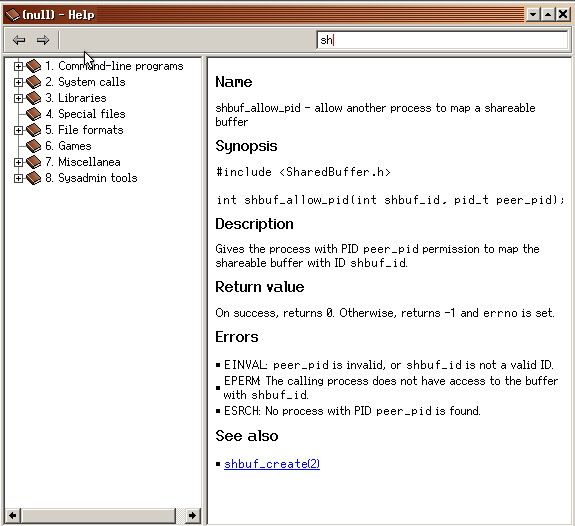
In the meantime, I made a tiny thing to see how it worked out.
Could probably be moved to some FilteringProxyModel if we make it support nested indices (this just flattens them out).
 alimpfard
on 4 Jul 2020
alimpfard
on 4 Jul 2020
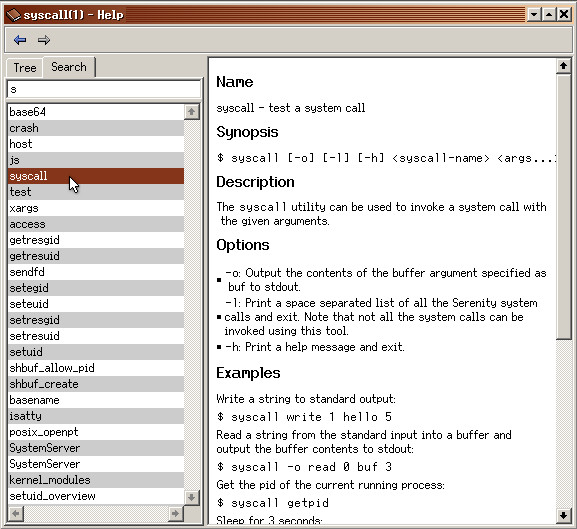
I'd expect it to be a separate mode for the navigational sidebar rather than a popup. Gotta imitate Windows CHM viewer closer 🙂
bugaevc
on 4 Jul 2020
Eh, just the first thing that came to mind, I guess it's just that I saw the GNOME help above :shrug:
it was just a little prototype to test out how that filtering would work out.
But I think I like the CHM viewer look a bit better...maybe even keeping the current "open page on click"...
I ended up with Role::Search and void* ModelIndex::role_specific_data, then asking the model to tell us whether something matches some term.
alimpfard
on 4 Jul 2020
Ah yes, CHM viewer vibes
alimpfard
on 4 Jul 2020
😍
Full text search, or at least search in that first line after name, would be nice, but it looks great without it too
bugaevc
on 4 Jul 2020
N O S T A L G I A !
linusg
on 4 Jul 2020
Full text search
It's rather simple, I think, but doing that would require _a lot_ of fs hits...not sure if that's ideal with the search-as-you-type model?
alimpfard
on 4 Jul 2020
It doesn't have to be search-as-you-type... Input your query, press enter (or a search button? anyone have an older version of Windows at hand to check what they used to have?), then we'd do a full-text search.
bugaevc
on 4 Jul 2020
I just went with pressing return.
I don't remember there being any search buttons, so I assume it was just pressing enter.
alimpfard
on 4 Jul 2020
/me notices the commit and gets ready to nitpick
bugaevc
on 4 Jul 2020
Related issues
 Quaker762
·
6Comments
Quaker762
·
6Comments
 Lubrsi
·
4Comments
linusg
·
3Comments
Lubrsi
·
4Comments
linusg
·
3Comments
 nvella
·
6Comments
nvella
·
6Comments
 Arthur-Kamau
·
7Comments
Arthur-Kamau
·
7Comments
Most helpful comment
Ah yes, CHM viewer vibes