Serenity: Custom Delete Message for Grid Editor Dialog in Entity Dialog
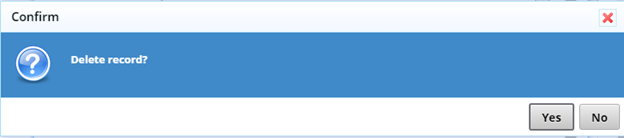
How can I change the text for this message?
 buddhatripp
All 4 comments
 Zahar661
on 4 Dec 2017
Zahar661
on 4 Dec 2017
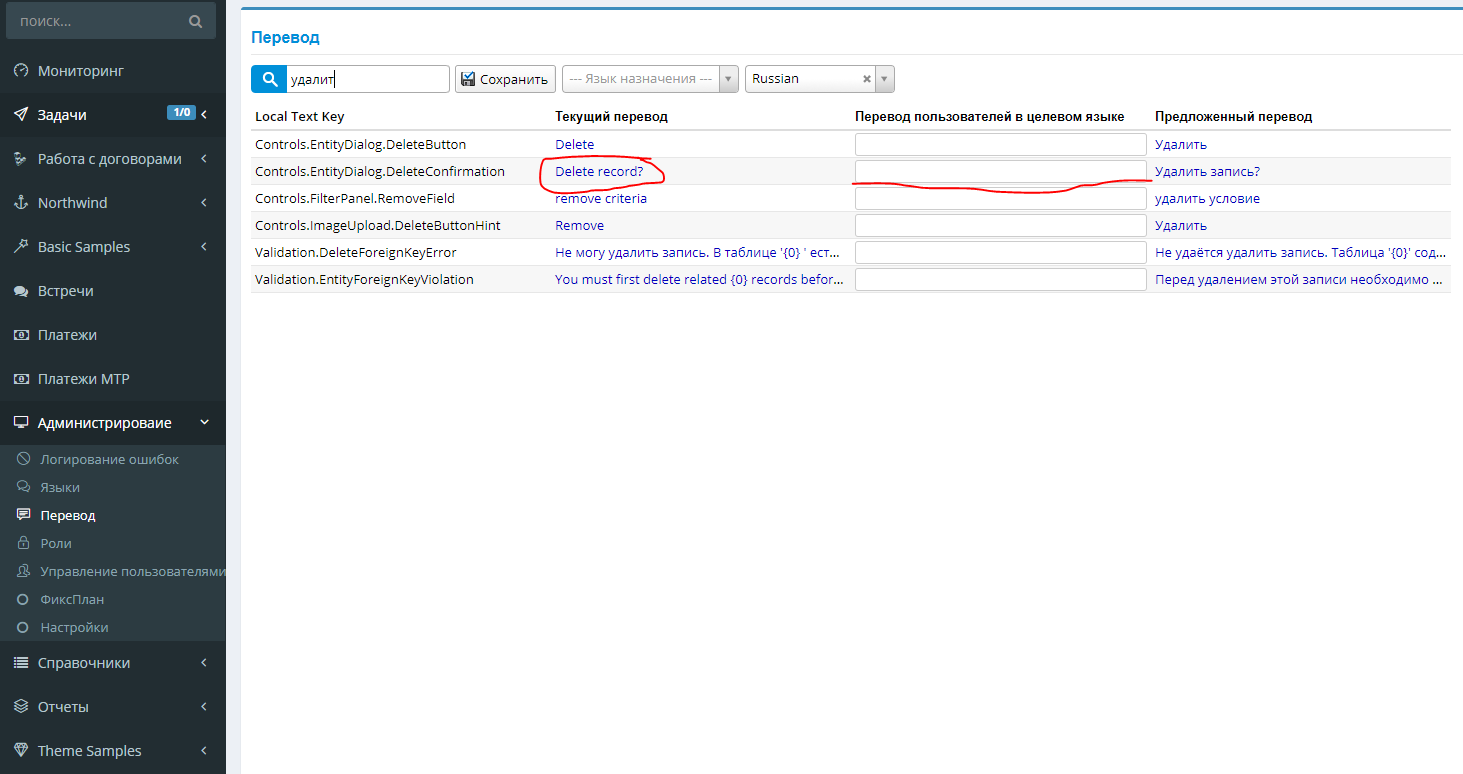
I believe this will only change the confirmation for languages other than English, at least I don't see English as a choice in the texts. Also, that will change the text for all entity dialogs. I want the message to be dialog-specific. For example, when I'm deleting an address then the confirmation should say, "Are you sure you wish to delete this address?"
Thank you!
buddhatripp
on 4 Dec 2017
I think you have two ways.
First, unbind click event from delete button and then bind your custom event:
constructor() {
super();
this.deleteButton.unbind('click');
this.deleteButton.on('click', (e) => {
Q.confirm('your text', () => {
this.doDelete(() => {
this.dialogClose();
});
});
});
}
Or you can override getToolbarButtons(), remove the delete button and recreate it
protected getToolbarButtons(): Serenity.ToolButton[] {
var buttons = super.getToolbarButtons();
buttons.splice(Q.indexOf(buttons, x => x.cssClass == "delete-button"), 1);
buttons.push({
title: Q.text('Controls.EntityDialog.DeleteButton'),
cssClass: 'delete-button',
hotkey: 'alt+x',
onClick: () => {
Q.confirm('your text', () => {
this.doDelete(() => {
this.dialogClose();
});
});
}
});
return buttons;
}
 Estrusco
on 5 Dec 2017
Estrusco
on 5 Dec 2017
👍1
Or maybe:
protected getToolbarButtons(): Serenity.ToolButton[] {
    var buttons = super.getToolbarButtons();
    Q.first(buttons, x => x.cssClass == "delete-button").onClick = () =>
        Q.confirm('your text', () => {
                this.doDelete(() => {
                    this.dialogClose();
                });
            });
        }
    });

    return buttons;
}
 volkanceylan
on 5 Dec 2017
volkanceylan
on 5 Dec 2017
👍3
Was this page helpful?
0 / 5 - 0 ratings
Related issues
 Amitloh
·
3Comments
Amitloh
·
3Comments
 ga5tan
·
3Comments
ga5tan
·
3Comments
 kilroyFR
·
3Comments
kilroyFR
·
3Comments
 stepankurdylo
·
3Comments
stepankurdylo
·
3Comments
 newyearsoft
·
3Comments
newyearsoft
·
3Comments
Most helpful comment
Or maybe: