Serenity: How it's possible to call a custom confirmation BEFORE default confirmation?
Hi, Volkan Ceylan and all Serenity community!
I continue to learn great Serenity framework. Here I find an example of CancellableBulkAction. It looks as at screenshot
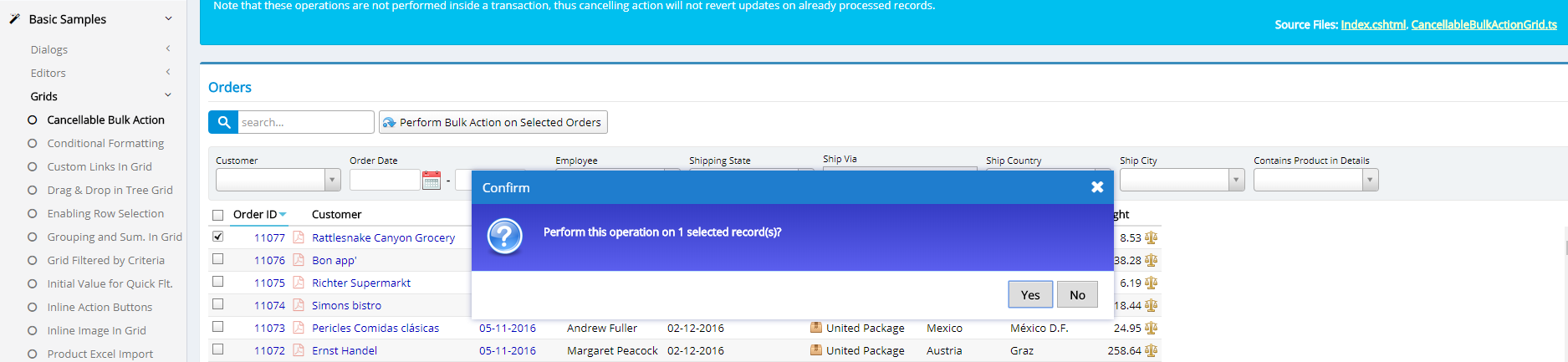
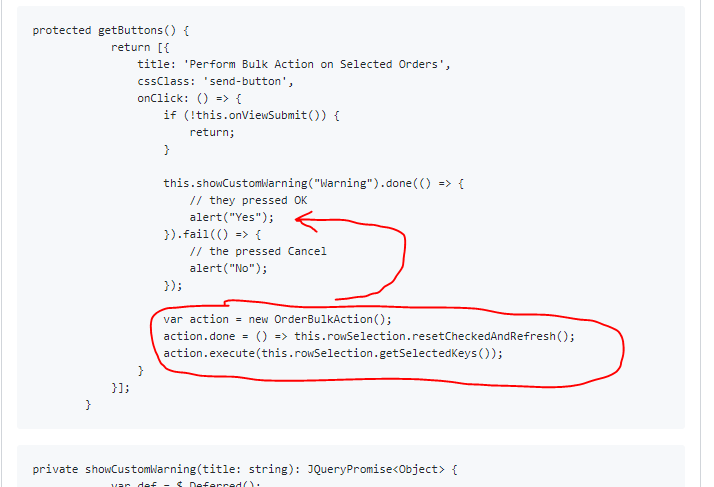
But, it's possible a case, when we need some custom check before final confirmation. To implement that feature, I added to CancellableBulkActionGrid.ts such code:
protected getButtons() {
            return [{
                title: 'Perform Bulk Action on Selected Orders',
                cssClass: 'send-button',
                onClick: () => {
                    if (!this.onViewSubmit()) {
                        return;
                    }

                    this.showCustomWarning("Warning").done(() => {
                        // they pressed OK
                        alert("Yes");
                    }).fail(() => {
                        // the pressed Cancel
                        alert("No");
                    });

                    var action = new OrderBulkAction();
                    action.done = () => this.rowSelection.resetCheckedAndRefresh();
                    action.execute(this.rowSelection.getSelectedKeys());
                }
            }];
        }
private showCustomWarning(title: string): JQueryPromise<Object> {
            var def = $.Deferred();

            $('<div class="ui-dialog ui-corner-all ui-widget ui-widget-content ui-front s-MessageDialog s-WarningDialog ui-dialog-buttons ui-draggable">' +
                '<div class="ui-dialog-content ui-widget-content">' +
                '<div class="message">Do you want to continue?' +
                '</div></div></div>').dialog({
                modal: true,
                title: title,
                buttons: {
                    Yes: function () {
                        def.resolve();
                        $(this).dialog("close");
                    },
                    No: function () {
                        def.reject();
                        $(this).dialog("close");
                    }
                }
            });

            return def.promise();
        }
But I catch unexpected behavior, see at screenshot:
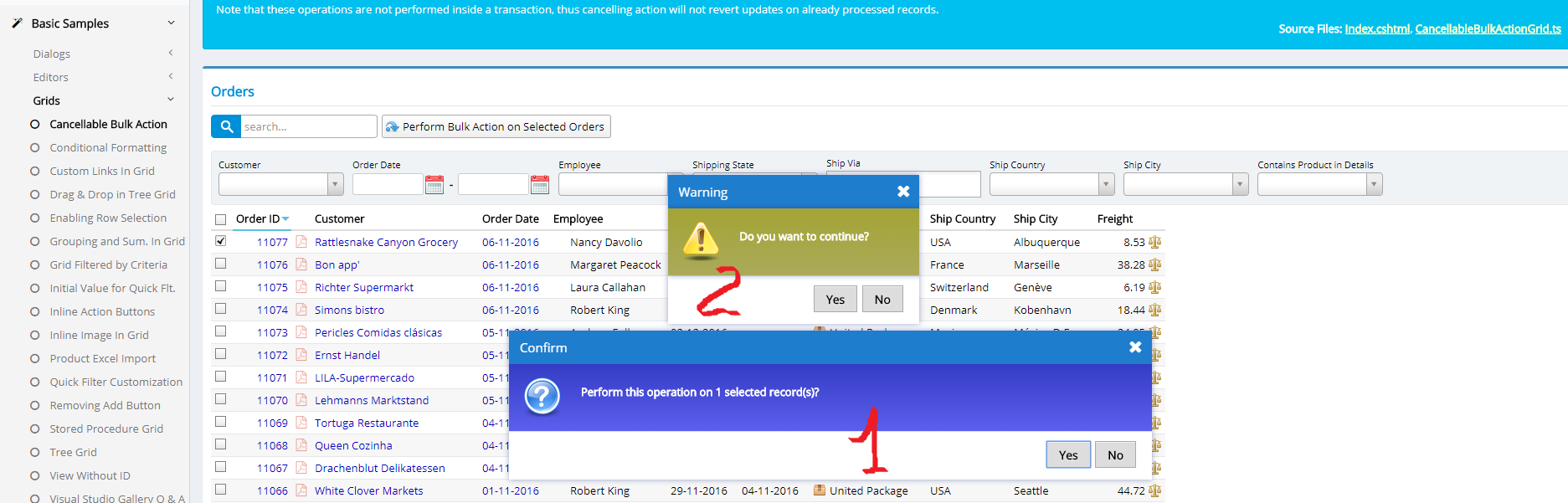
So, the default confirm window appears firstly and has greater priority than my custom confirm window, and I can't operate my own confirm window until the default confirm window is open. But I need, that my window appears firstly and only after clicking Yes or No the default window comes on.
Please, give me an advise, what should I do to implement this idea?
 evje
evje
All 5 comments

 Zahar661
on 1 Dec 2017
Zahar661
on 1 Dec 2017
?
Zahar661
on 1 Dec 2017
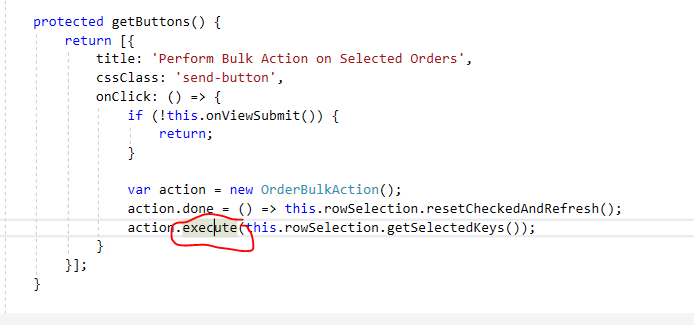
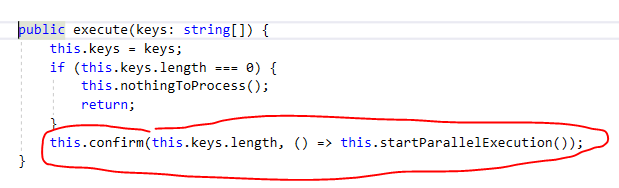
Nice presentation @Zahar661 :)
 volkanceylan
on 1 Dec 2017
volkanceylan
on 1 Dec 2017
@Zahar661 , great job!
Thank U very much)
Also it's possible such code:
protected getButtons() {
            return [{
                title: 'Perform Bulk Action on Selected Orders',
                cssClass: 'send-button',
                onClick: () => {
                    if (!this.onViewSubmit()) {
                        return;
                    }

                    Q.confirm(
                        "Do you want to continue?",
                        () => {
                            //Q.notifySuccess("Allright!");
                            var action = new OrderBulkAction();
                            action.done = () => this.rowSelection.resetCheckedAndRefresh();
                            action.execute(this.rowSelection.getSelectedKeys());
                        },
                        {
                            onNo: () => {
                                //Q.notifyInfo("You clicked NO. Why?");
                            },
                            onCancel: () => {
                                //Q.notifyError("You clicked X. Operation is cancelled. Will try again?");
                            },
                            title: "Some Custom Confirmation Title"
                        });
                }
            }];
        }
Perfect +1
 danpadua
on 17 Jul 2018
danpadua
on 17 Jul 2018
Related issues
 gfo2007
·
3Comments
gfo2007
·
3Comments
 stepankurdylo
·
3Comments
stepankurdylo
·
3Comments
 newyearsoft
·
3Comments
newyearsoft
·
3Comments
 dudeman972
·
3Comments
dudeman972
·
3Comments
 StefanTheiner
·
3Comments
StefanTheiner
·
3Comments
Most helpful comment
?
