Sequelpro: Can't Export Query Results to CSV
I searched for an outstanding issue for this and was unable to find one. But, I'm sure I could have missed one or one that is related. If this is a duplicate, please close this issue.
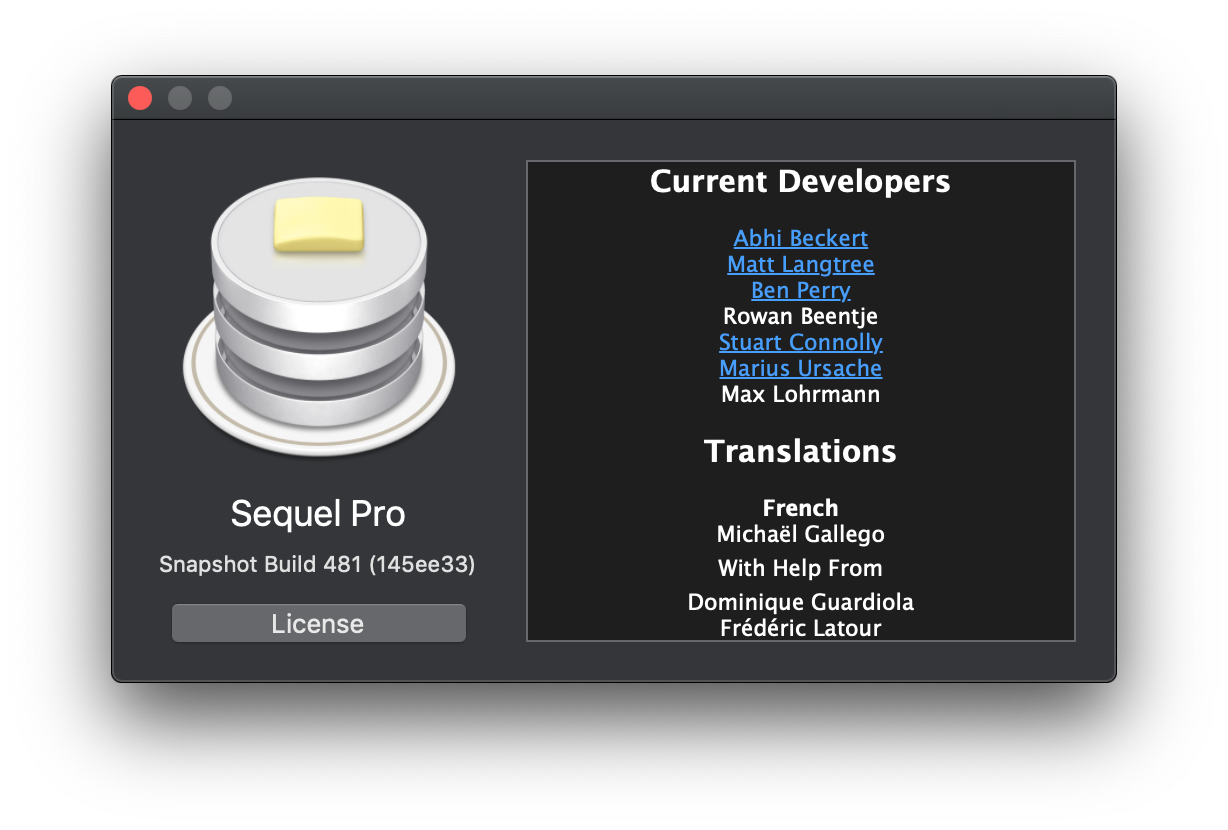
- Sequel Pro Version: Snapshot Build 481 (145ee33)
- macOS Version: macOS Mojave 10.14
- MySQL Version: MySQL 5.6.37-82.2-log
Description
After running a query and attempting to export the results to a CSV, the "Export" button remains grayed out/disabled.
Steps To Reproduce
- Run a query that returns some rows.
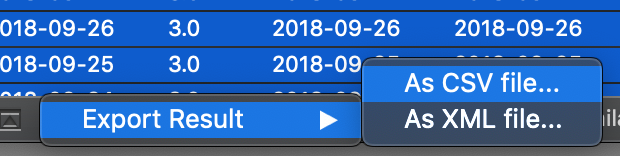
- At the bottom of the Sequel Pro window, click the gear icon/dropdown and choose Export Result > As CSV file...
Expected Behaviour
The ability to click Export and have the results exported to a CSV file.
Additional Context
This only became an issue when I thought I had to have Dark Mode _everything!_ I started using these instructions for building from source.
Screenshots


 jeffcross
All 4 comments
Can reproduce (however only after switching to the SQL tab and changing one of the "Include..." checkboxes and switching back)
The validation logic for the export button doesn't seem to take into account a few important factors (like data source and selected export type)
 dmoagx
on 27 Oct 2018
dmoagx
on 27 Oct 2018
@dmoagx - I have tried switching tabs, checking/unchecking boxes, etc. and can't get the Export button to enable for me. Do you know if there is a work around (since you're only able to reproduce the error by doing something different than I am)?
Thanks for taking the time to look at this.
jeffcross
on 31 Oct 2018
A workaround is to select all of the rows from the query results, then choose Edit > Copy with Column Names from the menu, and paste it into a spreadsheet program like Numbers, Google Sheets, or Excel. Then export from the spreadsheet to CSV.
 samuelbradshaw
on 28 Nov 2018
samuelbradshaw
on 28 Nov 2018
This project is not maintained anymore and was replaced. Please see https://github.com/sequelpro/sequelpro/issues/3705.
![stale[bot] picture](https://avatars.githubusercontent.com/in/1724?v=4&s=40) stale[bot]
on 3 Jul 2020
stale[bot]
on 3 Jul 2020
Related issues
 sequelpro
·
3Comments
sequelpro
·
3Comments
 trevor
·
3Comments
trevor
·
3Comments
 miles-x
·
3Comments
miles-x
·
3Comments
 rawkode
·
5Comments
rawkode
·
5Comments
 laoli4121
·
4Comments
laoli4121
·
4Comments
Most helpful comment
A workaround is to select all of the rows from the query results, then choose Edit > Copy with Column Names from the menu, and paste it into a spreadsheet program like Numbers, Google Sheets, or Excel. Then export from the spreadsheet to CSV.