Sentry: Slack Integration: OAuth Error: Please specify `client_id`
 wakandan
All 7 comments
@wakandan: Add these to your config.yml
slack.client-id: <'client id'>
slack.client-secret: <'client secret'>
slack.verification-token: <'verification token'>
Please refer Slack Configuration. Hope this helps.
 TejaBeta
on 11 Jun 2019
TejaBeta
on 11 Jun 2019
Closing due to lack of any proper details. @wakandan I'd recommend searching the forums (https://forum.sentry.io/) and existing issues before posting a new issue here and then adding as many details as possible for a quicker resolution and response.
 BYK
on 12 Jul 2019
BYK
on 12 Jul 2019
I have the same issue.
"OAuth Error: Please specify client_id"
It happens when I click "Add Workspace" at "Slack Integration" page.
Dockerized Slack installation.
 dmugtasimov
on 5 Sep 2019
dmugtasimov
on 5 Sep 2019
For anyone who had the same issue, I managed to make it work by(apart from following this tutorial):
- update config file:
sentry/config.yml - rebuild docker images:
docker-compose build - restart containers with updated images:
docker-compose up -d
 xuqingfeng
on 19 Feb 2020
xuqingfeng
on 19 Feb 2020
I've managed to solve the Problem (also on premise sentry 9.1.2 installation with the official sentry docker image from hub.docker.com).
Like @xuqingfeng I also followed this tutorial: How to configure Slack in your on-prem Sentry
Unlike @xuqingfeng I didn't build a new Docker image. I just set the following ENV's:
- env('SLACK_CLIENT_ID')
- env('SLACK_CLIENT_SECRET')
- env('SLACK_VERIFICATION_TOKEN')
After that I followed the next steps described in the tutorial.
 TimoDJatomika
on 11 Apr 2020
TimoDJatomika
on 11 Apr 2020
where i can find all this variables ?
slack.client-id: <'client id'>
slack.client-secret: <'client secret'>
slack.verification-token: <'verification token'>
 popakatepepel
on 12 Apr 2020
popakatepepel
on 12 Apr 2020
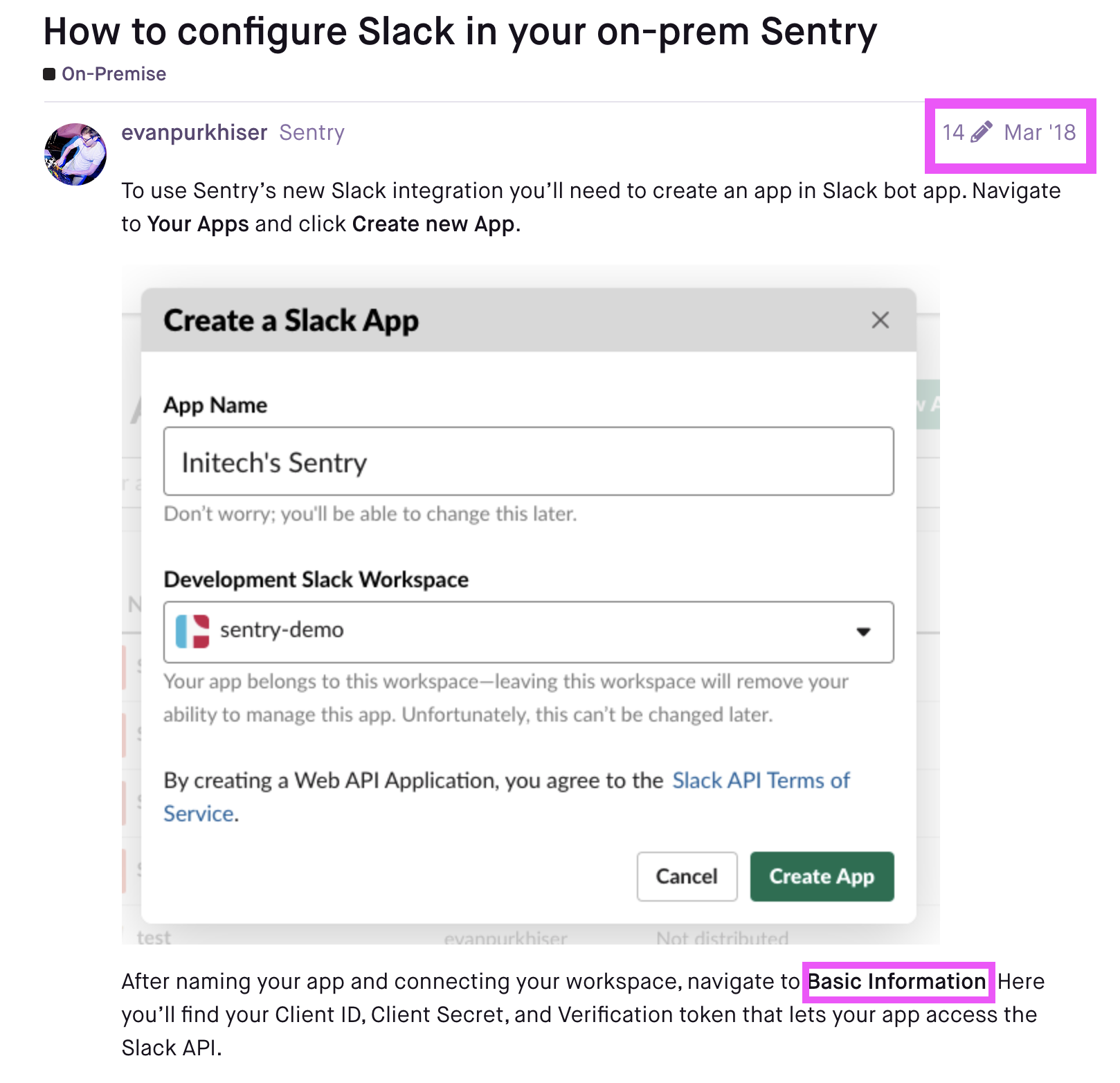
perhaps this HowTo is not relevant anymore? I can't see any Basic Information
popakatepepel
on 12 Apr 2020
Related issues
 dcramer
·
4Comments
dcramer
·
4Comments
 nickolaskraus-wf
·
3Comments
nickolaskraus-wf
·
3Comments
 mattrobenolt
·
3Comments
mattrobenolt
·
3Comments
 maefinho
·
3Comments
maefinho
·
3Comments
 jiankunking
·
3Comments
jiankunking
·
3Comments
Most helpful comment
I have the same issue.
"OAuth Error: Please specify
client_id"It happens when I click "Add Workspace" at "Slack Integration" page.
Dockerized Slack installation.