Sdk: AngularDart not debuggin in WebStorm Chrome
Hi Team,
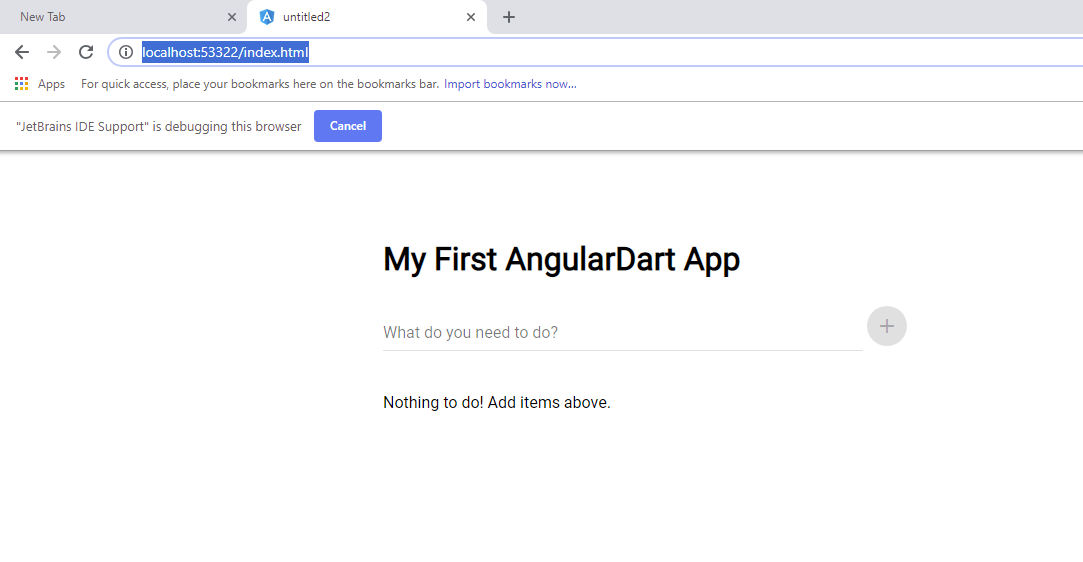
I am able to see that back-end server is running, however I am not able to see it in the browser.

- Dart SDK Version (
dart 2.1.0) - Windows
- Chrome
*Chrome Jet Brain Addon
http://localhost:53322/index.html
C:\flutter\bin\cache\dart-sdk\bin\pub.bat global run webdev serve web:53322
Creating build script, took 46922ms
[INFO] Setting up file watchers...
[INFO] Setting up file watchers completed, took 33ms
[INFO] Waiting for all file watchers to be ready...
[INFO] Waiting for all file watchers to be ready completed, took 197ms
[INFO] Initializing inputs
[INFO] Reading cached asset graph...
[INFO] Reading cached asset graph completed, took 1.3s
[INFO] Checking for updates since last build...
[INFO] Checking for updates since last build completed, took 8.2s
[INFO] Running build...
[INFO] 6.5s elapsed, 0/1 actions completed.
[INFO] 9.0s elapsed, 3/4 actions completed.
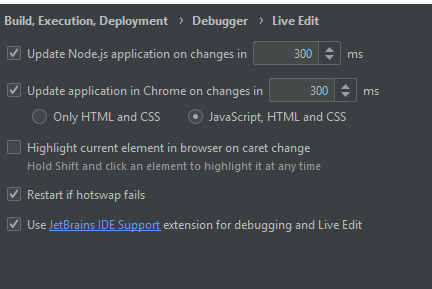

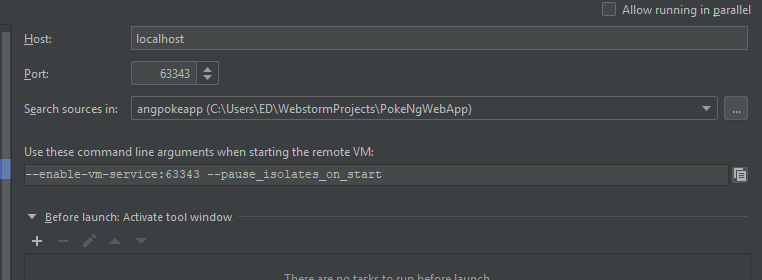
On the same IDE and same Environment I was able to run Angular JS w/o a problem.
Any ideas why I not showing the content on the browsers?
 DBSumation
All 5 comments
same issue on Ubuntu 18.04
DBSumation
on 27 Nov 2018
C:\flutter\bin\cache\dart-sdk\bin\pub.bat global run webdev serve web:53322
Dart Dev Server terminated (Manually stopped)
So the server is running, just the Browser not connecting/displaying.
DBSumation
on 27 Nov 2018
Hmm, can you try this with a standard Dart install (instead of the one packaged with Flutter)? Flutter doesn't package the full Dart SDK (some web tools are missing).
 vsmenon
on 3 Dec 2018
vsmenon
on 3 Dec 2018
Thank you solved by installing Dart SDK separated from Flutter.
Thank you for the assistance. 👍
:)
DBSumation
on 4 Dec 2018
Thanks for the update!
vsmenon
on 4 Dec 2018
Related issues
 gspencergoog
·
3Comments
gspencergoog
·
3Comments
 matanlurey
·
3Comments
matanlurey
·
3Comments
 emilniklas
·
3Comments
emilniklas
·
3Comments
 brooth
·
3Comments
brooth
·
3Comments
 xster
·
3Comments
xster
·
3Comments
Most helpful comment
Hmm, can you try this with a standard Dart install (instead of the one packaged with Flutter)? Flutter doesn't package the full Dart SDK (some web tools are missing).