Screentogif: [Feature request] Other obfuscation options, such as blur
I really love ScreenToGif, the possibilities and results are great.
I'd like to file a request for (Gaussian) blur next to pixelate.
Pixelate is nice, but in some cases the screens are being affected too much.
At the moment I take care of blurring outside ScreenToGif, using imagemagick, but that is very time consuming and error prone.
An adaptable blur in ScreenToGif would make it look even more professional!
Keep up the good work and thanks!
 awrog
awrog
All 5 comments
Thanks, nice idea. :)
 NickeManarin
on 15 Mar 2019
NickeManarin
on 15 Mar 2019
An adaptable blur in ScreenToGif would make it look even more professional
One additional suggestion here: sometimes blurs aren't just for confidential/private data but also for helping focus the user on what you want them to look at. With lots of demo animations, an important facet is focusing the user on the area that's important. Usually you can do that with arrows and red boxes, but blurring is sometimes useful especially with interfaces that have loads of elements or are very colorful.
So the feature request is for both standard blurring as well as a very slight or gradual blur. I can definitely find uses for those.
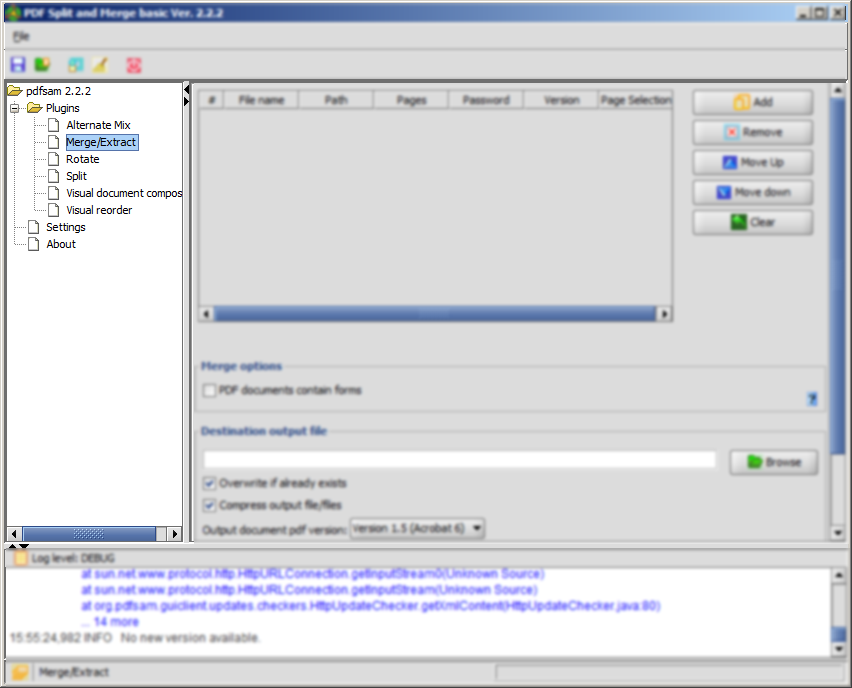
Example 1: With PDF SAM, a very light blur on the surrounding elements helps focus the eye on the left side of the screen:
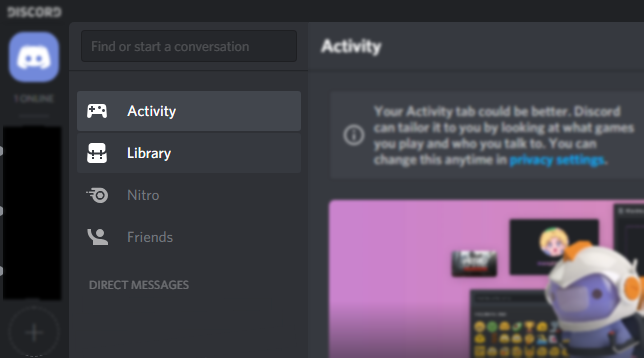
Example 2: Blurring the other elements can help nudge people to the primary options list. Discord's interface is sometimes so colorful it's hard to find what you're looking for. This edit draws the eye to where they can access the top-level screens (Activity/Library/Nitro/Friends).
 vatterspun
on 16 Mar 2019
vatterspun
on 16 Mar 2019
I would be perfectly content if ScreenToGif would make use of the imagemagick engine (dll).
The possibilities would be endless!
awrog
on 16 Mar 2019
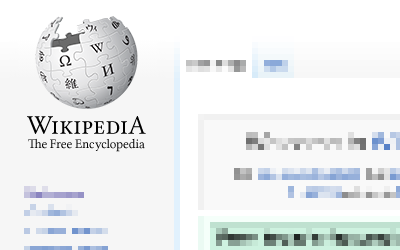
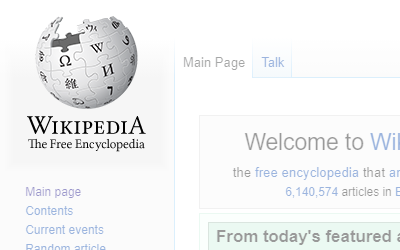
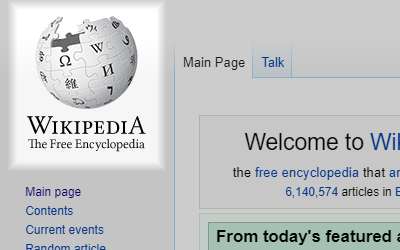
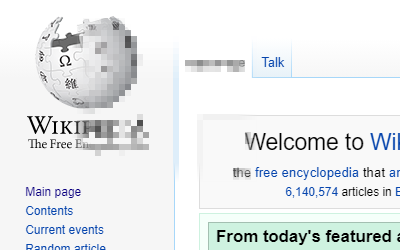
Done. You can also apply all obfuscation methods to the inverse of the selection.
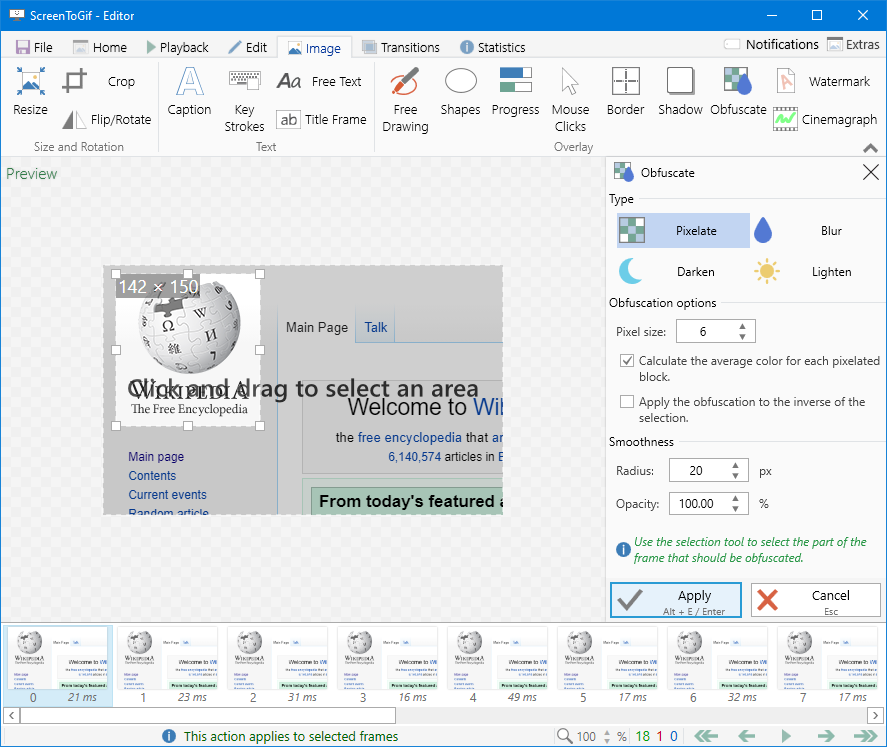
Examples:
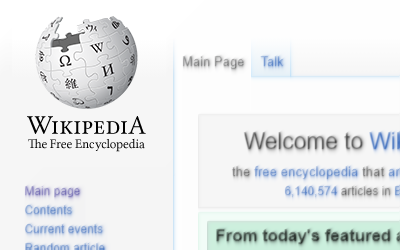
Pixelated with smoothened edge:
NickeManarin
on 16 Aug 2020
Done. You can also apply all obfuscation methods to the inverse of the selection.
Nicely done - a lot more than was requested. Thanks :)
vatterspun
on 13 Dec 2020
Related issues
 Kristinita
·
4Comments
Kristinita
·
4Comments
 spyoungtech
·
4Comments
spyoungtech
·
4Comments
 Tox86
·
3Comments
Tox86
·
3Comments
 AdKiller
·
5Comments
AdKiller
·
5Comments
 Quisquose
·
3Comments
Quisquose
·
3Comments
Most helpful comment
One additional suggestion here: sometimes blurs aren't just for confidential/private data but also for helping focus the user on what you want them to look at. With lots of demo animations, an important facet is focusing the user on the area that's important. Usually you can do that with arrows and red boxes, but blurring is sometimes useful especially with interfaces that have loads of elements or are very colorful.
So the feature request is for both standard blurring as well as a very slight or gradual blur. I can definitely find uses for those.
Example 1: With PDF SAM, a very light blur on the surrounding elements helps focus the eye on the left side of the screen:

Example 2: Blurring the other elements can help nudge people to the primary options list. Discord's interface is sometimes so colorful it's hard to find what you're looking for. This edit draws the eye to where they can access the top-level screens (Activity/Library/Nitro/Friends).
