Scratch-www: Redesign one consistent spinner across scratch-www and scratch-gui
Background
We noticed that the spinners across GUI and WWW are different.
The spinner in WWW is an SVG:
- Go to the "Add to Studio Modal" and add or remove a studio.
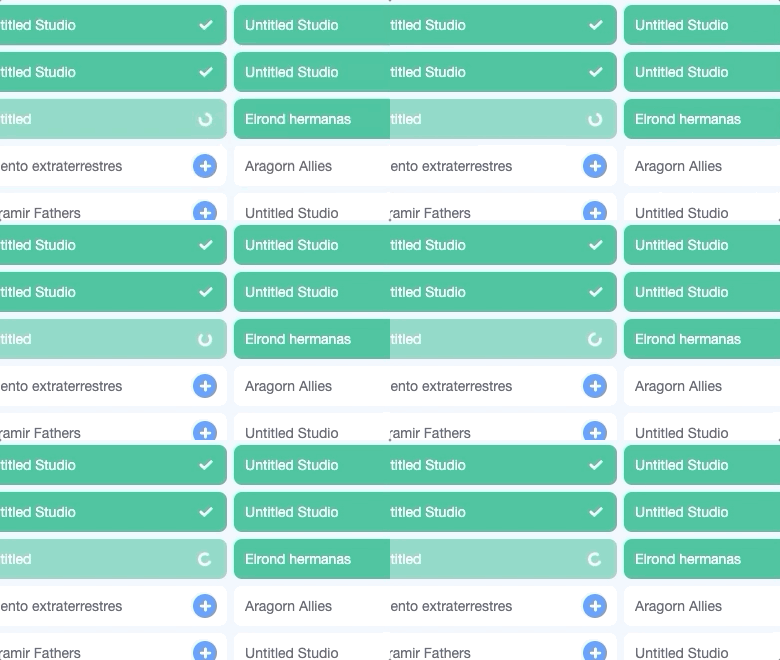
- We will also include this in the new Join Flow in order to keep WWW spinners the same in the meantime, but we'd like to revisit this later.
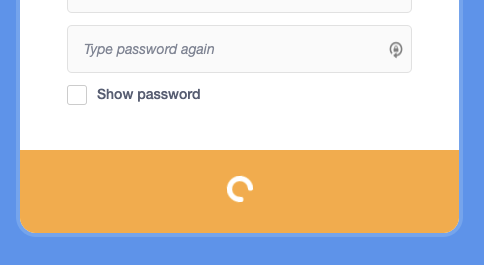
The spinner in GUI made purely using CSS.
- Save a project manually by clicking "Save now" in the "File" menu.

- You can also find this spinner in the dropdown alert by trying to connect a hardware extension.
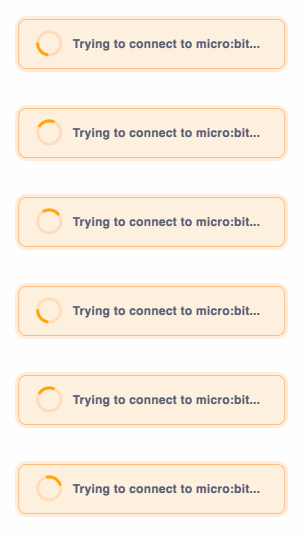
This is an out of date approximation that's in a codepen somewhere else. You can get a rough idea from it!
Task
We would like to create a new SVG asset that combines the best attributes from both designs, one which is:
1– two-tone opacity for better legibility
2– rounded border edges for consistency with the rest of our Scratch icons
We're deciding on SVG and not CSS for now because we don't have as much stylistic flexibility (e.g. rounded edges) with CSS.
We would also like to unify the spinners and their animations across GUI and WWW.
Thanks to @benjiwheeler @carljbowman for thinking through this together!
 kathymakes
All 3 comments
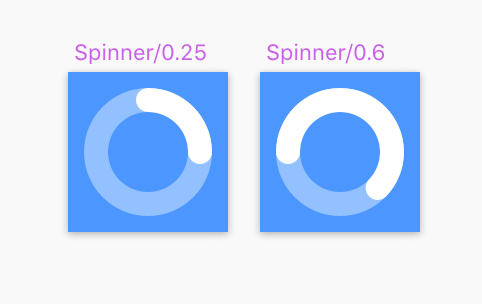
Playing around a little with a new spinner design and animating it:
In partial context with some text:
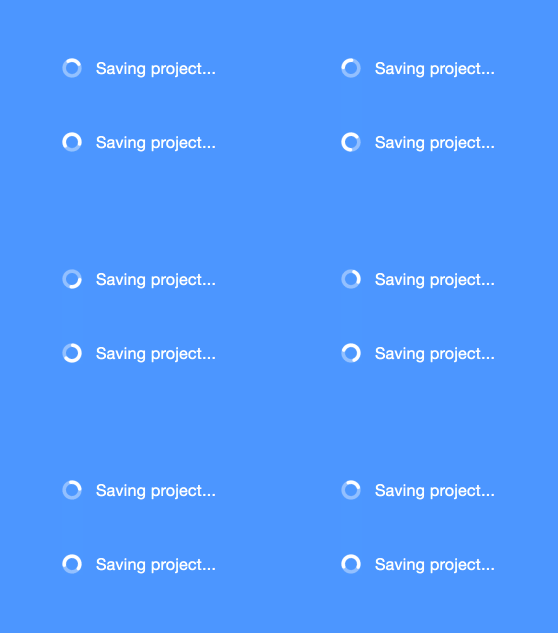
Here's the animation specs I'm using, similar to what we use now:
.spinner {
    animation: spin 1.25s cubic-bezier(0.4, 0.1, 0.4, 1) infinite;
}
These seem pretty legible at a smaller size. They feel more visually balanced while animating and also a bit more "on-brand" compared to the options we have right now.
I prefer #1 right now. #2 holds color contrast better at a small size, but #1 somehow feels more calming than #2.
kathymakes
on 18 Sep 2019
Uploading the icon asset here as an SVG:
kathymakes
on 30 Sep 2019
@benjiwheeler and I were talking about the fact that our current loaders are also different sizes...
the GUI one is generally sized at around 24px (I think) and the one in WWW one is generally around 20px with a 10px icon inside (so the artboard is larger than the actually shape).
Here's the earlier spinner I posted at 10px and again at 16px, which is the size most of our other icons are exported at (within a 20px artboard)
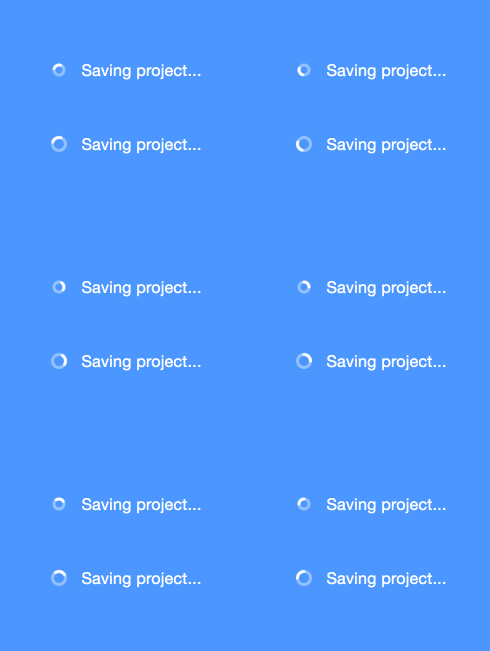
If this is confusing I'll show some more screenshots soon :)
Will post more progress on this later. The 10px in 20px is harder to read but it looks maybe more seamless in-line with text. Optically it is closer to our checkmark.
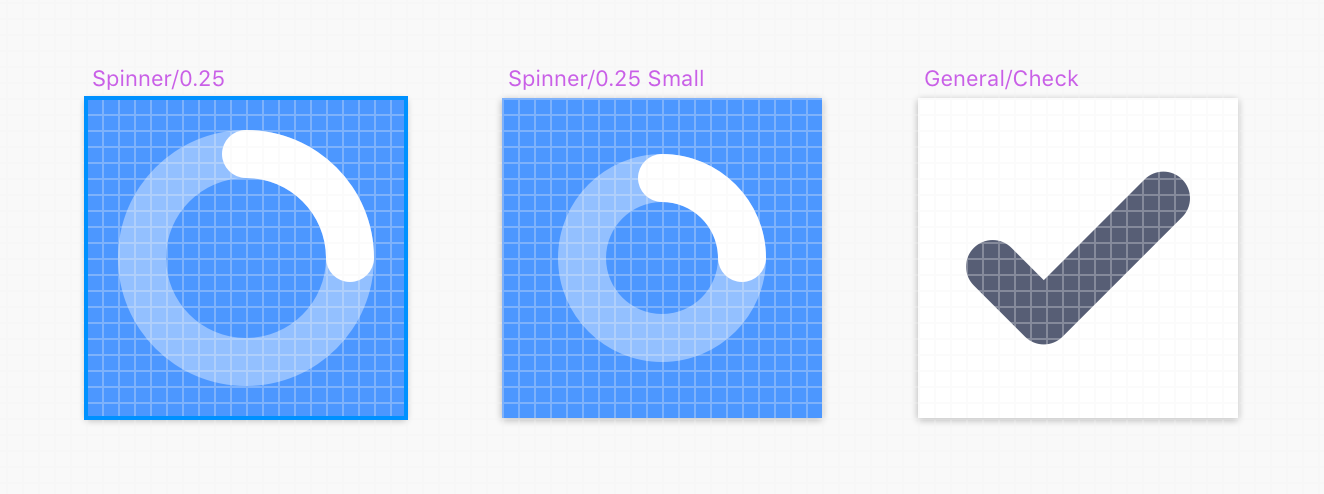
At the same time, I would rather do 16px for most things for consistency... Let's revisit this issue later.
kathymakes
on 3 Oct 2019
Related issues
 apple502j
·
4Comments
apple502j
·
4Comments
 mxmou
·
4Comments
apple502j
·
4Comments
mxmou
·
4Comments
apple502j
·
4Comments
 jwzimmer
·
3Comments
jwzimmer
·
3Comments
 chrisgarrity
·
4Comments
chrisgarrity
·
4Comments
Most helpful comment
Playing around a little with a new spinner design and animating it:
In partial context with some text:

Here's the animation specs I'm using, similar to what we use now:
These seem pretty legible at a smaller size. They feel more visually balanced while animating and also a bit more "on-brand" compared to the options we have right now.
I prefer #1 right now. #2 holds color contrast better at a small size, but #1 somehow feels more calming than #2.