steps
- compile a large build with plugins, macros, code generation, library dependencies etc.
problem
The problem is that the log gets really noisy
[info] Updating {file:/…/scalajs-react/}root...
[info] Updating {file:/…/scalajs-react/}core...
[info] Updating {file:/…/scalajs-react/}gh-pages-macros...
[info] Done updating.
[info] Compiling 2 Scala sources to /…/scalajs-react/gh-pages-macros/…
[info] Done updating.
[info] Updating {file:/…/scalajs-react/}extra...
but when something is taking a long time it's hard to tell what's going on.
expectation
Remove the "Updating..." .. "Done" with currently executing tasks with count up clock?
 eed3si9n
All 3 comments
is there some other tool, not necessarily a Scala or JVM tool even but just anything, that does a good job with this, and we could copy their design?
 SethTisue
on 15 Sep 2018
SethTisue
on 15 Sep 2018
One thing that I think is nice in mill is that by default it generates performance reports for each task. I think it would be great if sbt could do something similar. The implementation in mill is here: Evaluator
 eatkins
on 15 Sep 2018
eatkins
on 15 Sep 2018
@SethTisue Gradle.
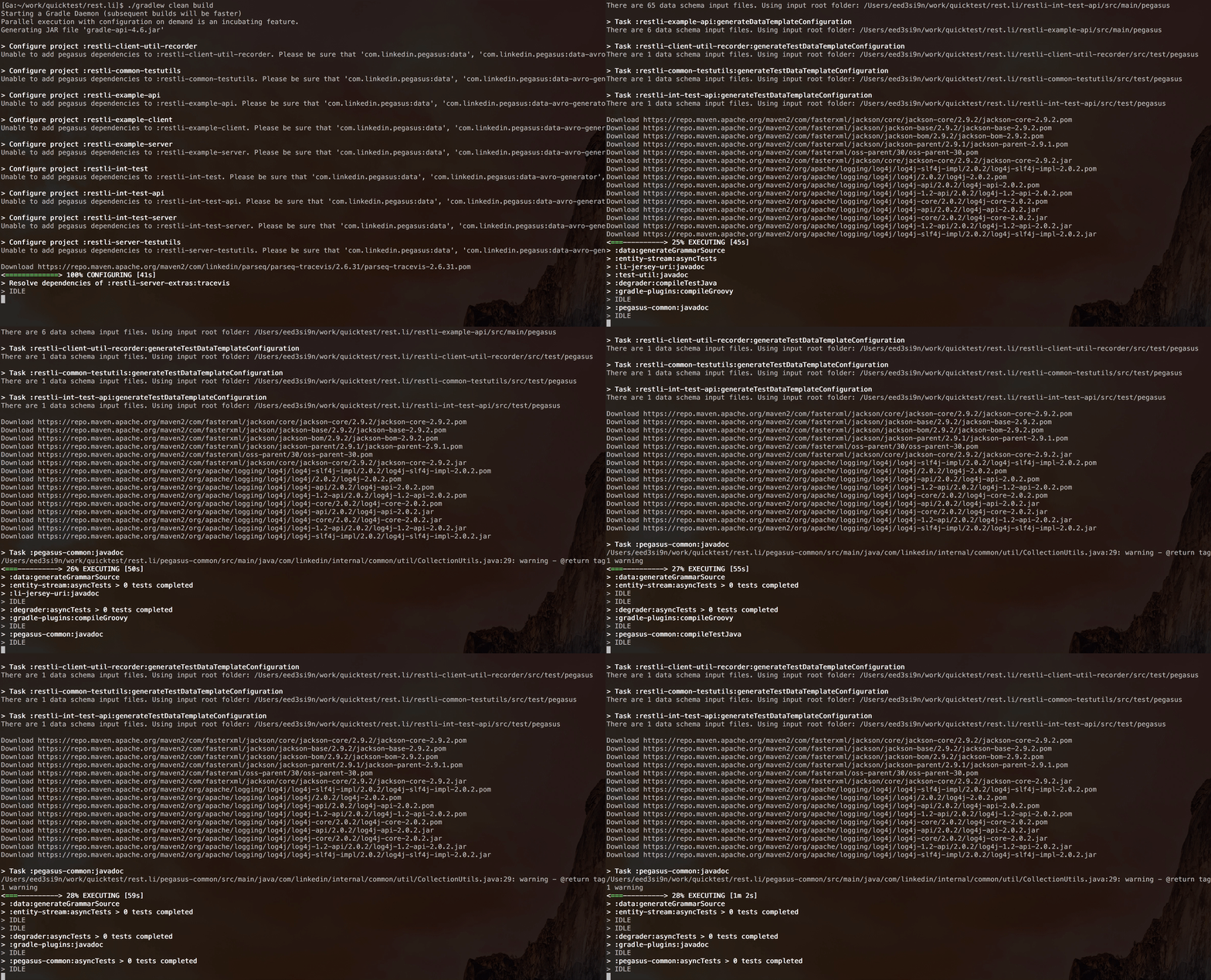
I wrote http://eed3si9n.com/console-games-in-scala as a preliminary research for implementing Gradle's progress bar. It takes over bottom _n_ rows of your terminal where _n_ is the number of concurrent tasks, and shows you what the overall command you're executing on:
eed3si9n
on 15 Sep 2018
Related issues
 laughedelic
·
3Comments
laughedelic
·
3Comments
 MasseGuillaume
·
3Comments
MasseGuillaume
·
3Comments
 xuwei-k
·
4Comments
xuwei-k
·
4Comments
 bjornregnell
·
3Comments
bjornregnell
·
3Comments
 lxohi
·
3Comments
lxohi
·
3Comments
Most helpful comment
@SethTisue Gradle.
I wrote http://eed3si9n.com/console-games-in-scala as a preliminary research for implementing Gradle's progress bar. It takes over bottom _n_ rows of your terminal where _n_ is the number of concurrent tasks, and shows you what the overall command you're executing on: