Sanity: Can't login on mobile (Safari or Chrome)
Steps to reproduce the behavior:
- Go to the login of a sanity desk
- Click on the accept cookie
- Click to login with GitHub. After authenticated, it takes you back to which thing to login with. Click github again, and it just takes you back to what to login to. So it's re-repeating itself.
Expected behavior
To login and edit where needed.
Which versions of Sanity are you using?
@sanity/base 0.140.9
@sanity/components 0.140.9
@sanity/core 0.140.9
@sanity/default-layout 0.140.9
@sanity/desk-tool 0.140.9
What operating system are you using?
iOS 12
My settings for Safari allows cookies

 danielvanc
All 10 comments
Haven't heard anything back on this yet? Can someone please look into it please? Quite frustrating that it's not working as a big part of the reason moving to Sanity was that I wanted to edit content on my mobile.
Thanks!
danielvanc
on 19 Mar 2019
Thanks for the report and apologies for the radio silence. We're aware of the issue. It seems that our login at times triggers the cross-site tracking prevention in Safari (even if no such tracking is going on). It's a sporadic error, but once it strikes it's sticky and prevents login.
We will definitely be addressing the issue. The immediate remedy is to allow cross-site tracking.
 evenwestvang
on 19 Mar 2019
evenwestvang
on 19 Mar 2019
Thank you for the quick reply @evenwestvang and for addressing the issue! Have allowed cross-site tracking now in Safari and is working nicely, so am happy until this can be looked into. 👍
danielvanc
on 19 Mar 2019
Are there any updates on this?
 asundlihardig
on 16 Jun 2019
asundlihardig
on 16 Jun 2019
Looks like the latest version of content studio is not letting me login via Safari - looks like a cookie issue? (404) https://lx67wdtx.api.sanity.io/v1/auth/testCookie

 ryanscherler
on 27 Jun 2019
ryanscherler
on 27 Jun 2019
This proves to be a complex issue to handle, but we are working on it! Stay tuned.
 kmelve
on 15 Aug 2019
kmelve
on 15 Aug 2019
Thanks @kmelve, appreciate that. Good to hear you're still on it 👍
danielvanc
on 15 Aug 2019
Was able to get around this in Chrome Beta by turning off the "Block third-party cookies" option in settings. Need to do this each time I want to login (since I don't plan on leaving it disabled for general browsing).
 fishintaiwan
on 22 Aug 2019
fishintaiwan
on 22 Aug 2019
any news on this?
 EricWVGG
on 27 Jul 2020
EricWVGG
on 27 Jul 2020
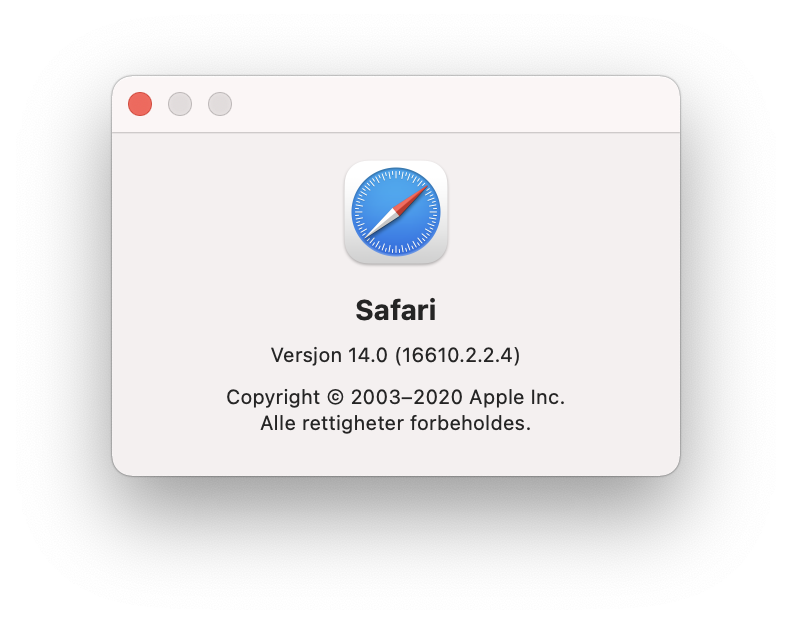
This doesn't happen for me anymore in the latest Safari 14 for macOS Big Sur. 🥳
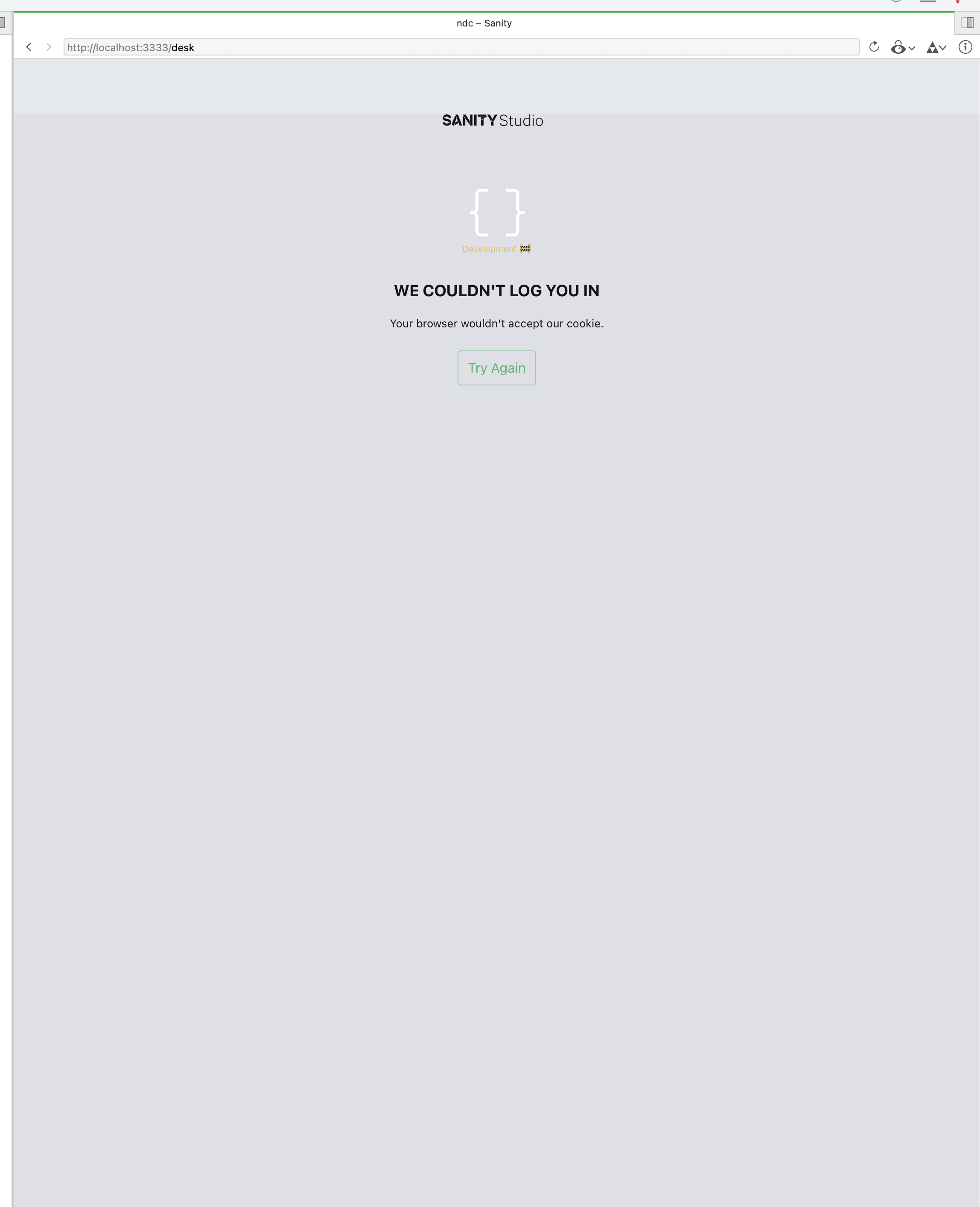
But still happens for apps (here Panic's Nova editor) using WKWebView.
 eivindml
on 8 Sep 2020
eivindml
on 8 Sep 2020
Related issues
 zanedev
·
4Comments
zanedev
·
4Comments
 mrkolby
·
4Comments
mrkolby
·
4Comments
 chanp-ark
·
3Comments
chanp-ark
·
3Comments
 nettum
·
3Comments
nettum
·
3Comments
 mmgj
·
4Comments
mmgj
·
4Comments
Most helpful comment
Are there any updates on this?