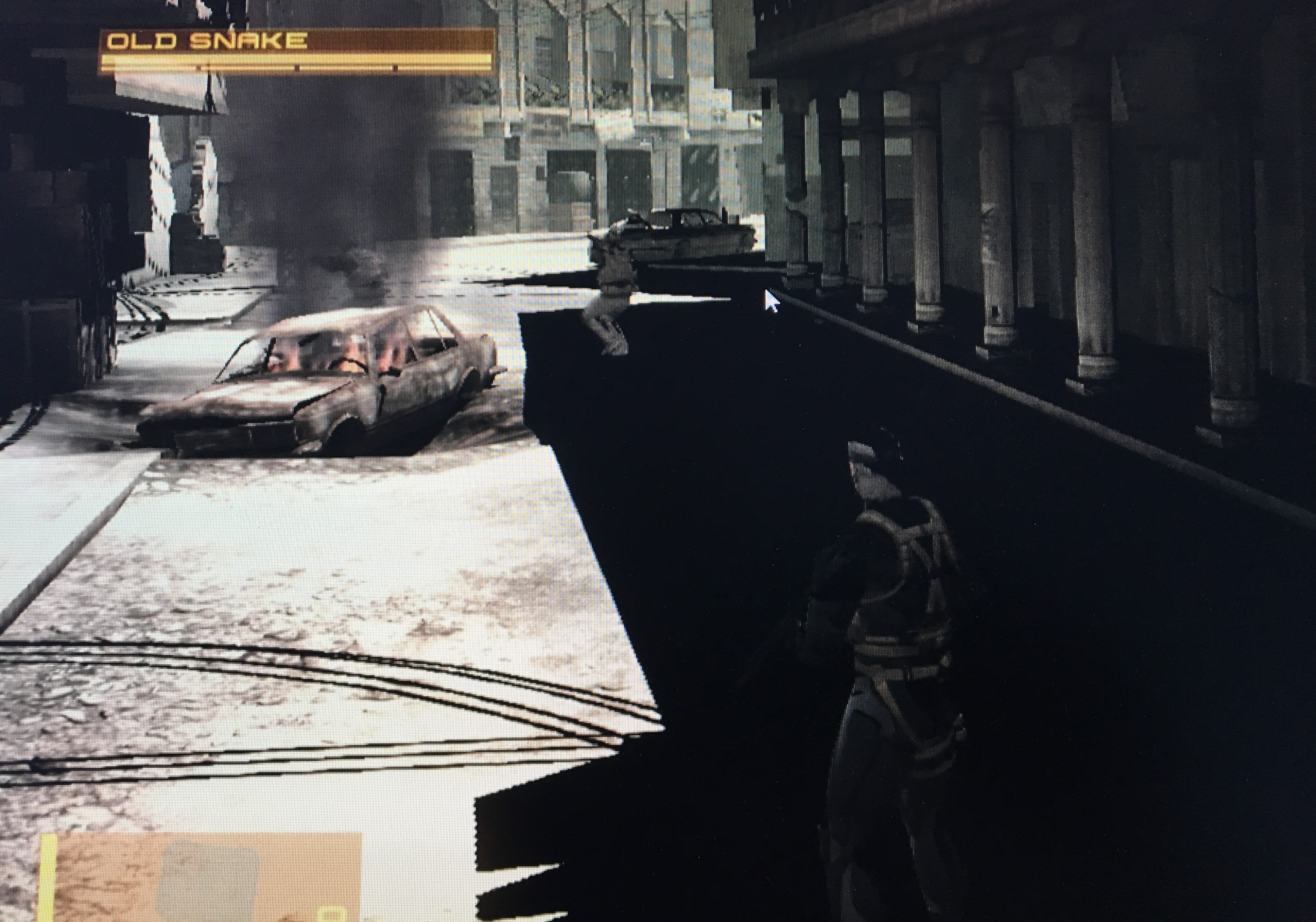
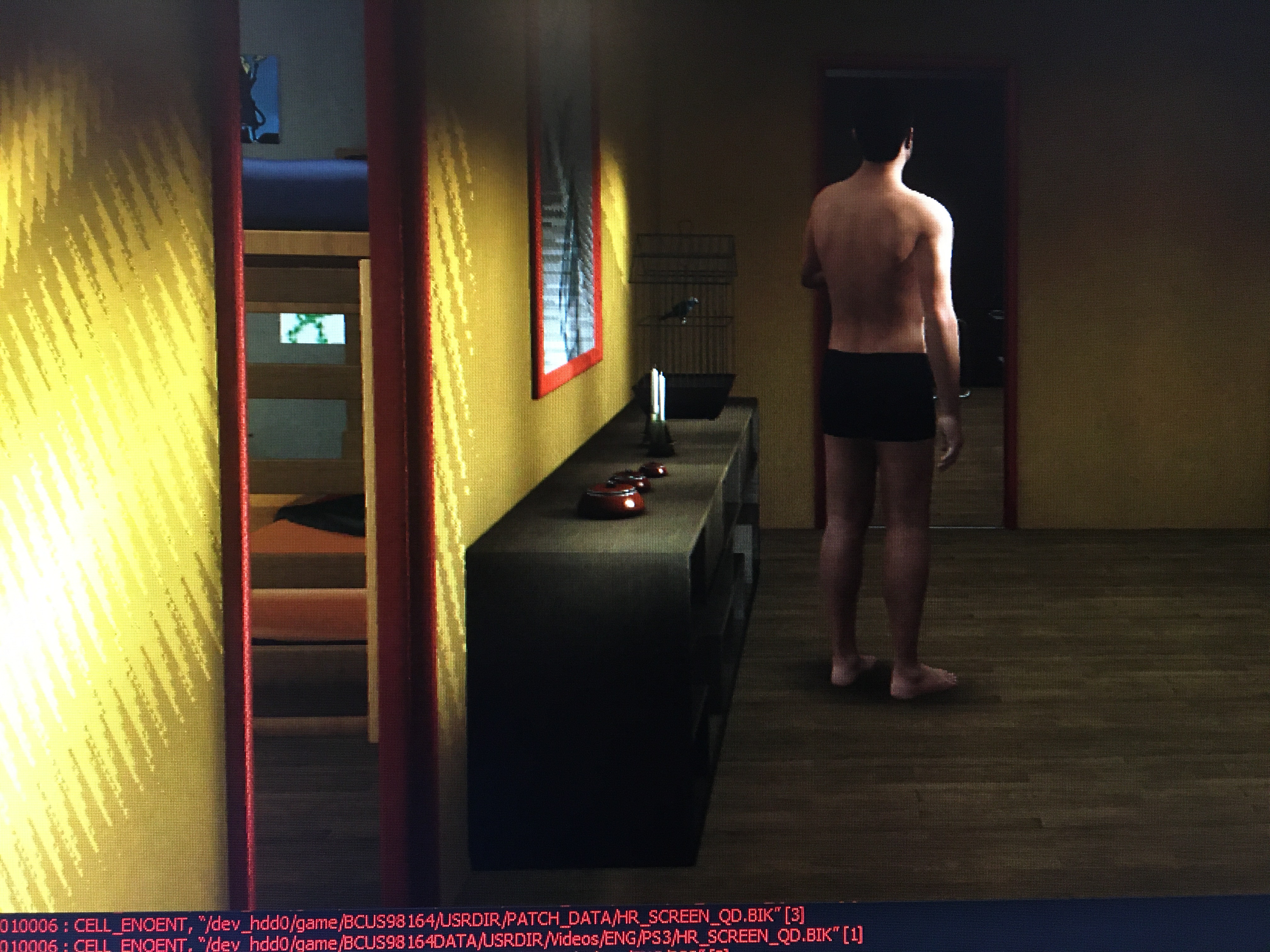
Some games have light's reflections issue (making light flickerins and bad display like in Heavy Rain).This also affects shadow reflection (like in MGS4).
Here's pic with MGS4
Here's the pic with Heavy Rain
RPCS3.log.gz
I'm using I9 9900KF and GTX 1080 with lastest drivers on windows 10
 ghost
ghost
All 12 comments
Attach RSX Captures when reporting graphical issues.
You might also want to consider taking screenshots of the issues for better clarity instead of taking pictures with a phone
 RainbowCookie32
on 23 Oct 2019
RainbowCookie32
on 23 Oct 2019
@RainbowCookie32
How I can make RSX captures ?
ghost
on 24 Oct 2019
On RPCS3, go to View, and click Show Debugger. Now boot the game where you have graphical issues, and get to the point where this issues are, Make sure you can see them on screen, then click RSX Capture on the debugger. This should create a capture and save it to the captures folder on RPCS3's directory.
After that, compress the capture, and then either attach it to the issue or upload it somewhere else and link it here.
RainbowCookie32
on 24 Oct 2019
@RainbowCookie32
Ok,I could make RSX capture.
Here's my new report :
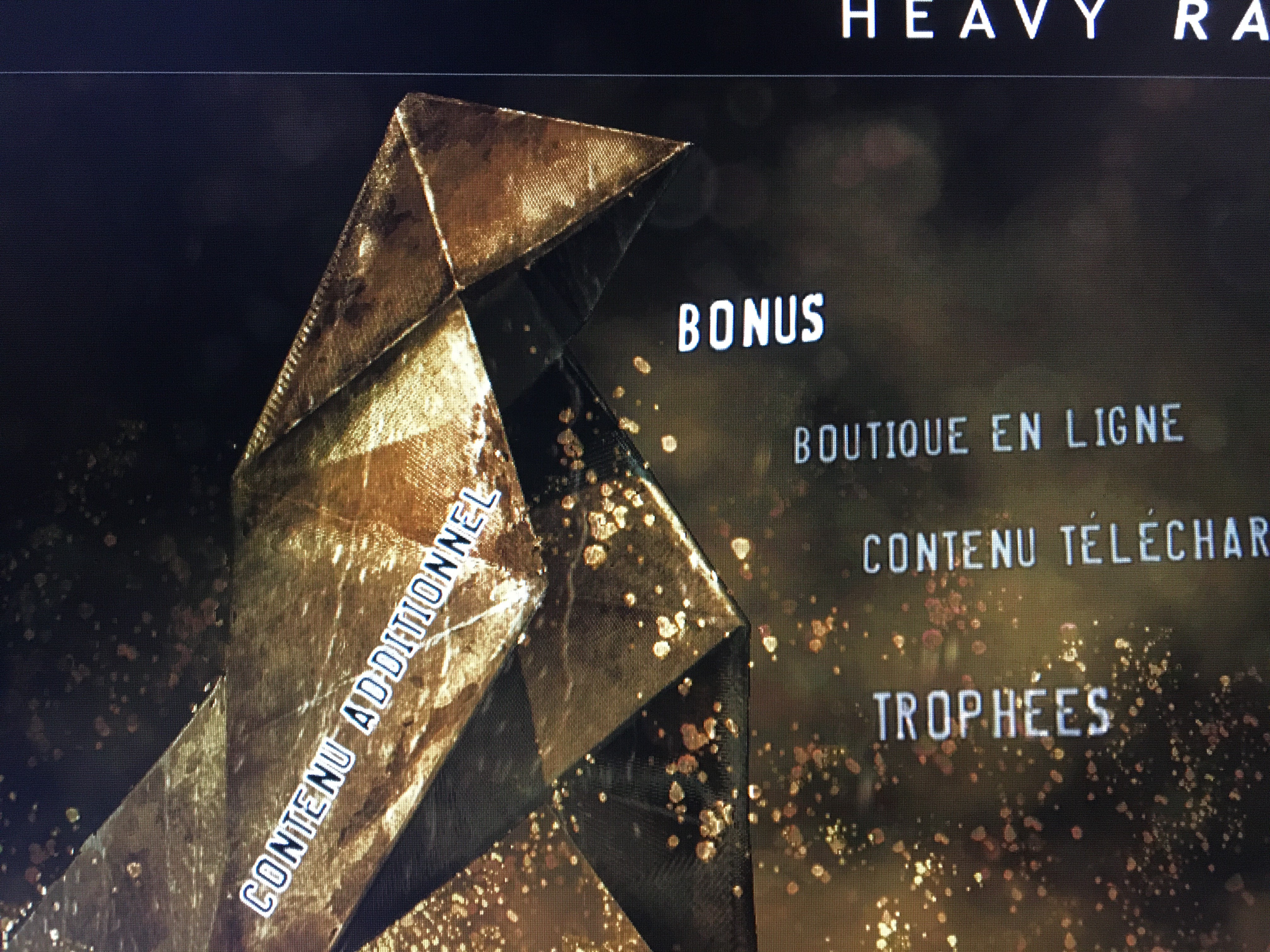
Heavy Rain makes systematically a crashes if I try to make a RSX capture at the moment I showed before.I took a RSX capture at another time but seems to be the same issue effect with the origami :
HeavyRainRSX.zip
HeavyRainRSX-RPCS3.log.gz
Metal Gear Solid 4 :

MGS4Shadow-RSX.zip
MGS4Shadow-RSX1.zip
MGS4Shadow-RSX2.zip
MGS4Shadow-RSX3.zip
MGS4Shadow-RSX4.zip
(File was too big,so first unzip part 1,2,3,4 then unzip all with MGS4Shadow-RSX.zip)
MGS4ShadowRSX-RPCS3.log.gz
If it can help to fix these issues,I join issues I found in MGS4 with bad textures effect (maybe it's the same graphical issues to solve)
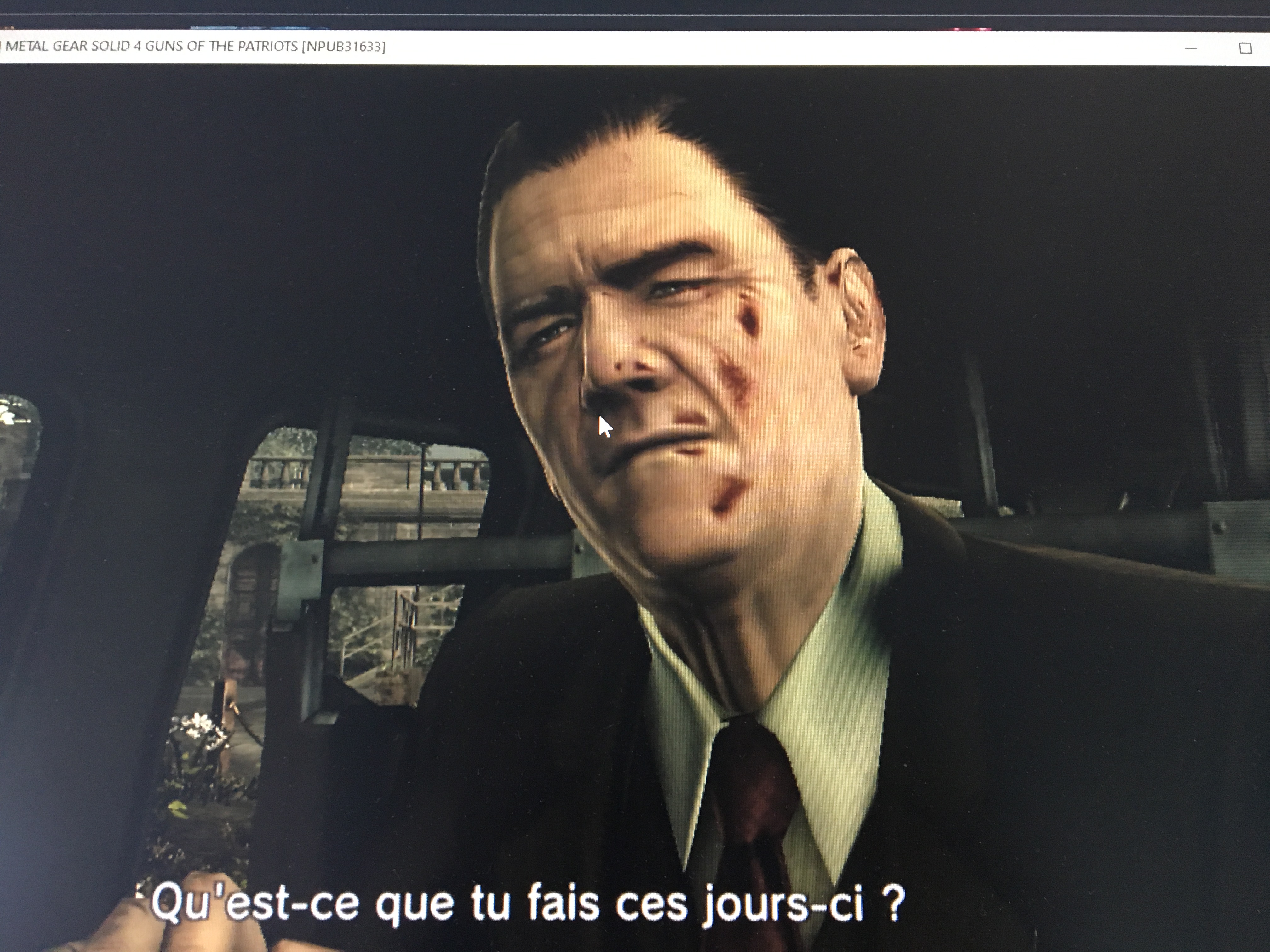
MGS4BadTextureRSX.zip
MGS4BadTextureRSX1.zip
MGS4BadTextureRSX2.zip
MGS4BadTextureRSX3.zip
Same as before, first unzip parts 1,2,3 then unzip all with MGS4TextureRSX.zip
Hope I did well alll u asked
ghost
on 24 Oct 2019
This is a known issue due to reliance on hardware-specific variables in some equations. I'll try to map PS3 values to PC when time allows. It is still not known if the variables are constant between GPU vendors and generations either, it could be different for AMD, INTEL and NVIDIA which is the worst case scenario.
 kd-11
on 31 Oct 2019
kd-11
on 31 Oct 2019
@kd-11
Nvidia GPU seems to make a lot of issues for the development (graphics in #6855,flickering in #6662,wrong pixels color in #5886,...).I'm wondering if I should change my graphic card...
I got another graphical issue in Jericho : The storm can't be displayed (With or without RSX options, WCB on or off,...)
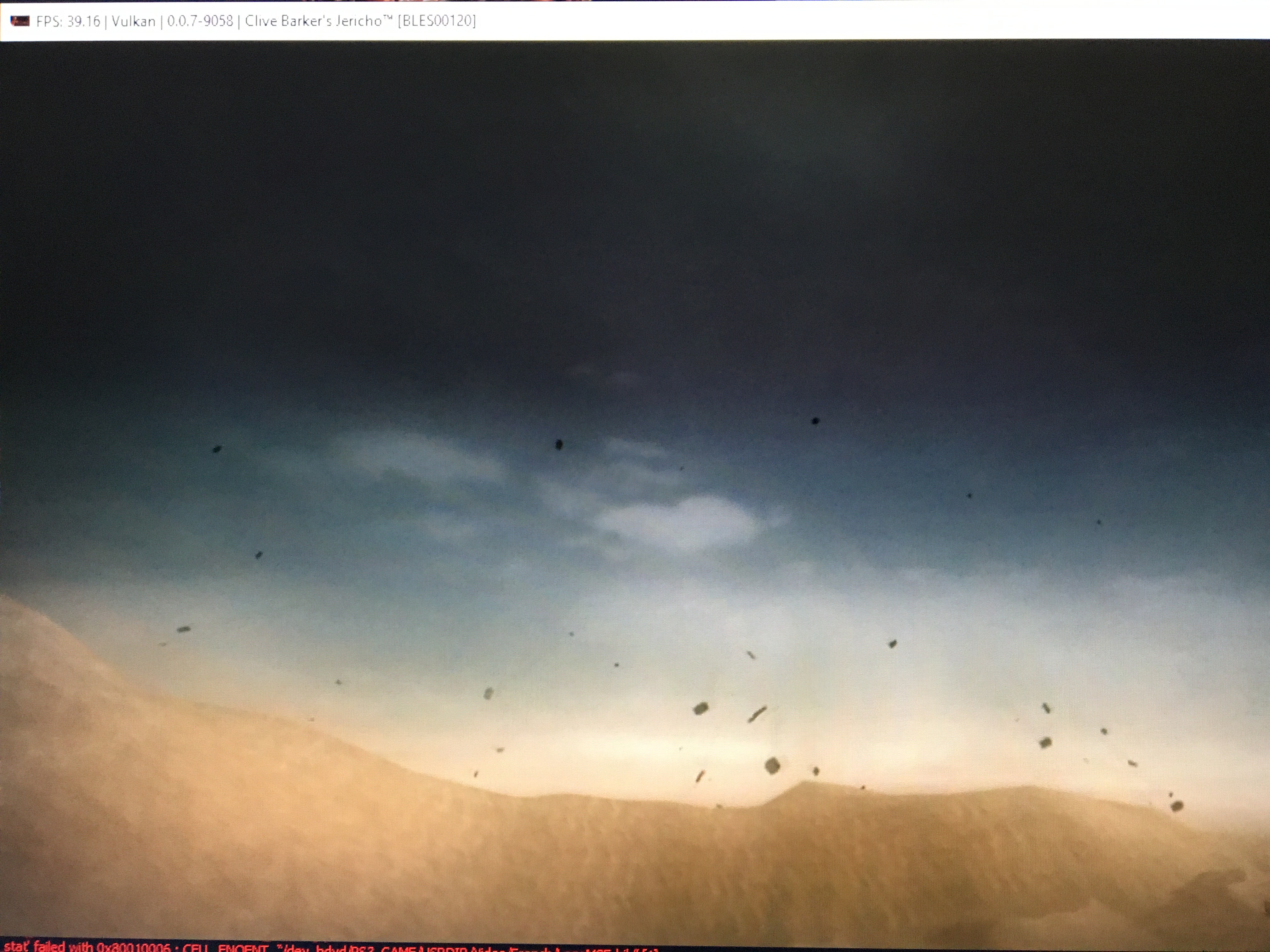
Here's the log (impossible to make an RSX capture coz I get "F {RSX [0x208cf94]} MEM: Access violation reading location 0xce800000" each time I try it.
RPCS3.log.gz
ghost
on 2 Nov 2019
@kd-11
Rajkosto fixed shadows and textures issues in MGS4 (still some little glitches with textures) but not the lighting pb I found in Heavy Rain or Glitche in Jericho.
WCB,when is enabled,making a lot of issues (freeze,losing fps,glitches,...) so maybe this release will help you to fix issue the master release.
https://files.sshnuke.net/rpcs3_639bfa4e.7z
ghost
on 10 Nov 2019
The issues are not fixed in rajkosto's builds, just hacked away. The cause of the issues is known, but no proper solution has yet to be devised. Just be patient.
kd-11
on 10 Nov 2019
The real cause of the lighting problems was found and fixed recently. This issue needs retesting on master.
kd-11
on 12 Jun 2020
@kd-11 Shadows are fixed for sure, but Z-fighting, or flickering textures, or whatever it is, still here.
https://youtu.be/luMZomb-L_A
Certain Rajkosto's commit on his github fixes it, but it doesn't affect Heavy Rain's Z-fighting.
 Xcedf
on 13 Jun 2020
Xcedf
on 13 Jun 2020
Ah, I remember having this argument with rajkosto, polygon offset values on PS3 do not produce the same "Z offset" as on PC, it could be that the equation used in PS3 hardware is different, or PC version is different, I need hw tests to map out the exact behavior PS3 applications expect.
kd-11
on 14 Jun 2020
Same underlying problem as https://github.com/RPCS3/rpcs3/issues/8360
kd-11
on 12 Aug 2020
Related issues
 Emulator-Team-2
·
3Comments
Emulator-Team-2
·
3Comments
 XeClutch
·
3Comments
XeClutch
·
3Comments
 elad335
·
3Comments
elad335
·
3Comments
 legend800
·
3Comments
legend800
·
3Comments
 altiereslima
·
3Comments
altiereslima
·
3Comments