Rpcs3: LLVM: Broken instruction on Ryzen architecture - Drakengard 3: No shadows, Regression after #4820
In build 7084 (pr #4820) new changes makes LLVM PPU decoder break shadows in Drakengard 3, fast ppu interpreter works just fine and build before that (7079) with LLVM PPU will have working shadows as well. Any other settings like SPU decoder or anything in GPU doesn't make difference to shadows. If you run the game at least once on build before 7084 then update it to newer (max 7727 build) shadows will still work. Downgrading from 7084 to 7079 doesn't fix shadows.
 yatsukiko
All 5 comments
Downgrading from 7084 to 7079 doesn't fix shadows.
Make sure to clear ppu llvm cache everytime you switch builds.
 elad335
on 10 Mar 2019
elad335
on 10 Mar 2019
A follow up on how it looks like and how it should
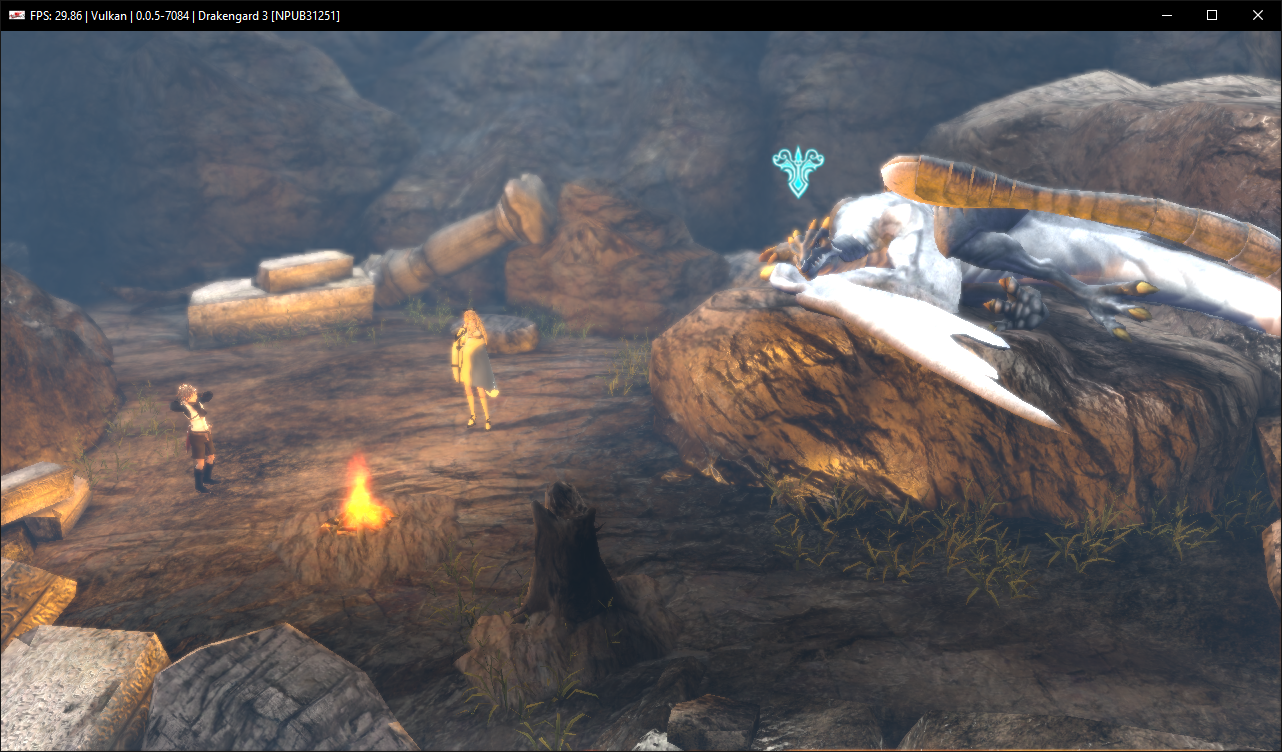
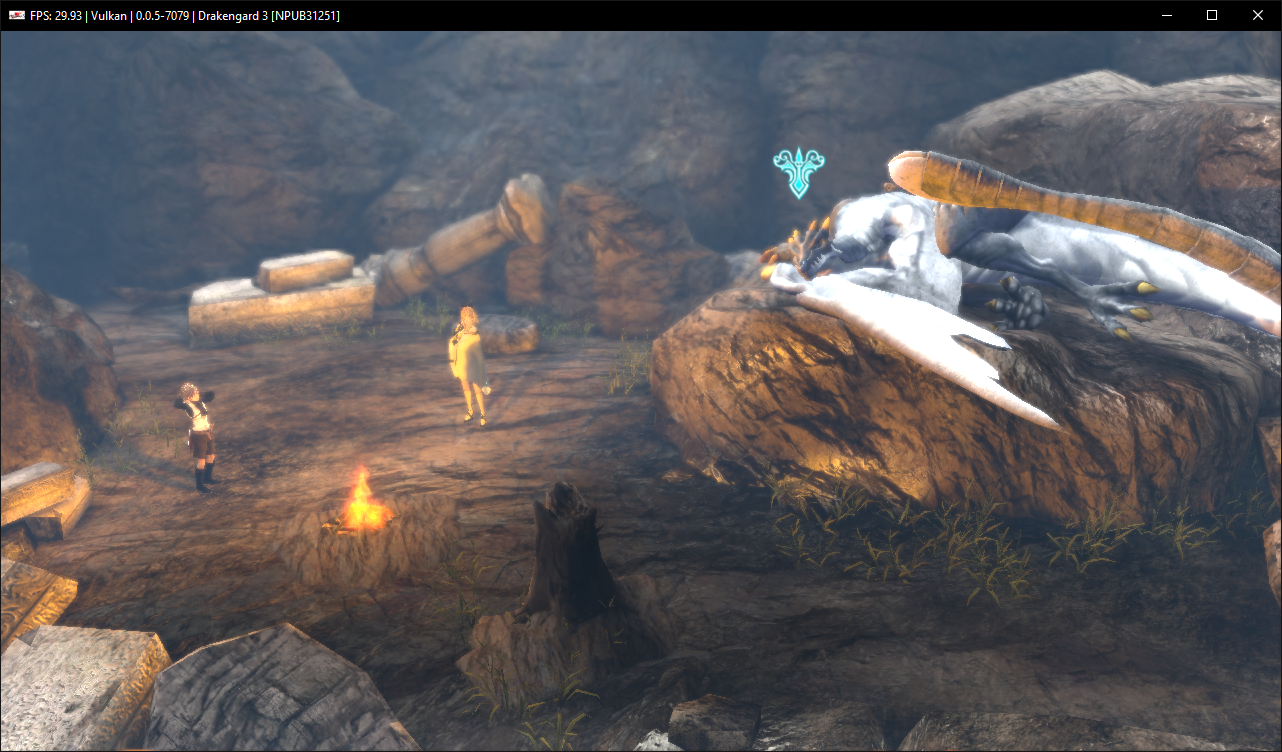
I will also mention that I have ryzen 5 2600 and gtx 1080
and rsx captures for both
yatsukiko
on 10 Mar 2019
It seems like changing Use LLVM CPU: "" to Use LLVM CPU: "skylake" fixes it
yatsukiko
on 10 Mar 2019
There are some upstream bugs in LLVM itself (or ryzen hw) that causes this. It has improved with newer LLVM versions but it used to be pretty bad (black screen in most games unless you set CPU to intel arch)
 kd-11
on 11 Mar 2019
kd-11
on 11 Mar 2019
In latest master build (0.0.6-8437) shadows works fine without any changes in config.
yatsukiko
on 31 Jul 2019
Related issues
 kurosh10000
·
3Comments
kurosh10000
·
3Comments
 altiereslima
·
3Comments
altiereslima
·
3Comments
 Nezarn
·
3Comments
Nezarn
·
3Comments
 iBlackS0ul
·
3Comments
elad335
·
3Comments
iBlackS0ul
·
3Comments
elad335
·
3Comments
Most helpful comment
Make sure to clear ppu llvm cache everytime you switch builds.