Its strange as i havent seen this game on compatibility webpage on the site, but game plays pretty good overall, decent framerate on my iGPU (R2400G+Vega 11) 30 fps all the time. But emulator hangs as soon as i try to save the game in the console slot (in-game quicksave function is working perfectle). Also some issues with the graphics:
Broken reflections
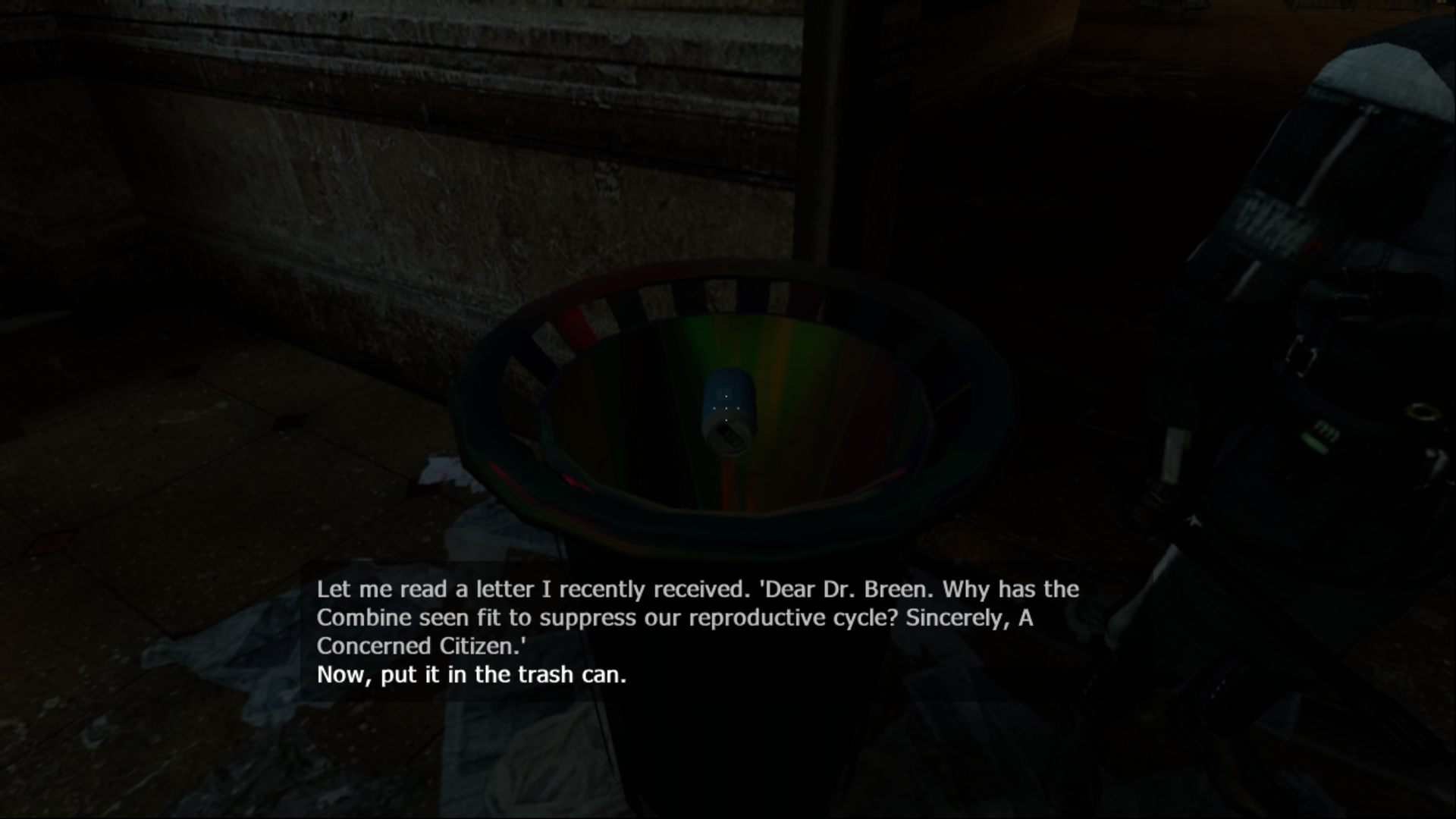
Strange white strips here on the edges of textures or models.


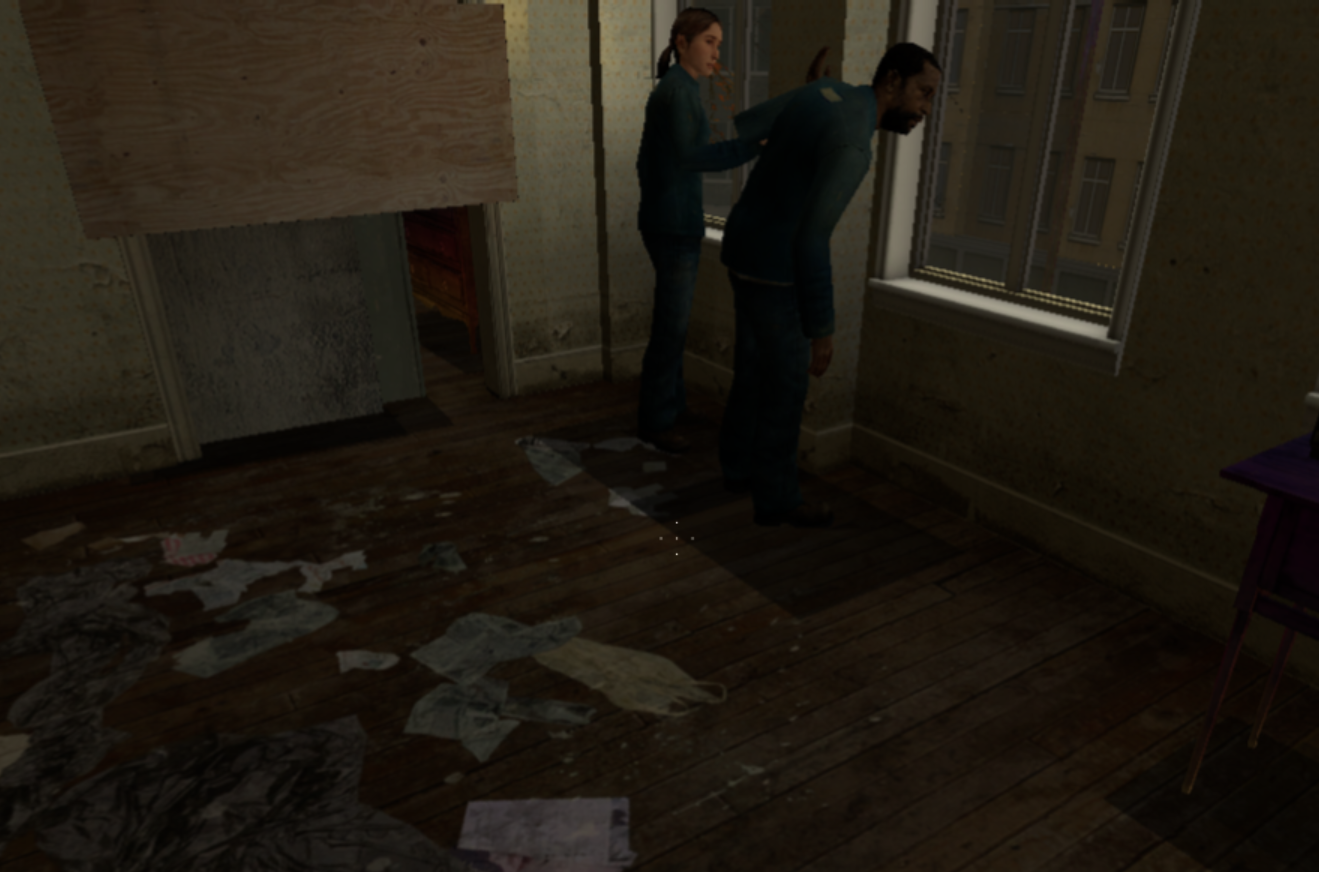
Characters shadows is just squares
Also there is strange bug with the gamepad. It can randomly get your stick on always down position or always up etc. Helps unplugging and plugging gamepad again
Renderer: Vulkan
Block Size: Mega
CPU: ASMJIT
Host: Ryzen 2400g + Vega11 APU, latest drivers, Windows 10
Everything tested on latest master
 QuaiGoner
All 8 comments
Provide RSX captures for at least some of the visual glitches and a log file for the save crash.
 MSuih
on 5 Dec 2018
MSuih
on 5 Dec 2018
RPCS3.log
That log file is the right one for the saving issues? About RSX captures, i am not sure how to make one
QuaiGoner
on 5 Dec 2018
Please use forums for compatibility reports in the future. Read guidelines first.
Half-Life is not in the list because it was part of the Orange Box only on consoles.
EU, US.
 13xforever
on 5 Dec 2018
13xforever
on 5 Dec 2018
Open debugger (View -> Show Debugger). After it's open, start the game and play it untill you have one of the glitches visible on screen. Once that happens, press the RSX capture button on debugger, wait untill it saves the capture (and either resume emulation or close the emulator). A capture file should be created in the captures folder.
You can view the captures to double check that they were done successfully, there is a menu item (View ->Open RSX capture) for it. Once you're satisfied, compress them into a .zip/.rar/.7z file and upload them to f.ex. mega.nz or google drive and share the link here.
MSuih
on 5 Dec 2018
Any update its been a year.
 digitaldude555
on 6 Feb 2020
digitaldude555
on 6 Feb 2020
Seeing a similar issue here, with 0.0.8-9534. Game lcoks up at random intervals. Are you seeing this too with a recent build, or just when you save?
 Shoegzer
on 10 Feb 2020
Shoegzer
on 10 Feb 2020
I have not noticed any graphics issue on RPCS3 v0.0.12-10960-52260766 build.
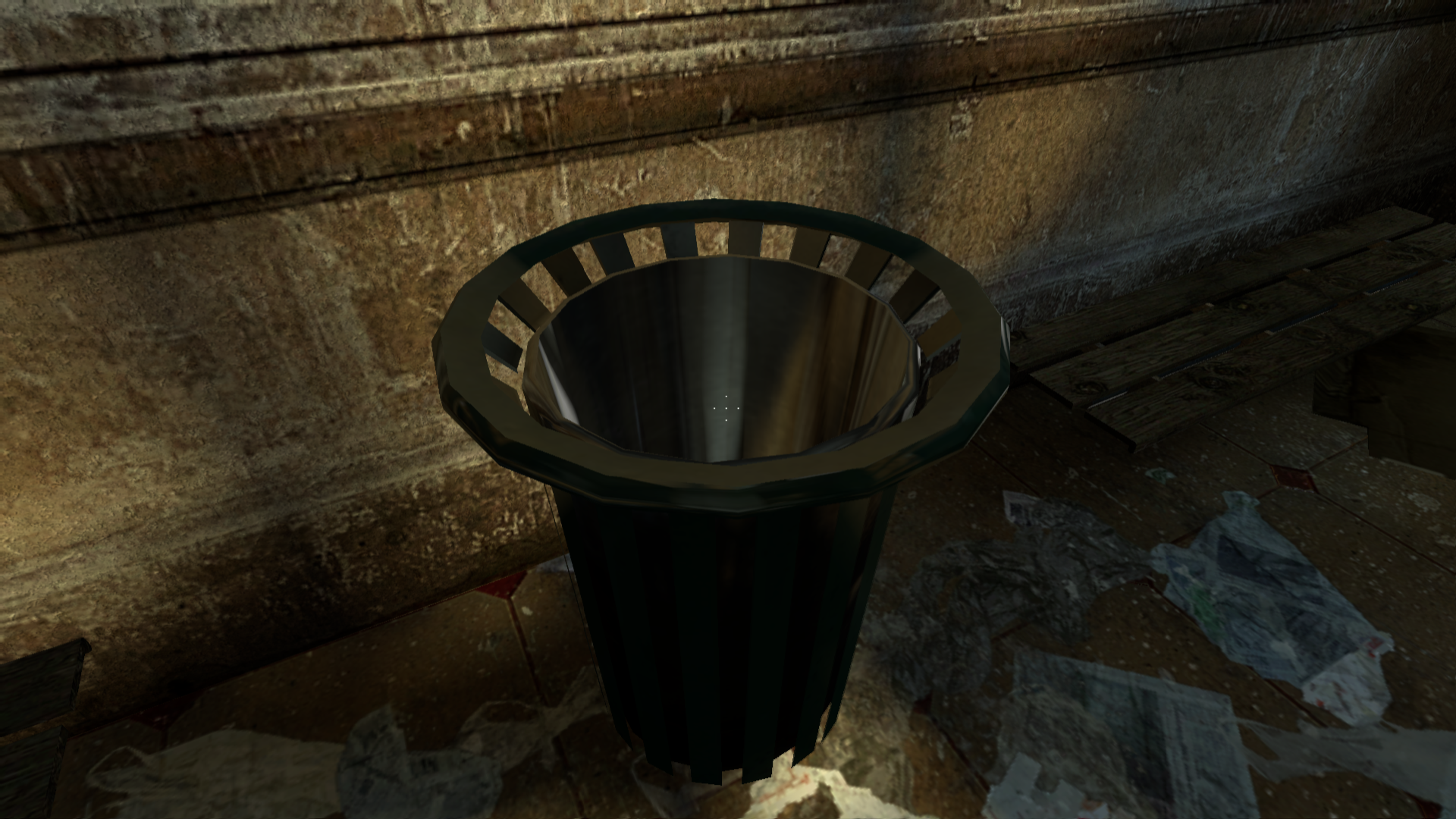
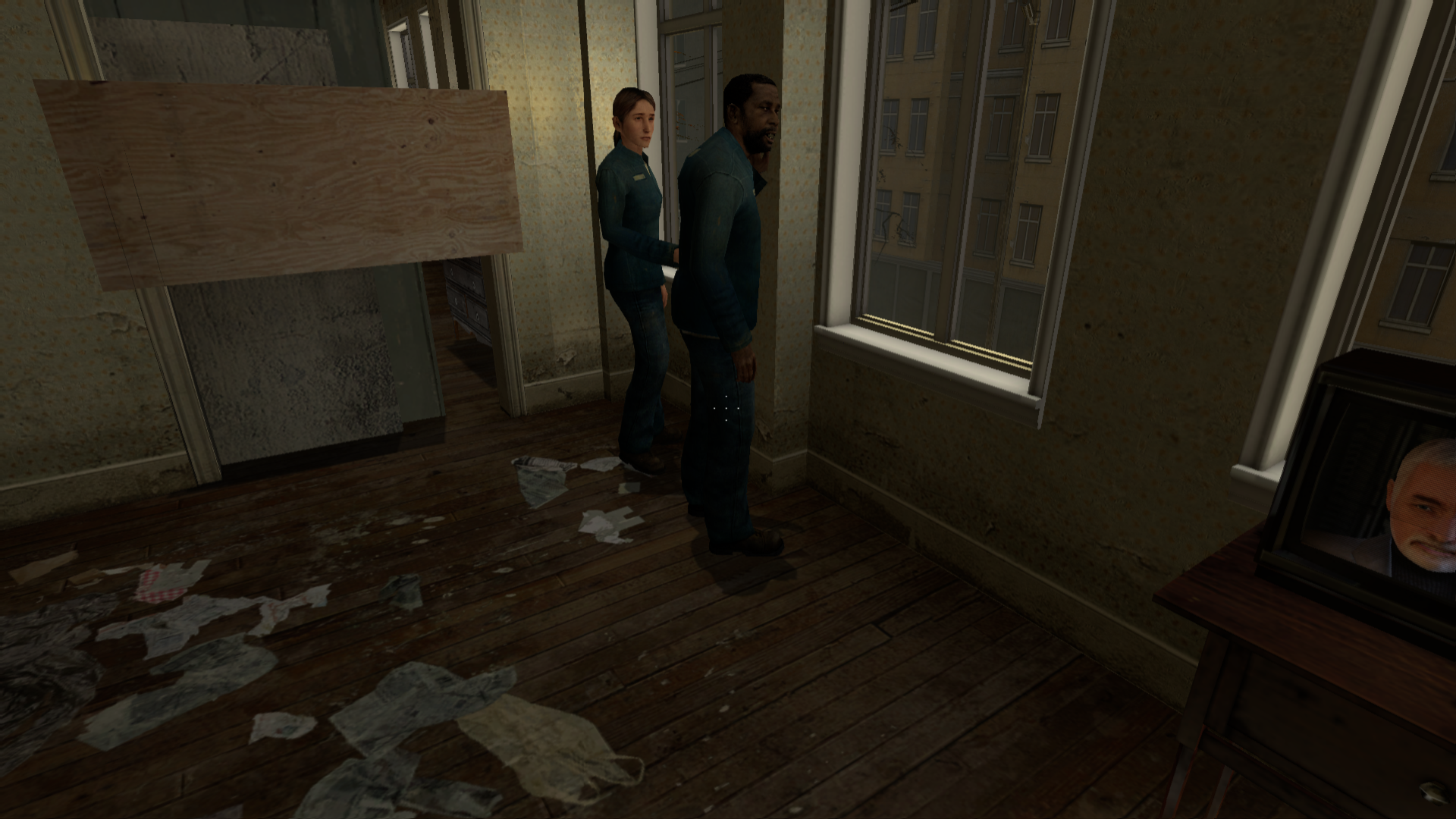
I played ~1 hour without crash or lock.
So I think this ticket must be closed.
 Realmantik
on 1 Oct 2020
Realmantik
on 1 Oct 2020
Closing as reported fixed, game compatibility reports should go on our forums either way
 AniLeo
on 1 Oct 2020
AniLeo
on 1 Oct 2020
Related issues
 legend800
·
3Comments
legend800
·
3Comments
 Emulator-Team-2
·
3Comments
Emulator-Team-2
·
3Comments
 On1ko
·
3Comments
On1ko
·
3Comments
 JohnGodgames
·
3Comments
JohnGodgames
·
3Comments
 Xcedf
·
3Comments
Xcedf
·
3Comments
Most helpful comment
Provide RSX captures for at least some of the visual glitches and a log file for the save crash.