Rpcs3: Saint Seiya Brave Soldiers [BLES01936]
All 27 comments
Retest with current master. Might have been fixed.
 kd-11
on 26 Aug 2017
kd-11
on 26 Aug 2017
unfortunately it didn't fix, the problem still exist on OGL and Vulkan.
 marsselluo
on 26 Aug 2017
marsselluo
on 26 Aug 2017
Retest
kd-11
on 21 Sep 2017
it didn`t fixed.
RPCS3.log.gz
marsselluo
on 21 Sep 2017
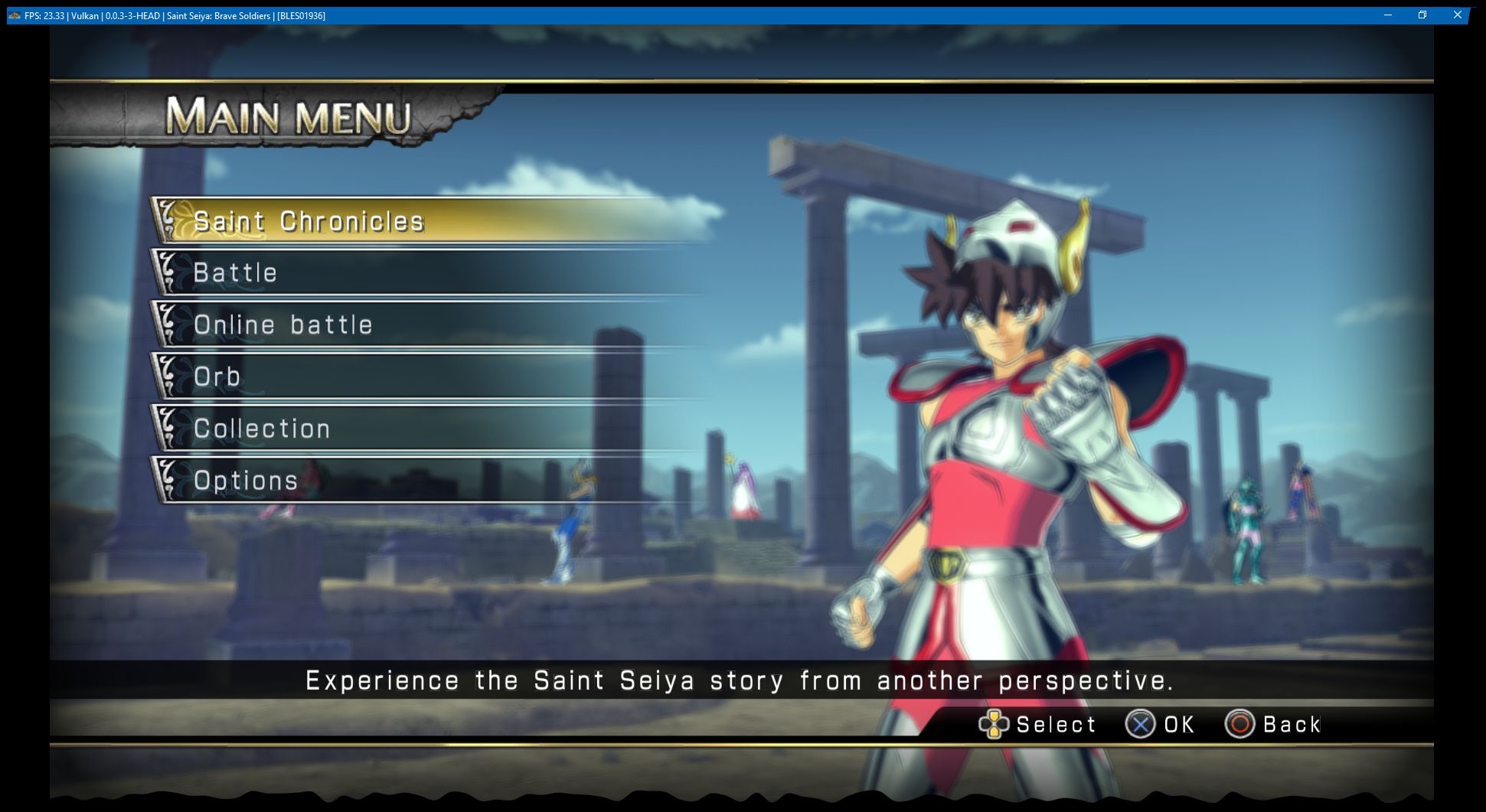
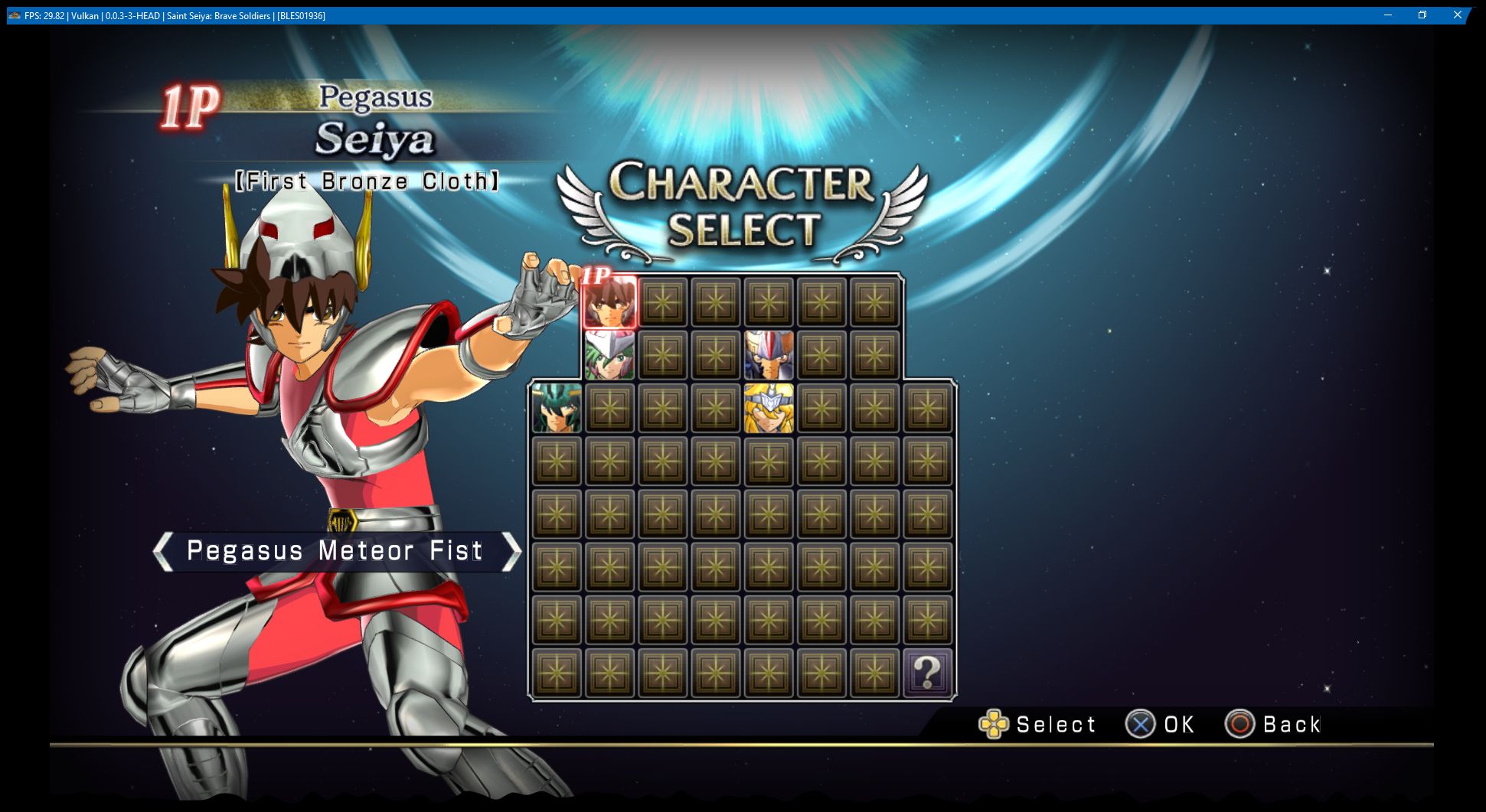
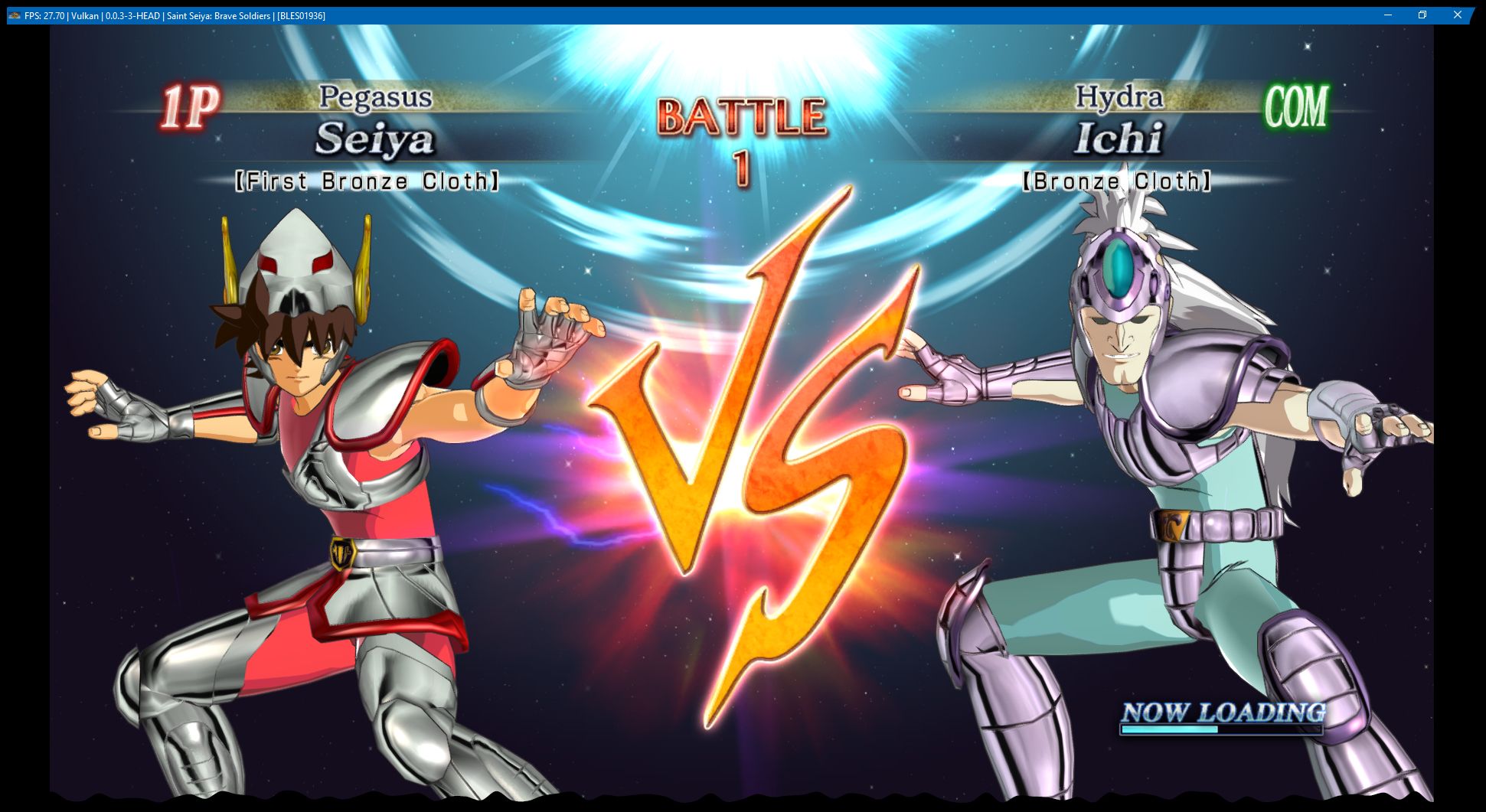
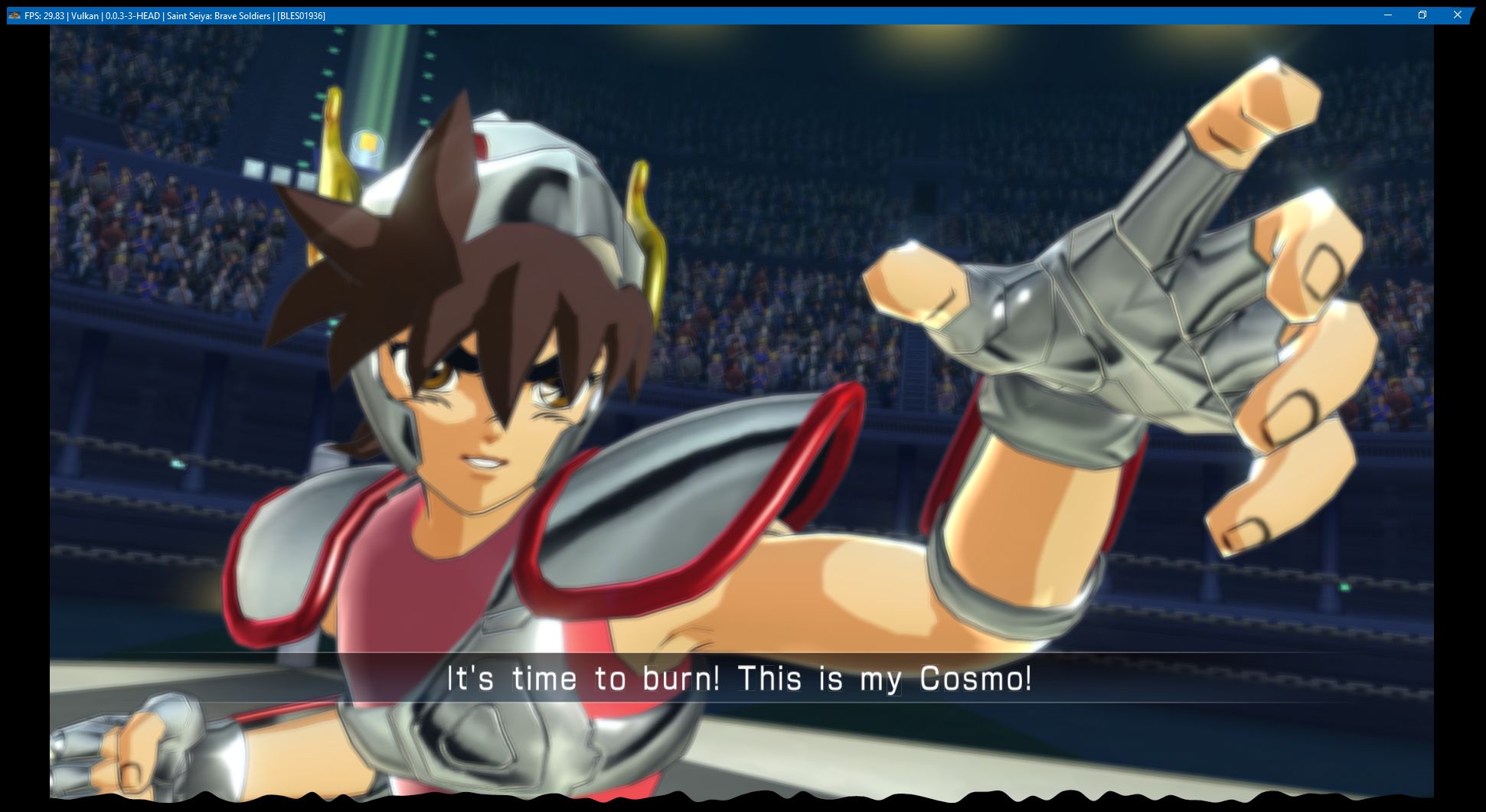
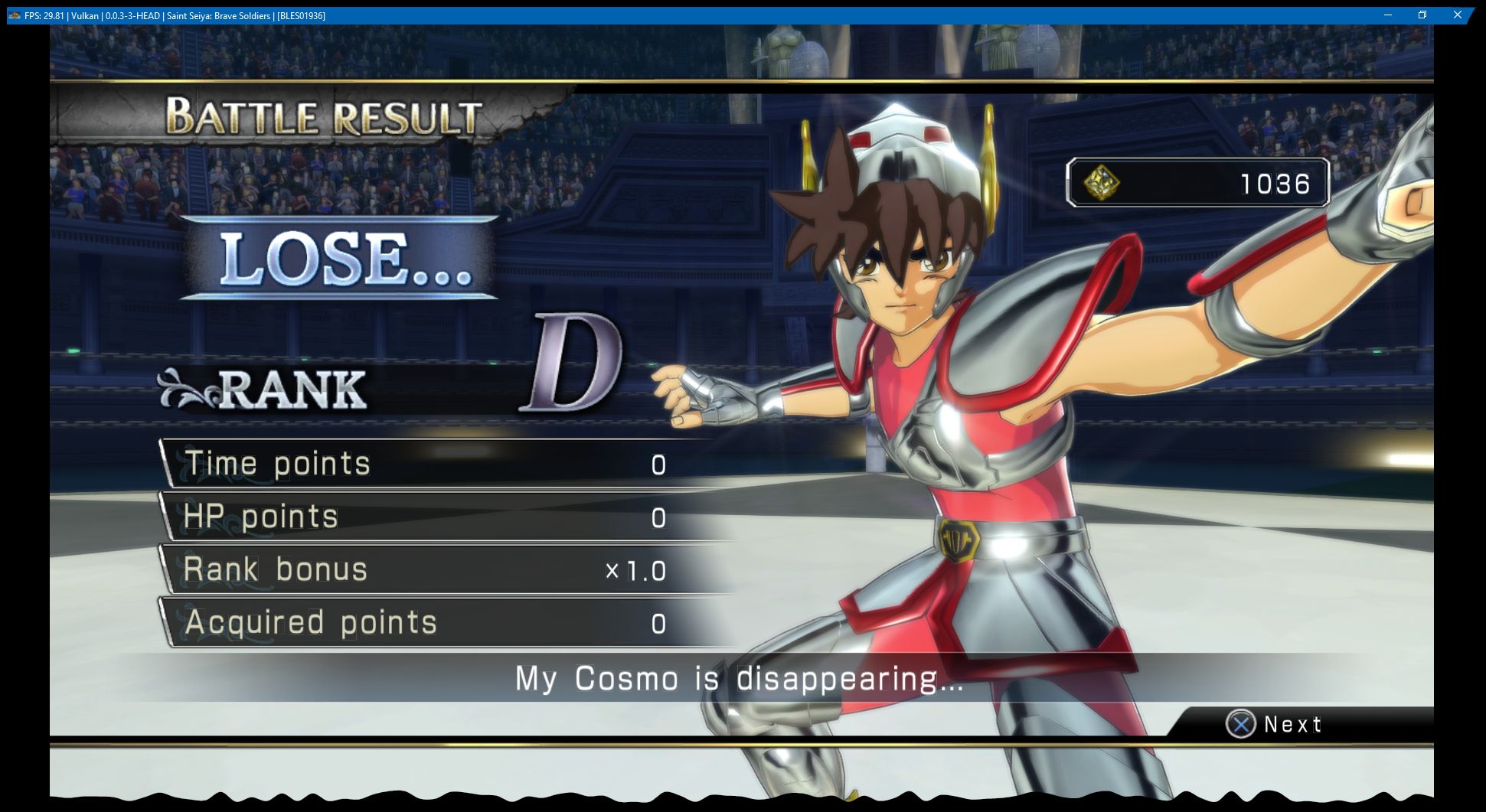
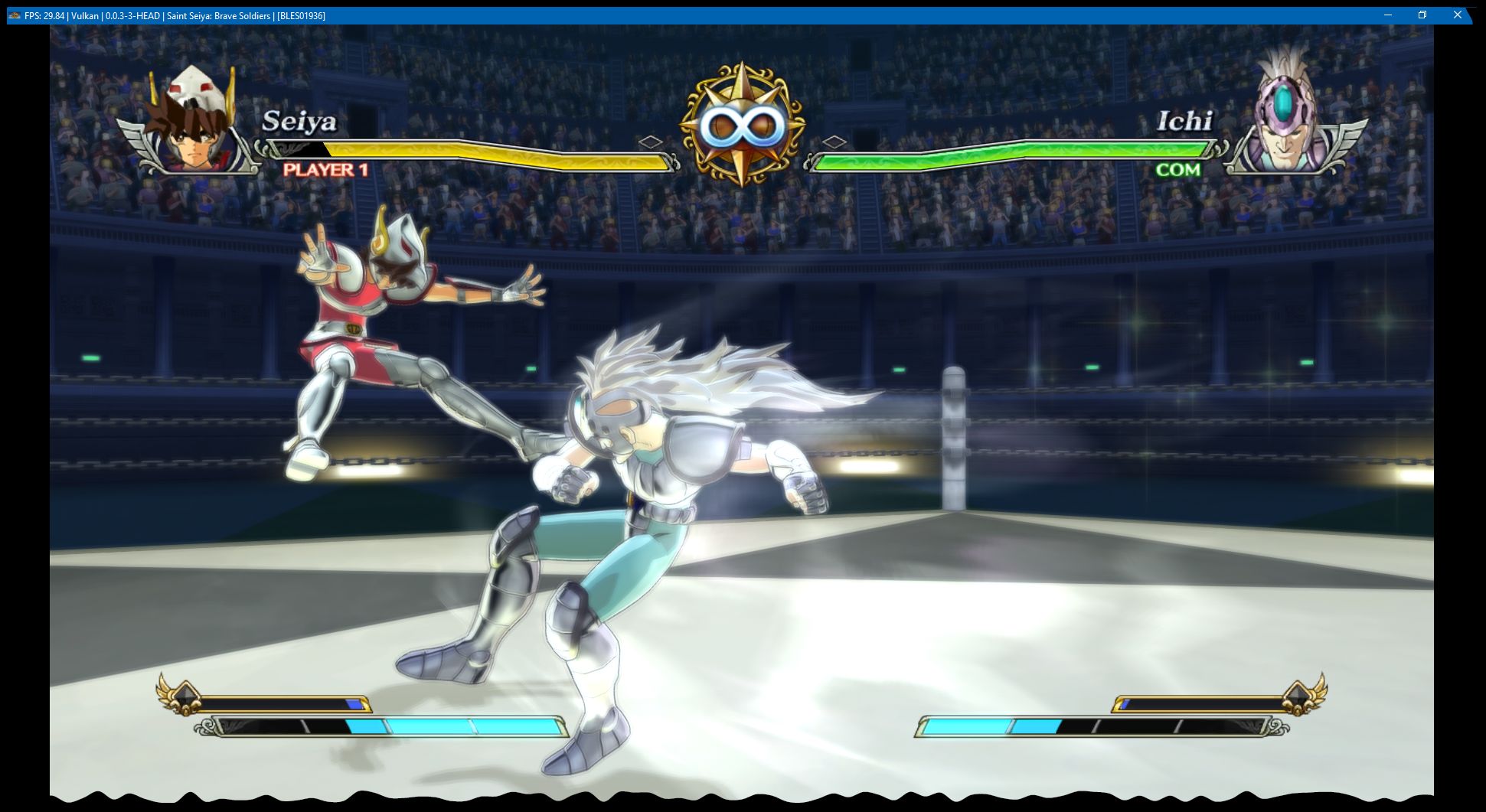
Game is running excellent scaled up to 300%, very playable to me, the major issues are:
- Choppy audio, specially on intro scene
- Blurred background graphics on some of the menus
- Apparently the bloom effect is broken on the characters.
Other than that it's running @ 30fps and has not crashed a single time!
 Cereal-Killa
on 24 Oct 2017
Cereal-Killa
on 24 Oct 2017
Log:
Cereal-Killa
on 24 Oct 2017
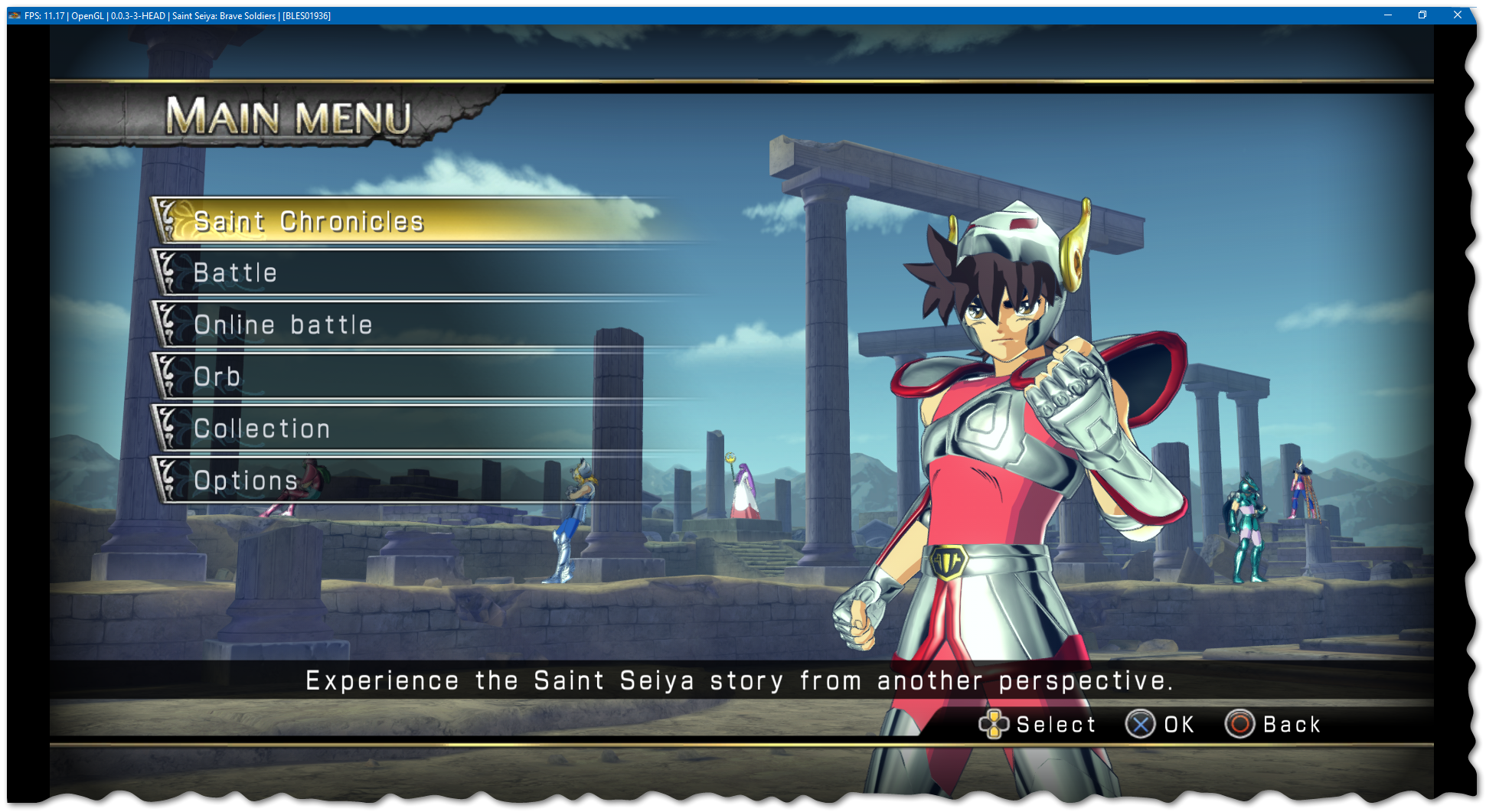
Just confirmed that the graphics look fine running on OpenGL, unfortunately it's slow and and freezes a lot which doesn't happen with Vulkan.
Cereal-Killa
on 29 Oct 2017
Retest to see if the initial issue has been fixed
 AniLeo
on 24 Jan 2018
AniLeo
on 24 Jan 2018
It didn't fix
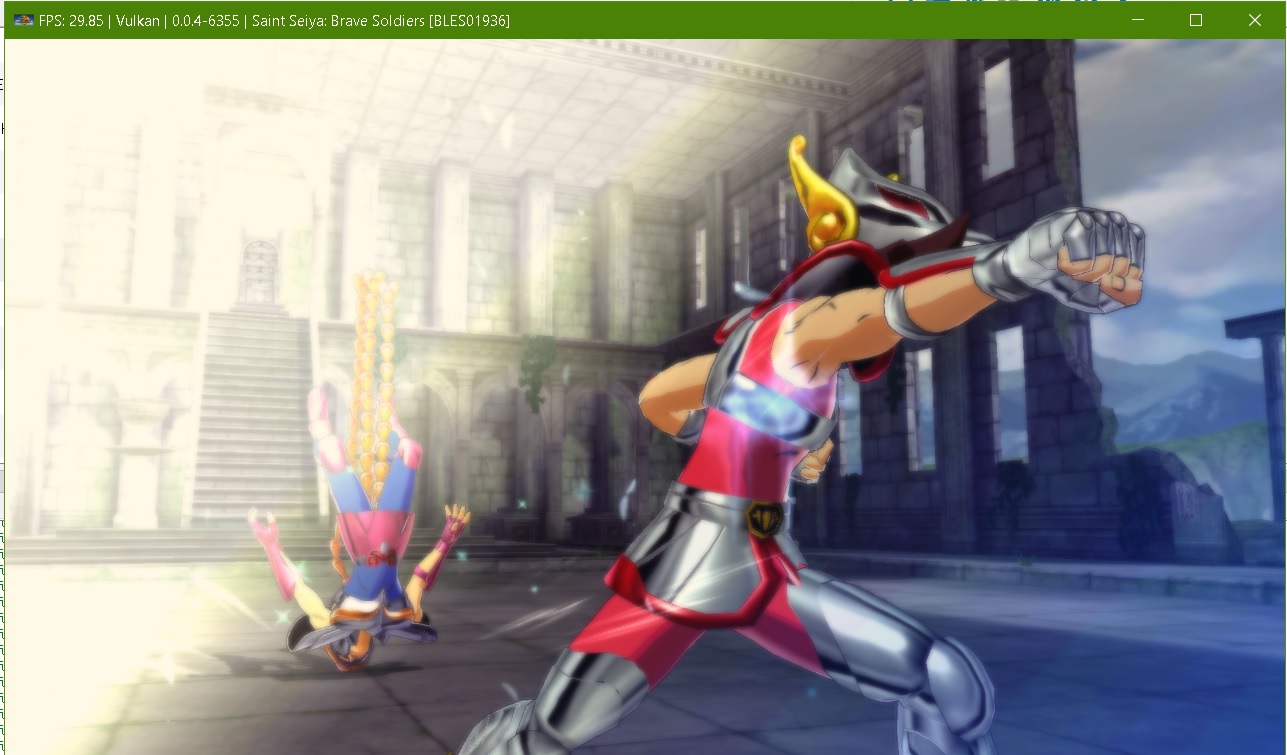
marsselluo
on 25 Jan 2018
With the latest build, the white screen problem has been fixed in OGL and Vulkan. Great job.
marsselluo
on 13 Mar 2018
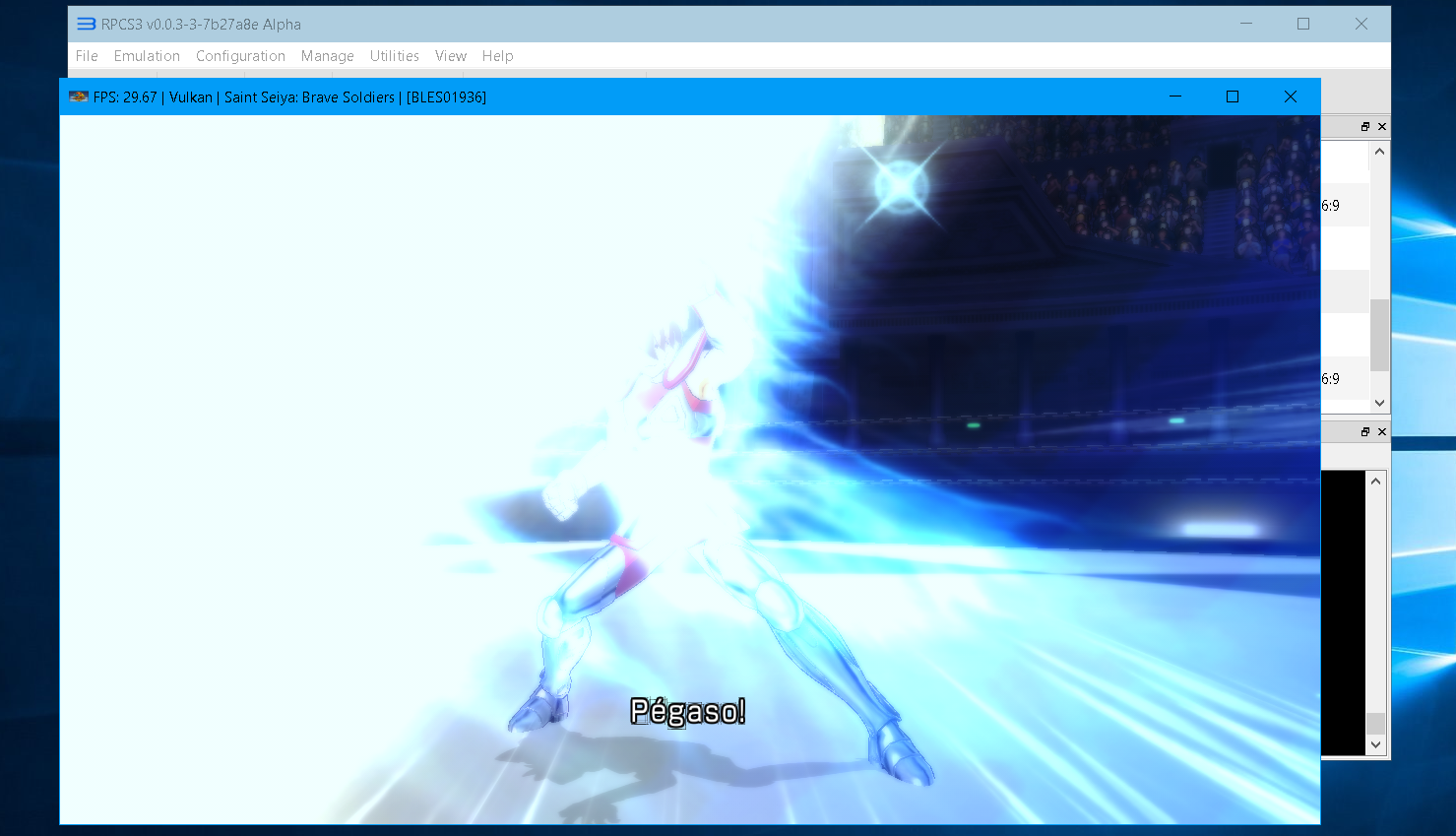
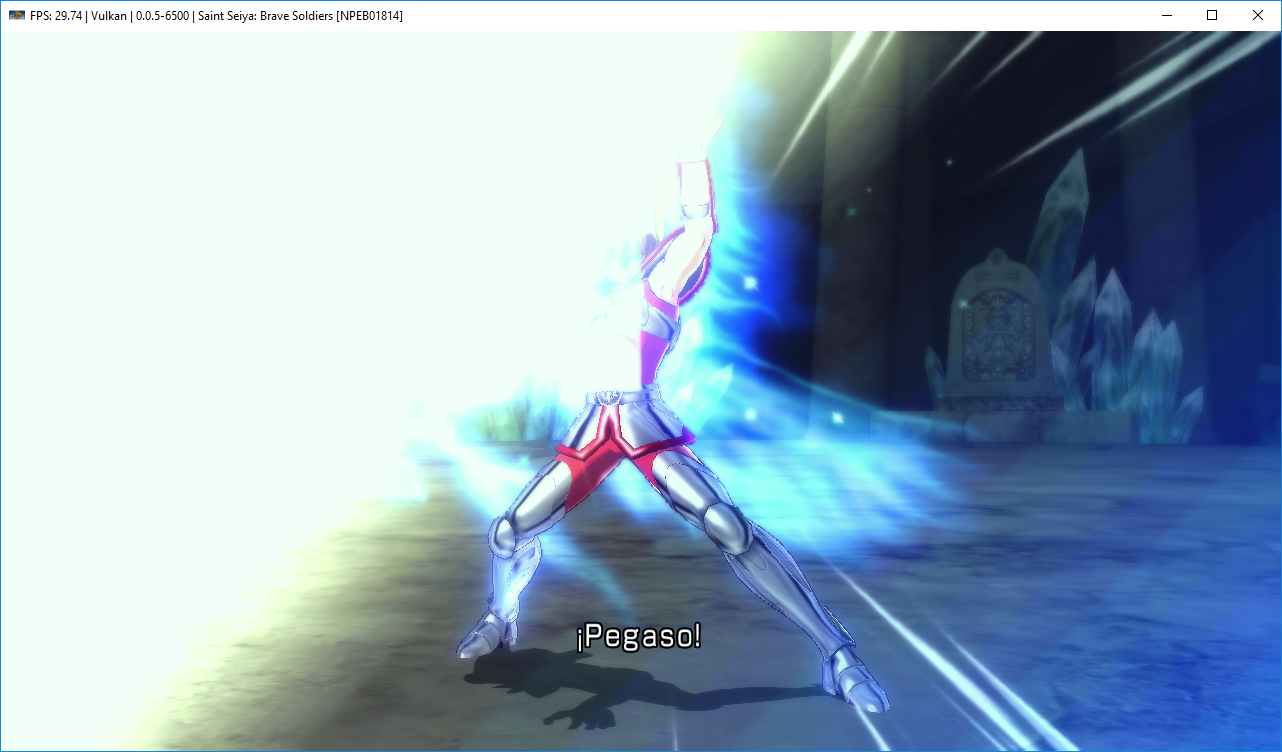
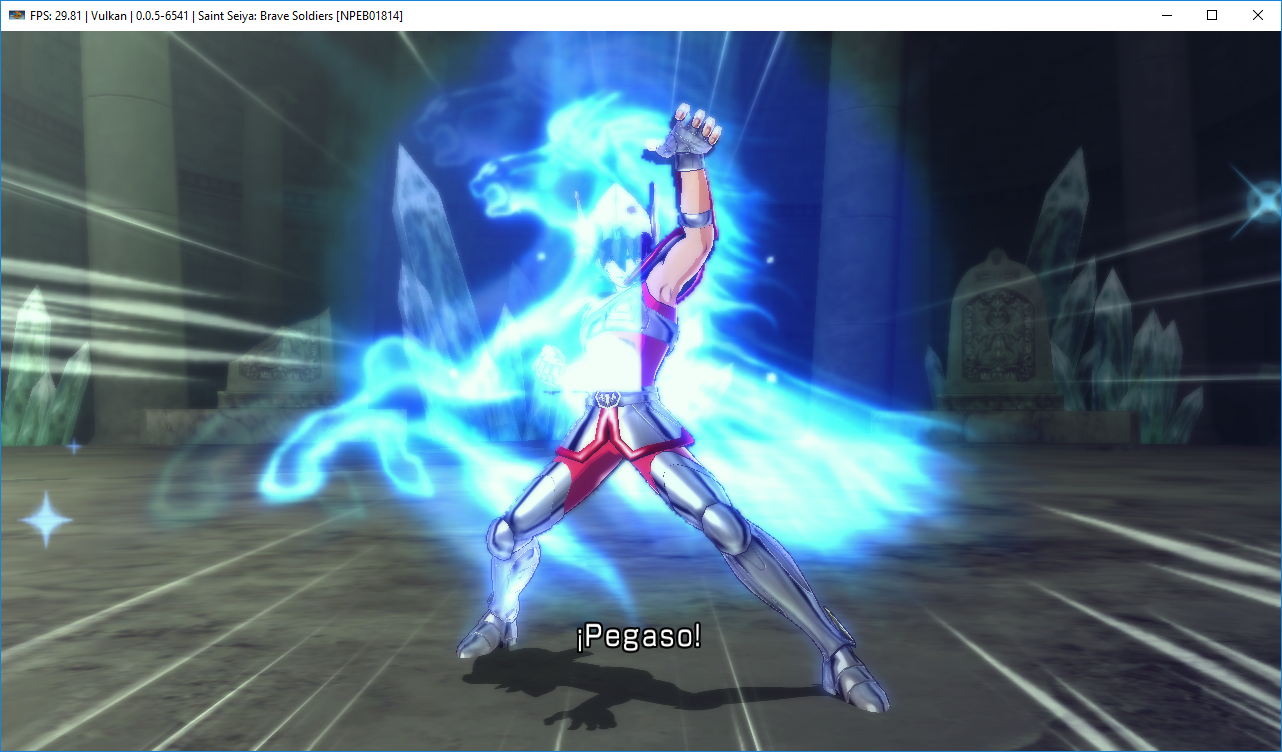
Yes. I confirm that it's fixed, but there's a quarter of the screen, hiding Seiya.
Before:
After:
 MarioSonic2987
on 13 Mar 2018
MarioSonic2987
on 13 Mar 2018
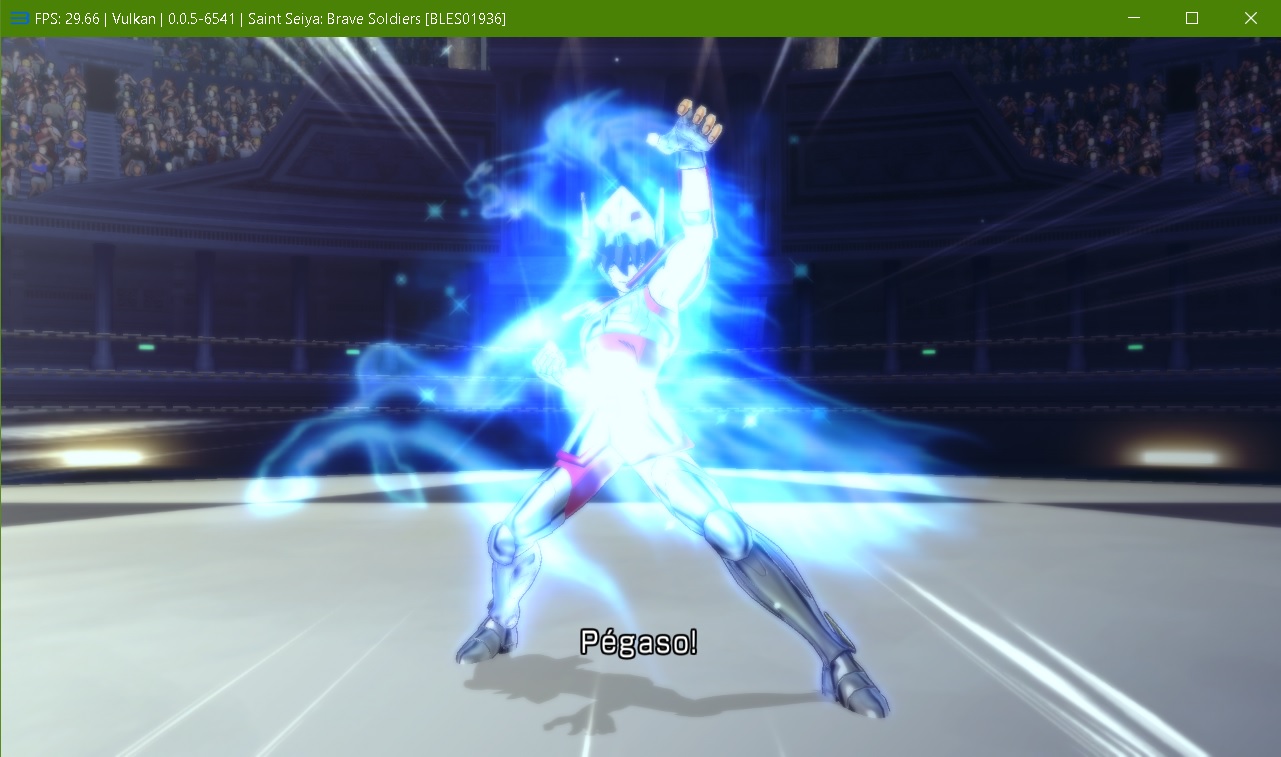
On my there's any square, the screen is totally clean
marsselluo
on 13 Mar 2018
Clear your shader cache and try again, big bang looks fine here.
I'm still getting blurred menu graphics in Vulkan though.
Cereal-Killa
on 13 Mar 2018
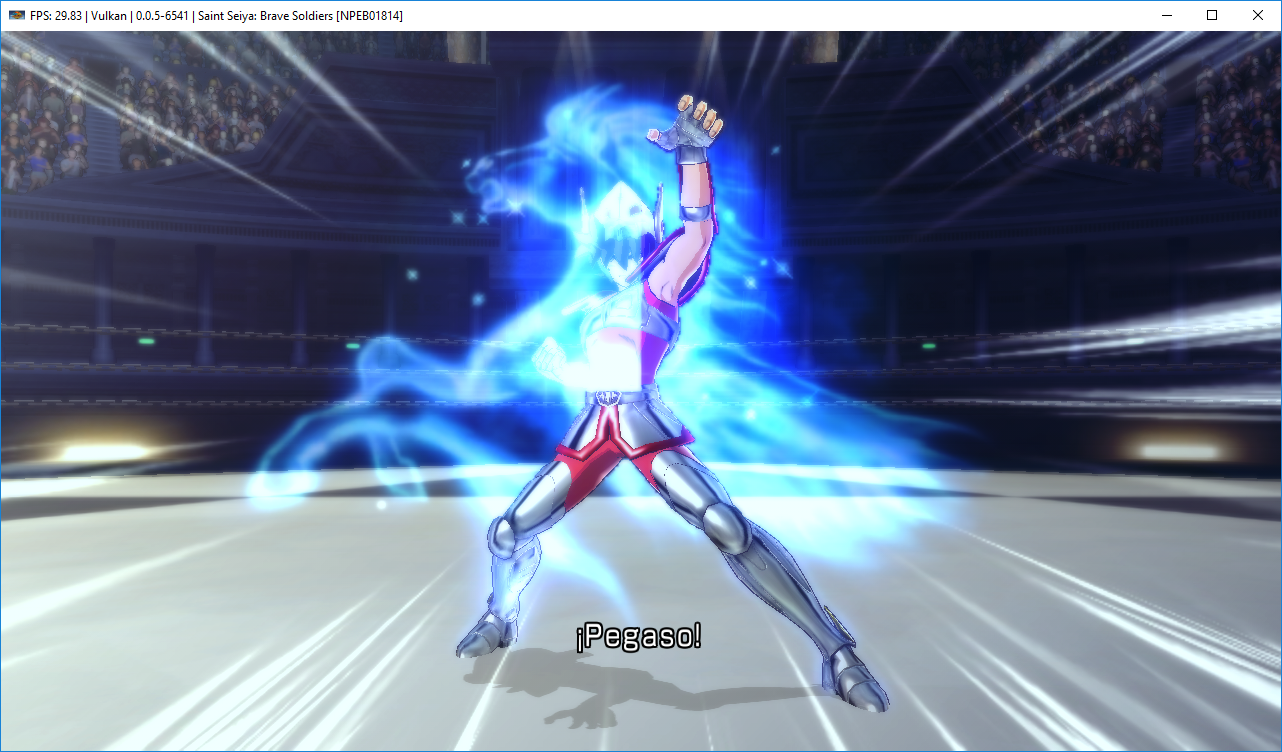
I did it early, but it's still the same.
MarioSonic2987
on 13 Mar 2018
What about OpenGL
Cereal-Killa
on 13 Mar 2018
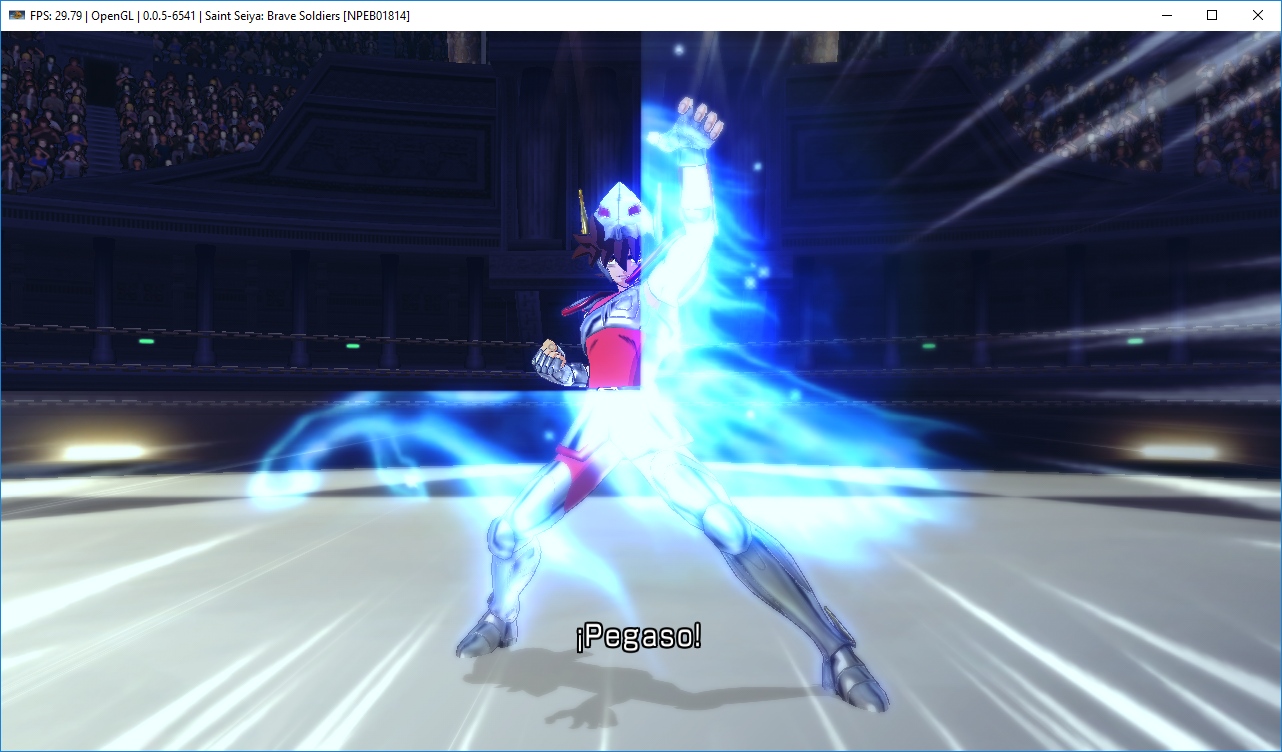
Same, but there's no particle effects in the square. The pegasus image is in front of Seiya (it's behind him in Vulkan).
MarioSonic2987
on 13 Mar 2018
Strange, I have a GTX 770, driver version 390.77.
Cereal-Killa
on 13 Mar 2018
I have 391.01 driver version.
MarioSonic2987
on 13 Mar 2018
I would expect the same results on all newer nVidia cards, try cleaning and updating your drivers.
https://www.wagnardsoft.com/content/display-driver-uninstaller-ddu-v17084-released
Cereal-Killa
on 13 Mar 2018
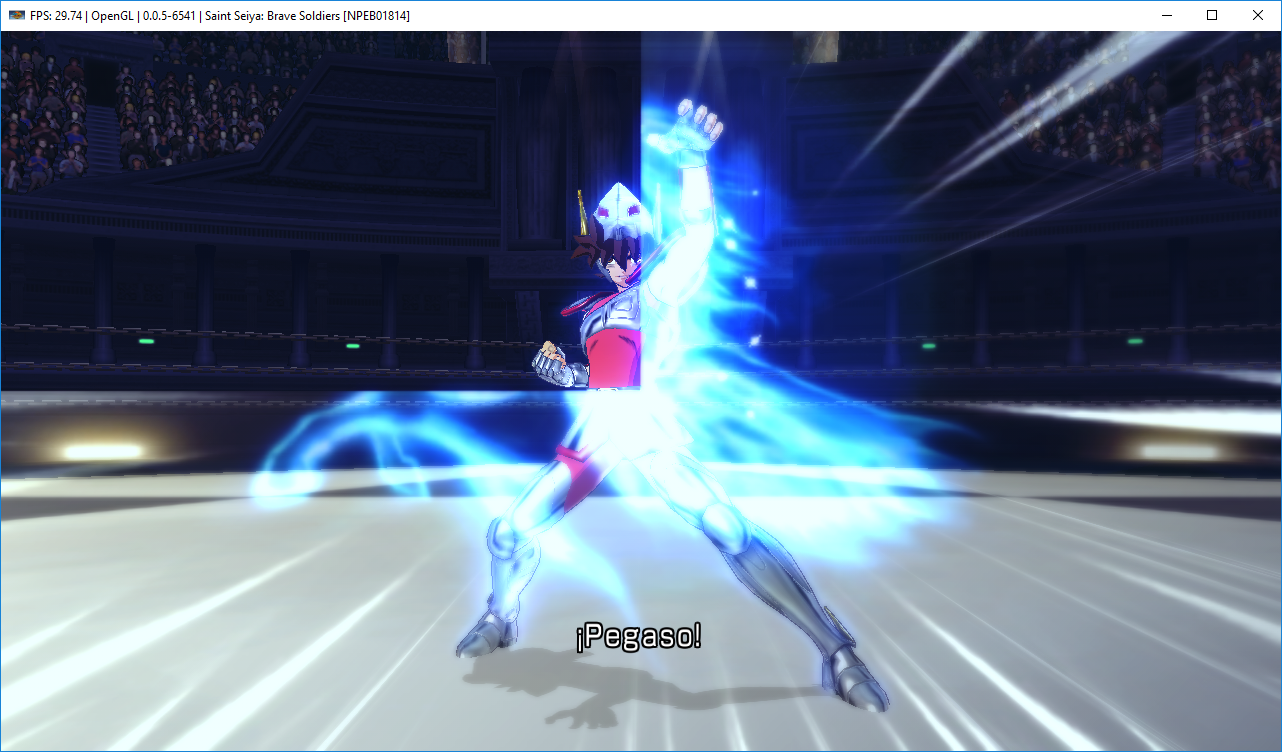
382.05
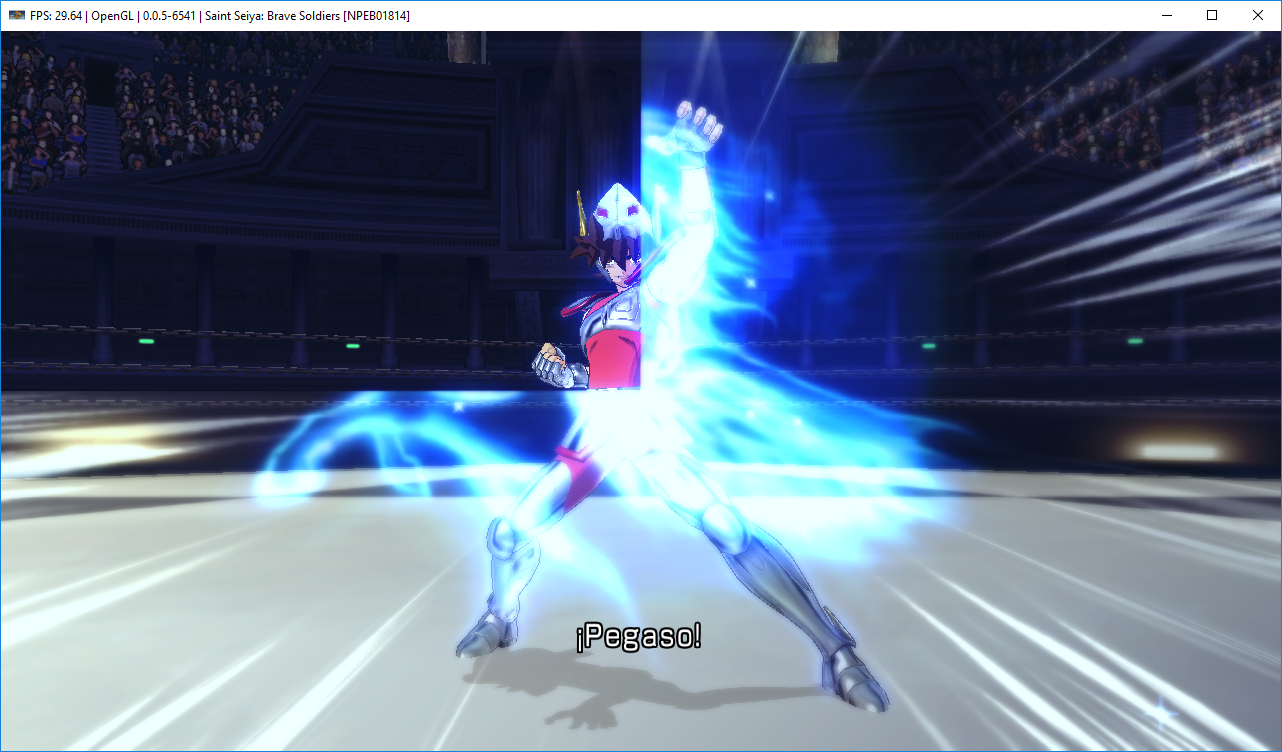
391.01
MarioSonic2987
on 13 Mar 2018
Res scaling?
kd-11
on 14 Mar 2018
I used Strict Rendering Mode, therefore, there isn't resolution scaling.
MarioSonic2987
on 14 Mar 2018
I have seen a very similar issue in Armored Core Verdict Day Previously where the top left corner would render correctly, also seen it in Jurassic Park Episode 1 and a couple others.
 Asinin3
on 14 Mar 2018
Asinin3
on 14 Mar 2018
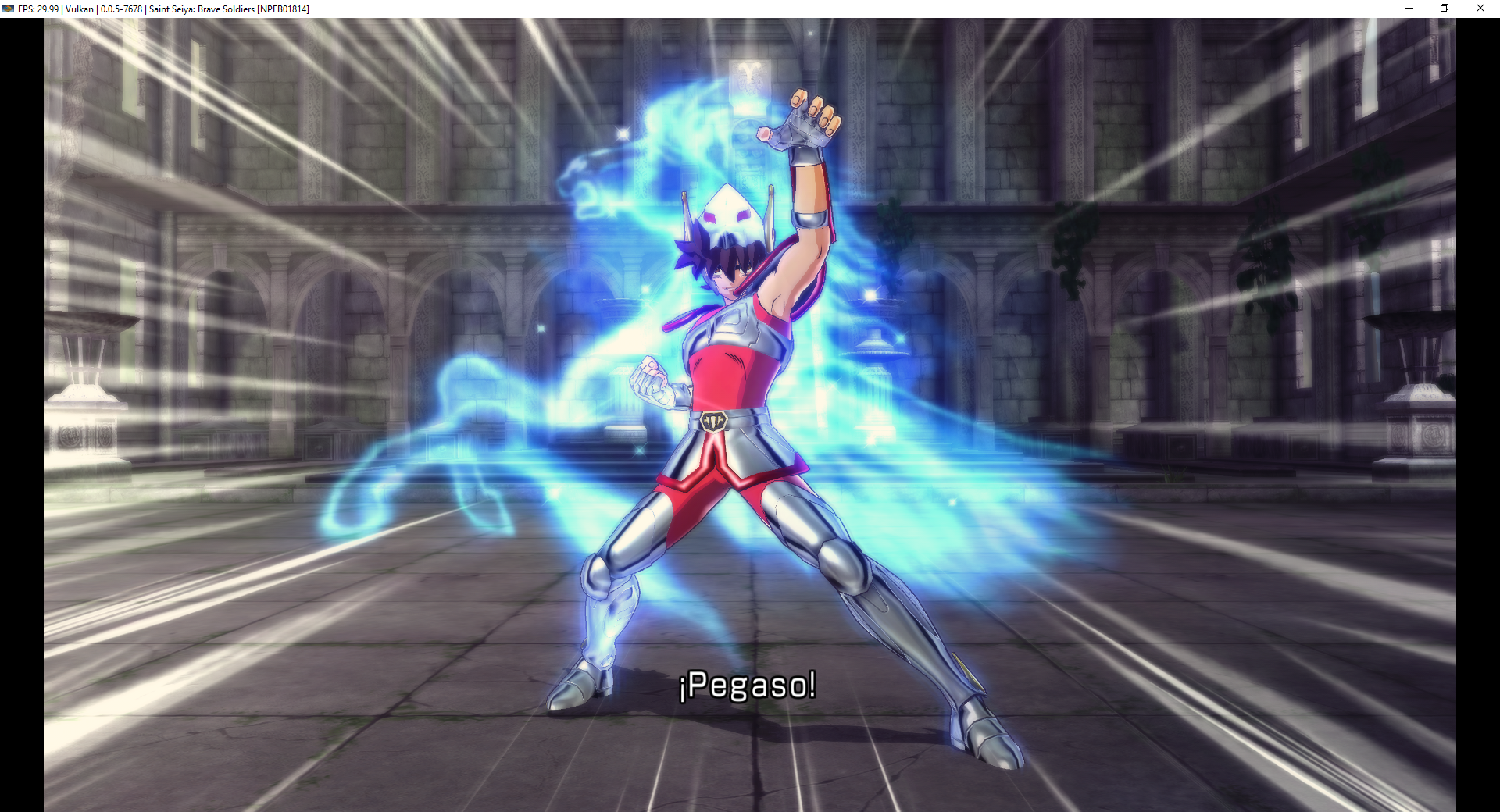
With #5427, fixes broken depth on special attack effects:
MarioSonic2987
on 8 Jan 2019
Should be correctly fixed by https://github.com/RPCS3/rpcs3/pull/5937
kd-11
on 8 May 2019
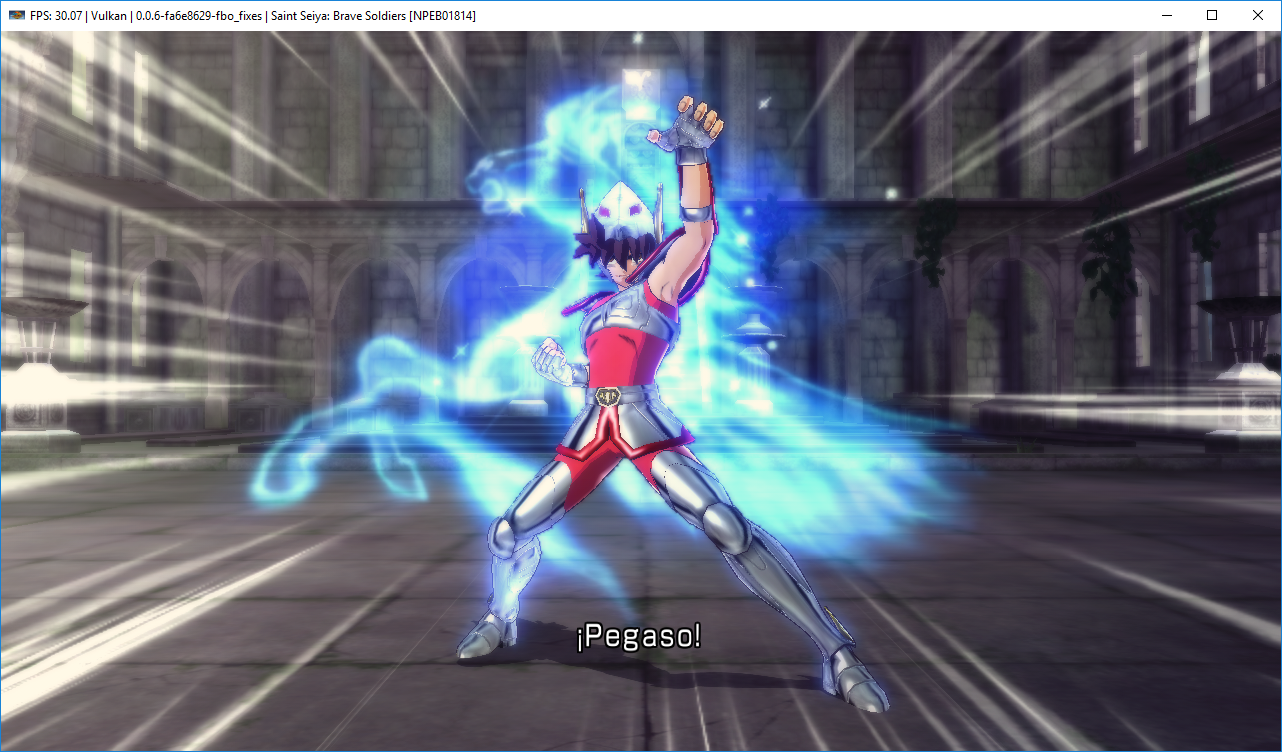
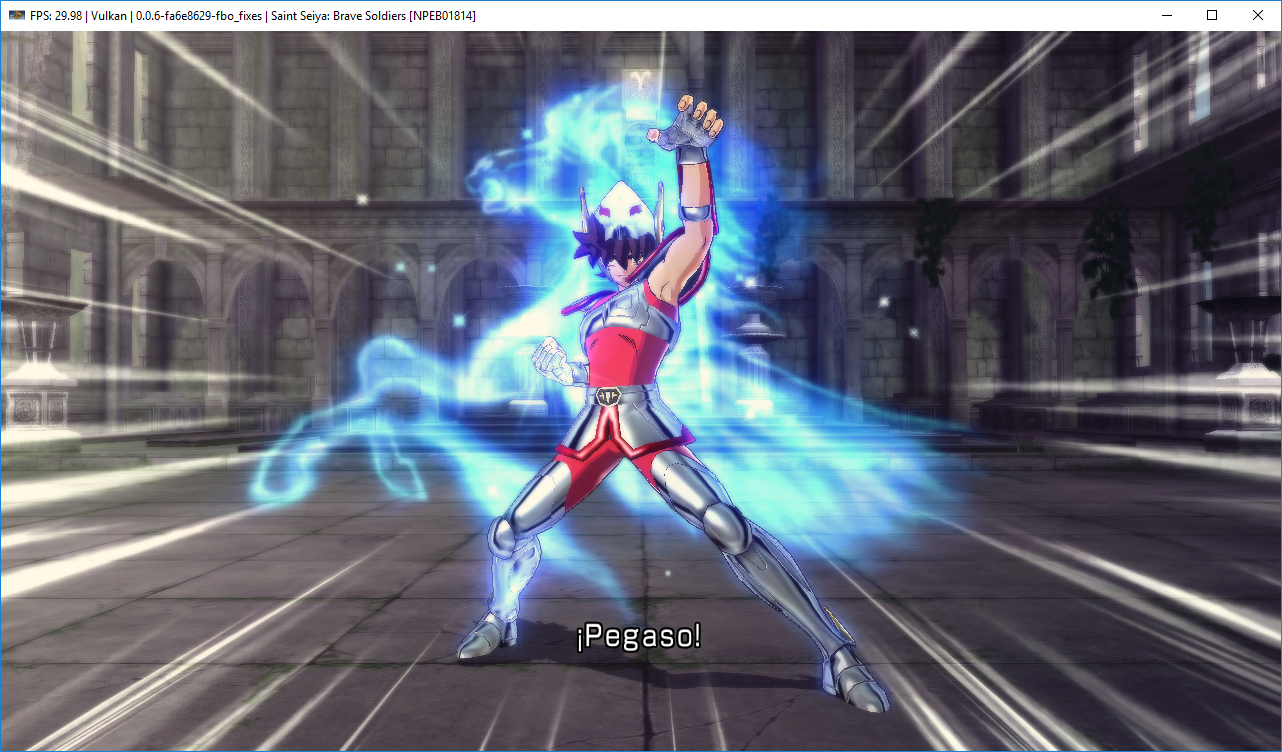
Still looks correctly with #5937.
Resolution Scale at 100%:
Resolution Scale at 300%:
MarioSonic2987
on 8 May 2019
Closing as fixed
AniLeo
on 18 Sep 2019
Related issues
 uaqlover
·
3Comments
uaqlover
·
3Comments
 LokiGrants
·
3Comments
LokiGrants
·
3Comments
 Luffykun007
·
3Comments
Luffykun007
·
3Comments
 Birch-san
·
3Comments
Birch-san
·
3Comments
 JohnGodgames
·
3Comments
JohnGodgames
·
3Comments
Most helpful comment
Should be correctly fixed by https://github.com/RPCS3/rpcs3/pull/5937