Rofi: [BUG] message text is invisible when surrounded with pango markup
Version
Output of rofi -v: Version: 1.6.0
Configuration
Output of rofi -help (in a gist, please paste the full output)
https://gist.github.com/wis/ba3fb19d39e5e141f5209426881d2a1f
Launch Command
rofi -mesg "<span color="red">actions:</span>" -i -markup -markup-rows -p "action" -dmenu
Steps to reproduce
- Step 1
runrofi -mesg "<span color="red">actions:</span>" -i -markup -markup-rows -p "action" -dmenu
What behaviour you see
the message text is not visible
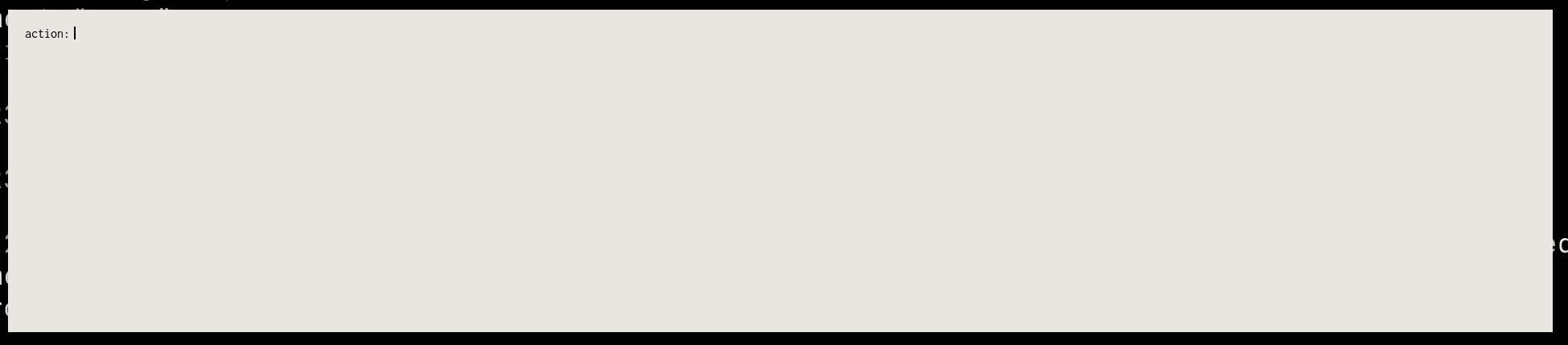
What behaviour you expect to see
the message text should be visible and red
like this, but the text "actions:" should be red:
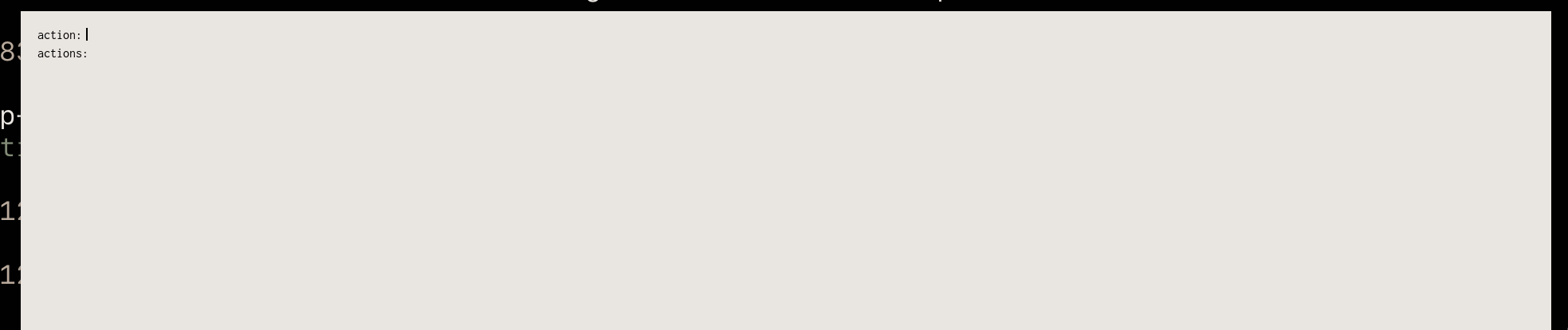
(the command I ran in this screenshot is the same but with the markup removed:
rofi -mesg "actions:" -i -markup -markup-rows -p "action" -dmenu)
Additional details:
- Include a link to your private config
 # Dark theme.
rofi.theme: ~/.cache/wal/colors-rofi-dark.rasi

# Light theme.
rofi.theme: ~/.cache/wal/colors-rofi-light.rasi
- Include screenshots/casts of your issue
see above
 wis
wis
All 2 comments
You commandline quoting is invalid and results in invalid pango markup (this is also dumped by pango on the terminal).
rofi -mesg '<span color="red">actions:</span>' -i -markup -markup-rows -p "action" -dmenu
 DaveDavenport
on 11 Nov 2020
DaveDavenport
on 11 Nov 2020
this is not a bug, I forget to escape quotes, so rofi get the message text input as <span color= and rendered it to invisible text.
rofi -mesg "<span color=\"red\">actions:</span>" -i -markup -markup-rows -p "action:" -dmenu or
rofi -mesg '<span color="red">actions:</span>' -i -markup -markup-rows -p "action:" -dmenu works as expected.
wis
on 11 Nov 2020
Related issues
 strogiyotec
·
4Comments
strogiyotec
·
4Comments
 mvrozanti
·
3Comments
mvrozanti
·
3Comments
 DragonAxe
·
3Comments
DragonAxe
·
3Comments
 Spindlyskit
·
4Comments
Spindlyskit
·
4Comments
 vktec
·
4Comments
vktec
·
4Comments