Rocket.chat: Navbar showing when use iframe "go" command and embedded layout
Description:
When switching rooms inside the IFRAME through the "Go" command (https://rocket.chat/docs/developer-guides/iframe-integration/commands/) - the top panel appears
Steps to reproduce:
- Embed chat in iframe with layout = embedded
- Give the command "go" to IFRAME (https://rocket.chat/docs/developer-guides/iframe-integration/commands/) to go to another chat inside the IFRAME (in path specify the path to the new room and pass the "?layout=embedded" parameter)
- In the new room we see the display of top NavBar
- If you go to the room that was opened first, the panel is not displayed
Expected behavior:
No NavBar:
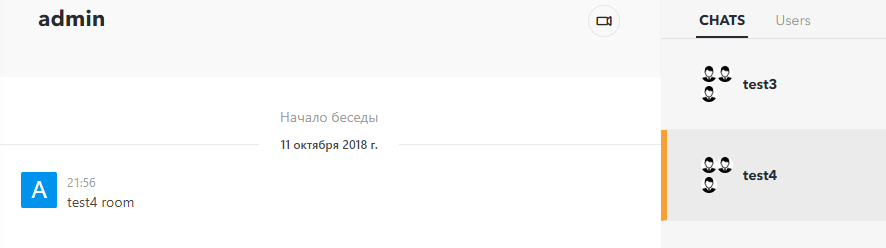
Actual behavior:
Presence of NavBar:

Server Setup Information:
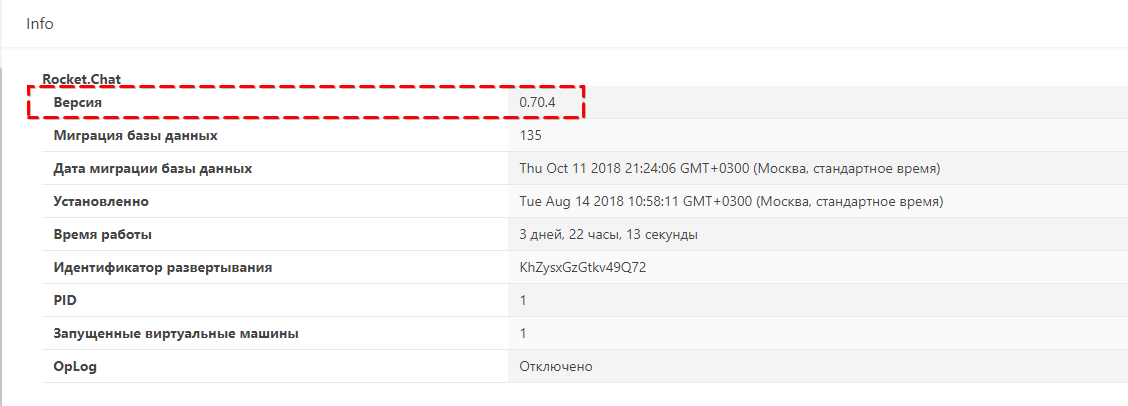
- Version of Rocket.Chat Server: 0.70.4
- Operating System: windows
- Deployment Method: docker
- Number of Running Instances: 1
 sdelfi
All 6 comments
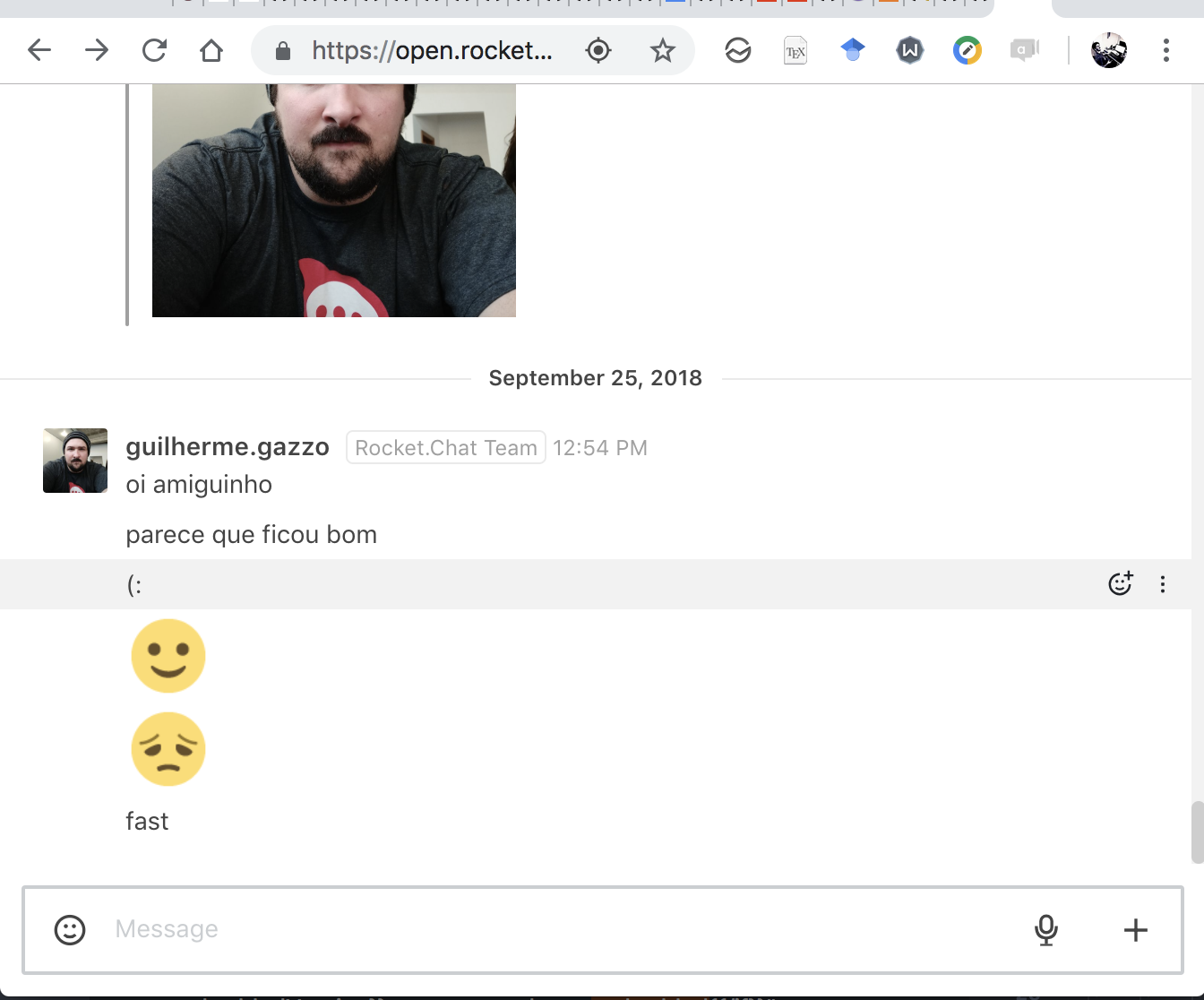
hey @sdelfi I'm quite sure our 0.70.x versions are working different... could you test this version and tell me if its working as you expect?
 ggazzo
on 15 Oct 2018
ggazzo
on 15 Oct 2018
Hi, @ggazzo
I did not quite understand your question. I have now 0.70.4 and tested on this version.
Or asked for something else?
I recorded a video (gif) with a problem I described: https://i.imgur.com/lNUvBxA.gif
In the left section - iframe chat window.
On the right are chat list buttons. I do switching through iframe API:
iframe_obj.get(0).contentWindow.postMessage({
    externalCommand: 'go',
    path: relative_url
}, '*')
I have noticed that this was probably because of the variable embeddedVersion variable not being set correctly when using the go command to switch channels.
From what I can see, in some places it's basically equal to RocketChat.Layout.isEmbedded(), and in one place, it equals to embedded-view if RocketChat.Layout.isEmbedded() equals to true (is the different behavior for the same variable name on purpose?).
As a workaround, I had to resort to patching the code manually where that variable was accessed or used and either remove a chunk of html or force its value to embedded-view to make things work. I hope this helps someone working on this issue.
My version: 0.72.3
 overfl0
on 9 Jan 2019
overfl0
on 9 Jan 2019
Same here, when I use "go" command and ?layout=embedded the iframe is showing the menu.
Tested in version 0.73.2
 cezario
on 18 Jan 2019
cezario
on 18 Jan 2019
We found a temporary solution, we add in Admin Panel -> Layout -> 'Custom Script for Logged In Users' section this code
window.RocketChat.Layout.layout = 'embedded';
For this way, you can set the layout var and the embedded mode will be active
cezario
on 19 Jan 2019
We found a temporary solution, we add in Admin Panel -> Layout -> 'Custom Script for Logged In Users' section this code
window.RocketChat.Layout.layout = 'embedded';For this way, you can set the layout var and the embedded mode will be active
Worked for me,this is what I was looking for!!!
 Byt3rus
on 19 Jan 2019
Byt3rus
on 19 Jan 2019
Related issues
 tanc
·
3Comments
tanc
·
3Comments
 engelgabriel
·
3Comments
engelgabriel
·
3Comments
 brendanheywood
·
3Comments
brendanheywood
·
3Comments
 karlprieb
·
3Comments
karlprieb
·
3Comments
 zeigerpuppy
·
3Comments
zeigerpuppy
·
3Comments
Most helpful comment
We found a temporary solution, we add in Admin Panel -> Layout -> 'Custom Script for Logged In Users' section this code
window.RocketChat.Layout.layout = 'embedded';For this way, you can set the layout var and the embedded mode will be active