Rocket.chat: LDAP Login does not work if LDAP profile picture sync is enabled.
Welcome to the house of fun.
Description:
If you enable the LDAP profile picture sync, people are not able to login with their LDAP credentials. Ironically syncing the LDAP profile pictures does work if you enable it and click "Sync LDAP".
Server Setup Information:
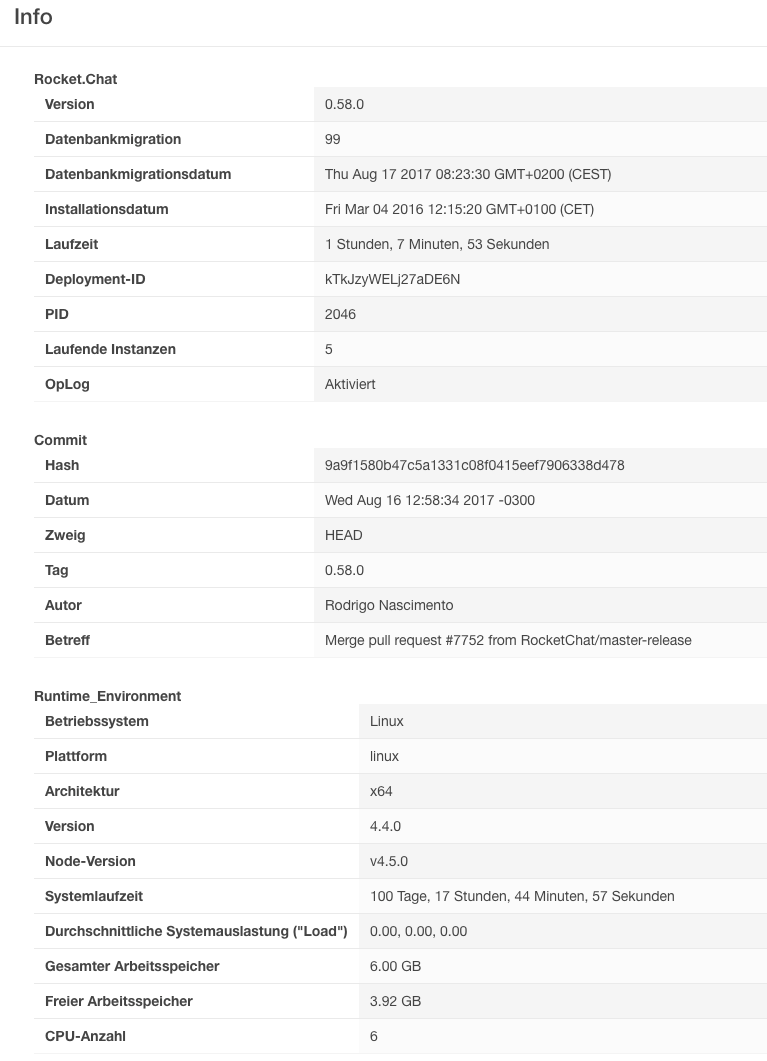
- Version of Rocket.Chat Server:
0.58.0 - Operating System:
Ubuntu 16.04 - Deployment Method(snap/docker/tar/etc):
- killall node
- git clone
- npm install
- restart server
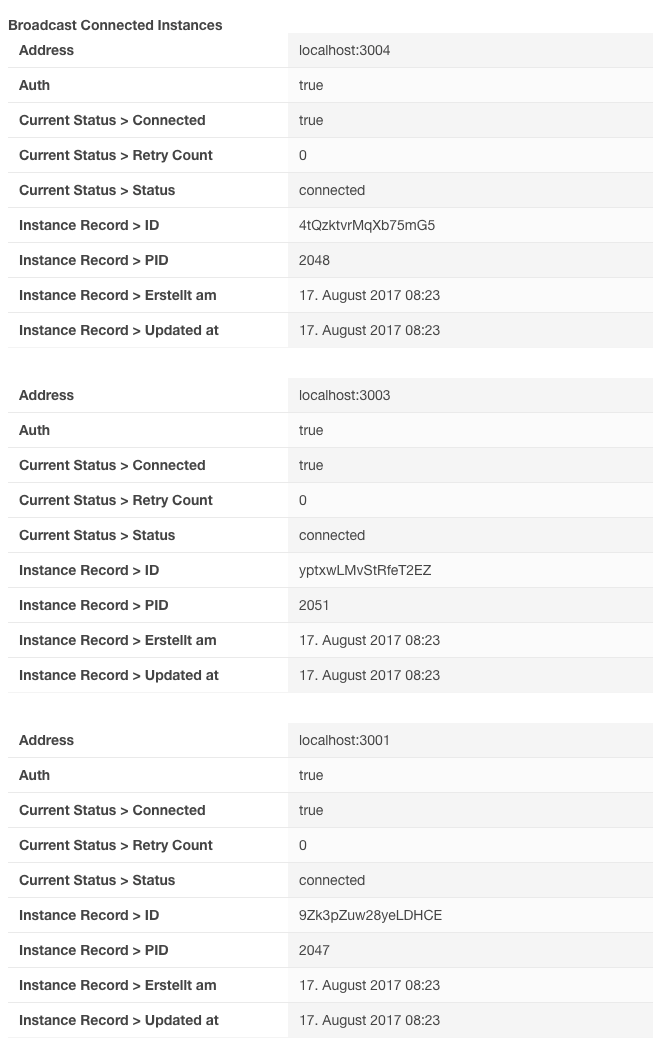
- Number of Running Instances:
5 on single host - DB Replicaset Oplog:
replication: replSetName: rs0 oplogSizeMB: 100 - Node Version:
$ node -v v4.5.0 - LDAP Filter:
{"filter": "(&(objectClass=Person)(memberOf:1.2.840.113556.1.4.1941:=CN=chat,CN=xxxx,DC=xxxx,DC=xxxx)(userPrincipalName=#{username}))", "scope": "sub", "userDN": "CN=xxxx,CN=xxxx,DC=xxxx,DC=xxxx", "password": "xxxx"}
Steps to Reproduce:
- Login to RC with your admin account
- Enable LDAP profile picture sync.
- Try to login again
- Fail hard (User not found or password wrong)
- Make a sad face, because you are the only admin available and can't login to unset the LDAP profile picture sync and no one can login.
- wait until colleague comes around who is still logged in
- unset LDAP profile picture sync
- Login works
Bonus:
- Enable LDAP profile picture sync, sync all LDAP Accounts, disable LDAP profile picture sync to have all LDAP profile pictures synced ¯_(ツ)_/¯
Bonus2:
- Enable LDAP profile picture sync
- try to login
- fail hard
- click "password reset"
- click mail in link
- set a password you like
- be happy to get logged in
- be not abled to login again. Neither with the new, nor with the old password. (We don't sync pw changes back to the LDAP.)
I would like to provide logs, but the are no logs. Even debug does not show anything relevant.
Expected behavior:
Let user login into RC while LDAP profile picture sync is enabled
Actual behavior:
people are not able to login with their LDAP credentials if LDAP profile picture sync is enabled.
Relevant logs:
I would like to provide logs, but the are no logs. Even debug does not show anything relevant.
 KervyN
All 9 comments
I'm experiencing the same issue with the same work around as well. On version .58 and all minor revisions of .57
 stalley
on 17 Aug 2017
stalley
on 17 Aug 2017
The same issue (version 0.58.0, Docker image).
 MarekPikula
on 17 Aug 2017
MarekPikula
on 17 Aug 2017
Remain on 0.59.x
 JigSawFr
on 29 Aug 2017
JigSawFr
on 29 Aug 2017
Can I somehow help debugging to fix this rather urgent issue as it blocks us from upgrading from 0.56.0 to a recent release of RC.
Cheers
Thomas
 TwizzyDizzy
on 5 Sep 2017
TwizzyDizzy
on 5 Sep 2017
+1
 willihelm
on 7 Sep 2017
willihelm
on 7 Sep 2017
+1
 mkretzer
on 7 Sep 2017
mkretzer
on 7 Sep 2017
Those +1 don't really help ;) Please use the Emoji-reaction instead :)
TwizzyDizzy
on 7 Sep 2017
Hi folks,
it seems as though @sampaiodiego has a fix for this. Please see https://github.com/RocketChat/Rocket.Chat/issues/7405#issuecomment-328795696 and give it a shot ASAP. Please also comment on issue #7405 and not here.
I would also suggest to close THIS issue here in order to consolidate all efforts in #7405 as both issues seem to be identical.
Cheers
Thomas
TwizzyDizzy
on 12 Sep 2017
thanks @TwizzyDizzy .. I'm closing this in favor of #7405 :+1:
 sampaiodiego
on 12 Sep 2017
sampaiodiego
on 12 Sep 2017
Related issues
 royalaid
·
3Comments
royalaid
·
3Comments
 Buzzele
·
3Comments
Buzzele
·
3Comments
 marceloschmidt
·
3Comments
marceloschmidt
·
3Comments
 sta-szek
·
3Comments
sta-szek
·
3Comments
 Kiran-Rao
·
3Comments
Kiran-Rao
·
3Comments
Most helpful comment
Can I somehow help debugging to fix this rather urgent issue as it blocks us from upgrading from 0.56.0 to a recent release of RC.
Cheers
Thomas