Rocket.chat.reactnative: Can't save pictures on Android 10
Description:
Android 10 devices get an error while trying to save pictures from chat. Looks like an album creation fails https://github.com/react-native-community/react-native-cameraroll/issues/115
Environment Information:
- Rocket.Chat Server Version: 3.6.0
- Rocket.Chat App Version: 4.10.0
- OS Version: Android 10
Steps to reproduce:
- Go to any room which has messages with pictures
- Open the picture and click the download button
- Give the permission to access media on your device
Expected behavior:
The picture should be saved to the device's gallery
Actual behavior:
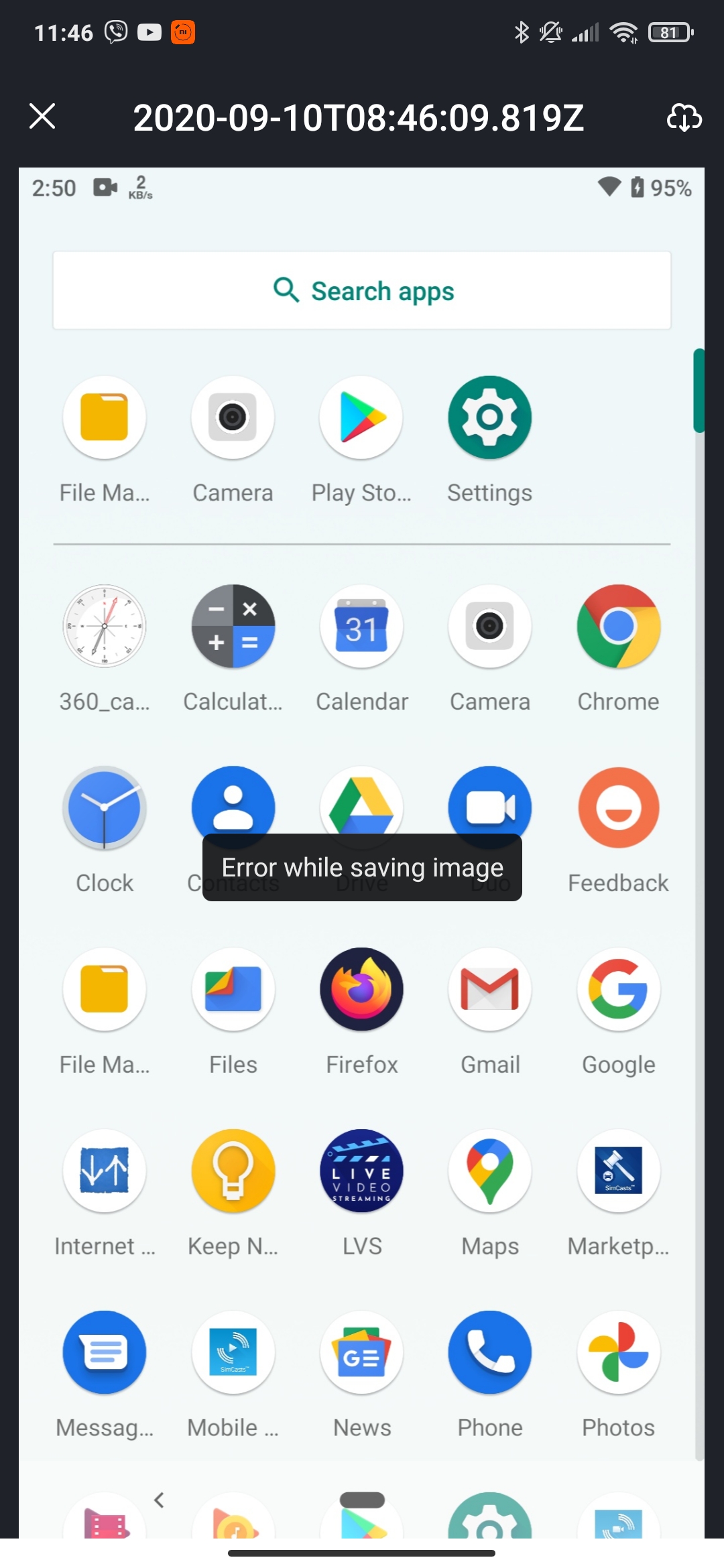
Error while saving the picture
Additional context:
 johnypeterson
All 12 comments
I would like to contribute to this bug, and I am also a first timer on open-source. 🙄
 shobhi1310
on 11 Sep 2020
shobhi1310
on 11 Sep 2020
@shobhi1310 Thanks, but we're working on a fix already.
There're other issues on good first issue label
 diegolmello
on 11 Sep 2020
diegolmello
on 11 Sep 2020
Thanks!, I will look into those issues then.
shobhi1310
on 12 Sep 2020
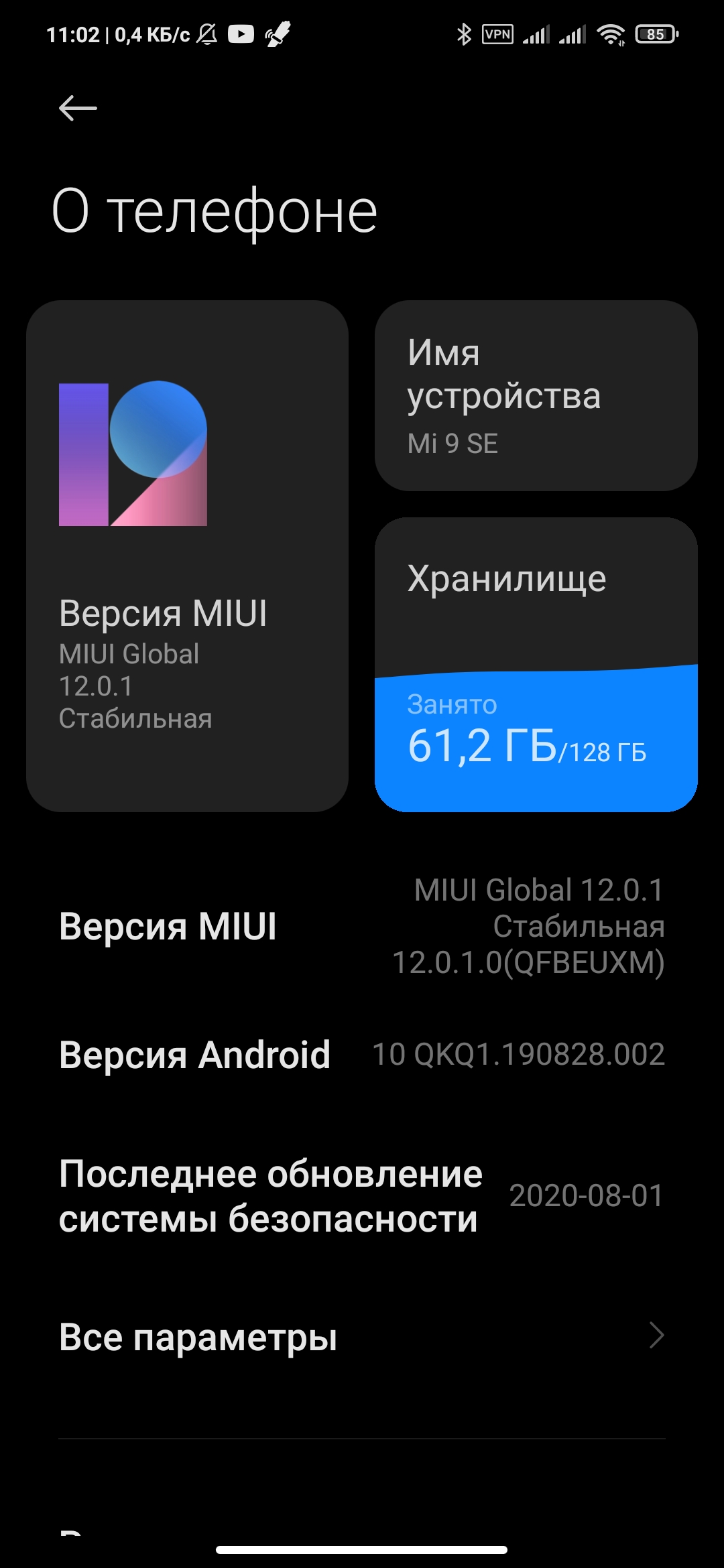
My Xiaomi Mi 9 SE is on Android 10 QkQ1.190828.002
I did try couple versions - 4.7 and latest 4.11 - all fine, pictures was saved

 ankar84
on 5 Oct 2020
ankar84
on 5 Oct 2020
The problem is urgent.
I have compiled the application from the latest source code (master, develop, single-server) the problem is available. I downloaded assembly 4.11 from the application store - there is a problem.
Asus ZenFone6, Android 10 (Stock ROM).
 Scorpio92
on 19 Oct 2020
Scorpio92
on 19 Oct 2020
The problem is urgent.
I have compiled the application from the latest source code (master, develop, single-server) the problem is available. I downloaded assembly 4.11 from the application store - there is a problem.
Asus ZenFone6, Android 10 (Stock ROM).
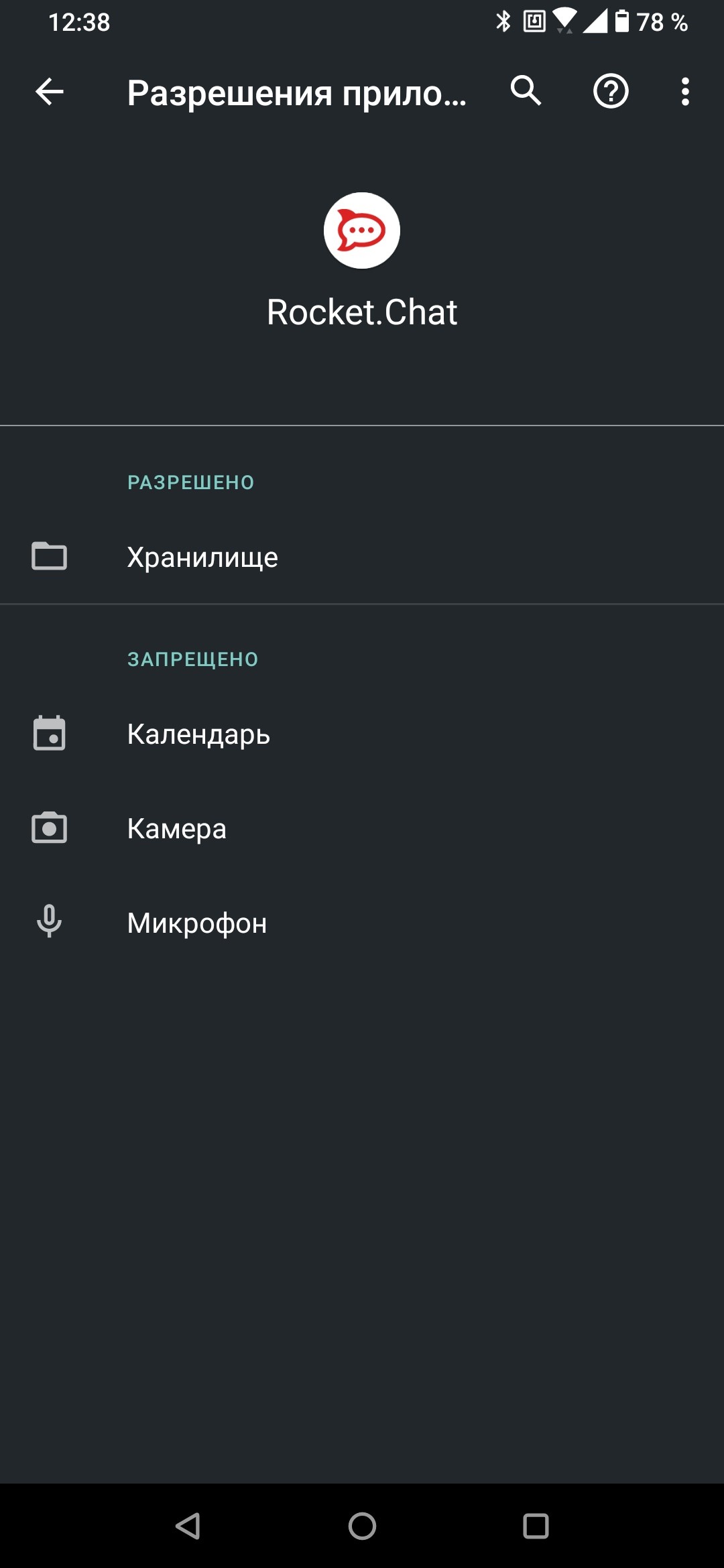
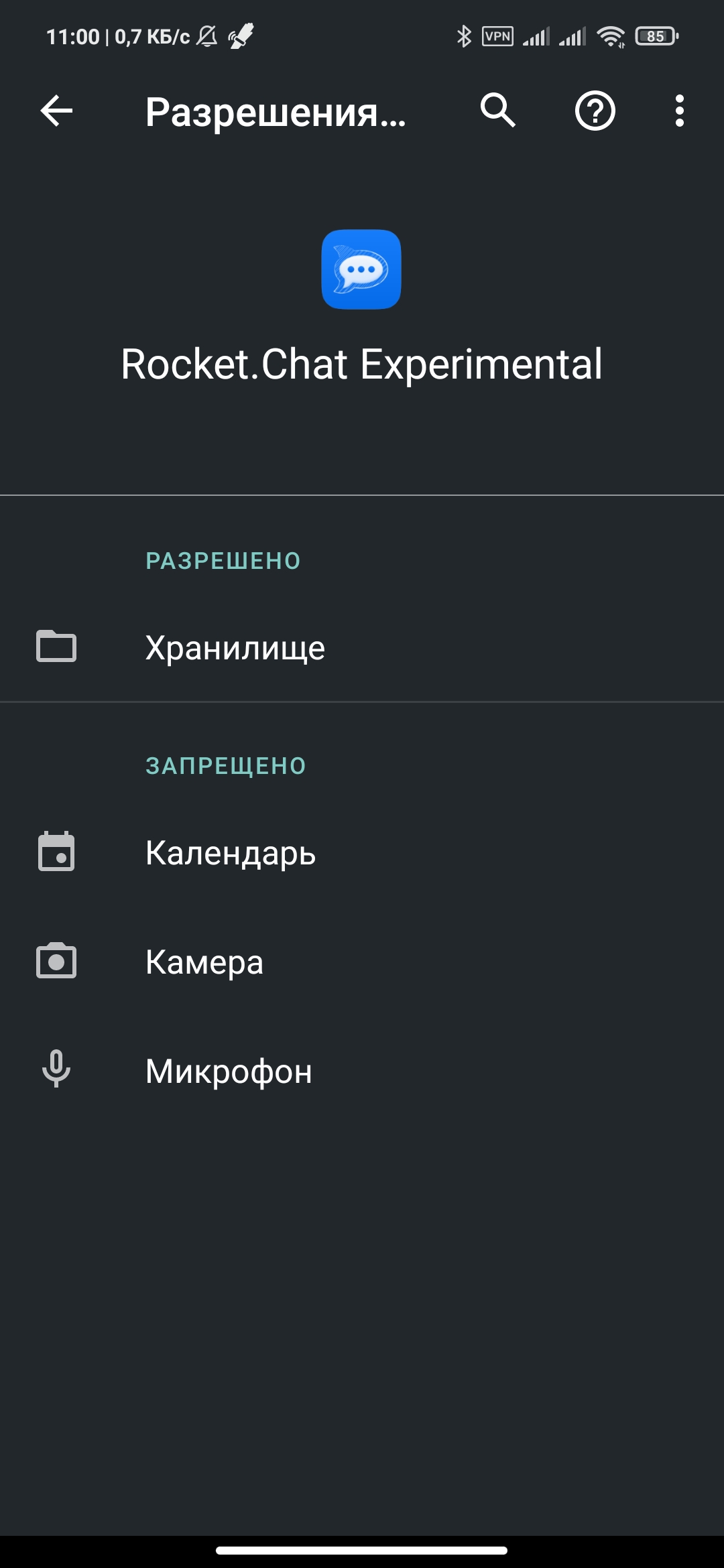
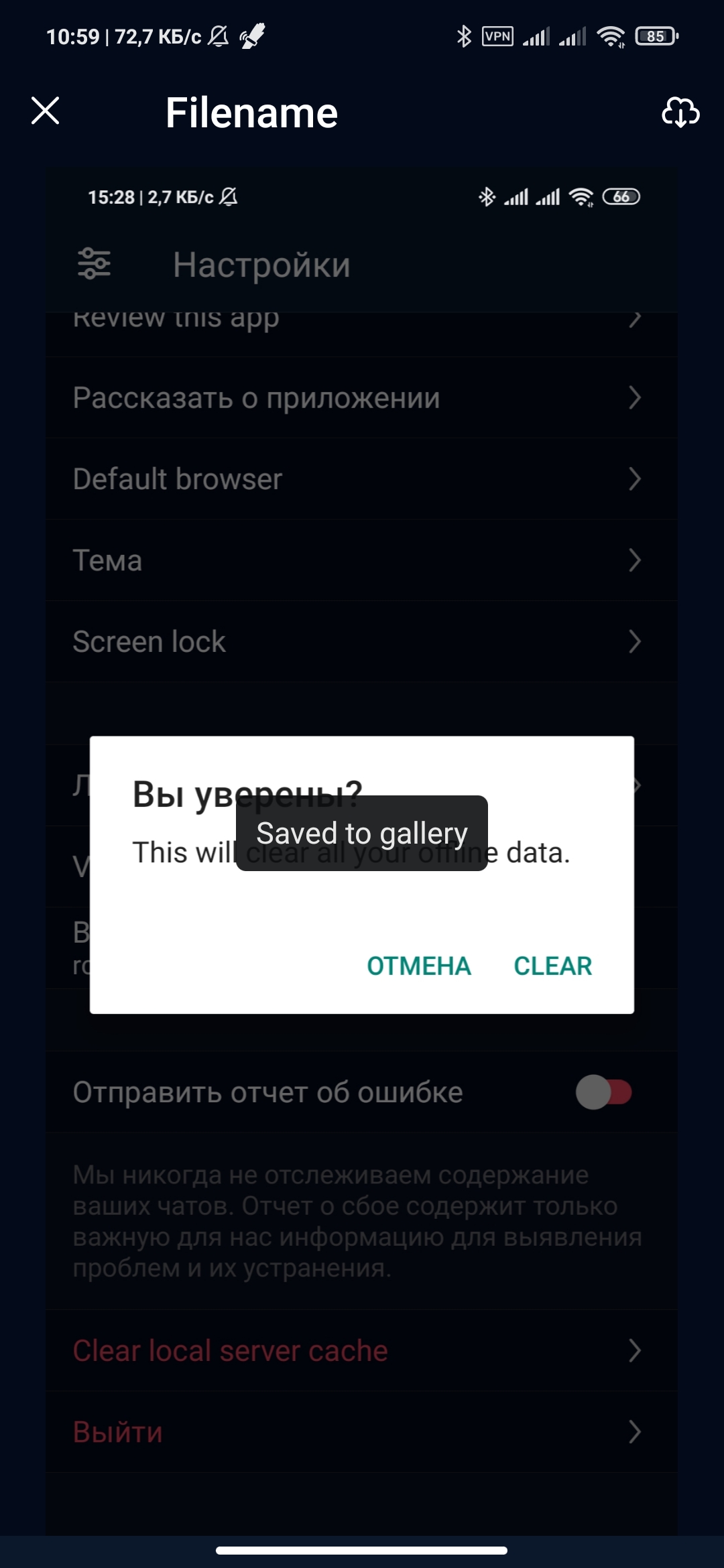
Please show permissions granted to RCRN app.
ankar84
on 19 Oct 2020
The problem is urgent.
I have compiled the application from the latest source code (master, develop, single-server) the problem is available. I downloaded assembly 4.11 from the application store - there is a problem.
Asus ZenFone6, Android 10 (Stock ROM).Please show permissions granted to RCRN app.
Storage is permited.
Scorpio92
on 19 Oct 2020
Storage is permited.
It's still somehow device or vendor related
ankar84
on 19 Oct 2020
The problem is urgent.
I have compiled the application from the latest source code (master, develop, single-server) the problem is available. I downloaded assembly 4.11 from the application store - there is a problem.
Asus ZenFone6, Android 10 (Stock ROM).
@Scorpio92 Contributions appreciated.
diegolmello
on 19 Oct 2020
samsung s10e, Android 10, same problem.
Scorpio92
on 20 Oct 2020
@diegolmello
This issue was introduced via https://github.com/RocketChat/Rocket.Chat.ReactNative/pull/2375, which would have broken version 4.10 and beyond for Android.
The fix is to opt out of scoped storage (https://developer.android.com/training/data-storage/use-cases#opt-out-scoped-storage)
android:requestLegacyExternalStorage="true"
This is important to note for future changes to the targetSDK, as this workaround is no longer valid for 30+. You will need to follow this (https://developer.android.com/training/data-storage/use-cases#migrate-legacy-storage) to target anything further than you already are.
After setting the flag in the manifest, the only thing that I have noticed in terms of odd behavior is what the files are called, as they change once saved to gallery, as it no longer preserves the source name.
What is unexplainable is why some Android 10 devices mentioned above work just fine, and others just don't. Despite that unknown, saving images on my Note 20 have started working once again while debugging. The odd thing was in the emulator, it always worked to save the image (Android 11), even prior to making that change based on the 4.11.0 branch.
Please add to the 4.12.0 code that you are currently testing, and let's restore a functionality thats been broken for near 2 months.
 AgentTNT
on 31 Oct 2020
AgentTNT
on 31 Oct 2020
@diegolmello
This issue was introduced via #2375, which would have broken version 4.10 and beyond for Android.
The fix is to opt out of scoped storage (https://developer.android.com/training/data-storage/use-cases#opt-out-scoped-storage)
android:requestLegacyExternalStorage="true"This is important to note for future changes to the targetSDK, as this workaround is no longer valid for 30+. You will need to follow this (https://developer.android.com/training/data-storage/use-cases#migrate-legacy-storage) to target anything further than you already are.
After setting the flag in the manifest, the only thing that I have noticed in terms of odd behavior is what the files are called, as they change once saved to gallery, as it no longer preserves the source name.
What is unexplainable is why some Android 10 devices mentioned above work just fine, and others just don't. Despite that unknown, saving images on my Note 20 have started working once again while debugging. The odd thing was in the emulator, it always worked to save the image (Android 11), even prior to making that change based on the 4.11.0 branch.
Please add to the 4.12.0 code that you are currently testing, and let's restore a functionality thats been broken for near 2 months.
It's works. Thanks!
Scorpio92
on 3 Nov 2020
Related issues
 venkatasubramanis
·
5Comments
venkatasubramanis
·
5Comments
 ggazzo
·
6Comments
ggazzo
·
6Comments
 monarkh-karina
·
4Comments
monarkh-karina
·
4Comments
 Prateek93a
·
6Comments
Prateek93a
·
6Comments
 sd1998
·
4Comments
sd1998
·
4Comments
Most helpful comment
@diegolmello
This issue was introduced via https://github.com/RocketChat/Rocket.Chat.ReactNative/pull/2375, which would have broken version 4.10 and beyond for Android.
The fix is to opt out of scoped storage (https://developer.android.com/training/data-storage/use-cases#opt-out-scoped-storage)
android:requestLegacyExternalStorage="true"This is important to note for future changes to the targetSDK, as this workaround is no longer valid for 30+. You will need to follow this (https://developer.android.com/training/data-storage/use-cases#migrate-legacy-storage) to target anything further than you already are.
After setting the flag in the manifest, the only thing that I have noticed in terms of odd behavior is what the files are called, as they change once saved to gallery, as it no longer preserves the source name.
What is unexplainable is why some Android 10 devices mentioned above work just fine, and others just don't. Despite that unknown, saving images on my Note 20 have started working once again while debugging. The odd thing was in the emulator, it always worked to save the image (Android 11), even prior to making that change based on the 4.11.0 branch.
Please add to the 4.12.0 code that you are currently testing, and let's restore a functionality thats been broken for near 2 months.