Rocket.chat.reactnative: Support for iframe authentication
- Your Rocket.Chat Experimental app version: 1.10.0.6097
- Your Rocket.Chat server version: 0.74.3
- Device (or Simulator) you're running with: Android Pie
We use iframe auth for our installation of Rocket.Chat, but when trying to connect to our server the default login form is presented.
Will the React app support this in the future?
 alexroosenstein
All 17 comments
@alexroosenstein This is not implemented yet.
Are you willing to contribute?
 diegolmello
on 8 Mar 2019
diegolmello
on 8 Mar 2019
If I had the time and React Native knowledge, I would.
For now all I can contribute is a (small) Bounysource reward, but I'm glad it's on the roadmap/list now.
alexroosenstein
on 8 Mar 2019
@diegolmello Why was this closed? Are there no plans to support this feature in the future?
alexroosenstein
on 10 Nov 2019
I'm sorry, @alexroosenstein.
I closed this by mistake.
diegolmello
on 1 Apr 2020
Hi @diegolmello diegolmello - I see this closed 11 days ago. Can you please tell me was this intentional and if so, is it because it's either fixed, (if so where / which version / how?) or if it has been dropped?
Thanks so much in advance
 HiveMindNet
on 26 May 2020
HiveMindNet
on 26 May 2020
Hi @diegolmello diegolmello - I see this closed 11 days ago. Can you please tell me was this intentional and if so, is it because it's either fixed, (if so where / which version / how?) or if it has been dropped?
Thanks so much in advance
My apologies - it looks like re-reading you only closed the old thread from the old repo.
Still, any update would be appreciated :)
HiveMindNet
on 26 May 2020
It's planned to be implemented for next release, which is planned to be released at the end of June.
diegolmello
on 26 May 2020
Question - just testing 4.8.0.304 over TestFlight on server 3.4.0. Keen to test iFrame auth. We have iFrame auth on the server with default form disabled. Typically and on browser, client logs in to our website (not rocket) and then we use iFrame auth to auth from there into rocket in browser. How can I test iFrame auth in mobile app? Surely I need to somehow set something up first or enable somehow the app to authenticate using our non-rocket site so that it can iFrame Auth? Any help is much appreciated.
HiveMindNet
on 2 Jul 2020
@HiveMindNet is your iFrame auth following this guide? https://docs.rocket.chat/guides/developer-guides/iframe-integration/authentication
If yes, when you connect to this server at your device what is showed up?
It should show only the login button that open a WebView with your iFrame.
You don't need an extra configuration to make this work at mobile devices, if it's working at our web client should work on our mobile app.
 djorkaeffalexandre
on 3 Jul 2020
djorkaeffalexandre
on 3 Jul 2020
Hi @djorkaeffalexandre I have followed that exact approach, yes. Using window.parent.postMessage and users auth token. It logs in fine. However, there's no login button at all and the only way I can log in on mobile is using a deep link with auth. The default login form is disabled as we don't allow normal login; only wanting iframe or deeplink. I tried to enable default login form but also this didn't work. Feels like I'm missing something.
What can I provide you to help diagnose the issue? Here's a screenshot of what I currently see (basically no options).
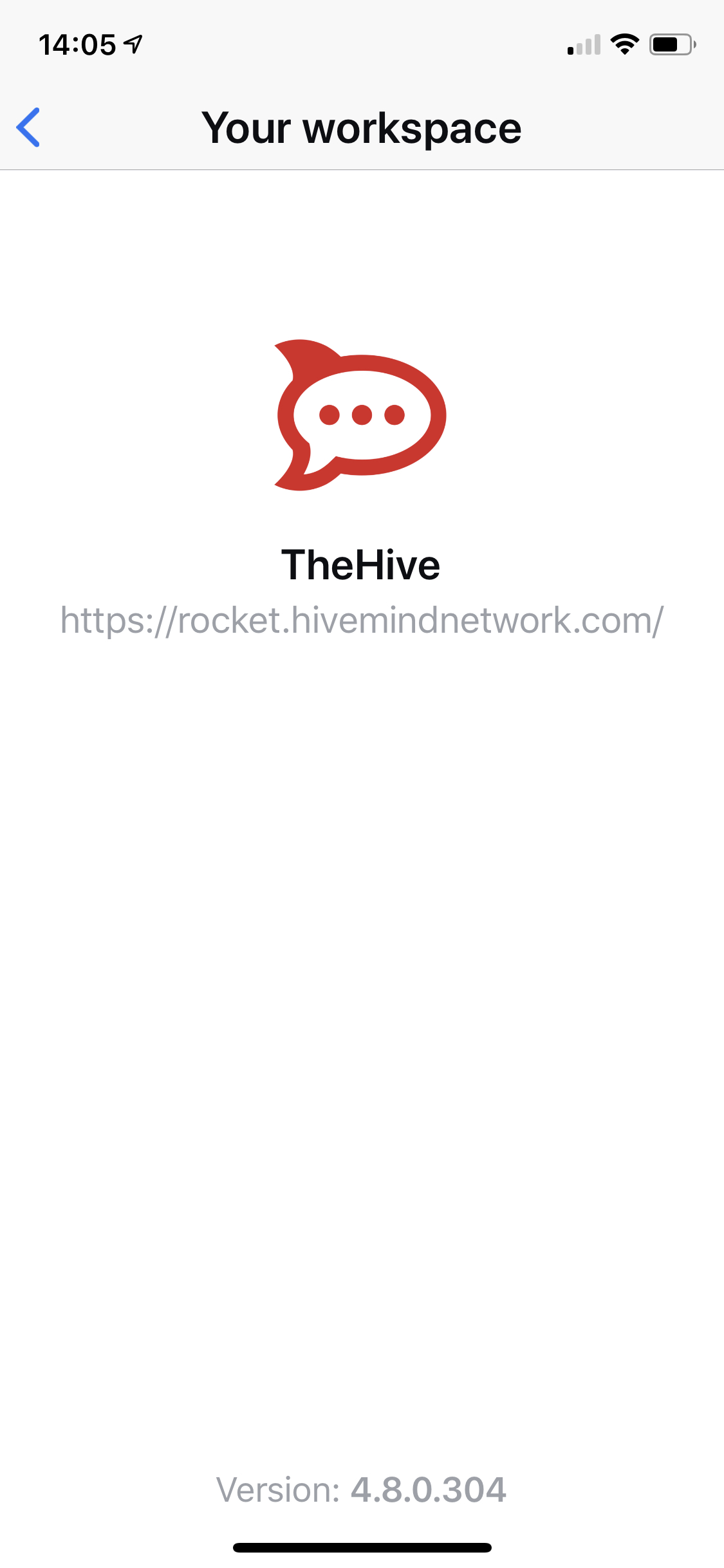
Thanks in advance
HiveMindNet
on 3 Jul 2020
@HiveMindNet I will take a look ASAP, looks like we're not checking if iFrame is enabled to always show the login button that will open the iFrame auth. Thanks for you report! 🤗
djorkaeffalexandre
on 3 Jul 2020
@HiveMindNet #2241.
djorkaeffalexandre
on 3 Jul 2020
Fantastic @djorkaeffalexandre all working now :)
HiveMindNet
on 4 Jul 2020
I got a question regarding the iframe auth. After the SSO we are still in the web view popup kinda thing. Is that intentional or should it transfer to the real mobile app after the SSO workflow?
 matzexcom
on 6 Jul 2020
matzexcom
on 6 Jul 2020
@matzexcom it should close the SSO popup.
Can you record a gif and post it here?
If possible can you send me a test user at https://open.rocket.chat/direct/djorkaeff.alexandre?
djorkaeffalexandre
on 6 Jul 2020
I talked with @matzexcom and we figured that was a problem with a trick that he is using to get it working at web client, but this trick doesn't work on mobile, now he will use the considerations specified at this documentation.
djorkaeffalexandre
on 6 Jul 2020
like @djorkaeffalexandre wrote, I forget the postMessage call in the iFrame URL, now it works like a charm
matzexcom
on 6 Jul 2020
Related issues
 monarkh-karina
·
4Comments
monarkh-karina
·
4Comments
 Perflyst
·
5Comments
Perflyst
·
5Comments
 fbuchmeier-abi
·
3Comments
fbuchmeier-abi
·
3Comments
 ggazzo
·
6Comments
diegolmello
·
5Comments
ggazzo
·
6Comments
diegolmello
·
5Comments
Most helpful comment
like @djorkaeffalexandre wrote, I forget the postMessage call in the iFrame URL, now it works like a charm