Rocket.chat.electron: v3 login doesn't persist
My Setup
- Operating System: Debian 10
- App Version: 3.0.0
- Installation type: amd64.deb
- [x] I have tested with the latest version
- [x] I can simulate the issue easily
Description
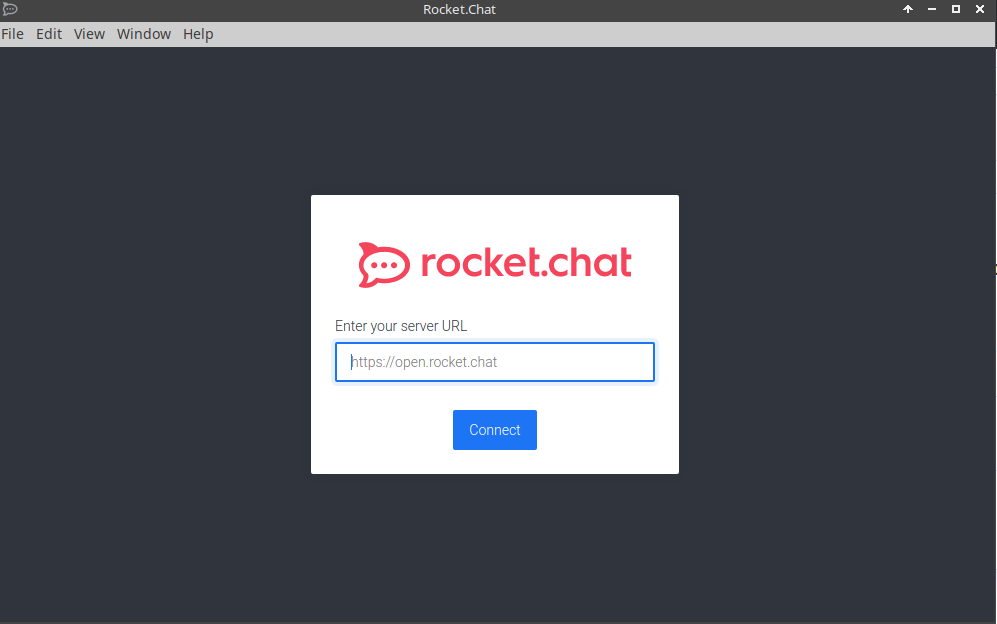
Current Behavior
My account gets logged out every time I quit the application. My login was saved when I was using v2.7
Expected Behavior
Login persist when I launch app again.
 shinebayar-g
All 9 comments
Same here
Operating System: Windows 10 Version: 2004
App Version: 3.0.0
Server version: 3.6.3
Installation type: exe from releases over version 2.17.11
 AmatorPhasma
on 1 Oct 2020
AmatorPhasma
on 1 Oct 2020
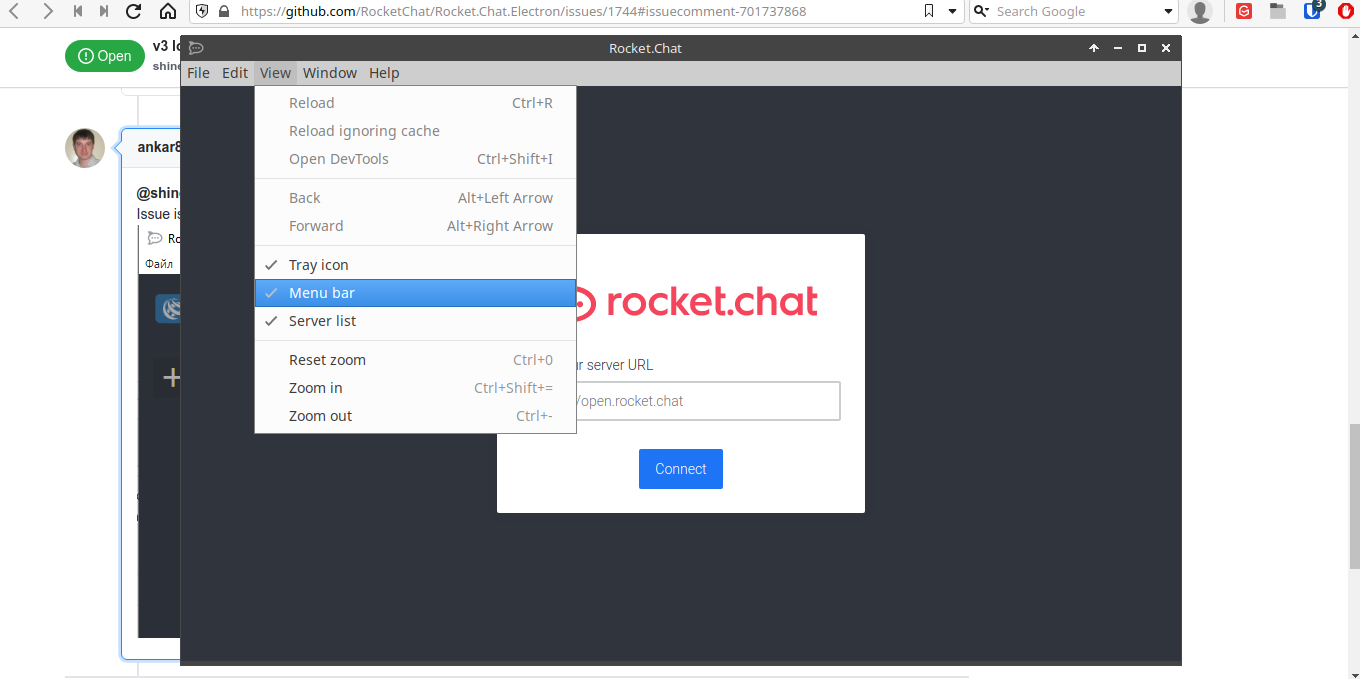
@shinebayar-g please enable Server list in View menu and select your server
Issue is that RC 3.0.0 starts with adding new server layout, but not with already configured server

 ankar84
on 1 Oct 2020
ankar84
on 1 Oct 2020
It's already enabled. I even clicked on it few times, it's doing nothing.
shinebayar-g
on 1 Oct 2020
It's a "last minute" regression where persisted data is replaced by defaults. Please be patient, I'm working on it.
 tassoevan
on 1 Oct 2020
tassoevan
on 1 Oct 2020
It's already enabled. I even clicked on it few times, it's doing nothing.
Try to create servers.json file like described here and after restart application press CTRL+1
ankar84
on 1 Oct 2020
It's already enabled. I even clicked on it few times, it's doing nothing.
Try to create
servers.jsonfile like described here and after restart application press CTRL+1
This works for me! Thanks a lot. I do not have to press CTRL+1. It just works as expected
EDIT: Just works one time on a Mac. After starting Rocket.Chat the servers.json is getting deleted. Restarting Rocket.Chat will end in the same connect window.
 User35123
on 1 Oct 2020
User35123
on 1 Oct 2020
Looks like it's fixed for me on 3.0.1?
shinebayar-g
on 2 Oct 2020
Looks like it's fixed for me on 3.0.1?
Me too. If I close the app and restart it the login persists with 3.0.1
 blacklord049
on 2 Oct 2020
blacklord049
on 2 Oct 2020
So, my guess was right. Closing this issue.
tassoevan
on 2 Oct 2020
Related issues
 thehutman
·
4Comments
thehutman
·
4Comments
 paulz1
·
3Comments
paulz1
·
3Comments
 geekgonecrazy
·
4Comments
geekgonecrazy
·
4Comments
 wrwrwrr
·
4Comments
wrwrwrr
·
4Comments
 AlynxZhou
·
4Comments
AlynxZhou
·
4Comments
Most helpful comment
It's a "last minute" regression where persisted data is replaced by defaults. Please be patient, I'm working on it.