Rmwc: Docs: List > Variants > Checkboxes hover issue
RMWC 5.5.1
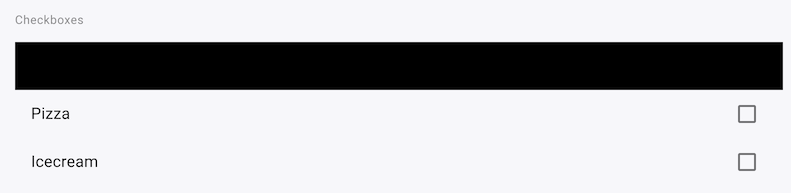
The example for the List > Variants > Checkboxes shows the hover item as a black block:
 robcaldecottvelo
All 6 comments
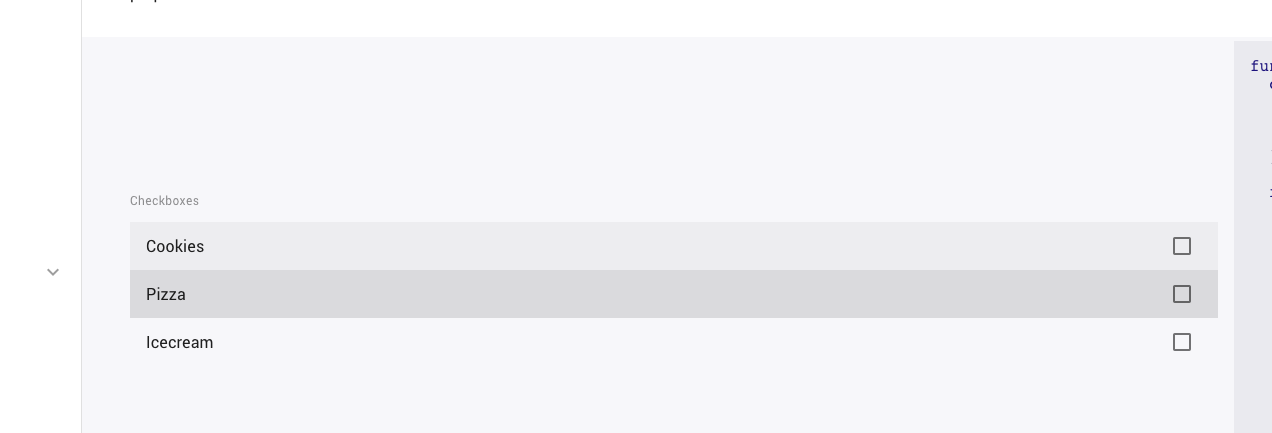
Can I ge some more info? This is a screen shot of the docs from chrome.
 jamesmfriedman
on 7 May 2019
jamesmfriedman
on 7 May 2019
I'm on MacOS 10.14.4
Chrome 74.0.3729.108
Any of the themes exhibit the issue when I hover with the mouse. If I turn on DevTools and force the element state to :hover same issue.
Safari and Firefox are fine though. I'll keep digging.
robcaldecottvelo
on 7 May 2019
Facing the same issue with Table and Card.
Chrome 74.0.3729.131
MacOS 10.14.4
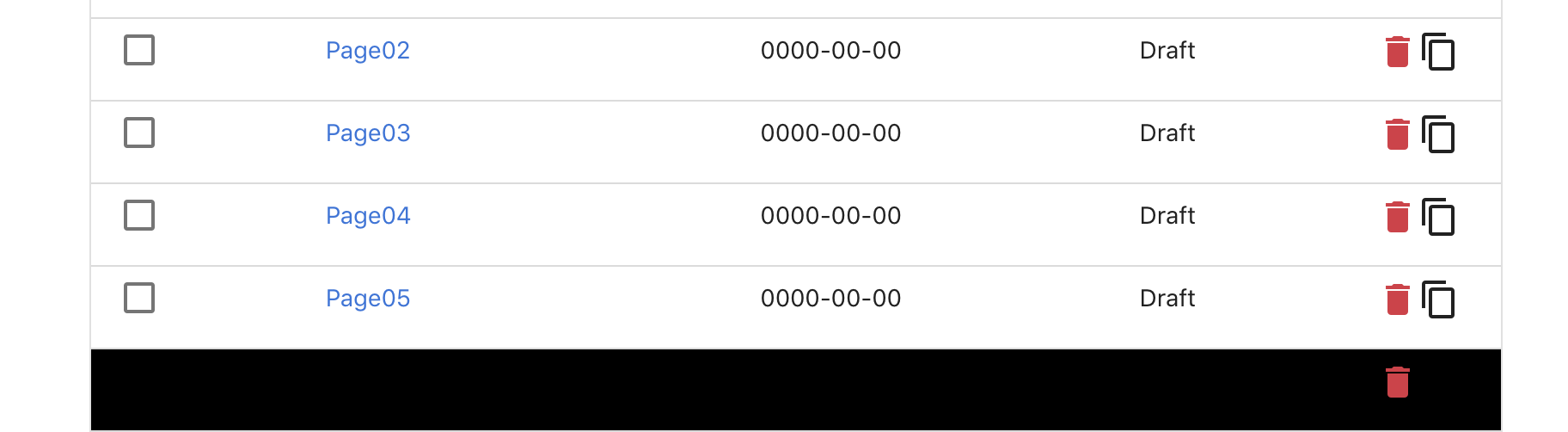
Issue exists only in google chrome not any other browser.
Issue seem to be with opacity and background-color
.rmwc-data-table__body .rmwc-data-table__row--hover:not(.rmwc-data-table__row--selected):not(.rmwc-data-table__row--activated) .rmwc-data-table__cell:before, .rmwc-data-table__body .rmwc-data-table__row:hover:not(.rmwc-data-table__row--selected):not(.rmwc-data-table__row--activated) .rmwc-data-table__cell:before {
    opacity: 0.04;
    background-color: black;
    background-color: var(--mdc-theme-on-surface, black);
}
replacing
background-color: var(--mdc-theme-on-surface, black); with
background-color: var(--mdc-theme-on-surface, rgba(0,0,0,0.04));
seem to fix the issue
 akmittal
on 8 May 2019
akmittal
on 8 May 2019
Found the issue in MDC, it's being worked on. Until then, if it impacts you, see the associated fixes on that link
jamesmfriedman
on 8 May 2019
looks like it is fixed in MWC 2.2, looks like dependency need to be upgraded.
akmittal
on 20 May 2019
Will be fixed with a new docs release today
jamesmfriedman
on 22 May 2019
Related issues
 Anwardo
·
6Comments
Anwardo
·
6Comments
 filbertteo
·
3Comments
filbertteo
·
3Comments
 vasco3
·
7Comments
vasco3
·
7Comments
 darrencruse
·
6Comments
darrencruse
·
6Comments
 prateekbh
·
6Comments
prateekbh
·
6Comments
Most helpful comment
Found the issue in MDC, it's being worked on. Until then, if it impacts you, see the associated fixes on that link