Ring: Cannot use doorbell button for automations
Bug Report
First of all thank you for the excellent plugin. I have got a lot of use out of it and appreciate the effort that goes into making it so rock solid 🙏
Describe the Bug
I can not use my ring2 battery doorbell button as automation trigger.
Previously I was able to set this up so that pressing the doorbell triggered a doorbell switch on my other hard wired camera.
This allowed pressing the doorbell to show a nice video preview from the hardwired camera, which doesn't work for battery ring cameras when in low power mode.
Hardware: battery ring doorbell 2.
To Reproduce
Steps to reproduce the behavior:
- configure ring doorbell 2
- see camera shows in home app
- press edit
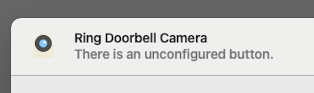
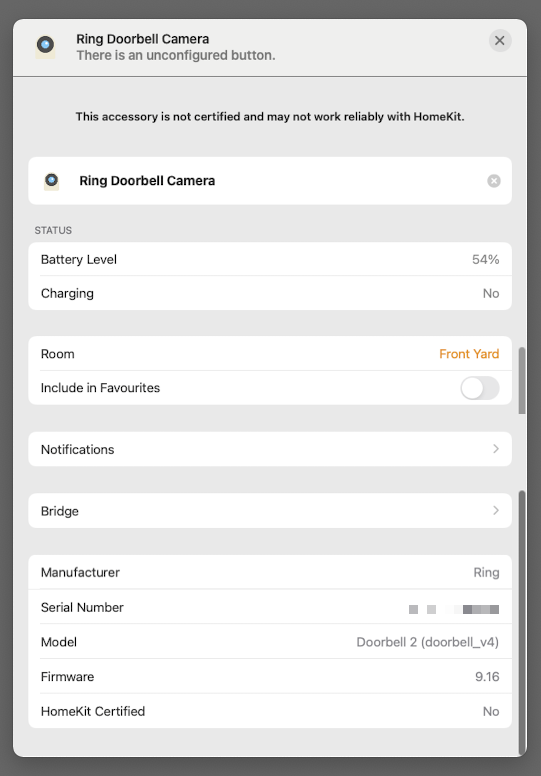
- see "unconfigured button" message (see screenshot)
- create automation in home app
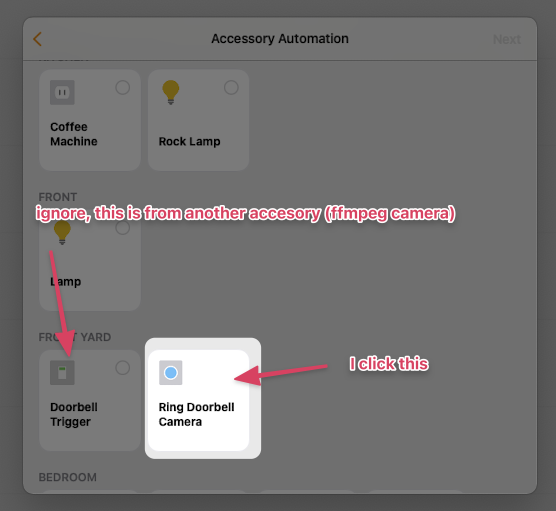
- see button for doorbell
- attempt to use button as automation trigger
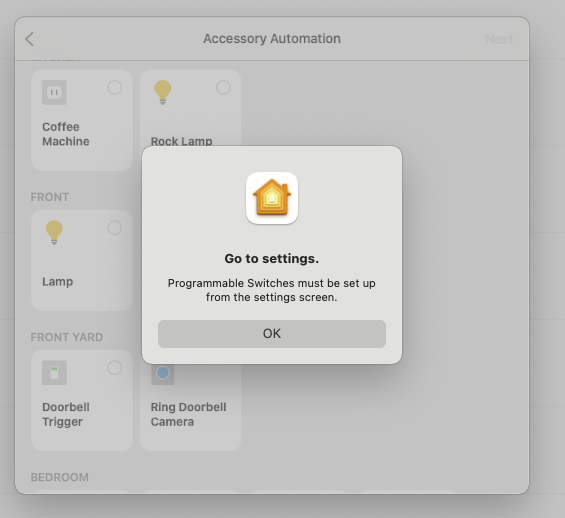
- see "programmable switches must be set up" message (see screenshot)
- unable to complete automation
Note I have tried removing and re-adding the bridge in the home app. I have also tried scanning for a new accessory in the hopes the button would show but to no avail.
Expected behavior
Previously I was able to see the doorbell as a button in the room in the home app.
And I was able to use it as an automation trigger.
Screenshots/Logs
Additional context
💁 I recently moved the plugin to an isolated bridge and back again (ringing on homepod did not work when it was in isolated mode).
This may be a red herring but I figure best to mention.
Homebridge Ring Config
Post homebridge-ring platform config _without sensitive information_
{
    "refreshToken": "...",
    "hideDoorbellSwitch": false,
    "hideCameraMotionSensor": true,
    "hideCameraSirenSwitch": true,
    "hideInHomeDoorbellSwitch": true,
    "hideAlarmSirenSwitch": true,
    "hideUnsupportedServices": true,
    "platform": "Ring"
}
Environment
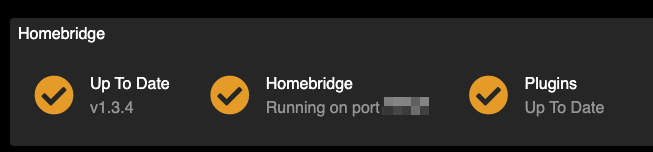
 gondalez
All 6 comments
It looks like you are simply trying to set it up from the wrong spot. If you go into the actual camera view (live stream), then click Settings -> Accessories -> (click on the programmable switch) -> Single Press (Add). I think the Home app forces you to set it up from this page because there can be multiple actions (single, double, long press). Let me know if that path works for you!
 dgreif
on 14 Apr 2021
dgreif
on 14 Apr 2021
Thanks for the reply @dgreif.
I thought that too but I have been all over the home app trying to find the accessory :)
There is no accessories option on the settings screen for the camera (A).
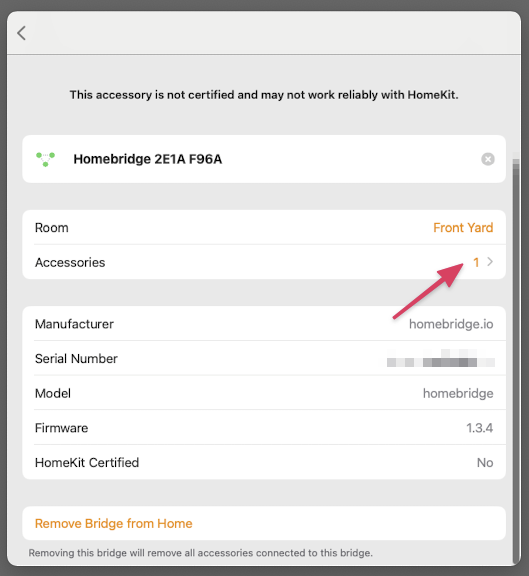
On the associated bridge there is an accessories option but opening it shows a blank screen (B).
(Apologies for the artefacts, I did a scrolling screen capture.)
A
B
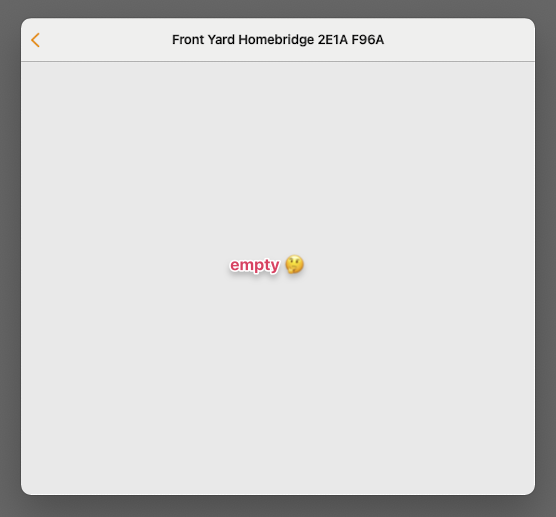
gondalez
on 15 Apr 2021
Can you post your config for the ring plugin (without the refresh token)
dgreif
on 15 Apr 2021
Oh yep they are at the bottom of the original PR comment above ☝️
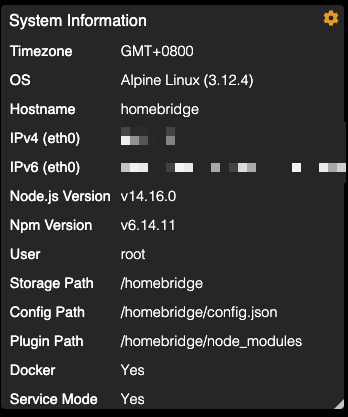
+ I added screenshots of the homebridge env if that helps.
gondalez
on 16 Apr 2021
Ahh, thanks! I missed the part about you switching to a child bridge and back. That may the cause, but not sure. At this point, you are probably best to remove the Ring plugin, restart and make sure the camera disappears from HomeKit, then add it back again. Let me know if that helps
dgreif
on 16 Apr 2021
Awesome thank you @dgreif, removing the plugin and reinstalling worked.
Bonus is I was able to get it to work in isolated bridge mode too 😌
(Previously when it was in isolated mode the homepod doorbell ring feature did not work)
thanks again 🙏
gondalez
on 16 Apr 2021
Related issues
 bachdinhnhan
·
3Comments
bachdinhnhan
·
3Comments
 zilnik1234
·
3Comments
zilnik1234
·
3Comments
 parchmaf
·
3Comments
parchmaf
·
3Comments
 benfysh
·
6Comments
benfysh
·
6Comments
 jchristianj
·
4Comments
jchristianj
·
4Comments
Most helpful comment
Awesome thank you @dgreif, removing the plugin and reinstalling worked.
Bonus is I was able to get it to work in isolated bridge mode too 😌
(Previously when it was in isolated mode the homepod doorbell ring feature did not work)
thanks again 🙏