Remark: Progress bar instead of slide numbers
Is it possible to add a progress bar instead of slide numbers?
For example, this progress bar at the bottom from reveal.js.
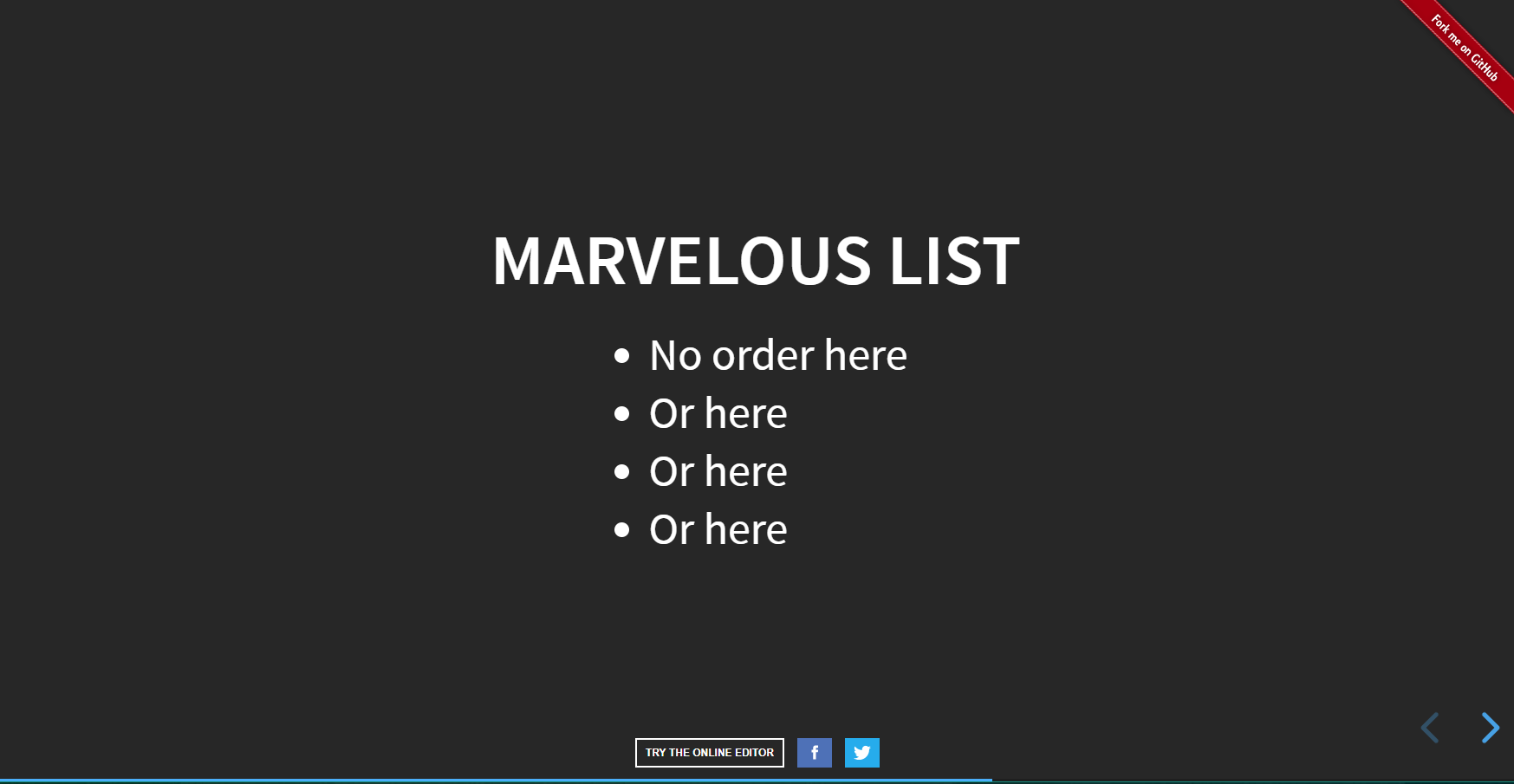
feature
 royfrancis
👍7
All 4 comments
This is quite simple to emulate.
In your CSS, add:
    .remark-slide-number {
      position: inherit;
    }

    .remark-slide-number .progress-bar-container {
      position: absolute;
      bottom: 0;
      height: 2px;
      display: block;
      left: 0;
      right: 0;
    }

    .remark-slide-number .progress-bar {
      height: 100%;
      background-color: red;
    }
Then in your remark options, use this slideNumberFormat:
    var slideshow = remark.create({
      slideNumberFormat: (current, total) => `
        <div class="progress-bar-container">
          <div class="progress-bar" style="width: ${current/total*100}%">
          </div>
        </div>
      `
    });
Hope that helps
 saul
on 12 May 2018
saul
on 12 May 2018
👍10
@saul Do you think you could turn this into a PR as an option? "counter" would be the existing (default) way with slide numbers and "bar" would be what you've added.
var slideshow = remark.create({
  progressStyle: [ counter | bar ]
})
 utdrmac
on 30 May 2018
utdrmac
on 30 May 2018
@utdrmac It should be possible to use both. [counter | bar | counter,bar].
royfrancis
on 22 Aug 2018
👍1
This is a great feature, but: It there a way to have the progress bar and the slide numbers? This would be great, specially having the bar at the top and the numbers at the bottom, so far I have just managed to have the bar at the top,
.remark-slide-number {
  position: fixed;
  top: 0px;
  left: 0px;
}

.remark-slide-number .progress-bar-container {
  position: absolute;
  bottom: 10;
  height: 8px;
  display: block;
  left: 0;
  right: 0;
}

.remark-slide-number .progress-bar {
  height: 100%;
  background-color: red;
}
 juancarloscastillo
on 19 Mar 2019
juancarloscastillo
on 19 Mar 2019
Was this page helpful?
0 / 5 - 0 ratings
Related issues
 donquixote
·
5Comments
donquixote
·
5Comments
 jklymak
·
8Comments
jklymak
·
8Comments
 benjie
·
4Comments
benjie
·
4Comments
 mikepqr
·
6Comments
mikepqr
·
6Comments
 juanpabloaj
·
3Comments
juanpabloaj
·
3Comments
Most helpful comment
This is quite simple to emulate.
In your CSS, add:
Then in your remark options, use this
slideNumberFormat:Hope that helps