Refined-github: `minimize-user-comment` breaks hidden comments
- Visit https://github.com/sindresorhus/refined-github/pull/2146
- My first comment is hidden, but
minimize-user-commentopens it
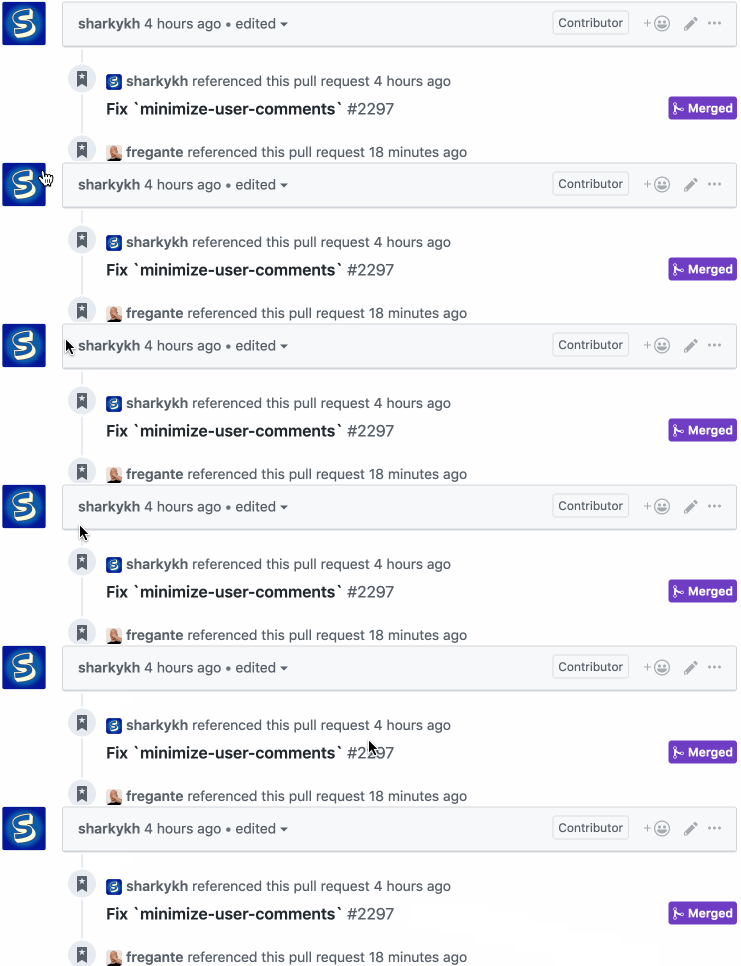
Gif of me reloading the page. It shows the hidden comment being unhidden by the feature:

cc @notlmn
 fregante
All 4 comments
The current hijacking of the GitHub's hidden comments also causes the "Unhide" menu item to appear in comments that the feature hid and viceversa:

I think we should move away from these:
and just hide the comments with [hidden] and our own UI (a simple icon placed by the username, for example):
// Pseudo code used for the gif
$('.timeline-comment-header').addEventListener('click',
    e => event.currentTarget.nextElementSibling.toggleAttribute('hidden')
)
It ain't a feature implemented by me if it ain't broke.
hide the comments with
[hidden]and our own UI (a simple icon placed by the username
That makes sense, will try to whip up something in the meanwhile using https://octicons.github.com/icon/eye/ for the icon.
 notlmn
on 3 Aug 2019
notlmn
on 3 Aug 2019
We all write bugs 😃
fregante
on 4 Aug 2019
I think this icon would make more sense as a muted/ignored/minimized status, but we need more of a toggle, so perhaps a simple chevron-right should work. On the left of the username
fregante
on 4 Aug 2019
Related issues
 mischah
·
3Comments
mischah
·
3Comments
 MilesBHuff
·
3Comments
MilesBHuff
·
3Comments
 supremebeing7
·
3Comments
supremebeing7
·
3Comments
 pawelad
·
3Comments
pawelad
·
3Comments
 alexanderadam
·
3Comments
alexanderadam
·
3Comments
Most helpful comment
It ain't a feature implemented by me if it ain't broke.
That makes sense, will try to whip up something in the meanwhile using https://octicons.github.com/icon/eye/ for the icon.