Refined-github: Trending nav item is repeating in header

Steps to reproduce:
- Go to https://github.com/sindresorhus/refined-github It's added twice
- Click on a sub-repo navigation item - e.g. Issues tab.
This has been introduced relatively recently on master.
 hkdobrev
All 20 comments
I cannot reproduce on master. This sounds strange because
- that function is called once (no domready or anything)
- the waiter is being a promise (which resolves once)
elementReadyonly selects one element. so$().after()is not adding more of them at the same time.
Not sure how that's happening. Perhaps it's related to #450 and you have a custom domain manually added as a test for that. Try reinstalling it to reset that (toggle/reload doesn't work). Also make sure that it's being built and it's not an old version.
 fregante
on 7 Jun 2017
fregante
on 7 Jun 2017
It is indeed quite strange. The function is actually called twice and it's fixed when I remove both async and await. Would reinstall and report back.
hkdobrev
on 7 Jun 2017
It's it's called twice then the script is being injected twice, probably. Stick a console.log at the bottom of content.js; this might still be an issue for GHE (although at that point we can just wait for GHE users to report it)
fregante
on 7 Jun 2017
Do you have multiple extensions loaded? 😃
fregante
on 7 Jun 2017
I was able to have this occur today too.

Running latest master, confirmed I do not have two extensions loaded. Additionally the Trending item is being added with the back button as well, so each time I click back, two new Trending items are added.
 busches
on 15 Jun 2017
busches
on 15 Jun 2017
ahhhh I think the dynamic script injector's ping receiver got lost. Try this #492
fregante
on 15 Jun 2017
New issue report here: https://github.com/sindresorhus/refined-github/pull/492#issuecomment-310583630
fregante
on 23 Jun 2017
I saw this issue once I re-enabled the AMO version, but then I reloaded the page and it stopped appearing (for now)
It might happen once.
fregante
on 24 Jun 2017
What's AMO? 😅
 SimenB
on 24 Jun 2017
SimenB
on 24 Jun 2017
Mozilla Addons site 😃
fregante
on 24 Jun 2017
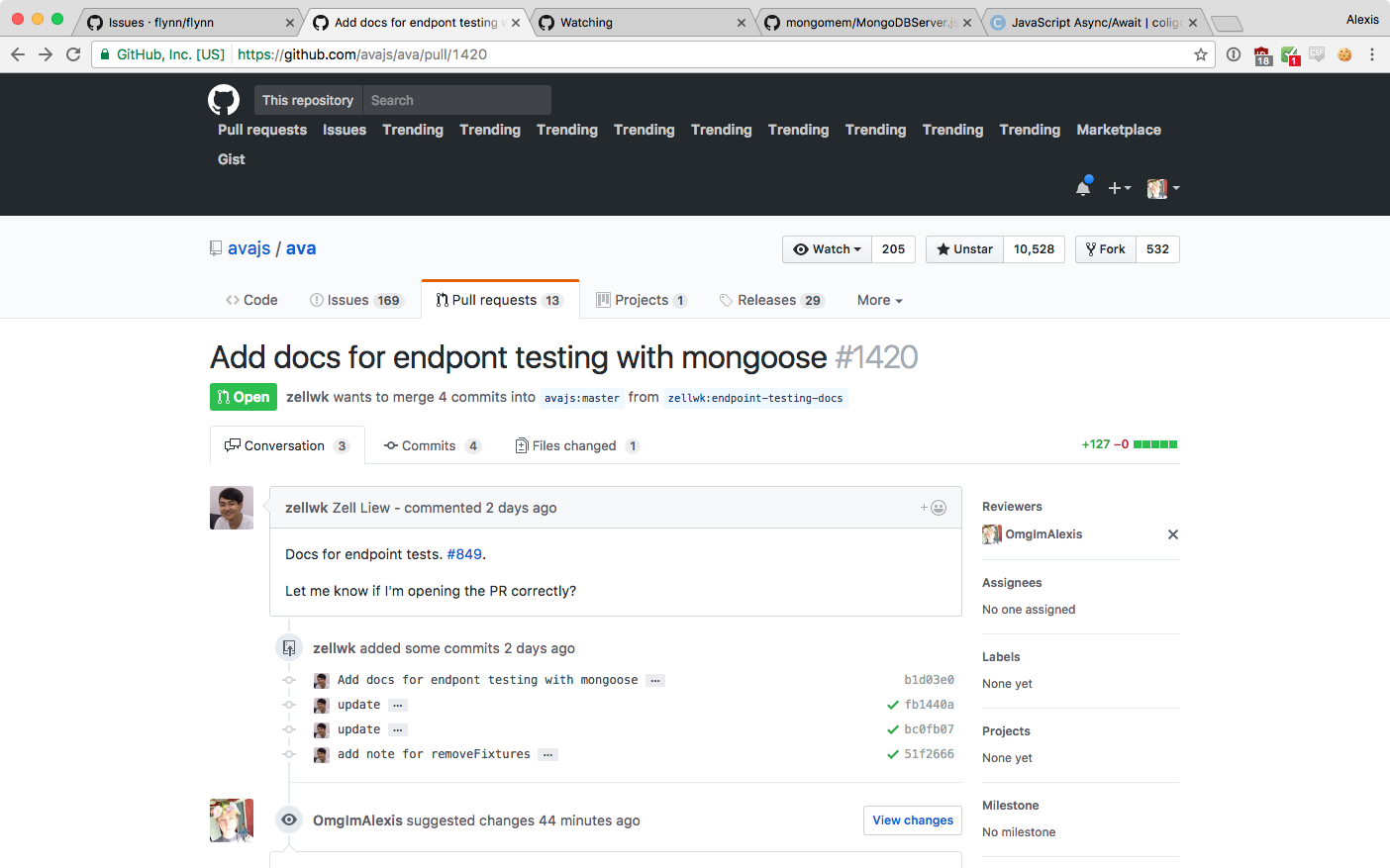
It's getting worse. Yesterday I had 20 of them. 😨
 OmgImAlexis
on 25 Jun 2017
OmgImAlexis
on 25 Jun 2017
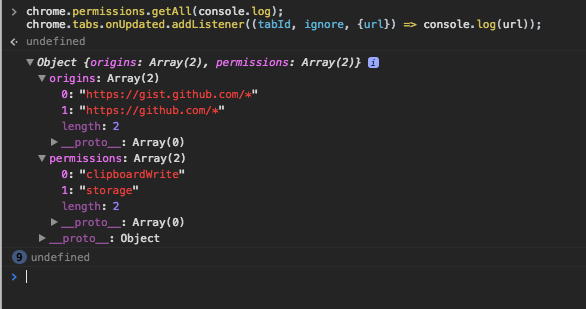
I'm having a hard time figuring this out. Surprisingly, chrome.permissions doesn't include github.com (because in manifest.json, github.com is only specified in content_scripts but not permissions), so the injector should be stopped pretty early and it should not run at all.
Can you inspect the background page and run this code in its console?
chrome.permissions.getAll(console.log);
chrome.tabs.onUpdated.addListener((tabId, ignore, {url}) => console.log(url));
Then open github.com and look back in the background page's console. It should look like this:

origins: Array(0) and then a lot of undefined
fregante
on 25 Jun 2017
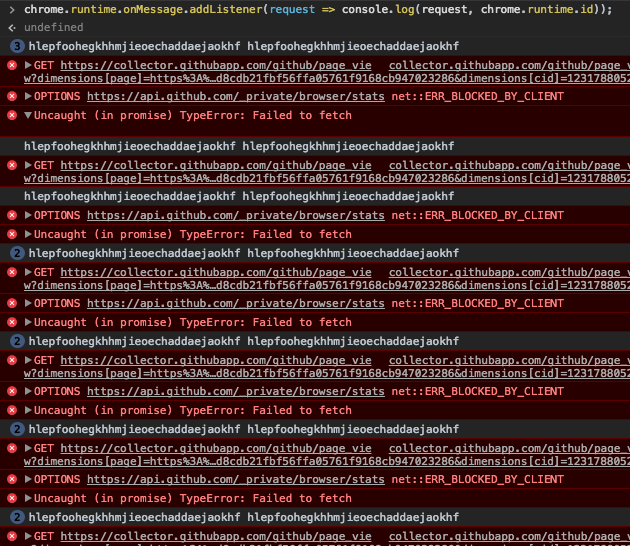
Are the Trending links consistently there? All the time every time?
If so, try this:
- visit a repo
- paste this in the console:
js chrome.runtime.onMessage.addListener(request => console.log(request, chrome.runtime.id)); - visit the Issues tab
Nothing should appear in the console, the page should be loaded via ajax (i.e. the console should still contain what you pasted)
fregante
on 25 Jun 2017
The trending links seem to start off on 1 or 2 and then add another on the first time I load another section within the repo like the issues/PRs/Releases, etc. e.g. issues only gives 1 more but going to 3 repos and clicking issues each time adds 3.
OmgImAlexis
on 25 Jun 2017
I'll add some logging at every step and push to Chrome so we can get more details.
fregante
on 25 Jun 2017
An easy way to work around this is to add the same code we have for most other items we add to the dom and check for it's existence before adding it. Doesn't solve the root cause of why the extension is running twice, but if it's an odd edge case, it may be worth the time savings of solving it the quick and easy way, especially since we use that pattern for everything else.
busches
on 28 Jun 2017
I'd rather not do that because it'd push the real problem under the rug, deprioritizing the issue. You don't want an extension to run 10 times.
fregante
on 28 Jun 2017
I'd rather not do that because it'd push the real problem under the rug, deprioritizing the issue. You don't want an extension to run 10 times.
While that's fair, I think it's worth fixing the issue as best as we can immediately and then addressing the larger issue without this clear bug in the way.
I think @busches suggestion of checking for the existence of the element before adding it is a fine fix for now (we're doing it elsewhere already). Later when we have time to circle back on the underlying issue we can also remove the unnecessary DOM checks for this element and others when we have a better fix.
 paulmolluzzo
on 28 Jun 2017
paulmolluzzo
on 28 Jun 2017
+1 for quick fix, it's really annoying... Even though I get an itch by treating symptoms and not the underlying issues
SimenB
on 28 Jun 2017
@bfred-it I'm not suggesting we ignore the issue all together, only that we put in the workaround as it's super annoying, as @paulmolluzzo and @SimenB mentioned.
busches
on 28 Jun 2017
Related issues
 pawelad
·
3Comments
pawelad
·
3Comments
 olso
·
3Comments
olso
·
3Comments
 juliocanares
·
3Comments
juliocanares
·
3Comments
 supremebeing7
·
3Comments
supremebeing7
·
3Comments
 MilesBHuff
·
3Comments
MilesBHuff
·
3Comments