Redux-persist: Fetch as google : Redux persist creating problem when fetching as google it is showing blank page
Fetching as google giving blank page when using redux persist with nextJS
When I removed redux persist it is showing all the content when fetching as google.
This is how I am using persist in app.js
const { store } = this.props
        return (
          <Container>
            <Provider store={store}>
              <PersistGate persistor={store.__persistor} loading={null}>
                <WrapperComp {...this.props} />
              </PersistGate>
            </Provider>
          </Container>
        )
With redux persist
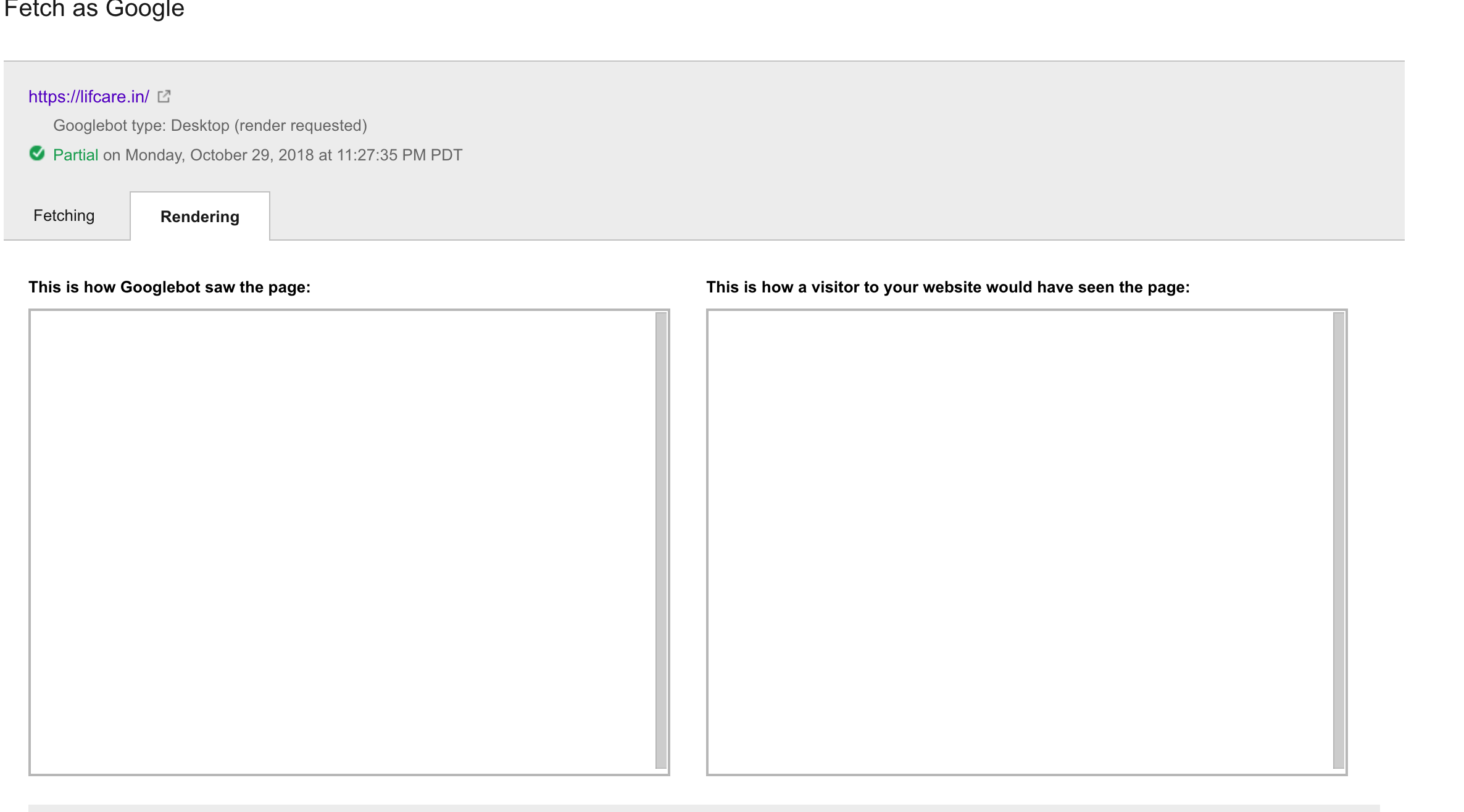
Without redux-persist

Please suggest some solution.
redux-persist: "5.7.2",
next: "6.4.1"
react: '16.3'
redux: '3.6'
 sachinKumarGautam
All 12 comments
Any news on this issue?
I've got a pretty similar stack and when I disable Javascript, to test SEO on my landing page, PersistGate keeps the component I pass as the loading props on screen at all times:
<PersistGate persistor={getPersistor()} loading={loadingComponent}>
The persistor is set in another class that just deals with Redux, thus the getPersistor().
I'd expect that when JS isn't available, the PersistGate would only be bypassed.
 rafael-garcia
on 13 Nov 2018
rafael-garcia
on 13 Nov 2018
@sachinKumarGautam Could you provide a test repo demonstrating the problem? Based on @rafael-garcia's description it sounds like it might be a bug with PersistGate not continuing past the loading stage.
@rafael-garcia are you also using nextJS?
I'm new to helping with this repo, I haven't tested redux-persist with nextJS or with JavaScript not available, but I'm happy to help look into the root cause.
 aguynamedben
on 11 Dec 2018
aguynamedben
on 11 Dec 2018
@rafael-garcia Are you still dealing with this?
aguynamedben
on 11 Dec 2018
@aguynamedben Sorry for the delay.
Yes, I'm also using Next.JS, currently version 7.0.x.
What I've tried to do was a check @ getInitialProps if it's a client or server request, and then avoid PersistGate rendering if the latter case.
But that ended up messing my navigation through the pages in some specific cases, and I've dropped that and the investigation itself.
Sorry if I couldn't help with lots of details, it's been a month and we decided to proceed even without SSR fully working with JS disabled.
rafael-garcia
on 13 Dec 2018
@aguynamedben I thought i found something about this it may be a bug.
Reproduce steps
- Create
_app.jswith this code:
<Container>
  <Provider store={reduxStore}>
    <PersistGate loading={<Loading visibility='visible' />} persistor={persistor}>
      <Component {...pageProps} />
    </PersistGate>
  </Provider>
</Container>
- You have to use
Headfromnext/headto insert some data into<head>. - Go to open a browser with your project url and then open
page source. - You will not see any tag in
<head>. - Get back to
_app.jsand try to removePersistGateas this code:
<Container>
  <Provider store={reduxStore}>
    <Component {...pageProps} />
  </Provider>
</Container>
- Go to a browser and try to open
page sourceagain. - Every data in
<head>will appears.
"next": "^7.0.2"
"redux-persist": "^5.10.0"
"react": "^16.6.3"
"redux": "^4.0.1"
Actually this problem appears on next 6 also, It effect to SEO of website directly.
 IOsonoTAN
on 18 Dec 2018
IOsonoTAN
on 18 Dec 2018
I have this problem as well with the same setup. SSR doesn't work at all when using Redux persist. As soon as you take the Is there a way to use redux-persist and keep SSR?
 bmtdh
on 4 Feb 2019
bmtdh
on 4 Feb 2019
I have this problem as well with the same setup. SSR doesn't work at all when using Redux persist. As soon as you take the
Is there a way to use redux-persist and keep SSR?
same problem .
 CallbacKiran
on 16 Jul 2019
CallbacKiran
on 16 Jul 2019
I have this problem as well with the same setup. SSR doesn't work at all when using Redux persist. As soon as you take the
Is there a way to use redux-persist and keep SSR? same problem .
Yep, same problem here, has anyone found any solution?
 Valnexus
on 7 Nov 2019
Valnexus
on 7 Nov 2019
Yeah same problem for me too. If anyone found any solution then please share.
 Zayn484
on 15 Nov 2019
Zayn484
on 15 Nov 2019
any news on this issue?
 muratdogan17
on 3 May 2020
muratdogan17
on 3 May 2020
I got the same issue in my nextJS app. All of my dynamic head children didn't appear in the page source while i wrapped it with the <PersistGate />
Anyone here has a solution?
 ricosandyca
on 3 Jun 2020
ricosandyca
on 3 Jun 2020
Make a conditional on the render of _app.js so that when React is being mounted on the client-side it will be wrapped with PersistGate.
function App({ Component, pageProps }) {
  const store = useStore((state) => state);

  return process.browser ? (
    <PersistGate persistor={store.__persistor} loading={null}>
      <ThemeProvider theme={theme}>
        <Component {...pageProps} />
      </ThemeProvider>
    </PersistGate>
  ) : (
    <ThemeProvider theme={theme}>
      <Component {...pageProps} />
    </ThemeProvider>
  );
}
I recommend to use typeof window !== 'undefined' instead of process.browser
(https://github.com/zeit/next.js/issues/5354#issuecomment-520305040)
 ganobrega
on 31 Jul 2020
ganobrega
on 31 Jul 2020
Related issues
 admbtlr
·
3Comments
admbtlr
·
3Comments
 peteroid
·
4Comments
peteroid
·
4Comments
 jamesone
·
4Comments
jamesone
·
4Comments
 ssorallen
·
4Comments
ssorallen
·
4Comments
 bockc
·
3Comments
bockc
·
3Comments
Most helpful comment
I have this problem as well with the same setup. SSR doesn't work at all when using Redux persist. As soon as you take the
Is there a way to use redux-persist and keep SSR?