Redash: Data sources with "custom" syntax break new query editor in local docker setup
Issue Summary
Using a data source with syntax = "custom" will cause the New Query page to crash with
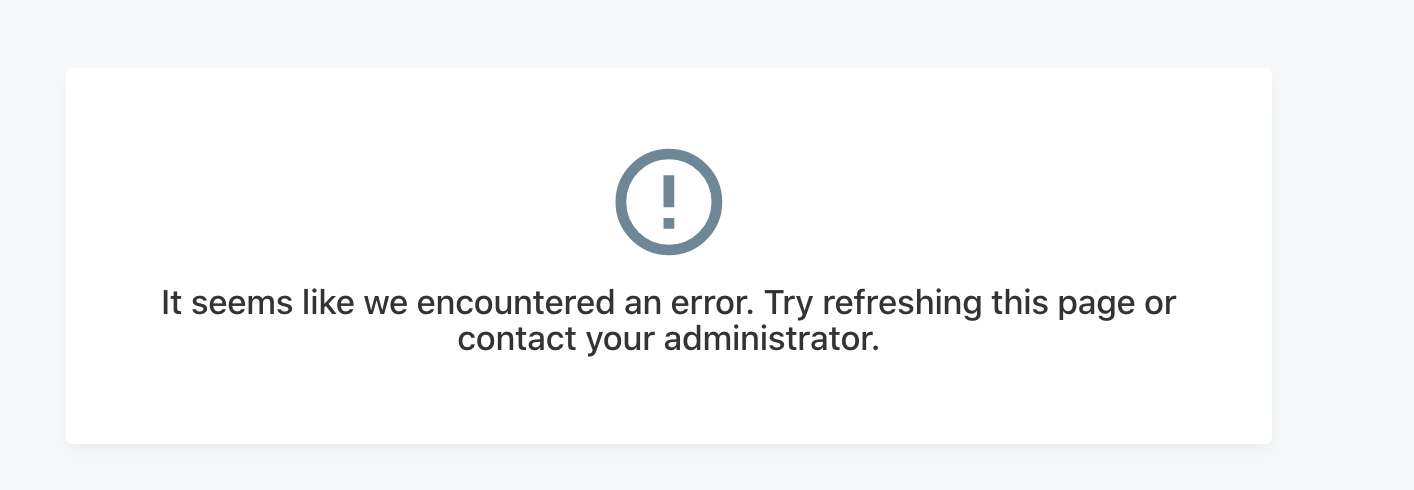
I've tested this only on the latest master on fa7ecca485b0a69887509711c3997cde5a3fc955 following the docker setup. Initially, I thought I was just seeing the same issue as #5213 but I am not using a Windows machine.
After debugging a bit, I've tracked down the root cause, but I'm not sure if this only affects the "local docker / webpack" setup or if this is a larger issue. Would appreciate help from core devs.
Steps to Reproduce
- Checkout master branch (I used fa7ecca485b0a69887509711c3997cde5a3fc955)
- Follow instructions at https://redash.io/help/open-source/dev-guide/docker
- Start server with
docker-compose upand client webpack server withnpm startand navigate to http://localhost:8080 - Set up a new data source which has syntax = "custom" (currently, I found google_spreadsheets, azure_kusto, and graphite. I personally was testing redash out for kusto since my team uses it a lot, but I also tested and reprod with google_spreadsheets)
- Navigate to "New Query" page
- Page will crash with error screenshot above
Any other info e.g. Why do you consider this to be a bug? What did you expect to happen instead?
Opening the browser console, I see
SyntaxError: Unexpected token '<'
but it is an unhelpful stack trace ending at ErrorMessage.jsx. It took a while to roll this back but I modified the global error handler in ApplicationArea/index.jsx to get access to the initial error event, which had the property filename: "http://localhost:8080/mode-custom.js". (I will submit a PR to add a more helpful error message in this case). When I navigated to that file in browser, I received html contents corresponding to I think the main SPA index.html. I'm guessing something somewhere is falling back to responding with the contents of this file if a resource is not found?
I searched the codebase briefly and landed on this file client/app/components/queries/QueryEditor/ace.js which seems like it's the likely culprit here, but this is where I need help from somebody more experienced in the codebase to figure out what the issue is and what the best fix would be.
For now, I'm unblocked to test redash out locally by hardcoding the syntax to "sql" to use the query editor. Thanks for your work on redash! It looks great.
Technical details:
- Redash Version:
- Browser/OS:
- How did you install Redash:
 mparq
mparq
All 2 comments
Does adding the following line to client/app/components/queries/QueryEditor/ace.js solve this?
ace.define("ace/mode/custom", [], () => {});
 deecay
on 15 Nov 2020
deecay
on 15 Nov 2020
Yes, that worked perfectly :) I can add this line to the same PR. Also, I confirmed on my machine that this probably only affects the client webpack server. If I try the original repro after running npm run build and navigate to localhost:5000, I get the following error messages instead, but the page at least doesn't error out.
ace.js:3794 Unable to infer path to ace from script src, use ace.config.set('basePath', 'path') to enable dynamic loading of modes and themes or with webpack use ace/webpack-resolver
u @ ace.js:3794
ace.define.t.loadModule @ ace.js:3785
setMode @ ace.js:9660
t.componentDidUpdate @ ace.js:181
is @ react-dom.production.min.js:212
hl @ react-dom.production.min.js:255
t.unstable_runWithPriority @ scheduler.production.min.js:19
Vo @ react-dom.production.min.js:122
dl @ react-dom.production.min.js:248
Js @ react-dom.production.min.js:239
(anonymous) @ react-dom.production.min.js:123
t.unstable_runWithPriority @ scheduler.production.min.js:19
Vo @ react-dom.production.min.js:122
qo @ react-dom.production.min.js:123
Go @ react-dom.production.min.js:122
N @ react-dom.production.min.js:287
Kt @ react-dom.production.min.js:68
new:1 Refused to execute script from 'http://localhost:5000/mode-custom.js' because its MIME type ('text/html') is not executable, and strict MIME type checking is enabled.
Related issues
 alison985
·
3Comments
alison985
·
3Comments
 susodapop
·
3Comments
susodapop
·
3Comments
 atharvai
·
4Comments
atharvai
·
4Comments
 yalisassoon
·
4Comments
yalisassoon
·
4Comments
 WesleyBatista
·
4Comments
WesleyBatista
·
4Comments
Most helpful comment
Does adding the following line to
client/app/components/queries/QueryEditor/ace.jssolve this?ace.define("ace/mode/custom", [], () => {});