Recharts: Text component - labels alignment
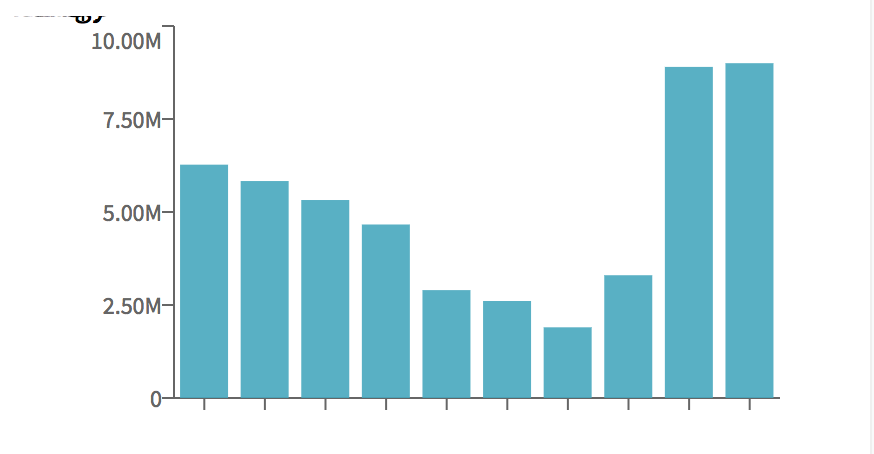
I'm using Text component to render XAxis tick labels. But the labels are misaligned and displayed somewhere else, not on the xaxis. ANy help in getting the right props to display the labels correctly?
This is my customized tick component
class CustomizedTick extends Component {
render() {
    const {x, y, stroke, payload} = this.props;

    return (
            <Text style={{fontSize:2}} width={100} textAnchor="middle" scaleToFit={true} >{payload.value}</Text>
            );

}
}
 hc1skalyanasundaram
>All comments
@hc1skalyanasundaram
Try to add x={x} and y={y}
<Text x={x} y={y} style={{fontSize:2}} width={100} textAnchor="middle" scaleToFit={true}{payload.value</Text>
 yaroslav-perec
on 12 Oct 2017
yaroslav-perec
on 12 Oct 2017
👍3
Was this page helpful?
0 / 5 - 0 ratings
Related issues
 abhayjeetgupta
·
3Comments
abhayjeetgupta
·
3Comments
 FabioFleitas
·
3Comments
FabioFleitas
·
3Comments
 amitava82
·
3Comments
amitava82
·
3Comments
 sdoomz
·
3Comments
sdoomz
·
3Comments
 velociwabbit
·
3Comments
velociwabbit
·
3Comments
Most helpful comment
@hc1skalyanasundaram
Try to add
x={x}andy={y}<Text x={x} y={y} style={{fontSize:2}} width={100} textAnchor="middle" scaleToFit={true}{payload.value</Text>