Reactiveui: housekeeping: Azure Pipelines CI Badge link became broken
Describe the bug
After changing the default branch master to main in some of my repositories (first, second), Azure Pipelines CI Badge links in README.md became broken. Then I decided to check if ReactiveUI's main repository experiences the same issue. It turned out, that the following link is no longer working:
https://dev.azure.com/dotnet/ReactiveUI/_build/latest?definitionId=11
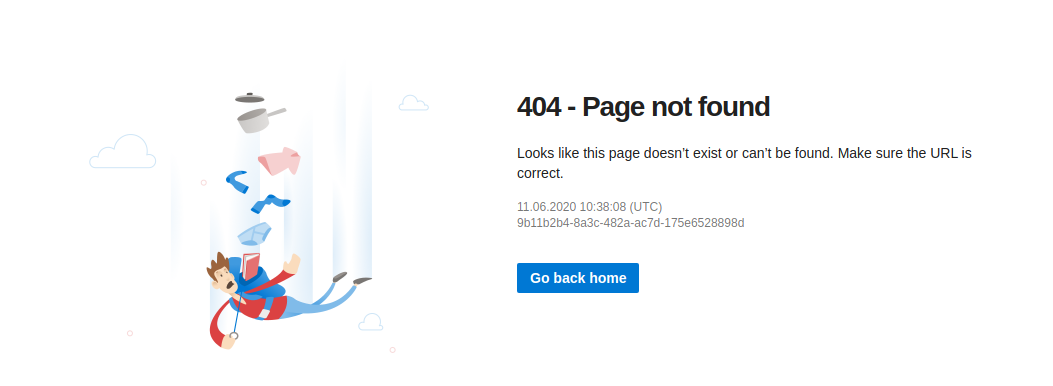
However, the following link works, but doesn't point to build results:
https://dev.azure.com/dotnet/ReactiveUI/_build/?definitionId=11
The link generated by Azure Pipelines Status Badge button is not working as well:
https://dev.azure.com/dotnet/ReactiveUI/_build/latest?definitionId=11&branchName=main
Expected behavior
When one clicks the Azure Pipelines CI badge, the page displaying build results should open.
Additional context
After looking through Azure Pipelines CI configuration, discovered that the branch name master is stored in ... -> Edit Pipeline -> ... -> Triggers -> YAML -> Get Sources -> Default branch for manual and scheduled builds. Probably worth changing the branch name there as well. However, this doesn't seem to fix the original issue.
 worldbeater
All 6 comments
[](https://dev.azure.com/dotnet/ReactiveUI/_build/latest?definitionId=11&branchName=main)
or
https://dev.azure.com/dotnet/ReactiveUI/_apis/build/status/ReactiveUI-CI?branchName=main
 glennawatson
on 11 Jun 2020
glennawatson
on 11 Jun 2020
Still getting 404 after clicking this badge:
[](https://dev.azure.com/dotnet/ReactiveUI/_build/latest?definitionId=11&branchName=main)
Probably explanations were unclear: the badge is shown, but clicking it redirects to 404. Probably we could temporarily make the badges non-clickable or so.
Update
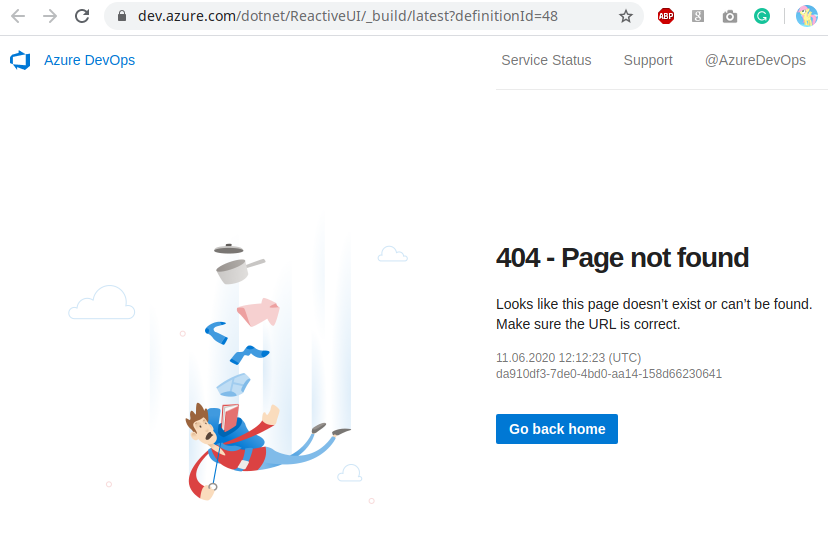
Hmm, weird. Probably the issue isn't related to the renaming of branches at all. Clicking the Azure Pipelines badge in README.md file of reactiveui/splat causes the same redirect to 404:
worldbeater
on 11 Jun 2020
Yeah. This was the text produced by azure DevOps itself. I will make a tweet to the Microsoft twitter world in my morning.
glennawatson
on 11 Jun 2020
Looks to be a sitewide issue and not related to branch name change (see https://github.com/martinwoodward/hello64 - a project I haven't touched in a long time).
Pinging @vijayma and folks internally on the Pipelines team.
GitHub
A Hello World from my childhood. Contribute to martinwoodward/hello64 development by creating an account on GitHub.

 martinwoodward
on 11 Jun 2020
martinwoodward
on 11 Jun 2020
We are investigating. This is not related to your branch name change.
 vijayma
on 11 Jun 2020
vijayma
on 11 Jun 2020
Seems this issue is resolved now. Thank you, folks! 🎉
worldbeater
on 18 Jun 2020
Related issues
 phamhieu
·
5Comments
phamhieu
·
5Comments
 TyBarthel
·
4Comments
TyBarthel
·
4Comments
 favesing
·
7Comments
favesing
·
7Comments
 danielvistisen
·
4Comments
glennawatson
·
3Comments
danielvistisen
·
4Comments
glennawatson
·
3Comments
Most helpful comment
Yeah. This was the text produced by azure DevOps itself. I will make a tweet to the Microsoft twitter world in my morning.