React-window: Is there any way to hide horizontal scrollbar on systems/browsers with always visible scrollbar?
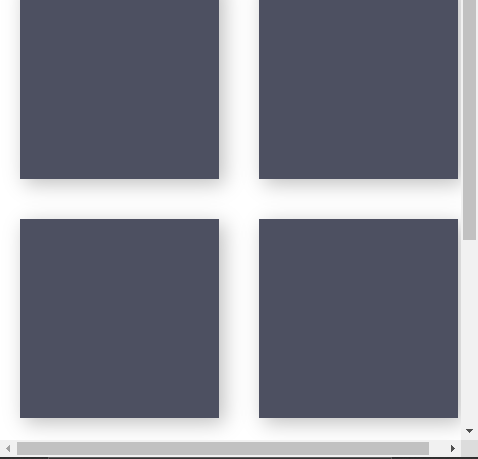
A horizontal scrollbar indicates that there is a space below the vertical scrollbar 🤔. The horizontal scroll bar is displayed always when the vertical bar is present.
I am using react-virtualized-auto-sizer package to achieve Grid width equal 100vh.
 gonuit
All 3 comments
This is a very common behavior related to the scrolling bar. I would try set overflow-x: hidden;
 matthewma7
on 8 Apr 2020
matthewma7
on 8 Apr 2020
Looks like a duplicate of an issue I encountered some time ago https://github.com/bvaughn/react-window/issues/65
Your described behavior happens because vertical scroll bar also takes up space and it's more than your specified grid width. You'll need to take into account the OS scrollbar width and adjust your grid width accordingly.
There's a neat trick/hack to calculate scrollbar dimensions:
https://stackoverflow.com/questions/13382516/getting-scroll-bar-width-using-javascript
 martynaskadisa
on 10 Apr 2020
martynaskadisa
on 10 Apr 2020
Thank @matthewma7 and @martynaskadisa for your answers 🔥
I was hoping that there is some magic argument or popular solution for that type of issue 😃😕.
I think that this issue could be closed as all needed informations was provided 😄
gonuit
on 12 Apr 2020
Related issues
 jsu93
·
4Comments
jsu93
·
4Comments
 ShivamJoker
·
3Comments
ShivamJoker
·
3Comments
 JClutch
·
4Comments
JClutch
·
4Comments
 carolin913
·
3Comments
carolin913
·
3Comments
 ajayns
·
3Comments
ajayns
·
3Comments